10 Best Employee Scheduling and Time Tracking Software for Small Businesses (2026)
Compare 10 employee scheduling and time tracking tools for small businesses by scheduling workflow, clock-in options, pricing model, and the limits that matter as a team grows.

The best employee scheduling and time tracking software for most small businesses is the product that keeps the schedule and the worked hours in one usable workflow. Our first pick is ShiftFlow for teams that want to publish shifts, verify attendance, and export timesheets without adopting a larger HR suite. Homebase is the better free starting point for one location. Deputy is the stronger choice when labor forecasting, compliance, and advanced scheduling matter more than simplicity.
Those conditions matter. A restaurant, a field service team, and a shop with eight team members can all search for the same software and need very different things. The comparison below focuses on the point where a planned shift becomes an actual, payroll-ready record.
Prices and plan details were checked on August 4, 2026, with temporary promotions excluded. Compare the complete configuration needed for scheduling, clocking, and approval rather than the smallest number on a pricing page.
The best scheduling and time tracking software at a glance
| Product | Best for | Scheduling workflow | Time tracking | Starting model relevant to this comparison |
|---|---|---|---|---|
| ShiftFlow | Straightforward scheduling and verified time | Weekly board, draft and publish, open shifts | Mobile/shared Kiosk; personal-mobile offline | $5.99/seat/month or $60/seat/year |
| Homebase | A free one-location starting point | Templates, availability, swaps, open shifts | Connected time clock | Free for one location and up to 10 team members |
| Deputy | Forecasting and compliance depth | Auto-scheduling, demand forecasting, swaps | Time clock and timesheets | From $5/user/month; $30 minimum on monthly plans |
| When I Work | Team-member availability and shift swaps | Templates, availability, swaps, multiple schedules | Page says included; confirm checkout | From $2.50/user monthly; $5 multi-location starting point |
| Connecteam | Deskless operations | Open shifts, repeating shifts, schedule layers | GPS time clock and geofences | Free for up to 10 users; paid from $29/month billed annually |
| Sling | Low-cost scheduling and communication | Shifts, availability, trades, messaging | Premium and above | Free scheduling for up to 30 users |
| 7shifts | Restaurants | Restaurant scheduling, shift pool, approvals | 7punches time clock | Free Comp plan; verify current paid plan pricing |
| Planday | Hospitality and structured teams | Venues, departments, templates, open shifts | Simple time tracking on Starter | From $2.99/user/month with a five-user minimum |
| Buddy Punch | Time-clock-first small businesses | Scheduling on Pro | GPS, kiosk, geofence, photo | Pro from $6.99/user/month billed annually plus $19 base fee |
| QuickBooks Time | Businesses already using QuickBooks Online | Scheduling included with Time plans | QuickBooks-connected time tracking | From $20 base plus $10/user/month; QuickBooks Online required |
Disclosure: ShiftFlow publishes this article and is one of the products evaluated. We rank it first only for the straightforward schedule-to-timesheet workflow above; the specialist picks are stronger when forecasting, restaurant operations, multi-location control, or accounting continuity drives the decision.
If location verification is decisive, test clock-event coordinates, geofence enforcement, route history, and offline capture separately. Teams operating across several sites should use the multi-location scheduling software comparison, where hierarchy and local permissions carry more weight.
1. ShiftFlow: best for a straightforward schedule-to-timesheet workflow
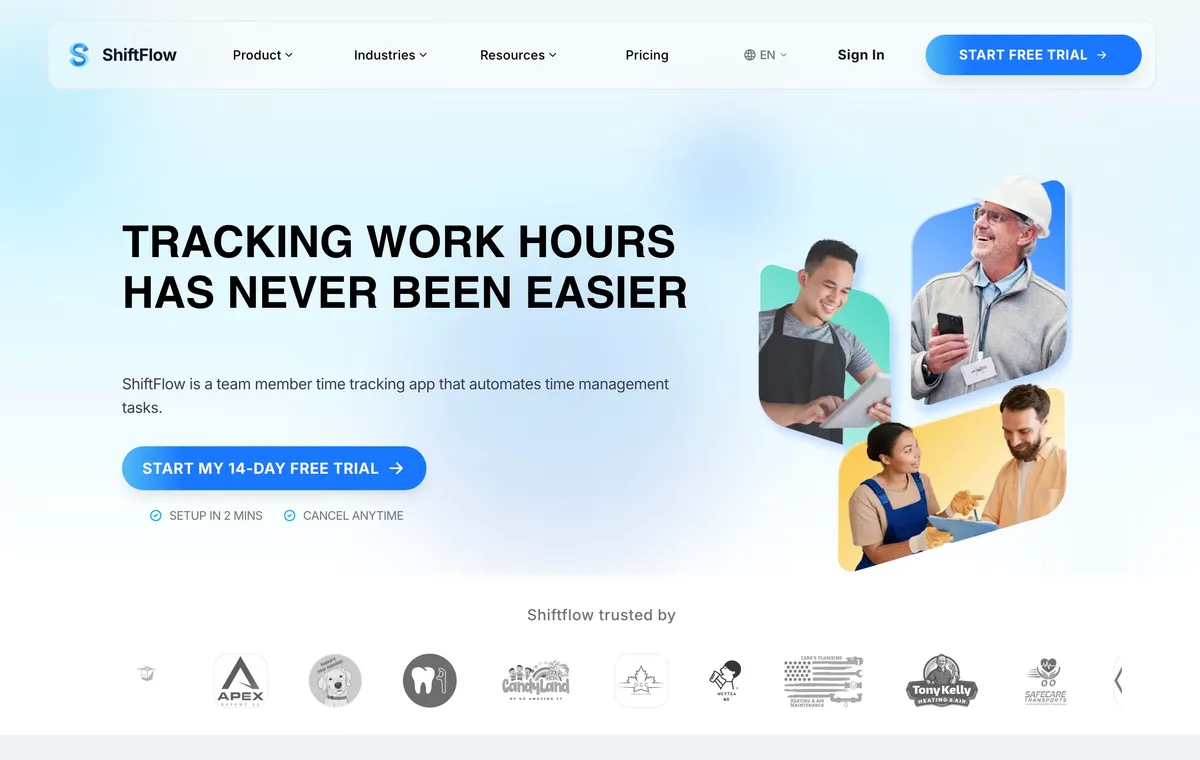
ShiftFlow’s time tracking software is our top pick for a small business that wants one direct path from planning the week to approving the hours. A manager builds the weekly schedule, saves draft shifts, checks coverage, and publishes when the week is ready. Each shift can include an assignment, Job Code, and location. Team members can request open shifts, while managers approve or reject the change instead of letting the published schedule change silently.
The same account handles actual work. Team members can clock in on mobile, browser, or a shared Kiosk. When service is poor, personal mobile can record clock, break, and job actions for later sync; the Kiosk is not part of that documented offline path. Work Sites, GPS, geofence rules, breaks, overtime, timesheets, and PDF or CSV exports keep the record connected after the shift starts. Public pricing is one seat-based plan at $5.99 per seat monthly or $60 per seat yearly, with a 14-day trial.
That simplicity is also the boundary. ShiftFlow does not publicly document demand forecasting, AI auto-scheduling, or a broad native payroll integration directory. Deputy is a better fit for forecast-driven staffing. QuickBooks Time makes more sense when a direct QuickBooks workflow is the deciding requirement.
Best for: Small and growing teams that value a simple, connected schedule, time clock, and timesheet more than enterprise workforce planning.
2. Homebase: best free starting point for one location
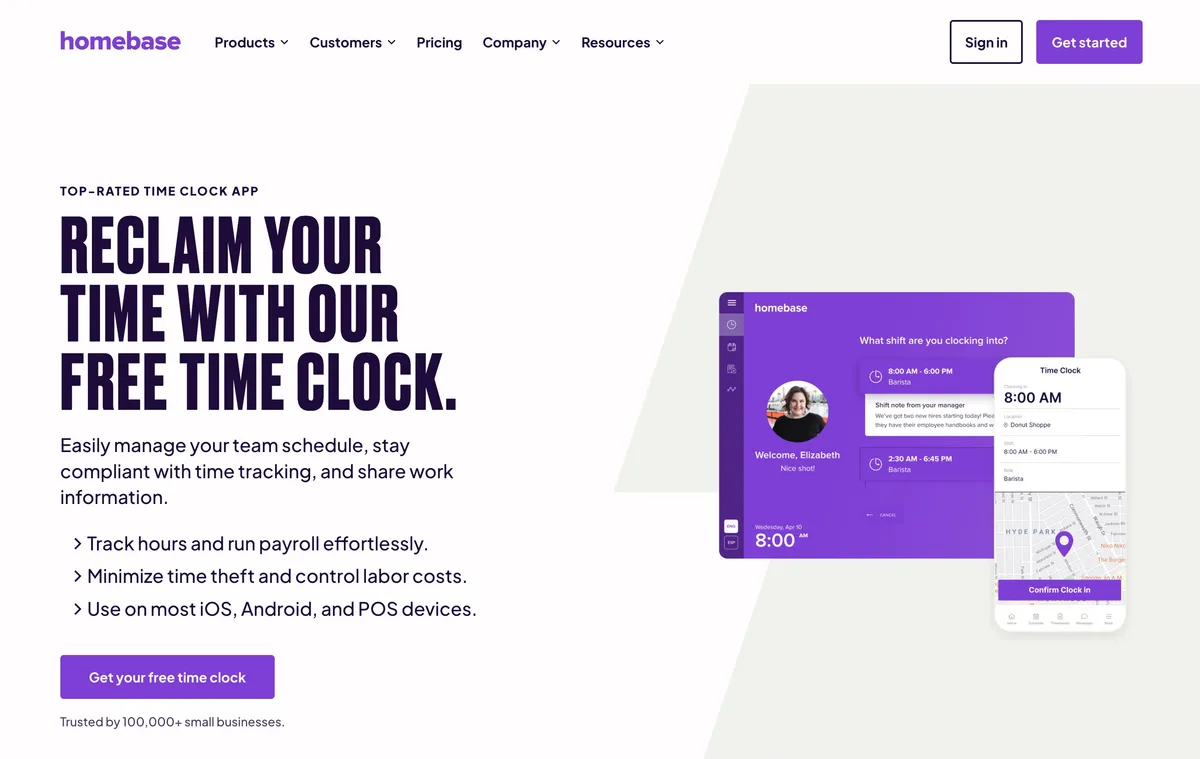
Homebase starts with a strong small-business offer. Basic is free for one location and up to 10 team members, with basic scheduling and time tracking. Managers can use templates, drag-and-drop scheduling, availability, open shifts, swaps, and reminders. The time clock then feeds the broader Homebase workflow, with payroll available as an additional product.
The growth decision is tied to locations. Essentials is currently listed at $30 per location monthly, or $24 per location on annual billing. Plus is $70 monthly or $56 on annual billing and adds capabilities such as AI scheduling, departments, permissions, and stronger time-off controls. That model is easy to justify for one shop, but a business opening several locations should calculate the full location bill before committing.
Best for: A one-location shop, restaurant, salon, or local service business that fits inside the free plan or wants a location-centered back office.
3. Deputy: best for labor forecasting and compliance depth
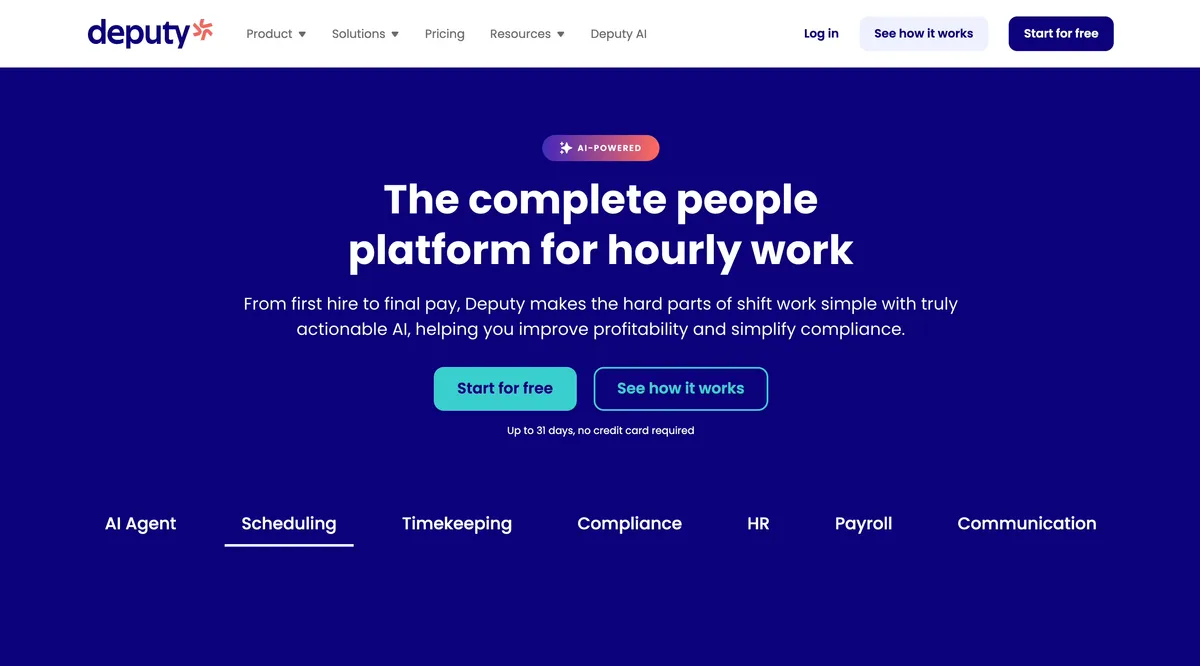
Deputy belongs near the top when the schedule itself is the hard problem. Lite covers basic scheduling, availability, shift swaps, time clock, timesheets, reports, and integrations at $5 per user monthly. Core, currently $6.50 per user, adds advanced scheduling, auto-scheduling, demand forecasting, labor optimization, biometrics, and more automation. Pro is $9 per user and adds deeper access controls and location hierarchy capabilities. Monthly Lite, Core, and Pro invoices have a $30 minimum spend, so a very small team will not pay only the advertised per-user total.
That product depth helps restaurants, healthcare teams, and retailers that schedule against demand or manage stricter labor rules. POS-connected forecasting can inform staffing before the schedule is published, which is a different job from simply recording shifts and hours.
The tradeoff is more setup, more decisions, and a higher required tier for the features that distinguish Deputy. A useful trial should include the actual pay rules, manager roles, and schedule changes the team will use rather than a clean sample week.
Best for: Teams that will use forecasting, compliance controls, or advanced permissions enough to justify a more involved workforce platform.
4. When I Work: best for availability and shift swaps
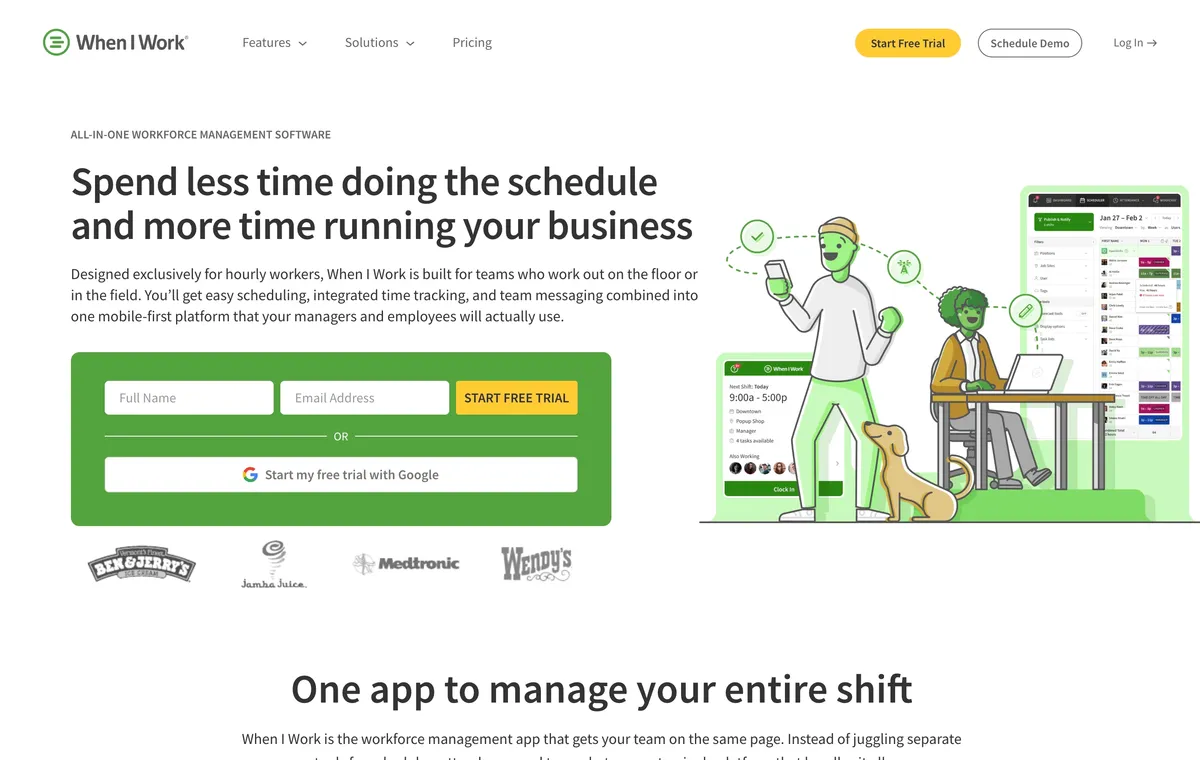
When I Work puts the team-member scheduling loop at the center. Its current pricing FAQ says pricing starts at $2.50 per user monthly for single-location teams and $5 per user monthly for multi-location businesses, with scheduling, time and attendance, and messaging included. Because the same page displays an attendance toggle and help material describes adding the service, confirm the complete time-and-attendance total in checkout.
This is a good fit when managers spend too much time collecting availability and relaying changes. Team members can participate in the workflow without taking control of the schedule away from managers.
The main caution is to verify the exact multi-location view during a trial. The current pricing page proves that multiple locations and labor sharing are supported, but it does not fully demonstrate how every location appears in one manager view.
Best for: Retail, hospitality, and other hourly teams where availability and team-member initiated shift changes create most of the scheduling work.
5. Connecteam: best for deskless operations beyond scheduling
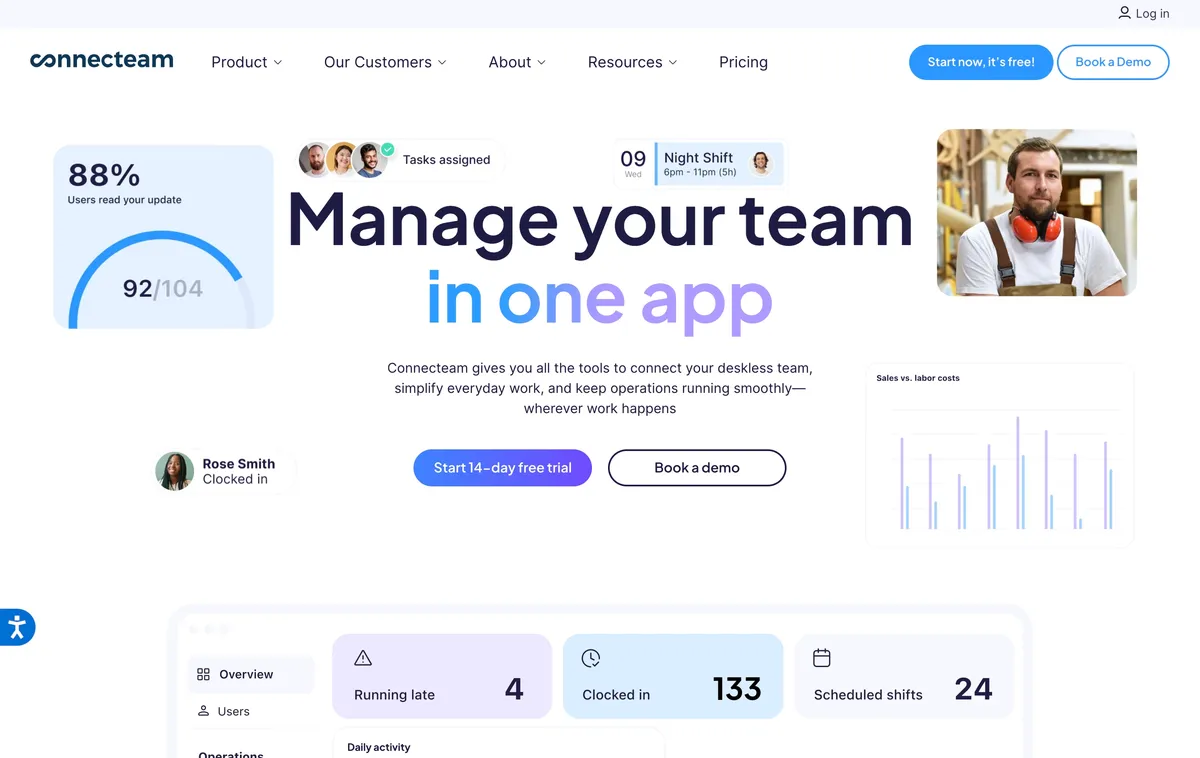
Connecteam combines scheduling and time tracking with a wider operations suite. Its Small Business Plan is free for up to 10 users. For larger teams, the Operations Hub Basic plan starts at $29 monthly on annual billing, or $35 on monthly billing, for the first 30 users. Basic includes a GPS time clock, scheduling, open shifts, and payroll integrations. Advanced adds repeating shifts, templates, advanced filters, and more geofence sites. Expert adds auto-assignment, additional schedules, unlimited geofence sites, and API access.
The meaningful differentiator is coordination across schedule layers. Managers can separate schedules by team or department, filter by user and job, detect conflicts across schedules, and compare scheduled with actual work. That is useful for distributed field and service teams that need more than a calendar.
The cost is product breadth. A small team may need to learn the Operations structure and check which plan unlocks each scheduling or location control. The free plan is compelling when the team stays at 10 users or fewer; growing teams should calculate the paid tier that contains the required schedule and geofence controls.
Best for: Deskless teams that want scheduling and GPS time tracking inside a broader mobile operations platform.
6. Sling: best low-cost scheduling and communication
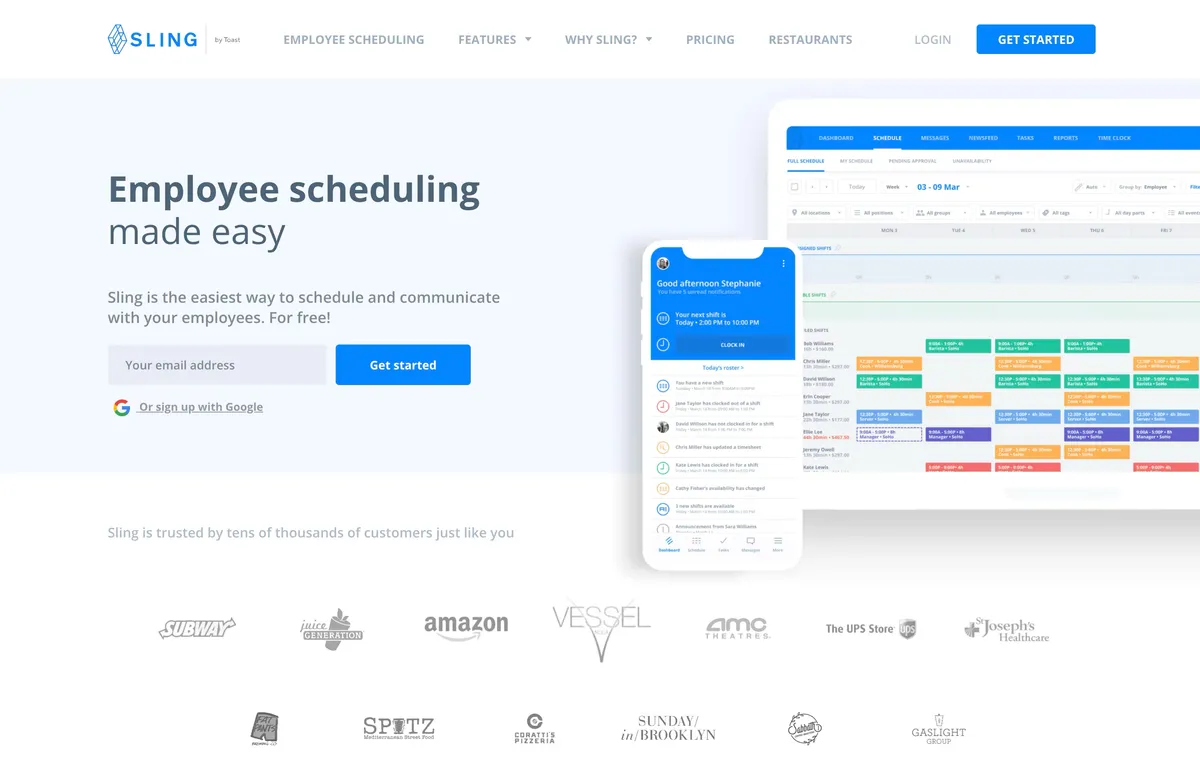
Sling offers free scheduling and communication for up to 30 users. Managers can publish shifts, collect availability, coordinate trades, and keep schedule-related messages close to the calendar. Premium adds mobile time tracking and labor cost tools at $2 per user monthly, or $1.70 with annual billing.
Business, currently $4 per user monthly or $3.40 annually, adds kiosk clock-in, reports, no-show management, sick call-outs, and paid time off. That makes the plan boundary important. A team can schedule at no charge, but a business that needs a shared-device time clock and fuller reports needs Business rather than the free tier.
Sling’s advantage is focus. It is easier to justify when the main jobs are building shifts, trading coverage, and communicating changes. It is less compelling for advanced forecasting, complex payroll workflows, or detailed multi-location administration.
Best for: Budget-conscious hourly teams that want a lightweight scheduler and communication tool, with time tracking available when needed.
7. 7shifts: best for restaurants
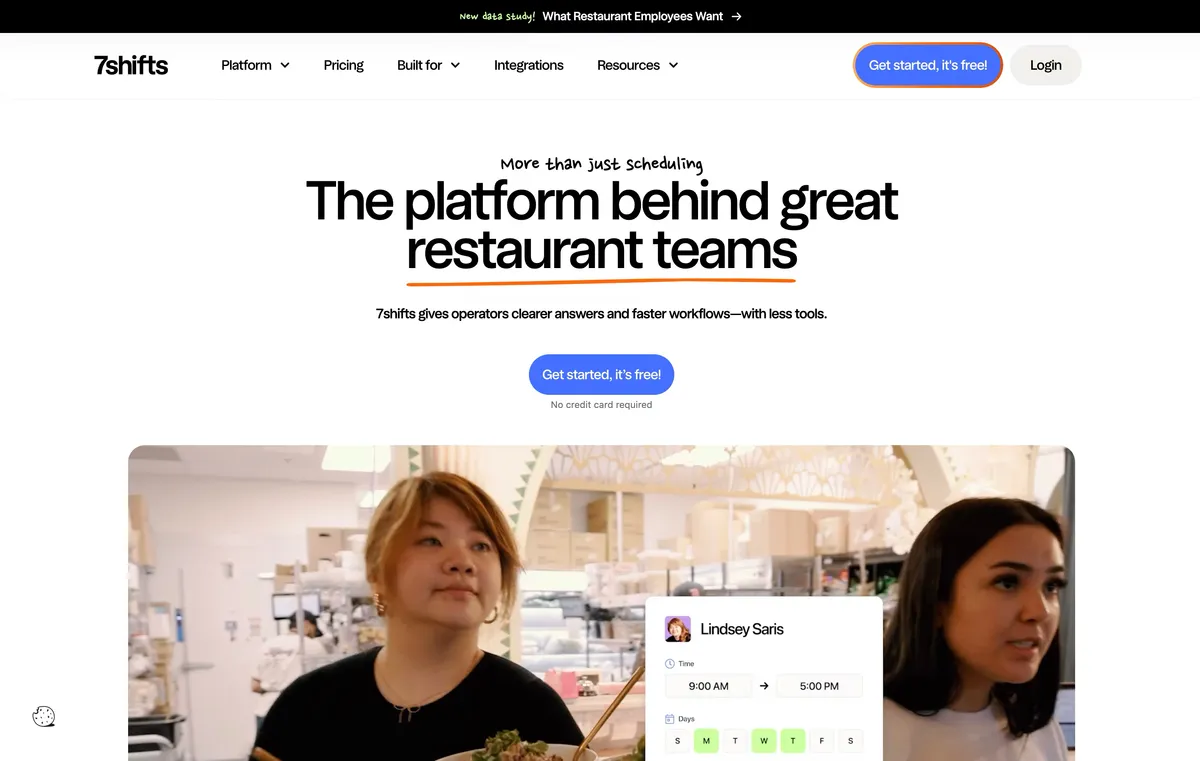
7shifts is built specifically around restaurant operations. Its scheduling workflow includes availability, time-off requests, templates, a shift pool, swaps, and manager approvals. POS and sales data can support labor forecasting, while 7punches connects time clock records with the restaurant schedule.
That specialization is the reason to choose it. A restaurant can evaluate scheduling, labor targets, and shift coverage in terminology that matches how the operation already runs. A construction company or professional service firm is unlikely to benefit from the same restaurant-specific model.
A free Comp plan is available after the 14-day trial of The Works. The accessible public pricing content did not expose sufficiently clear paid-plan prices during this research, so buyers should verify the exact package required for scheduling, 7punches, forecasting, and multi-location administration before comparing it with the numeric prices above.
Best for: Restaurants that want scheduling and time clock workflows shaped around roles, sales, labor targets, and shift coverage.
8. Planday: best for hospitality and structured teams
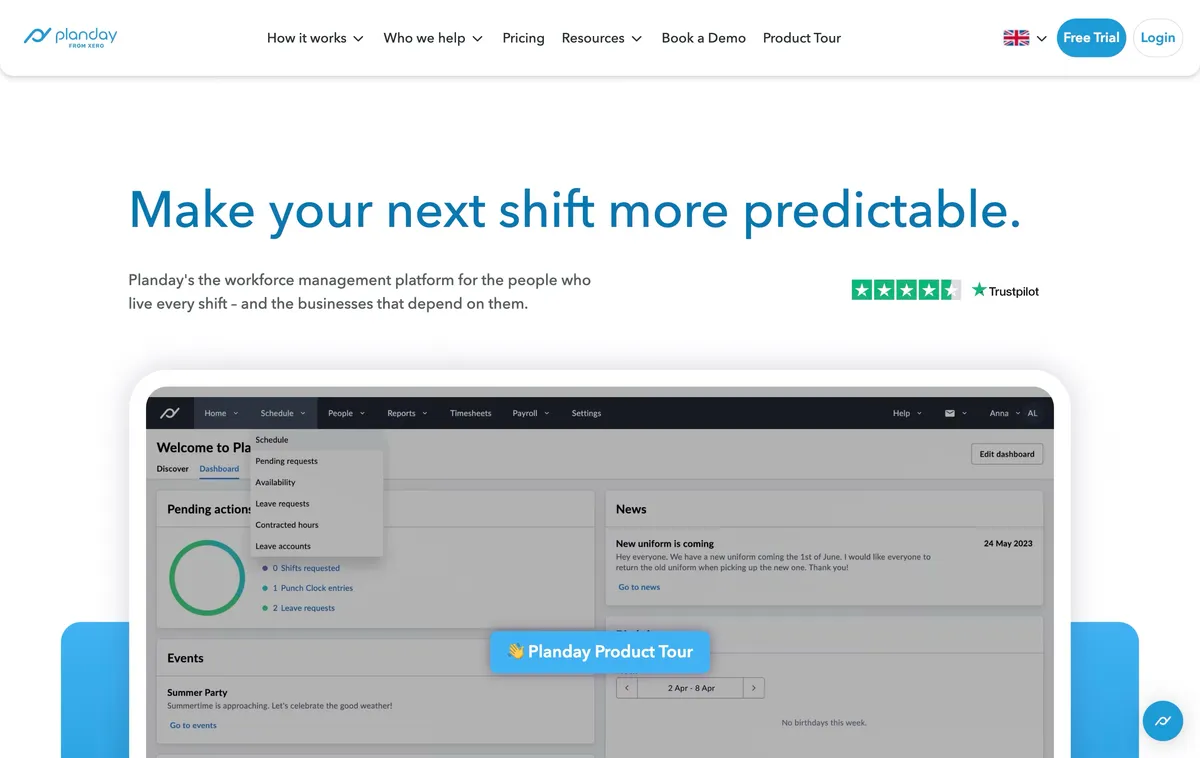
Planday organizes schedules around business structures such as venues and departments. Managers can create draft shifts, reuse templates, publish open shifts, handle swaps, collect availability, and let team members clock in from mobile. This structure is useful when one schedule must reflect several operating units rather than a single undivided team.
Starter is listed at $2.99 per user monthly with a five-user minimum. It includes scheduling, simple time tracking, compliance warnings, and payroll reports. Plus is $4.49 per user with a 10-user minimum and a $15 monthly subscription fee, adding advanced scheduling, integrations, and revenue reporting.
The plan minimums and Plus base fee matter for a small team. The structured setup also gives a buyer more to configure, so the trial should use the business’s real venues, departments, access levels, and payroll report.
Best for: Hospitality, retail, and other shift-based teams that need venue or department structure and are willing to configure it.
9. Buddy Punch: best for time-clock-first businesses
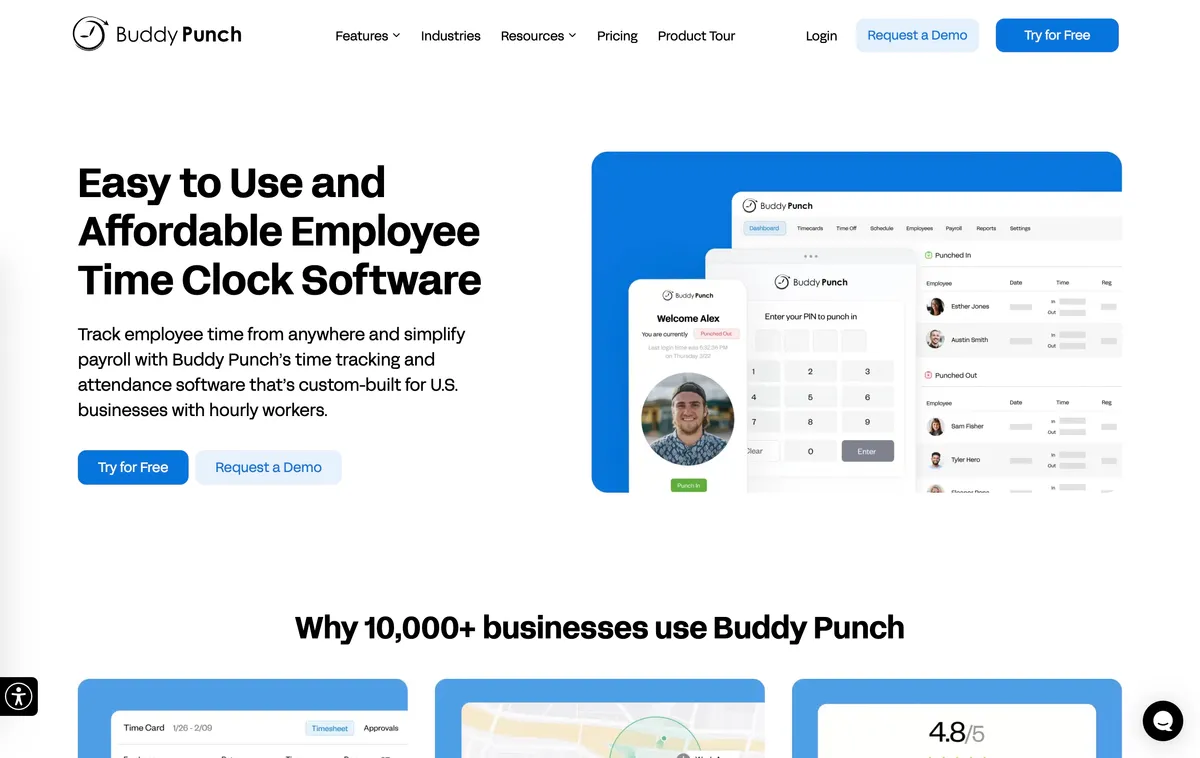
Buddy Punch starts with the time clock. GPS punches are available on Starter, while Pro adds employee scheduling, geofencing, kiosk, photos, and break-compliance controls. The Pro plan is currently listed at $6.99 per user monthly on annual billing, or $7.99 on monthly billing, plus a $19 monthly base fee.
This order of priorities works for a business that first needs dependable punches and then wants a practical schedule beside them. It is less attractive when scheduling depth is the main buying reason. The base fee also changes the effective per-person cost for a very small team, so the headline user price is not the full bill.
Buddy Punch publishes its own scheduling comparisons and gives its product substantially more coverage than competitors. We treated that as competitor positioning, not independent proof of superiority.
Best for: Small businesses that prioritize time-clock controls and need scheduling without moving to a scheduling-first platform.
10. QuickBooks Time: best for the QuickBooks ecosystem
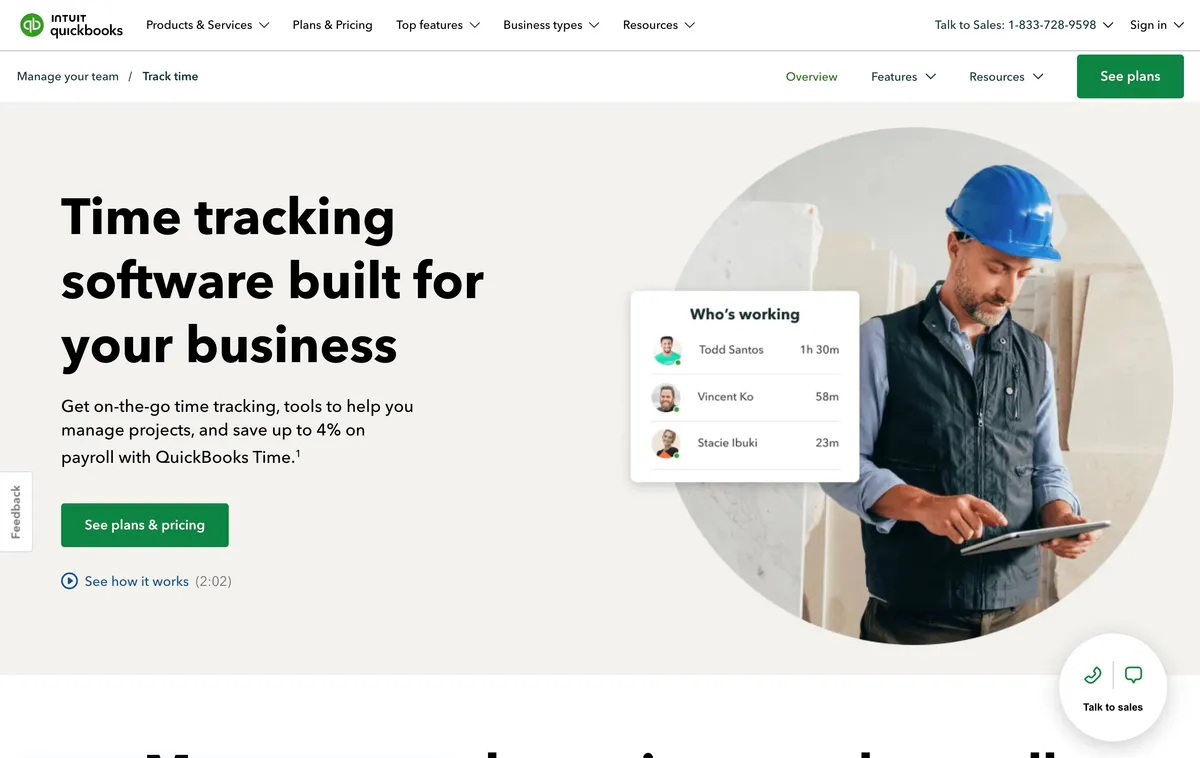
QuickBooks Time makes the most sense when accounting or payroll already runs on QuickBooks Online. All current Time plans include Scheduling, so managers can plan shifts and capture hours in the same QuickBooks-centered workflow. The ecosystem connection, rather than scheduling depth alone, is the main reason it belongs on this list.
The dependency and price are material. QuickBooks Time requires QuickBooks Online. Time Premium is currently listed at $20 per month plus $10 per user, while Time Elite is $40 per month plus $12 per user. Promotional base-price discounts are temporary and should not drive a long-term cost comparison.
Choose it for continuity with QuickBooks, not because it is the cheapest small-business scheduler. Teams outside that ecosystem pay for a dependency they do not need, and the public material gives less detail on open shifts and swaps than scheduling-first products provide.
Best for: Businesses already committed to QuickBooks Online that value accounting and payroll continuity more than the lowest software bill.
How to choose scheduling and time tracking software
Test one real schedule change
Do not judge the scheduler from a clean demo week. Publish a schedule, open one unassigned shift, let a team member request it, approve the request, and then change another published shift. That sequence exposes who controls the schedule and how updates reach the team.
Trace one shift into payroll
Clock in, take a break, clock out, correct the record, approve it, and export it. The resulting timesheet should make regular hours, overtime, breaks, locations, and edits understandable. A polished calendar cannot compensate for unclear payroll records.
Calculate the bill at the required plan
Use your actual team size and location count. Include base fees, minimum users, paid modules, and the plan required for scheduling or kiosk use. Homebase, Connecteam, Buddy Punch, Planday, and QuickBooks Time all demonstrate why a headline starting price can hide the model that determines the real bill.
Decide what kind of growth you expect
Adding five team members is different from opening five locations. Forecasting, department structure, local manager access, and payroll integrations may become more important before raw headcount does. Buy for the next operating constraint, not for a feature list that looks complete today.
Frequently asked questions
What is the best employee scheduling and time tracking software for a small business?
ShiftFlow is our top pick for small businesses that want a straightforward workflow from a published schedule to verified hours and export-ready timesheets. Homebase is a stronger free starting point for one location, while Deputy is better suited to teams that need demand forecasting and deeper compliance controls.
Is there free employee scheduling and time tracking software?
Homebase Basic combines scheduling and time tracking at no charge for one location and up to 10 team members. Connecteam’s Small Business Plan includes both for up to 10 users at no charge. Sling offers free scheduling and communication for up to 30 users, but time tracking starts on its Premium plan. Judge each free plan by the first limit your growing team will reach.
Should scheduling and time tracking be in the same app?
Using one app can reduce duplicate entry because published shifts, clock-ins, breaks, and actual hours share the same workflow. Separate products can still make sense when a business needs a specialist scheduler or a payroll ecosystem that its time clock does not support.
How much does scheduling and time tracking software cost for a small business?
Current products use several models: per-user pricing, per-location pricing, a fixed fee for the first group of users, or a base fee plus a per-user charge. Calculate the full bill for your team and required plan instead of comparing only the lowest advertised price.
What should a multi-location business look for in scheduling software?
Look beyond a location field on a shift. A multi-location business may need site-level schedules, team-member eligibility, local manager permissions, cross-schedule conflict detection, location-specific reporting, and one consolidated view of the operation.
Test one schedule-to-timesheet week
Run one normal week through the two products that match the business’s actual constraint, including a schedule change and a corrected time record. The result should make both the normal shift and the exception path easier to manage.
If ShiftFlow matches the straightforward schedule-to-timesheet workflow, review ShiftFlow pricing. If a specialist requirement decides the purchase, choose the product built around that requirement.
- employee-scheduling-software
- time-tracking-software
- small-business
- shift-scheduling
- time-clock-software
- software-comparison
- workforce-management