6 Best When I Work Alternatives for Scheduling and Time Tracking (2026)
Compare six When I Work alternatives by scheduling, time tracking, work-site controls, offline use, pricing, and the situations where When I Work remains the better fit.

The best When I Work alternative depends on what the schedule must do after it is published. Our first pick is ShiftFlow for a small hourly or field team that needs work-site-validated attendance and offline clocking alongside scheduling. For this comparison, a small team means roughly 5–50 people; that is our editorial scope, not a ShiftFlow product limit. Homebase is the better free starting point for one qualifying location. Deputy is stronger when advanced scheduling, demand forecasting, compliance, or formal location hierarchy matters more than simplicity.
When I Work remains a practical scheduling-centered product for availability, OpenShifts, swaps, and team messaging. A switch makes sense when the business needs a different attendance model, a free plan that covers its required workflows, deeper workforce planning, restaurant specialization, or a broader deskless operations suite.
Prices and plan details were checked on August 4, 2026. Availability, open shifts, swap approval, attendance, and migration continuity carry the most weight here because they are the workflows a When I Work replacement must preserve.
The best When I Work alternatives at a glance
| Product | Best for | Main reason to choose it over When I Work | Important boundary | Current pricing reference |
|---|---|---|---|---|
| ShiftFlow | Small hourly and field teams | Work-site validation and offline clocking | No documented forecasting or formal location hierarchy | $5.99/seat/month or $60/seat/year |
| Homebase | A free one-location starting point | Scheduling and time tracking on a qualifying free plan | Per-location cost rises as the business adds locations | Free for one location and up to 10 team members |
| Deputy | Advanced scheduling and workforce planning | Forecasting, labor optimization, compliance, and hierarchy | More capability and setup than some small teams need | From $5/user/month; $30 minimum on monthly plans |
| Sling | Low-cost scheduling and communication | Free scheduling for up to 30 users | Mobile time tracking starts on Premium; kiosk on Business | Free; Premium from $1.70/user/month billed annually |
| 7shifts | Restaurant scheduling and labor workflows | Restaurant-specific operating model | Other industries should verify that its restaurant-specific model fits | Free Comp plan; paid prices not confirmed on the current public page |
| Connecteam | A broader deskless operations suite | Scheduling, time clock, forms, tasks, and training | No offline use; advanced controls depend on plan | Small Business Plan free for up to 10; Limited plan free for up to 30; paid tiers add advanced controls |
| When I Work | Availability, OpenShifts, swaps, and messaging | Incumbent baseline, not ranked | Advanced scheduling and customization depend on the selected plan | From $2.50/user monthly; confirm the attendance total in checkout |
Disclosure: ShiftFlow publishes this article and is one of the products evaluated. We rank it first only for the small field and hourly-team scenario above; When I Work or another specialist is the better fit when deeper scheduling customization or a required integration decides the purchase.
For the wider category, compare employee scheduling and time tracking software for small businesses. If site structure is becoming the main constraint, use the multi-location scheduling software comparison.
1. ShiftFlow: best for work-site-validated attendance and offline clocking
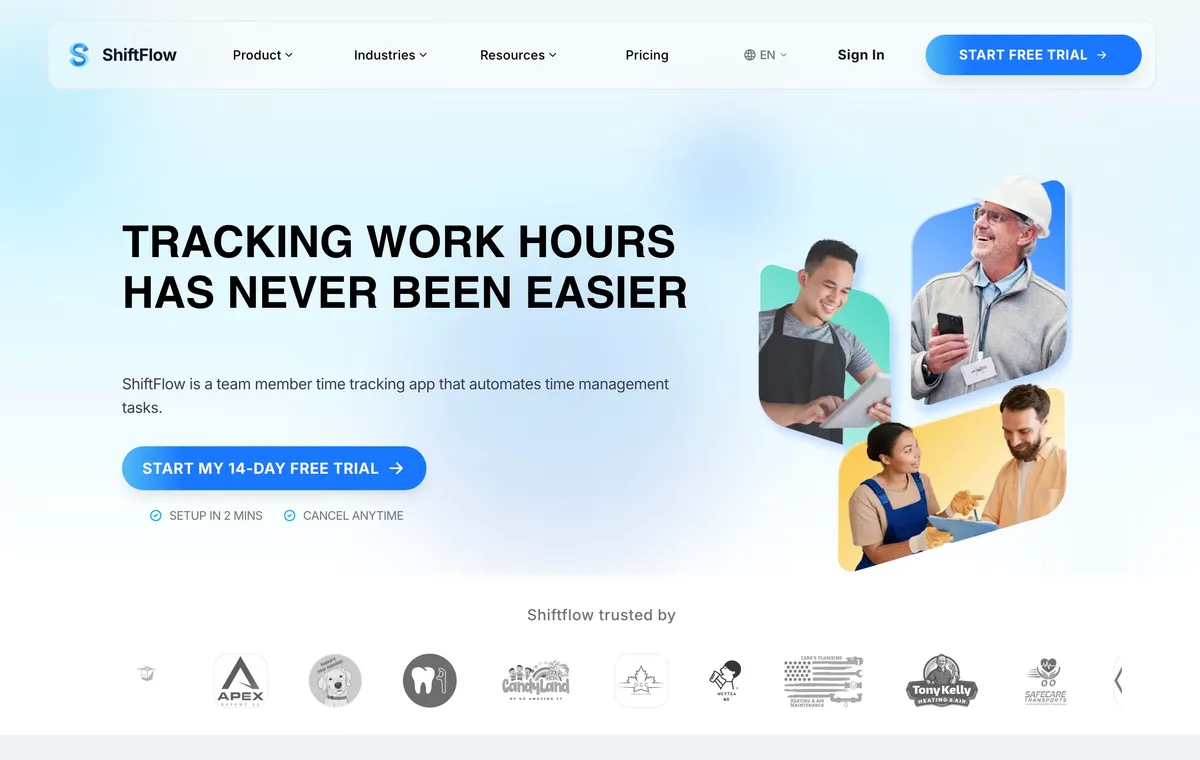
ShiftFlow’s scheduling and time tracking workflow is our first pick when a small hourly or field team needs the schedule to connect directly with where work occurs. Managers build draft shifts, publish the finished week, and offer open shifts while keeping approval over requests.
Managers can connect work to named Work Sites and apply radius validation to clock-ins. Team members can clock in on mobile, browser, or a shared kiosk. If the mobile app loses connectivity, ShiftFlow documents an offline clock-in and clock-out workflow that syncs after service returns. Timesheets and reports can be exported as PDF or CSV files.
ShiftFlow lists the same feature set under monthly and yearly billing rather than separate feature tiers. Pricing is $5.99 per seat monthly or $60 per seat yearly, with a 14-day trial.
This is a focused fit, not complete parity with When I Work. ShiftFlow does not publicly document demand forecasting, AI auto-scheduling, a formal location hierarchy, a broad native payroll integration directory, or direct When I Work import tooling. Teams that depend on advanced scheduling customization or a specific integration should verify that workflow before switching.
Best for: A small hourly or field team that needs scheduling, Work Site validation, offline clocking, and exportable timesheets in one direct workflow.
2. Homebase: best free starting point for one location
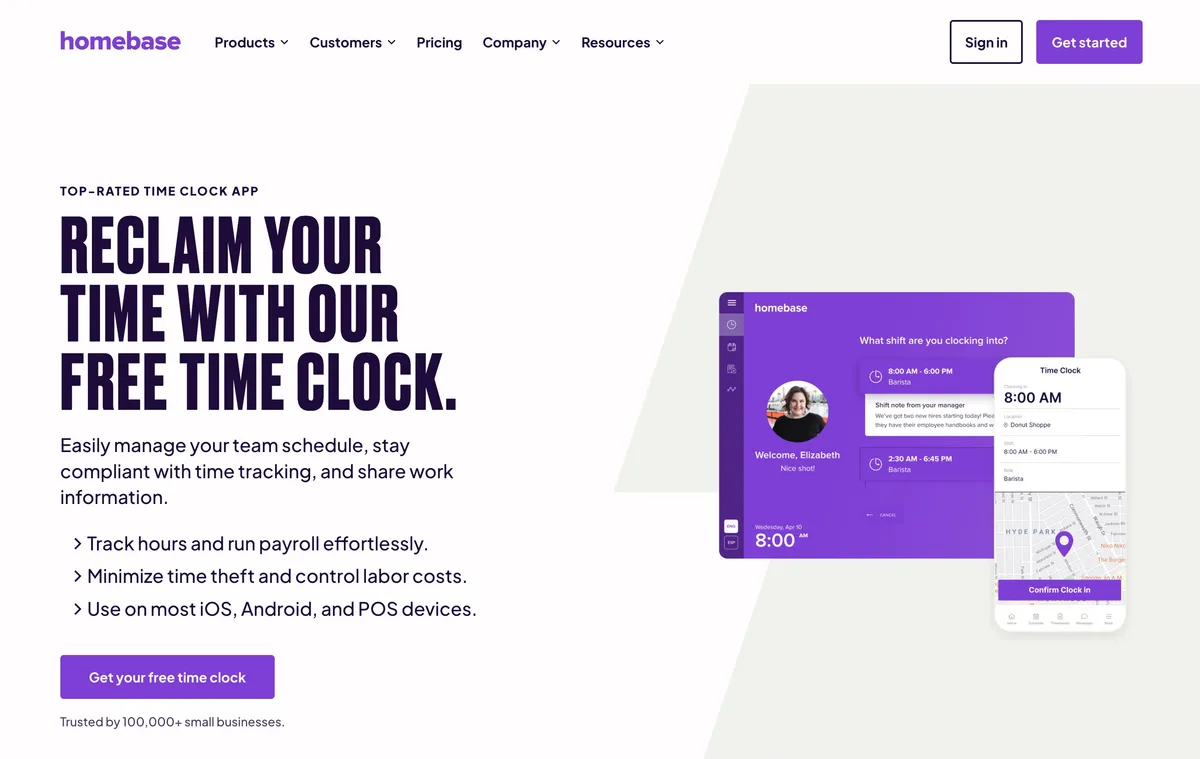
Homebase gives a qualifying local business a free starting point, while When I Work’s current public pricing begins with paid options. Homebase Basic includes scheduling and time tracking for one location and up to 10 team members. That is a practical fit for a shop, cafe, salon, or local service team testing its first connected schedule and time clock.
The tradeoff appears when the business adds locations or needs higher-tier controls. Essentials is listed at $30 per location monthly, or $24 on annual billing. Plus is $70 monthly or $56 on annual billing. All-in-One is $120 monthly or $96 on annual billing. Payroll is a separate $39 monthly base plus $6 per paid team member.
Homebase’s location-centered model can remain economical when one location has many team members. It can become expensive when a small group rotates across several sites. Buyers should model the next location, not only today’s free account.
Best for: One-location businesses with up to 10 team members, or local-business groups that prefer per-location pricing and a connected back office.
3. Deputy: best for advanced scheduling, forecasting, and compliance
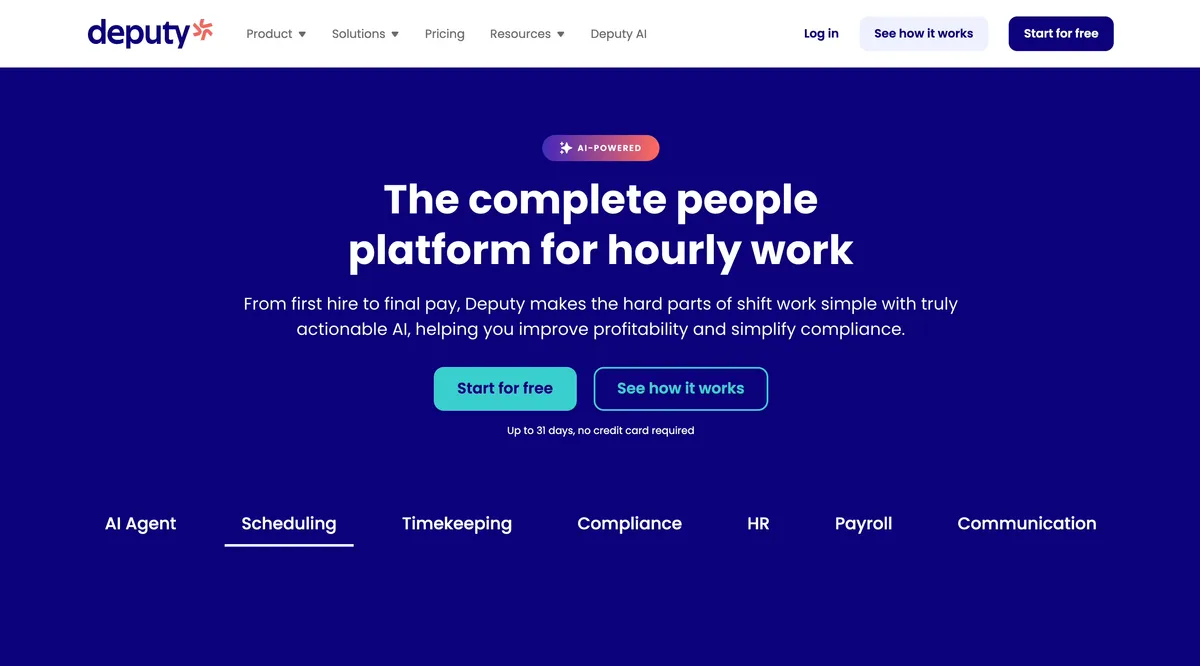
Deputy is the step up when scheduling complexity is the reason to leave When I Work. Deputy Lite includes scheduling, a time clock, and timesheets. Core and Pro add capabilities around advanced scheduling, auto-scheduling, demand forecasting, labor optimization, compliance, access, and location structure.
Current annual prices are listed at $5 per user monthly for Lite, $6.50 for Core, and $9 for Pro. Month-to-month prices are $5.50, $7.25, and $10. Deputy states that monthly Lite, Core, and Pro plans have a $30 minimum invoice.
The right comparison is the When I Work configuration that matches the business’s location structure against the Deputy plan that contains the necessary forecasting or control. Deputy will often be the heavier product. That is reasonable when the business actually needs the capability.
Best for: Growing restaurants, retailers, healthcare teams, and multi-location operations that schedule against demand or manage more formal labor rules.
4. Sling: best for low-cost scheduling and team communication
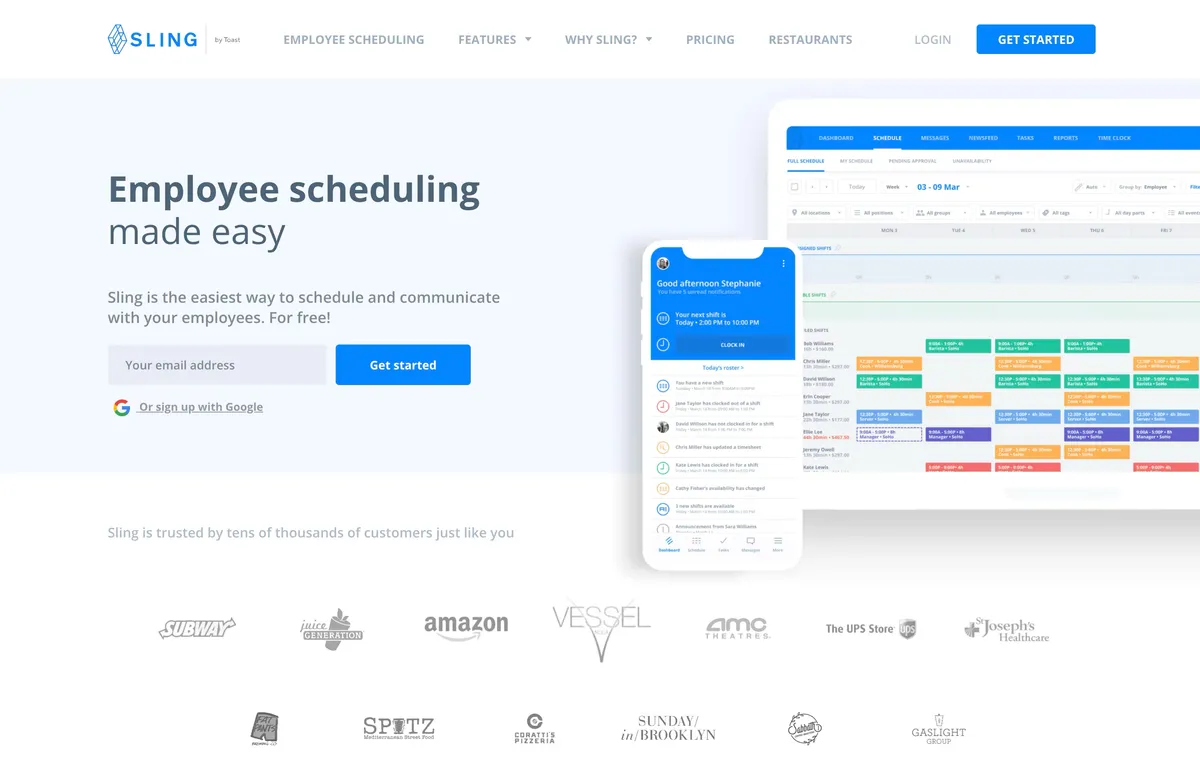
Sling offers free scheduling and communication for up to 30 users. That gives a team of up to 30 people a usable free starting point for scheduling and communication. Managers can use the free plan when the immediate need is publishing shifts, managing availability and time off, handling trades, and communicating with the team.
Time tracking changes the plan decision. Sling Premium is listed at $2 per user monthly, or $1.70 on annual billing, and adds mobile time tracking. Business is $4 per user monthly, or $3.40 on annual billing, and adds kiosk access plus payroll and attendance reports.
Sling is a credible low-cost replacement when scheduling and communication are the core job. A buyer that needs kiosk punching or payroll-ready attendance should compare the Business plan, not the free headline. Sling’s current pricing documentation does not confirm work-site radius validation, offline clocking, or advanced forecasting. Confirm those workflows directly if they are requirements.
Best for: Cost-conscious teams that want scheduling and communication first, with paid time tracking when needed.
5. 7shifts: best for restaurant-specific scheduling
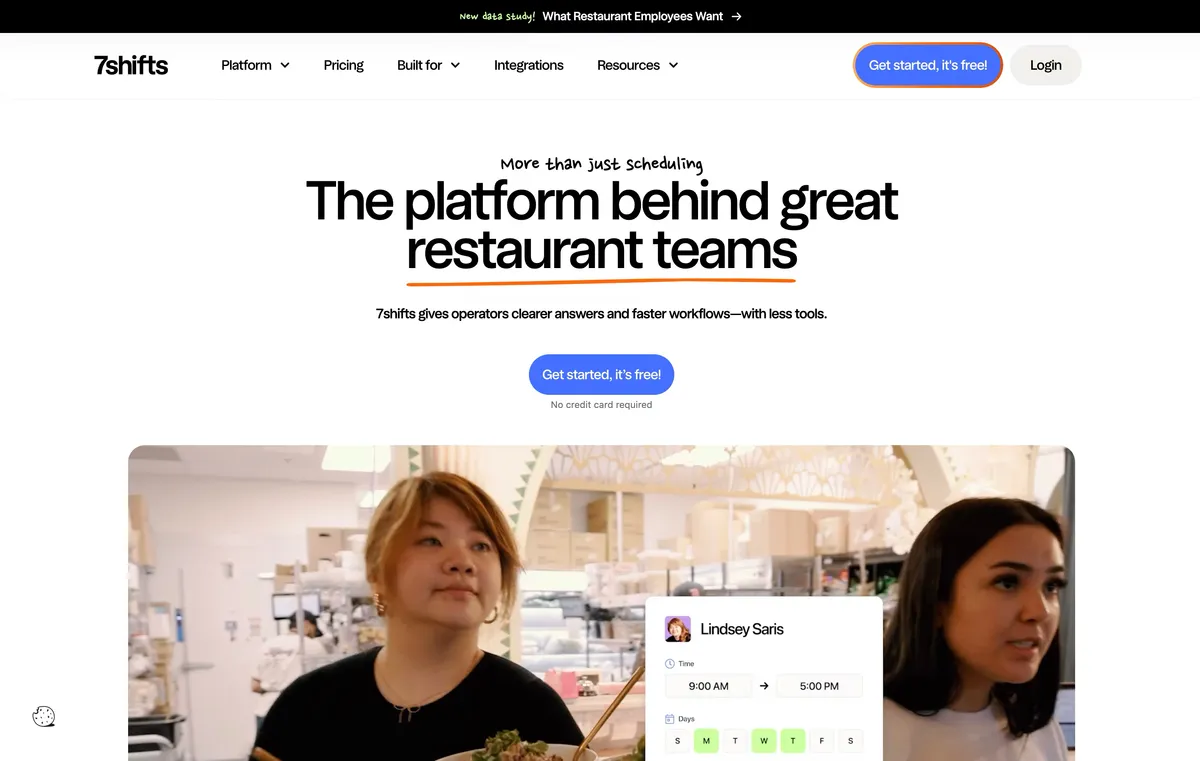
7shifts is the restaurant specialist in the roster. Its product is shaped around restaurant scheduling and labor workflows rather than a general cross-industry rota. That can make the workflow easier to evaluate for front-of-house, back-of-house, shift coverage, POS-connected planning, and restaurant time clock needs.
Restaurant specialization is the switching reason. Businesses outside restaurants should check whether its restaurant-specific roles, POS relationships, and labor workflows match their operation. Deputy may still be stronger when advanced demand planning or formal hierarchy leads the decision, while When I Work may remain sufficient for a restaurant focused on straightforward availability and shift coverage.
Current official pages confirm a $0 Comp plan and a 14-day trial with access to The Works. The public pricing route did not expose a reliable full paid-plan lineup or current paid prices when checked on August 4, 2026, so those figures are omitted here.
Best for: Restaurants that want scheduling and attendance evaluated through restaurant roles, labor planning, and operating workflows.
6. Connecteam: best for a broader deskless operations suite
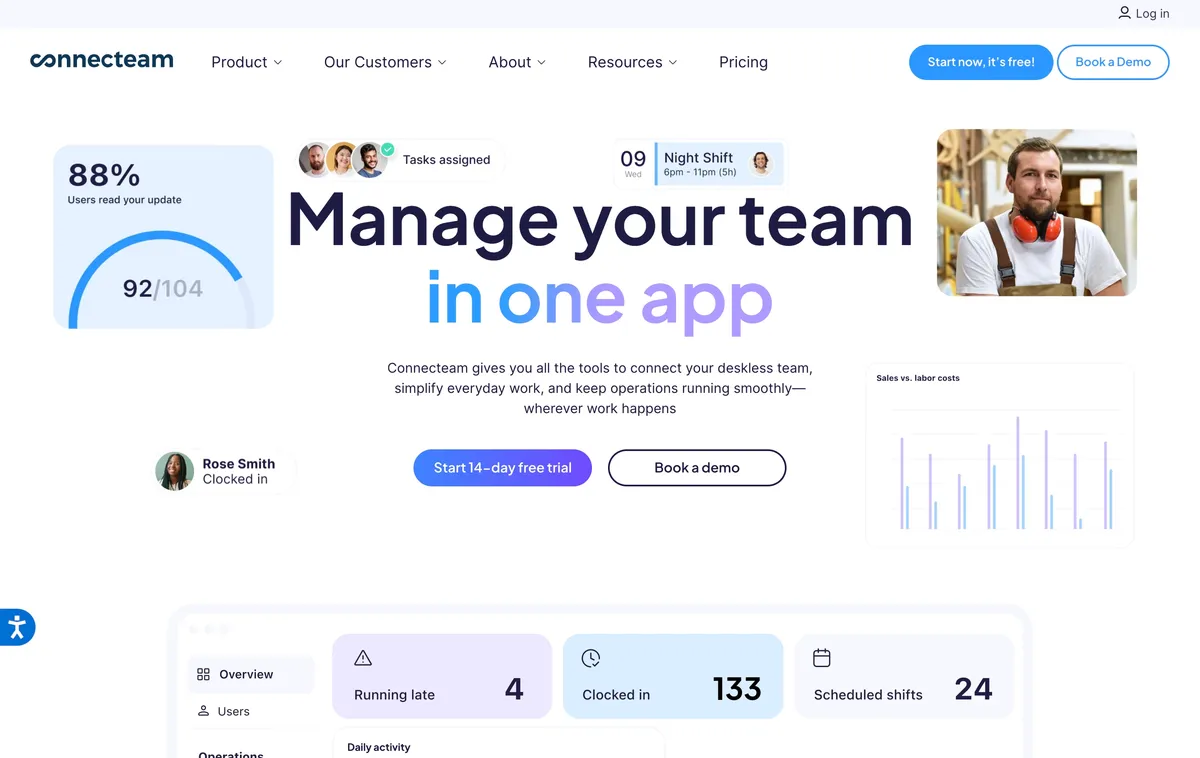
Connecteam expands the buying decision beyond schedules and attendance. Its product family combines scheduling and a GPS time clock with tasks, forms, communication, training, and other tools for deskless work. A business replacing several separate systems may value that breadth more than a lighter When I Work alternative.
Connecteam’s Small Business Plan is free for up to 10 users. Teams of up to 30 can choose a free Limited plan with reduced functionality. Paid Operations tiers add capabilities such as additional schedules, geofence sites, multiple schedulers, and auto-scheduling. Buyers should map each required workflow to the correct tier because the free plans and starting paid tier do not represent every field-management capability.
Connecteam’s help center states that the app cannot currently be used offline. This is an important tradeoff for field teams with weak or intermittent service. For connected teams that want a larger operations platform, it remains a strong alternative.
Best for: Deskless teams that want scheduling, time tracking, communication, forms, and operational tools in one platform and have reliable connectivity.
When keeping When I Work makes more sense
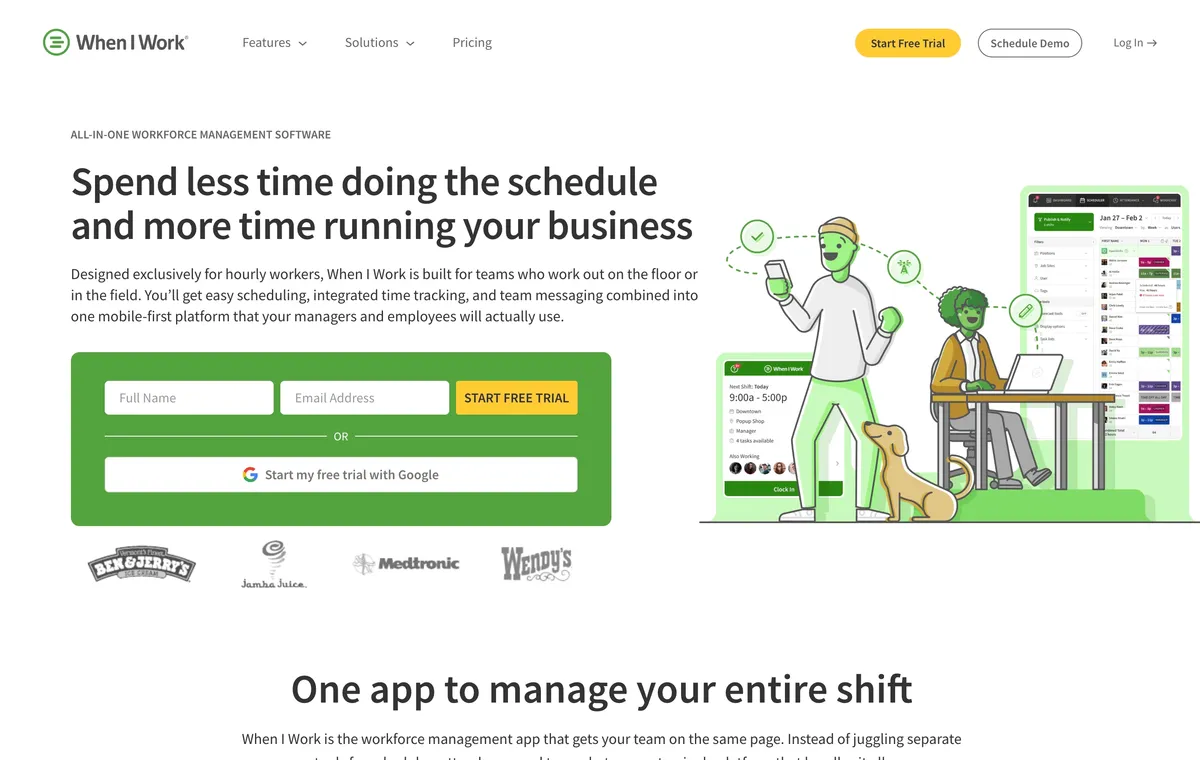
Keep When I Work when availability, OpenShifts, swaps, and team messaging remain the main requirements. Its pricing FAQ says plans start at $2.50 per user monthly for single-location teams and $5 for multi-location businesses, with scheduling, time and attendance, and messaging included. The same page also displays an attendance toggle, so confirm the complete total in checkout. Before switching, note that the user export does not include availability preferences, so that scheduling context may need to be recreated.
How to switch from When I Work without losing scheduling context
Export the available records first
When I Work documents exports for several data types, but its user export does not include availability preferences. Identify the employee, schedule, attendance, time-off, payroll, and communication records the business must retain before canceling the account.
Recreate availability deliberately
Ask team members to confirm their current recurring availability in the replacement. Do not assume a user CSV contains the scheduling constraints that managers rely on. Rebuild roles, qualifications, location eligibility, and manager approvals at the same time.
Test one full schedule cycle
Publish a normal week, create an open shift, process a swap, record a break, correct a missed punch, and export the resulting timesheet. Include a poor-connectivity test if the team works in the field.
Confirm imports instead of assuming them
ShiftFlow does not currently document a direct When I Work importer. An export file proves that data can leave When I Work, not that every alternative can reconstruct the same history or rules. Plan for manual setup where a direct import is unavailable.
Compare one parallel pay period
Keep the old records accessible while managers compare scheduled and worked hours in both systems. Resolve differences in breaks, edits, time zones, overtime, and rounding before the replacement becomes the payroll source.
Frequently asked questions
What is the best alternative to When I Work?
ShiftFlow is our first pick for a small hourly or field team that needs scheduling, work-site-validated attendance, and offline clocking. Homebase is a stronger free starting point for one qualifying location. Deputy is better for advanced scheduling, forecasting, compliance, and formal location hierarchy.
Is there a free alternative to When I Work?
Homebase is free for one location and up to 10 team members. Sling provides free scheduling and communication for up to 30 users, but time tracking requires Premium. Connecteam’s Small Business Plan is free for up to 10 users, while its free Limited plan supports up to 30 users with reduced functionality.
Which When I Work alternative supports offline clocking?
ShiftFlow documents an offline mobile clock-in and clock-out workflow that syncs after connectivity returns. Connecteam states that its app cannot currently be used offline. Test poor-connectivity behavior directly because offline schedule access and offline time capture are separate capabilities.
Which When I Work alternative is best for restaurants?
7shifts is the restaurant-specific option in this comparison. Deputy is also credible when a restaurant needs deeper demand forecasting, compliance controls, or location hierarchy. When I Work can remain a fit when straightforward availability and shift coverage are the priority.
Which free When I Work alternatives support up to 30 users?
Sling offers free scheduling and communication for up to 30 users, but time tracking requires Premium. Connecteam also offers a free Limited plan for up to 30 users with reduced functionality. Homebase is free for one location and up to 10 team members.
Can a business export its data from When I Work?
When I Work documents exports for several data types, but its user export excludes availability preferences. Confirm what the replacement can import before canceling the old account. ShiftFlow does not currently document a direct When I Work importer.
Keep or replace When I Work based on the constraint
Keep When I Work when scheduling self-service and team communication still solve the main problem at an acceptable price. Switch only when the trial proves that a different attendance model, specialist workflow, or operations suite removes a real constraint.
When ShiftFlow’s Work Site validation and offline clocking match that constraint, review ShiftFlow pricing.
- when-i-work-alternatives
- employee-scheduling-software
- time-tracking-software
- shift-scheduling
- small-business
- workforce-management
- software-comparison