Best Time Tracking Software for Healthcare in 2026
Compare the 8 best time tracking apps for healthcare teams in 2026, scored on shift scheduling, break compliance, home-health GPS, and how the price scales as your team grows.

Healthcare time tracking sits at the intersection of four things most software doesn’t handle well at the same time: rotating 24/7 shift coverage, strict state meal-break laws, Medicaid Electronic Visit Verification (EVV) for home health, and credential-gated shift assignments. Tools built for office timesheets fall short on at least one. Tools built for hospitals are typically priced for 100-plus providers and assume a dedicated scheduling administrator.
Between those two extremes sits the segment most practices actually live in: dental offices, vet clinics, family-medicine practices, home-health agencies, and multi-site physician groups with 5 to 50 team members. That’s who this guide is written for.
Below we compare 8 time tracking apps that work for healthcare in 2026, scored on shift scheduling depth, break-compliance tooling, home-health GPS, payroll integrations, and how the real monthly bill compares across a 20-person team.
Best time tracking software for healthcare at a glance
| Brand | Shift Scheduling | Break Compliance | Home-Health GPS | Best For | Starting Price |
|---|---|---|---|---|---|
| ShiftFlow | ✓ | ✓ | ✓ | Small to mid-sized practices wanting one flat price | $5.99/user/mo |
| QGenda | Deepest | Custom rules | ✗ | Physician groups and hospitals with complex provider rotations | Quote-based |
| When I Work | Strong | ✓ | ✓ | Nursing units and clinics where scheduling is the pain point | From $2.50/user/mo |
| Connecteam | ✓ | ✓ | ✓ | Home health and deskless caregiver teams under 30 | Free up to 10; from $29/mo |
| Homebase | Basic | ✓ | Snapshots | Single-location practices (dental, vet, family medicine) | Free for 1 location |
| Deputy | Strong | ✓ | ✓ | Aged care, mid-size clinics, multi-site practices | From $5/user/mo |
| Buddy Punch | Basic | ✓ | ✓ | Compliance-heavy small practices with complex PTO rules | $5.49/user/mo + $19 base |
| QuickBooks Time | Basic | ✓ | ✓ | Medical practices already on QuickBooks | $8/user/mo + $20 base |
How we picked
Healthcare time tracking is different from office time tracking. A 24/7 nursing unit needs rotating shifts, a home-health agency needs proof-of-visit GPS, a California clinic needs break-premium audit trails. We weighted seven criteria:
- Shift scheduling depth for 24/7 rotating coverage
- Break compliance tooling including premium-pay flags
- Home-health support with GPS and geofencing
- Credential awareness in shift assignment
- PTO and accrual flexibility for mixed clinical and admin staff
- Payroll integrations with ADP, Paychex, Gusto, QuickBooks
- Pricing transparency: public per-user pricing, no hidden fees
Prices reflect publicly listed plans as of April 2026. Quote-based and per-tier pricing can vary; check the vendor’s pricing page before committing.
ShiftFlow
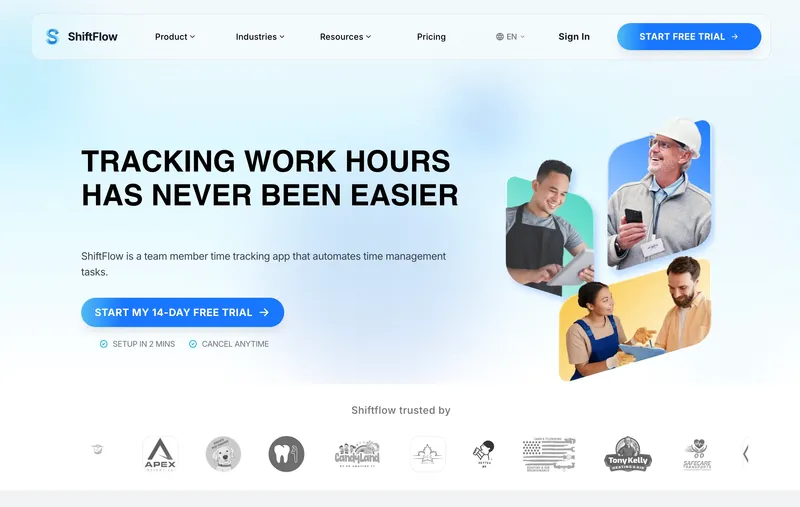
ShiftFlow pairs the time clock with the schedule, which is the pattern healthcare workflows live on. When a nurse or CNA clocks in, the app reconciles the punch against the assigned shift, so no-shows, late arrivals, and early departures surface immediately rather than at Friday payroll. GPS verification with geofences around each clinic or patient address, break tracking, overtime rules, kiosk mode, and offline mode (for basements and underground mechanical rooms) are included. At $5.99 per seat with no base fee, it’s also among the cheaper options on this list. When I tested ShiftFlow against the healthcare-specific platforms on this list, the trade-off was predictable. QGenda and Deputy offer deeper provider-scheduling and credential features at higher per-seat tiers or quote-based pricing. For practices under 50 staff that don’t need credential automation, ShiftFlow’s flat plan covers the core job without the overhead.
Best for: Dental offices, vet practices, chiropractic, family medicine, home-health agencies, and multi-site physician groups with 5 to 50 team members.
Pricing
| Plan | Price |
|---|---|
| Monthly | $5.99/user/month |
| Annual | $60/user/year (saves ~17%) |
Free trial: 14 days, no credit card required.
Ratings
- Apple App Store: ⭐⭐⭐⭐⭐ 4.8/5
- Google Play: ⭐⭐⭐⭐⭐ 4.8/5
QGenda
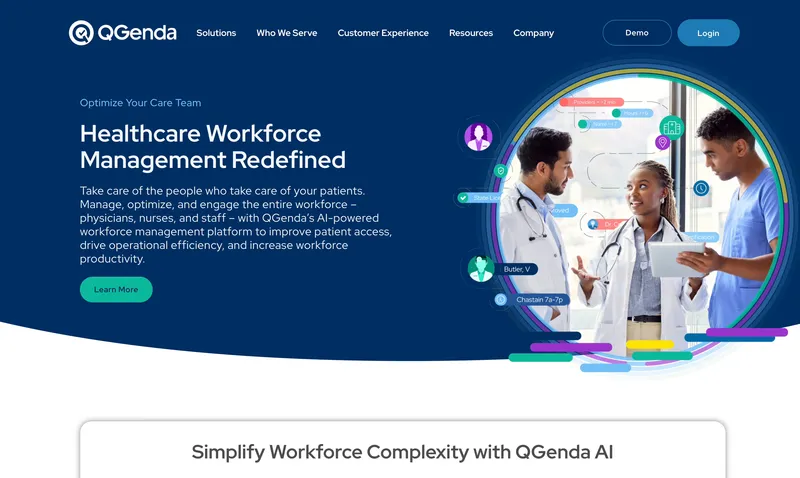
QGenda is the dominant healthcare-specific scheduler for physician groups, hospitals, and health systems, serving 3,000+ customers across 5,000+ hospitals. When I looked at what hospital-grade scheduling actually requires — credential matching, block scheduling, call rotations, rules engines that encode fellowship hour limits and post-call rest requirements — QGenda is the only tool on this list that handles all of it natively. The trade-off is the cost of entry. Pricing is quote-based (third-party estimates put starting tiers in the several-hundred to a-few-thousand dollars per month range depending on modules and provider count), implementations take weeks, and the tool is built for organizations with a dedicated scheduling administrator.
Best for: Hospitals, large physician groups, academic medical centers, and health systems with complex rotation, credentialing, and call-equity requirements.
Pricing
Quote-based, sized by modules (Scheduling, Credentialing, Time & Attendance) and provider count. No public free trial; demo only.
Ratings
- G2: ⭐⭐⭐⭐ 4.3/5
- Capterra: ⭐⭐⭐⭐ 4.2/5 (68 reviews)
When I Work
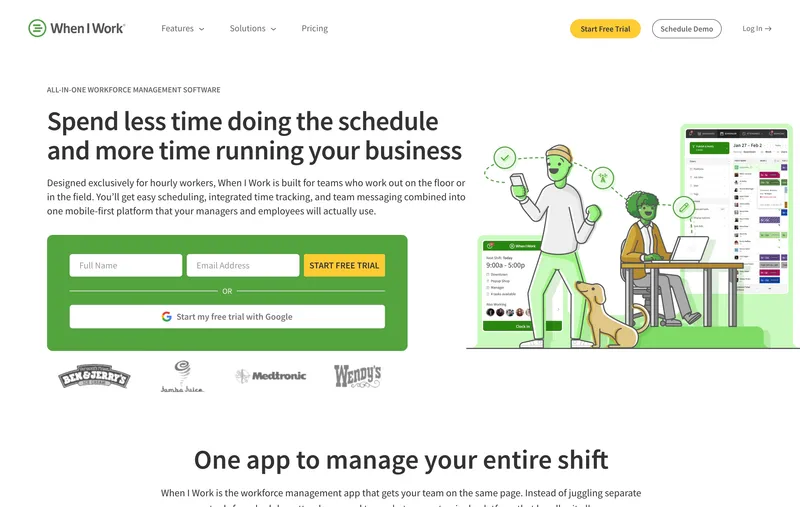
If building the weekly nurse schedule is the part of your job that keeps you at the office until 8 PM on Fridays, When I Work is built for you. It is a scheduling tool first, time clock second. Team members see their schedule in the app and clock in directly from it, with open shifts, shift swaps, and availability managed in the same view. In healthcare, the scheduling edge shows up in how easily charge nurses can post open shifts, approve swaps, and see coverage gaps across a rotating roster. GPS is captured at clock-in and clock-out, and geofencing is included. Break tracking and overtime flags handle most compliance needs, though the compliance engine is not as deep as Deputy’s or QGenda’s.
Best for: Nursing units, outpatient clinics, urgent care, and practices where scheduling complexity is the dominant pain.
Pricing
| Plan | Price |
|---|---|
| Essentials | $2.50/user/month |
| Pro | $5/user/month |
| Premium | $8/user/month |
| Enterprise | Custom |
All plans support multi-location scheduling.
Free trial: 14 days. No free plan.
Ratings
- Apple App Store: ⭐⭐⭐⭐ 4.5/5
- Google Play: ⭐⭐⭐⭐ 4.5/5
- Capterra: ⭐⭐⭐⭐ 4.5/5 (1,200+ reviews)

Connecteam
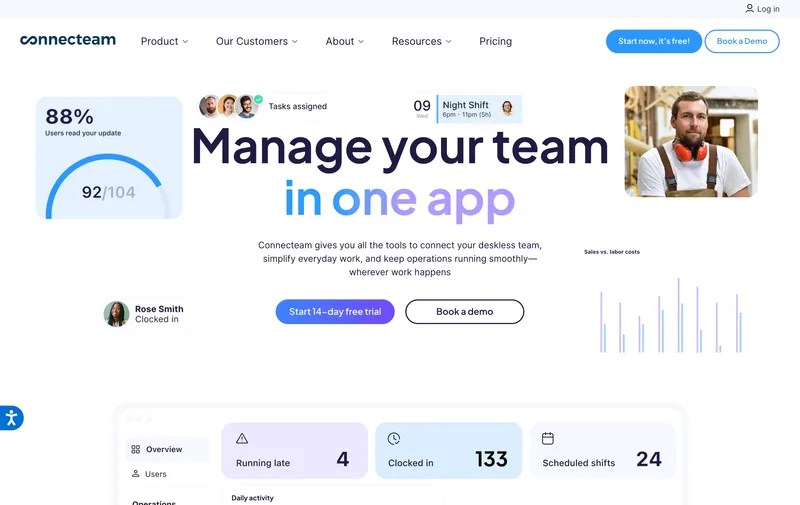
Connecteam is a full deskless workforce platform that bundles a time clock, scheduling, kiosk mode, and configurable overtime rules with a much broader toolset. For home-health agencies, that extra surface area matters: checklists for patient visits, training modules for CPR refreshers, digital forms for incident reports, and team chat that replaces a separate subscription. The free Small Business plan is unusually generous: up to 10 users get full access across all three product hubs — including GPS and geofencing — which is a legitimate starting point for a small home-health agency or single-unit nursing practice. On paid plans, GPS and geofencing live on the Advanced tier and above rather than Basic.
Best for: Home-health agencies, assisted living facilities, and deskless caregiver teams under 30.
Pricing
| Plan | Price |
|---|---|
| Small Business (up to 10) | Free (all features) |
| Basic (up to 30) | From $29/month per hub |
| Advanced (up to 30) | From $49/month per hub |
| Expert (up to 30) | From $99/month per hub |
Ratings
- Apple App Store: ⭐⭐⭐⭐⭐ 4.7/5
- Google Play: ⭐⭐⭐⭐⭐ 4.7/5
- Capterra: ⭐⭐⭐⭐ 4.6/5 (5,000+ reviews)
Homebase
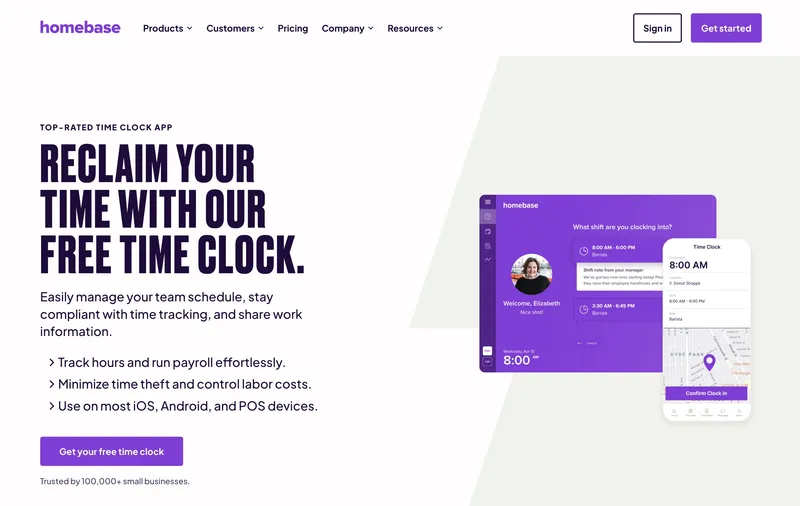
Homebase calls itself “the everything app for hourly teams,” and the free plan backs that up for single-location healthcare practices. You get basic scheduling and a basic time clock for up to 10 team members at one location — no trial, no expiration. Dental offices, veterinary clinics, chiropractic offices, and family medicine practices fit this shape almost perfectly. GPS and location-based clock-in verification live on the paid Essentials tier and above rather than in the free plan, and GPS captures location at punches rather than tracking continuously during shifts. Paid plans support multiple locations, so a practice that eventually opens a second office is not locked into one site forever. Homebase does not handle rotating nurse schedules as gracefully as When I Work or Deputy, but for a single practice with consistent hours, it is the best free option.
Best for: Dental offices, vet clinics, chiropractic, and single-location family-medicine practices with up to 10 team members.
Pricing
| Plan | Price (monthly billing) | Annual |
|---|---|---|
| Basic | Free for 1 location (10 ppl) | N/A |
| Essentials | $30/location/month | $24/location/month |
| Plus | $70/location/month | $56/location/month |
| All-in-One | $120/location/month | $96/location/month |
Ratings
- Apple App Store: ⭐⭐⭐⭐⭐ 4.8/5
- Google Play: ⭐⭐⭐⭐⭐ 4.7/5
- Capterra: ⭐⭐⭐⭐ 4.6/5 (1,100+ reviews)
Deputy
Deputy has a well-established healthcare presence, particularly in aged care, dental groups, and multi-site outpatient practices. The scheduling engine handles rotating patterns, open shifts, shift swaps, and self-scheduling — close to When I Work’s depth but with a more compliance-focused break engine. When I tested Deputy’s break rules, they were the most customizable in the category outside of QGenda — you can set per-jurisdiction rules, which matters for multi-state practice groups dealing with different meal-premium laws. GPS and geofencing are available across paid tiers, making Deputy workable for home health as well as in-clinic teams. Two-way payroll integrations with Gusto, ADP, and QuickBooks are solid. Pricing sits in the mid-range of this list, with optional add-ons for HR, Deputy Payroll, and advanced messaging.
Best for: Aged care facilities, multi-site dental and medical practice groups, and mid-size clinics (25 to 200 team members).
Pricing
| Plan | Price |
|---|---|
| Lite | $5/user/month |
| Core | $6.50/user/month |
| Pro | $9/user/month |
| Enterprise | Custom quote |
Optional add-ons: HR ($2/user/month), Deputy Payroll ($8/user/month), Messaging+ ($1.95/user/month).
Free trial: Available.
Ratings
- Apple App Store: ⭐⭐⭐⭐⭐ 4.6/5
- Google Play: ⭐⭐⭐⭐ 4.5/5
- Capterra: ⭐⭐⭐⭐ 4.6/5 (760+ reviews)
Buddy Punch
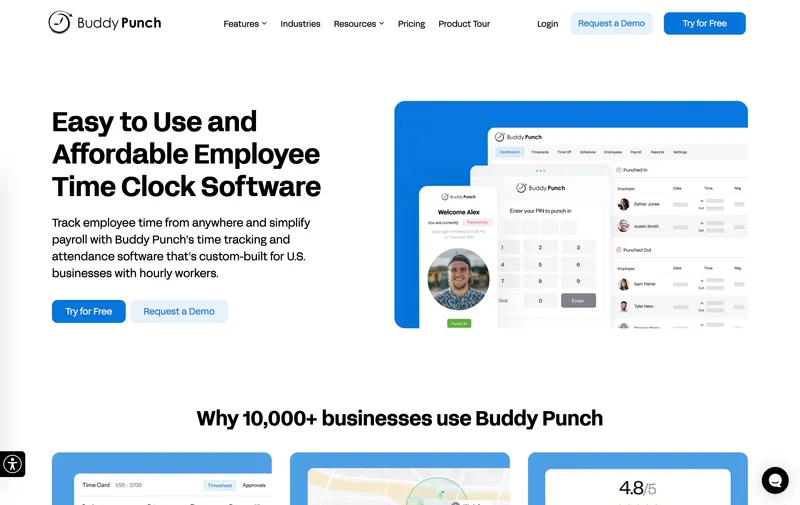
Buddy Punch’s strength is flexibility at clock-in and depth on PTO accrual. Team members can punch via mobile, kiosk, PIN, QR, SSO, or facial recognition, and the PTO engine handles multi-rule accrual — tenure-based multipliers, different tiers for clinical vs. admin staff, CA sick-leave mandates — that most competitors simplify into on/off toggles. When I tested it, the compliance tooling was legitimately deep for states with complex overtime rules. The hard limitation is offline mode: Buddy Punch does not support true offline clock-in, which means home-health caregivers visiting rural addresses with poor signal will see clock-ins fail.
Best for: Compliance-heavy small practices (5 to 30 team members) with complex PTO or overtime rules, operating in areas with consistent cell service.
Pricing
| Plan | Monthly | Annual |
|---|---|---|
| Starter | $5.49/user + $19 base | $4.49/user + $19 base |
| Pro | $6.99/user + $19 base | $5.99/user + $19 base |
| Enterprise | $11.99/user + $19 base | $10.99/user + $19 base |
Ratings
- Apple App Store: ⭐⭐⭐⭐⭐ 4.9/5
- Google Play: ⭐⭐⭐⭐ 4.5/5
- Capterra: ⭐⭐⭐⭐⭐ 4.8/5 (1,100+ reviews)
QuickBooks Time
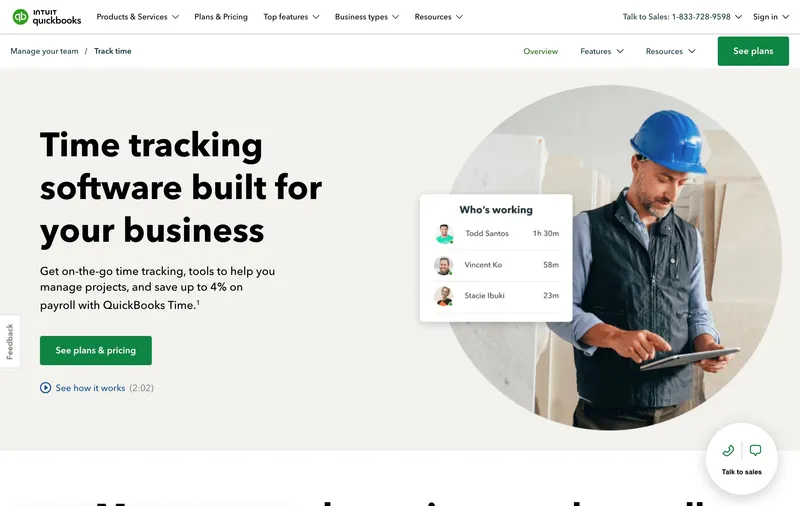
QuickBooks Time (formerly TSheets) has one clear advantage for medical practices already on QuickBooks: native two-way sync with QuickBooks Online and QuickBooks Payroll. Customer lists, service items, and payroll items flow in from QuickBooks, and approved hours flow back for payroll and invoicing. For a practice already using QuickBooks for billing and accounting, this eliminates the weekly manual export. In testing, the sync was solid, but the scheduler is basic — no rotating shift patterns, no credential awareness, no shift swaps at the level of When I Work or Deputy. For a small practice with consistent hours and a predictable staff list, QuickBooks Time is fine. For a 24/7 nursing unit, it will feel thin.
Best for: Small to mid-sized medical practices, dental offices, and veterinary clinics already using QuickBooks Online for billing and payroll.
Pricing
| Plan | Price |
|---|---|
| Premium | $8/user/month + $20/month base |
| Elite | $10/user/month + $40/month base |
Included free with QuickBooks Payroll Premium or Elite. 30-day free trial.
Ratings
- Apple App Store: ⭐⭐⭐⭐⭐ 4.7/5
- Google Play: ⭐⭐⭐⭐ 4.3/5
- Capterra: ⭐⭐⭐⭐⭐ 4.7/5 (7,000+ reviews)
How to choose the best healthcare time tracking software
The decision hinges on three questions: how big is your team, how complex is your scheduling, and how much compliance depth do you actually need.
Team size. For 1 to 10 team members at a single practice, Homebase or Connecteam’s free plans usually cover it. For 10 to 50, the trade-off is between ShiftFlow’s flat pricing and Deputy’s or When I Work’s scheduling depth. For 50+ providers or multiple hospital units, QGenda’s healthcare-specific depth starts to earn its quote-based pricing.
Scheduling complexity. A dental office with fixed hours does not need a rotating scheduler. A 24/7 nursing unit does. Match the tool to the schedule pattern. If charge nurses are spending hours a week on schedule-building, a scheduler-first tool (When I Work, Deputy, QGenda) will pay back faster than a cheaper time clock.
Compliance depth. Multi-state practices, California clinics, and home-health agencies with EVV mandates need break-compliance tooling and GPS verification. ShiftFlow, Deputy, and When I Work cover most cases. QuickBooks Time and Homebase are thinner on compliance.
Real monthly bill for a 20-person practice
| Tool | Monthly bill for 20 users |
|---|---|
| When I Work Essentials | $50 |
| Connecteam (up to 30, one hub) | $29 |
| Homebase (2 locations, annual billed) | $48 |
| When I Work Pro | $100 |
| Deputy Lite | $100 |
| ShiftFlow | $119.80 |
| Buddy Punch Starter (monthly) | $128.80 |
| Deputy Core | $130 |
| Connecteam (all three hubs) | $87 |
| QuickBooks Time Premium | $180 |
| QGenda | Quote-based |
Sticker prices and real monthly bills are usually different because of base fees, per-hub pricing, and tier-gated features.
Best healthcare time tracking software by use case
- Flat predictable pricing, 5 to 50 team members: ShiftFlow
- Hospitals and large physician groups: QGenda
- Nurse scheduling is the real headache: When I Work
- Home health and deskless caregivers: Connecteam
- Single dental, vet, or family-medicine office: Homebase
- Aged care and multi-site clinic groups: Deputy
- Complex PTO and overtime rules: Buddy Punch
- Already deep in QuickBooks: QuickBooks Time
Final recommendation
Best Overall: ShiftFlow. Flat $5.99/seat with no base fee, shift-aware clock-in, GPS with geofencing, and offline mode all in one plan. Works across iOS, Android, Windows, and web. Best for practices and agencies with 5 to 50 team members.
Best for Hospitals and Large Physician Groups: QGenda. Deepest healthcare-specific scheduler with credential tracking and rotation rules. Quote-based pricing.
Best for Scheduling-Heavy Nursing Units: When I Work. Strong scheduler with open shifts, swaps, and availability woven into the clock-in. From $2.50/user/month for Essentials.
Ready to see ShiftFlow in action? Start your 14-day free trial today. No credit card required.
Frequently asked questions
What is the best time tracking app for a small medical practice?
For practices under 25 team members, ShiftFlow is the best overall pick because it pairs shift-aware clock-in with a flat $5.99/seat and no base fee. A 15-person clinic pays $89.85 per month, everything included. For hospitals or large physician groups with complex rotations, QGenda is the category standard.
Do home health agencies need GPS time tracking?
Yes. GPS verifies that caregivers arrived at each patient visit, which matters for Medicaid Electronic Visit Verification (EVV) mandates, billing accuracy, and patient safety. Tools with geofencing around each home address add an extra layer of proof. ShiftFlow, Deputy, When I Work, and Connecteam all support GPS clock-in on mobile.
What does time tracking software cost for a healthcare team of 20?
At April 2026 pricing for a 20-person team: When I Work Essentials around $50, Homebase around $48 (two locations, annual billed), Connecteam $29 on one hub or $87 on all three, Deputy Lite around $100, When I Work Pro or Deputy Core around $100 to $130, ShiftFlow $119.80, Buddy Punch Starter $128.80, QuickBooks Time Premium $180. QGenda is quote-based.
Can time tracking software handle 24/7 shift rotations for nurses?
Yes, but not all tools handle it well. When I Work, Deputy, and QGenda are built around rotating shift patterns, self-scheduling, and shift swaps. ShiftFlow handles night shifts and rotating patterns with shift-aware clock-in that flags early or late punches against assigned shifts. Generic punch clocks without scheduling built in will struggle with complex nurse rotations.
How does time tracking software help with healthcare break compliance?
Healthcare has some of the strictest meal and rest break laws, especially in California, where missed breaks trigger premium pay penalties. Tools like ShiftFlow, When I Work, and Deputy automate break tracking by prompting team members to punch in and out for breaks and flagging shifts where required breaks were missed. This produces an audit trail if a break dispute arises.
What is the best free time tracking app for a small medical office?
Homebase offers a strong free plan for healthcare: basic scheduling and time clock for one location up to 10 team members (GPS and geofencing live on the paid Essentials tier). Connecteam is the other strong option, with free access for up to 10 users across all features including GPS and geofencing. For offices that will grow past 10 within the year, starting on a paid plan avoids a mid-year migration.
- healthcare
- medical
- time-tracking
- time-clock-software
- nurse-scheduling
- home-health
- break-compliance
- software-comparison