How to Set Up Employee Scheduling for Philippine SMEs
How Philippine SMEs actually set up employee scheduling in 2026. The six-step setup, rest-day rotation, holiday calendar, DOLE compliance, and common mistakes.
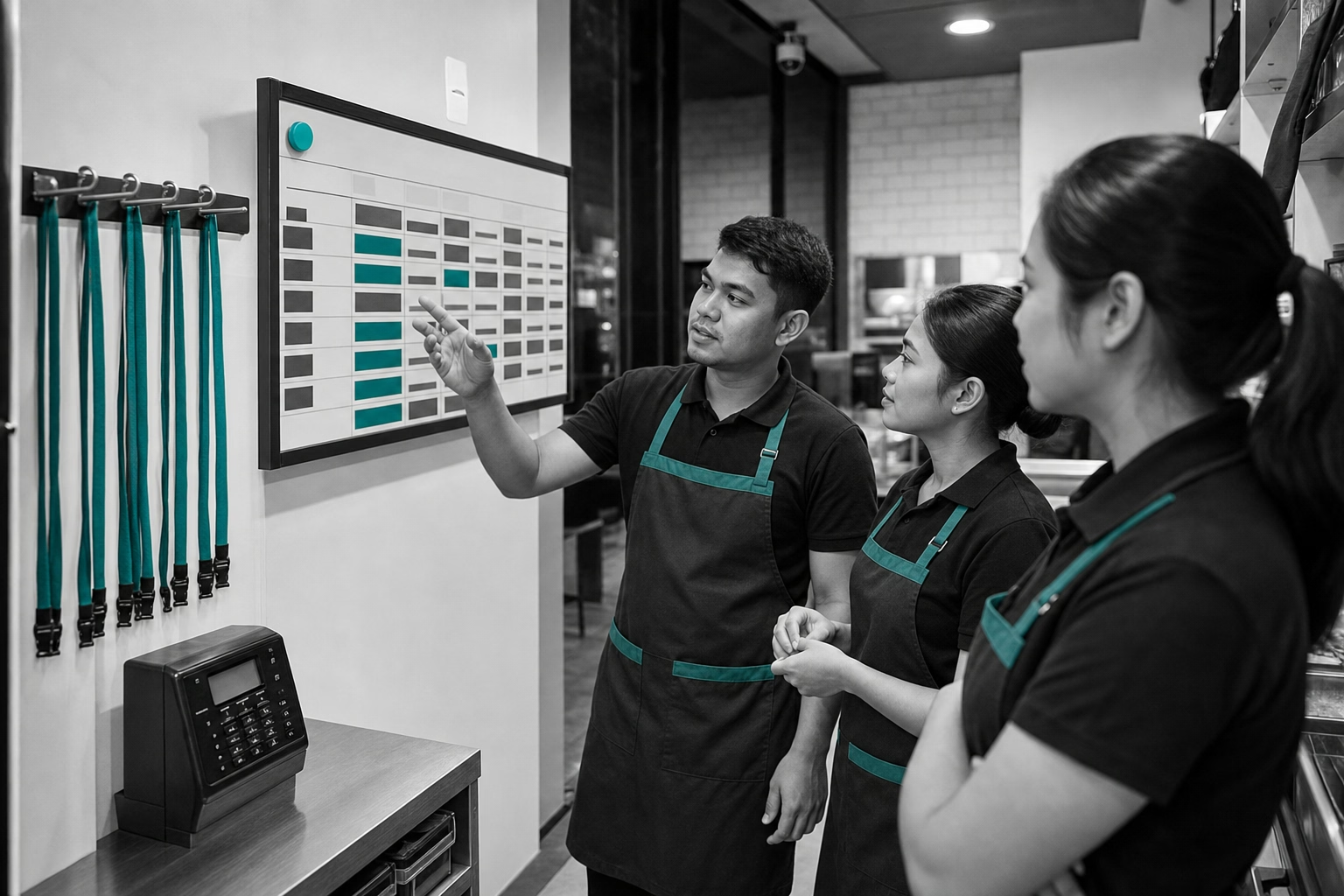
Most PH SMEs run scheduling out of a WhatsApp group, a printed sheet pinned by the time clock, or an Excel file the manager updates Friday afternoon. Works fine for 5 staff. Breaks somewhere between 8 and 15. By 25 it costs the manager more time per week than payroll itself. With 99.63% of Philippine businesses being MSMEs employing 5.6 million people (DTI/PSA, 2024 MSME Statistics in Brief), the question is not whether to formalize scheduling. It is how to set it up so it survives the first quarter. Below are the six steps, the Labor Code touchpoints that have to be configured correctly, and the mistakes that show up in week one.
Define your shift types
Before assigning anyone to anything, define the shift types your business actually runs. For most PH SMEs, this is three to six distinct types.
- Opening shift (typical 6am-2pm for retail/F&B, 7am-3pm for general office)
- Mid shift (10am-7pm, covers the rush)
- Closing shift (2pm-10pm or 3pm-11pm, may cross into 10pm night differential)
- Graveyard shift (10pm-6am, BPO and security primarily, full night differential applies)
- Half shift / part-time (4-hour windows for part-time staff)
- On-call / standby (no fixed time, paid at standby rate)
Write each one down with start and end times, paid-hour rules, and special pay implications (night differential, OT eligibility). Every downstream scheduling decision depends on these definitions being consistent. A manager who later assigns “closing shift” without specifying whether it ends at 10pm or 11pm produces ambiguous timesheets and disputed payroll lines.
Map each worker to eligible shift types
Not every worker can work every shift. Some are part-time and limited to half shifts. Some have medical restrictions (no graveyard). Some are senior staff who supervise closing but do not work openings. Build the eligibility map per worker once, ideally at hiring time. Update only when something genuinely changes.
A typical 15-person PH retail or F&B team breaks down roughly:
- 2-3 senior/supervisor roles eligible for all shifts including closing supervisory
- 5-7 full-time staff eligible for opening, mid, closing
- 3-5 part-time staff eligible for half shifts
- 1-2 standby/on-call workers
The mapping prevents the most common scheduling error. Assigning a worker to a shift they cannot legally or contractually work.
Set the rest-day rotation pattern
Labor Code requires at least one rest day per week per worker. The Code does not specify which day. The employer assigns it. For most SMEs, this is the biggest scheduling decision after shift definitions.
Three rest-day patterns PH SMEs use.
Fixed rest day per worker. Maria off Sundays, Pedro off Wednesdays. Predictable for workers. Easier for the manager. Rigid when business demand shifts.
Rotating rest day. Workers rotate through different rest days week to week. More equitable. Harder to plan personal lives around. Supervisor takes more time per roster.
Demand-driven rest day. Rest days assigned based on forecasted business volume. Sunday-busy F&B gives weekday rest days. Sunday-quiet retail gives Sunday rest days. Most efficient operationally. Requires the most management attention.
The Code’s premium rates only apply correctly if the system knows each worker’s rest day per shift. Working on a rest day or special non-working day pays 130% for regular hours. OT on those days is 169% (130% × 30% OT premium), vs 125% for ordinary-day OT. A misconfigured rest day means the wrong multiplier, which means wrong payroll. Get this right on day one.

Configure DOLE-compliant overtime and night differential rules
The Labor Code OT stack any scheduling system has to handle.
- Standard workday at 8 hours
- Overtime on ordinary days at 125% of regular hourly wage
- Working on a rest day or special non-working day (regular hours) at 130%
- Overtime on a rest day or special non-working day at 169% (130% × 30% OT premium)
- Working on a regular holiday (first 8 hours) at 200%; OT on a regular holiday at 260%
- Night shift differential at +10% for hours worked between 10pm-6am
- Night differential stacks with OT. An ordinary-day OT hour in the night window earns 137.5%. Rest-day OT in the night window stacks to roughly 185.9% (169% × 1.10).
Most modern scheduling and time tracking tools (ShiftFlow, Sprout, ZipHR, Jibble Premium) apply these multipliers automatically when shift type, rest day, and clock-in timestamp are configured correctly. Manual calculation produces errors roughly every other pay period at small-team scale. How Philippine SMEs track employee attendance without manual timesheets covers the rule encoding in depth.
Build the swap-and-cover workflow
Workers need a way to swap shifts or request coverage when life happens. A manual WhatsApp system works for 5 staff and breaks at 15. Three patterns scale.
App-based swap with manager approval. Worker A requests a swap with Worker B. B accepts in the app. Manager sees both sides at once and approves with one tap. Audit trail records the swap and the approval.
Open-shift posting. A shift nobody is assigned to gets posted. Eligible workers volunteer. Useful for last-minute coverage. Requires the system to know which workers are eligible.
Standby pool activation. When no swap or volunteer materializes, a standby pool worker is paged. Pool is small, 1 to 3 workers per shift type. Standby pay is typically lower than active shift pay because the worker is on-call rather than at desk.
ShiftFlow, Connecteam, ZipHR, and Sling all ship the swap-and-cover workflow in their base plan. Sprout includes it on the HR suite tier. Manual systems do not scale past about 15 staff.
Download ShiftFlow for iPhone or Android
When to publish the roster
The most underrated scheduling decision is how far in advance to publish. Three common patterns.
- Same-day published, daily. Manager posts tomorrow’s shifts at end of today. Maximum flexibility for the manager. Maximum unpredictability for workers. Hard limit at about 8 staff.
- Weekly published, Friday for next week. Manager publishes the full next-week roster on Friday. Standard pattern in most PH SMEs. Workers get one week of visibility.
- Bi-weekly or monthly, published mid-period for the upcoming period. Used by chains, BPOs, and any operation with predictable demand. Workers can plan personal lives further out. Common in December for holiday-season retail.
For a 20-person PH retail or F&B team, weekly publishing on Friday for the following Monday-Sunday is the standard. Publish later than Saturday evening for a Monday start and you will receive 3+ swap requests on Sunday from workers whose plans changed.

Philippine-specific complications to plan for
PH holidays compound the math. Regular holidays (Labor Day, Independence Day, Christmas) pay 200% for the first 8 hours and 260% for OT. Special non-working days (Chinese New Year, Black Saturday, EDSA Revolution Anniversary) pay 130% for regular hours and 169% for OT on that day (130% × 30% OT premium). Local holidays in NCR, Cebu, and Davao add region-specific dates. Your scheduling system needs an editable holiday calendar the OT engine reads. Miss a local holiday and workers get paid as if it were a regular day. Legally wrong, and a payroll dispute waiting to happen.
Wage order coverage. The NCR daily minimum wage rose to ₱695 in July 2025 under Wage Order NCR-26. Different regions have different rates under their respective wage orders. Scheduling decisions that move a worker between regional rate zones (Manila staff sent to a Cebu project for two weeks) require the system to apply the correct regional rate per shift. Few tools handle this natively. Most require a manual override.
Scheduling mistakes that show up in week one
Three patterns derail scheduling rollouts.
Building the roster around the manager’s memory of who likes which shifts. Inequitable. Breaks the moment the manager is on leave. Generates resentment in workers who feel unfairly assigned. Use the eligibility map and rest-day rotation as the system. Not the manager’s preferences.
Skipping the swap-and-cover workflow setup. Without an in-app workflow, every coverage request comes to the manager as a WhatsApp message and the manager becomes the bottleneck. Configure the workflow on day one even if the team has not used it yet.
Publishing the roster too late. A roster published Sunday for a Monday start guarantees a flood of swap requests Sunday night. Publish at least Friday for the following week. Workers respect the lead time and the manager spends less time on Sunday triage.
Tools that ship the full scheduling workflow
The four tools most PH SMEs land on for scheduling.
- ShiftFlow (₱99/seat/mo) — roster, swaps, cover, time-off, DOLE-compliant OT rules, GPS clock-in tied to the assigned shift. All in one plan.
- Connecteam (free for 10, ≈₱1,650 flat above 10) — strong for distributed teams that need team chat alongside scheduling.
- Sling (free for up to 30 users) — Toast-owned, free scheduling without GPS. Paid Premium at $2/user/mo monthly ($1.70 annual), Business at $4/user/mo ($3.40 annual).
- ZipHR / KAMI ($30 base + $1/user/mo, ≈₱2,850 for 20 staff with attendance and payroll) — PH-native HRIS with scheduling and BIR, SSS, PhilHealth, and Pag-IBIG filing.
Best shift management app for Philippine small businesses covers the comparison in depth.
Sources
- Philippine Labor Code Book III (PD 442) for overtime, rest day, and night differential rules, and the daily time record requirement (Article 112 plus Omnibus Rules implementing Book III) that DOLE inspectors verify during labour-standards inspections
- DOLE National Wages and Productivity Commission for the NCR ₱695 minimum wage and regional wage orders
- DTI MSME Statistics 2024 (DTI/PSA) for the 99.63% MSME share
- ShiftFlow pricing, Jibble pricing, Connecteam pricing, Sling pricing, ZipHR pricing
- philippines
- sme
- employee-scheduling
- time-tracking
- dole-compliance
- rest-day-rotation
- shift-management
- mofu