How Philippine SMEs Track Employee Attendance Without Manual Timesheets
How Philippine SMEs replace manual timesheets with mobile time tracking, GPS clock-in, and payroll-ready exports. The four-step setup and first-month mistakes.

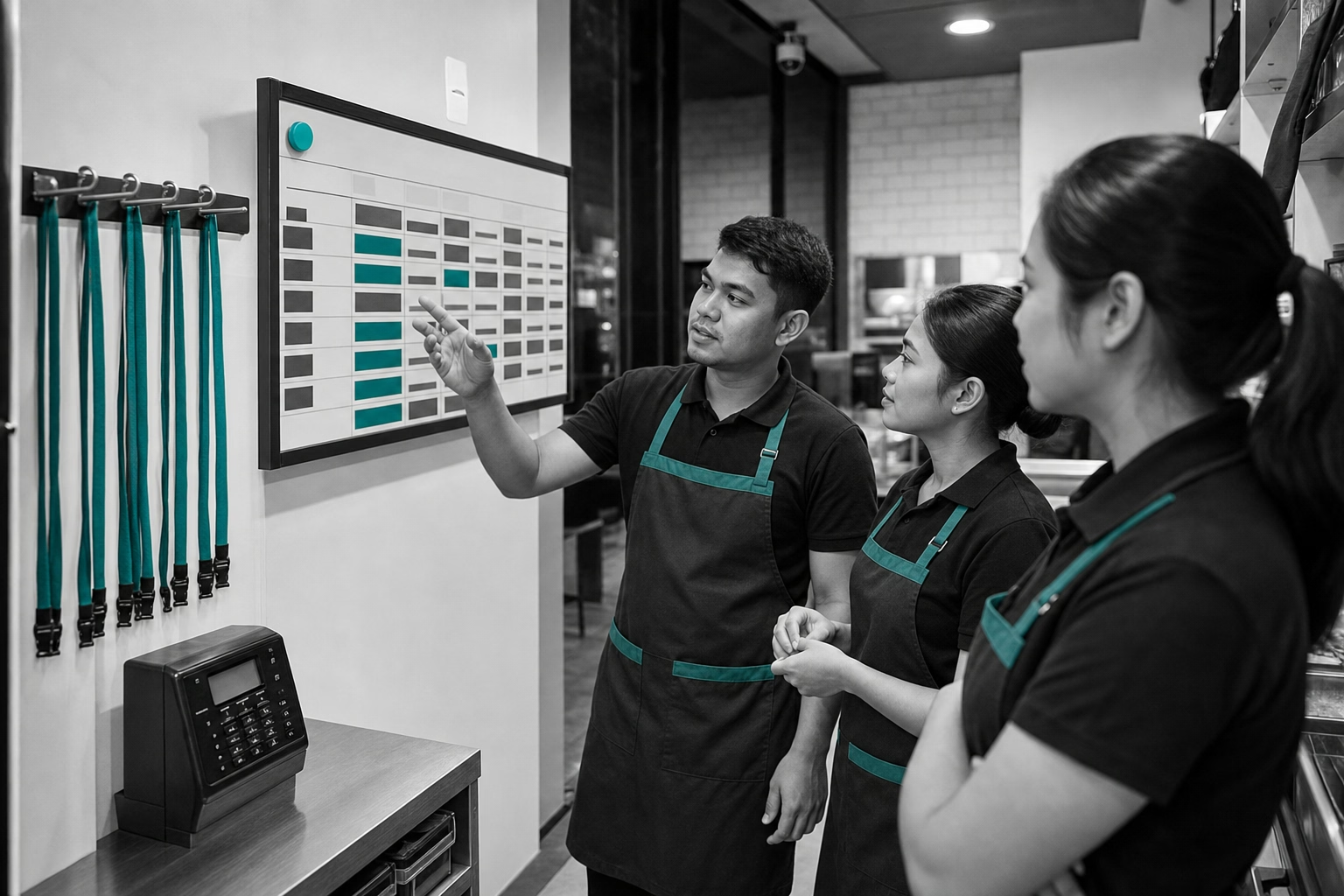
Most Philippine SMEs stuck on Excel timesheets, paper time cards, or a desktop biometric scanner are not held back by software cost. They are held back by not knowing what the replacement workflow actually looks like. With 99.63% of Philippine businesses being MSMEs employing 5.6 million workers (DTI/PSA, 2024 MSME Statistics in Brief), the answer cannot be “buy an enterprise HRIS.” It has to be something a 15-person team can set up over a long weekend and run from a mobile phone. Here is the four-step setup most PH SMEs land on in 2026, plus the mistakes that show up in the first month.
What modern attendance actually means for a PH SME
This is not about replacing a punch card with a fancier punch card. It is about replacing self-reported time data with verified time data. A modern setup captures three things at clock-in that a manual system cannot. Who (selfie or fingerprint). Where (GPS or geofence). When (immutable timestamp from a server, not a cell anyone can edit). Together those three produce a record that holds up under DOLE inspection, prevents buddy punching, and feeds payroll without re-keying.
A modern setup also calculates overtime, night shift differential, and rest day premiums automatically at the timesheet level. Labor Code rules. 125% on ordinary-day OT, 130% for regular hours on a rest day or special non-working day (with OT on those days at 169%), and a 10% night differential between 10pm and 6am that stacks with OT. The payroll-ready output that lands in your bookkeeper’s lap already has the right multipliers applied. They review and approve. They do not recalculate.
The rest of this guide walks through the four steps to get there.
Pick your time tracking stack
Three setups most PH SMEs end up choosing between.
Focused time tracker plus separate payroll. A mobile time tracker (ShiftFlow, Jibble, Hubstaff) handles attendance, OT calculation, and CSV export. The CSV goes to whatever already runs your BIR, SSS, PhilHealth, and Pag-IBIG filings. Sprout, Salarium, PayrollHero, or a bookkeeper. Best fit for teams that already have a working payroll workflow and just need to fix the capture layer. Monthly cost for a 15-person team ranges from ₱0 (Jibble Free) to ₱1,485 (ShiftFlow at ₱99 per seat) to about ₱5,985 (Hubstaff Starter at $7/user/mo monthly, ≈₱399 per seat, with a 2-seat minimum).
Philippine-native HR suite. Sprout Solutions or ZipHR (KAMI Workforce) handles time tracking, payroll calculation, and BIR, SSS, PhilHealth, and Pag-IBIG filings inside one product. Best fit for teams of 20 to 200 that want to consolidate vendors and have somebody on staff who can run an HRIS. Sprout’s outsourced Payroll Starter (for teams of 10 or fewer) starts from ≈₱5,000/mo. Its standard software starter is ≈₱10,000/mo on a custom quote. ZipHR’s Core HR plus Time plus Payroll modules at 20 staff lands around $90/mo (≈₱5,130) on the published $30 base plus $1/user/mo per module pricing.
Hybrid (time tracker plus payroll service). A focused time tracker for capture plus a payroll outsourcing service (a bookkeeper or a Quickbooks-partner accountant firm) for statutory filings. Best fit for very small teams of 5 to 15 where a full HRIS does not yet pencil out.
The pillar guide Best Time Tracking Software in the Philippines (2026 Guide) compares the nine tools PH SMEs shortlist most often, with pricing math for a 15-person team and the honest weaknesses for each.
Configure DOLE overtime and night differential rules
Configure the OT engine before you invite a single worker into the system. The Labor Code rules you need to encode.
- 8-hour standard workday, 48-hour standard work week
- Overtime on ordinary days at 125% of regular hourly wage
- Working on a rest day or special non-working day at 130% for regular hours, 169% OT on those days (130% × 30% OT premium)
- Working on a regular holiday at 200% for the first 8 hours, 260% OT (200% × 1.30)
- Night shift differential at +10% for hours worked between 10pm and 6am
- Night differential stacks with OT. A BPO agent on an ordinary-day overtime night shift earns 137.5% of base for the overlapping hours.
Most focused time trackers (ShiftFlow, Jibble Premium, Hubstaff Grow) let you set these as configurable rules tied to shift types and worker classifications. PH-native suites (Sprout, ZipHR) ship with the rules preconfigured for the Labor Code. That is one reason teams that want compliance done by the vendor lean toward the local platforms.
Test the rules against at least three real scenarios before going live. A regular weekday with no OT. A Saturday rest day with 2 hours of OT. A regular night shift that crosses 6am into the next pay day. If any of those produce the wrong number, fix the rule before workers start clocking in.
Download ShiftFlow for iPhone or Android

Set up GPS and kiosk for field teams
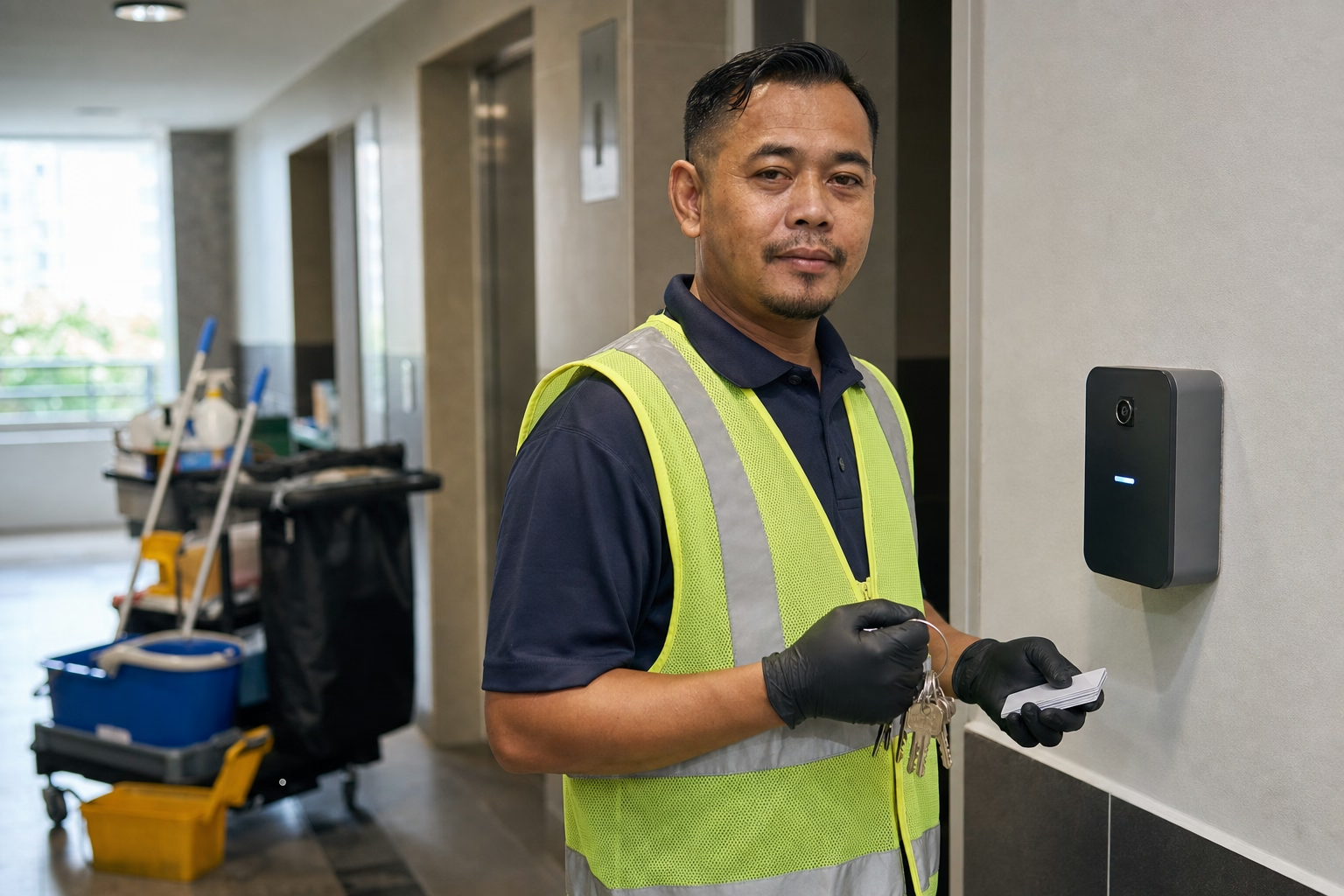
A single fixed-location biometric scanner only solves attendance for people who actually walk into that one location. For anyone who starts the shift elsewhere (sales reps, cleaning crews, construction, security guards, field service techs, BPO work-from-home staff), you need two modes.
Mobile GPS clock-in. Worker installs the app, clocks in when they arrive at the assigned site, and the app captures GPS coordinates plus a selfie as part of the punch. Geofencing optionally restricts clock-in to within a defined radius of the site, so nobody can clock in from home and claim to be on site.
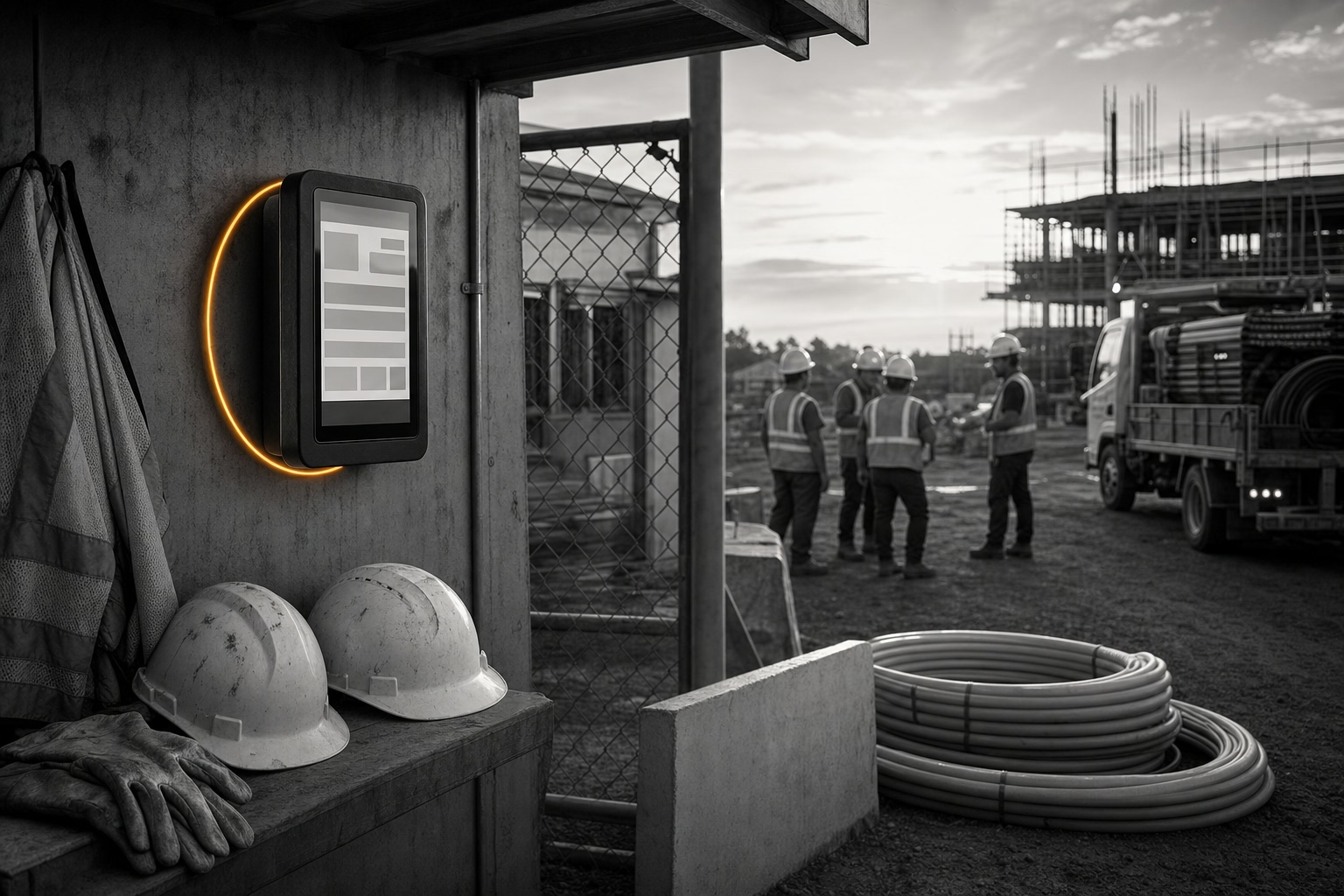
Kiosk mode. A shared tablet or older phone bolted at the office or job site. Workers tap in and out with a PIN or facial recognition. Useful where workers do not bring personal phones (construction, factory floors) or where you do not want personal phone use in the time-tracking conversation.
Most modern tools support both modes in one plan. ShiftFlow, Jibble, Hubstaff, Connecteam, ZipHR. The kiosk-only setup some PH SMEs run is a half-fix. It solves office attendance and does nothing for field staff. GPS attendance tracking for Philippine field teams covers the field-team setup in more depth, and how to prevent time theft in Philippine small businesses covers the buddy-punching defense in detail.
Connect attendance data to payroll
Output of the time tracking system has to land in payroll without anyone re-keying numbers. Three patterns work.
CSV export to a payroll service or bookkeeper. The tracker produces a CSV with worker name, hours by classification (regular, OT, night diff, rest day), and date. The bookkeeper or payroll service imports it. Most foreign time trackers (ShiftFlow, Jibble, Hubstaff, Toggl, Clockify) ship this format.
Native integration with a Philippine payroll product. Sprout, ZipHR, Salarium, and PayrollHero all have native time tracking modules that flow directly into their own payroll calculation. No export step.
API-level sync. Larger setups of 50+ staff sometimes wire a foreign tracker into a PH payroll product via API or middleware. Useful when the tracker is the best fit for field operations but payroll has to stay on a local platform for statutory reasons.
Whichever pattern you pick, run one parallel pay period before cutting over. Two cycles. Compare numbers worker by worker. The most common gap is night shift differential getting calculated slightly differently. Second most common is the rest-day distinction (which day is which worker’s rest day) being set wrong in the new system.
What goes wrong in the first month
Three patterns show up over and over in PH SMEs moving off manual timesheets.
- Skipping the parallel pay period. Teams cut over cold, find a discrepancy on the first real pay day, and issue corrections under deadline pressure. Run two parallel cycles. Compare line by line.
- Configuring GPS too tight. A 50-meter geofence works for an office. On a construction site it means workers cannot clock in from the parking lot. Start at 200m and tighten only if you see abuse.
- Forgetting time zones. Sounds trivial. Burns multiple PH SMEs every year, especially ones with US clients. Set the time zone to Asia/Manila explicitly in every tool. Some default to UTC, which means a 10pm Manila clock-in shows as 2pm UTC on the report.
Still pricing systems before deciding? Time tracking software pricing explained for Philippine small businesses breaks down the real monthly cost by team size and feature mix. The cost of getting attendance wrong (DOLE inspections, NLRC disputes, ghost payroll) is almost always higher than the cost of the software.
Sources
- DTI MSME Statistics 2024 (DTI/PSA) for the 99.63% MSME share and 5.6M employment baseline
- Philippine Labor Code Book III (PD 442) for overtime, night differential, and daily time record requirements
- DataReportal Digital 2025: Philippines for mobile penetration and connectivity baselines
- philippines
- time-tracking
- sme
- attendance
- gps-clock-in
- dole-compliance
- payroll-integration
- mofu