GPS Attendance Tracking for Philippine Field Teams
GPS attendance tracking for Philippine field teams in 2026: how geofencing works, what to configure, and tools that fit PH construction, security, and cleaning.

A fixed-location biometric scanner stops being useful the moment your team leaves the office. The GC running two sites in Cavite, the security firm placing 25 guards across QC malls, the cleaning company servicing six BGC condos. Nobody on these teams is at HQ when their shift starts. Median Philippine mobile download speed is 35.56 Mbps with 122% mobile penetration (DataReportal, Digital 2025: Philippines). That is fast enough for GPS attendance to work in most populated areas. Coverage gaps still show up at remote sites, mall basements, and provincial interiors. The catch is configuring it correctly the first time.
What a GPS clock-in actually captures
A single clock-in event records four things at once.
- Location coordinates (latitude/longitude) from the phone’s GPS chip, typically accurate to 5 to 50 meters depending on whether the worker is outdoors, indoors, or under a heavy mall roof
- Server-side timestamp that the worker cannot edit, sent at the moment the clock-in button is tapped
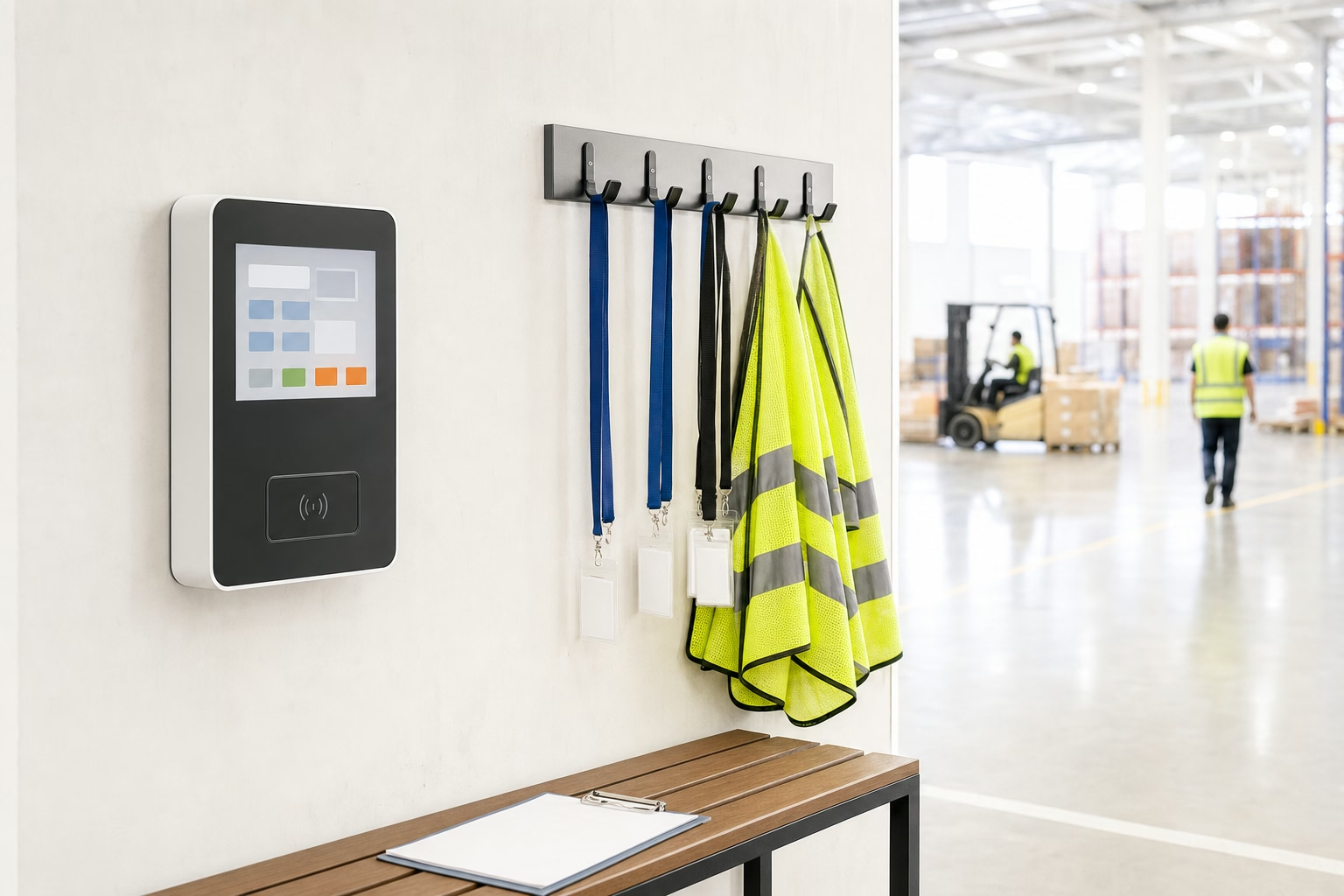
- Worker identity verified by either a selfie at clock-in, a fingerprint on phones that support biometric authentication, or both
- Optional photo of the work environment for construction sites where the foreman wants visual proof of site arrival
That combined record holds up better in a DOLE inspection or NLRC dispute than any Excel timesheet. A foreman typing hours into a spreadsheet cannot reliably prove a worker was on site at 7:58am on a specific Tuesday. A GPS clock-in event with a selfie and coordinates inside the geofence gives an inspector something concrete to evaluate.
How geofencing works in practice
A geofence is a circle drawn on a map around a worksite (some tools support polygons). Clock-in only works when the worker’s GPS coordinates fall inside it. Three configurations cover most PH field operations.
Permissive geofence at 200–500m radius. The worker can clock in from anywhere within roughly a city block of the site. Use this when GPS accuracy is unreliable. Mall basements, indoor parking, partial signal areas. Or when the “site” is genuinely a larger footprint, like a construction project with multiple buildings.
Strict geofence at 20–50m radius. Clock-in is restricted to the immediate building. Use this for fixed-location operations like a single office, guard post, or retail outlet. Go tighter than 20m and normal GPS noise starts triggering false rejects.
Tolerance zone, no enforcement, just logging. Coordinates get captured but nothing blocks the clock-in. The supervisor reviews out-of-range punches manually. Pick this when you want the audit trail but cannot afford a false reject breaking a shift start.
Start permissive at 200m. Tighten only if you see real abuse.
Configuring GPS for five real Philippine field scenarios
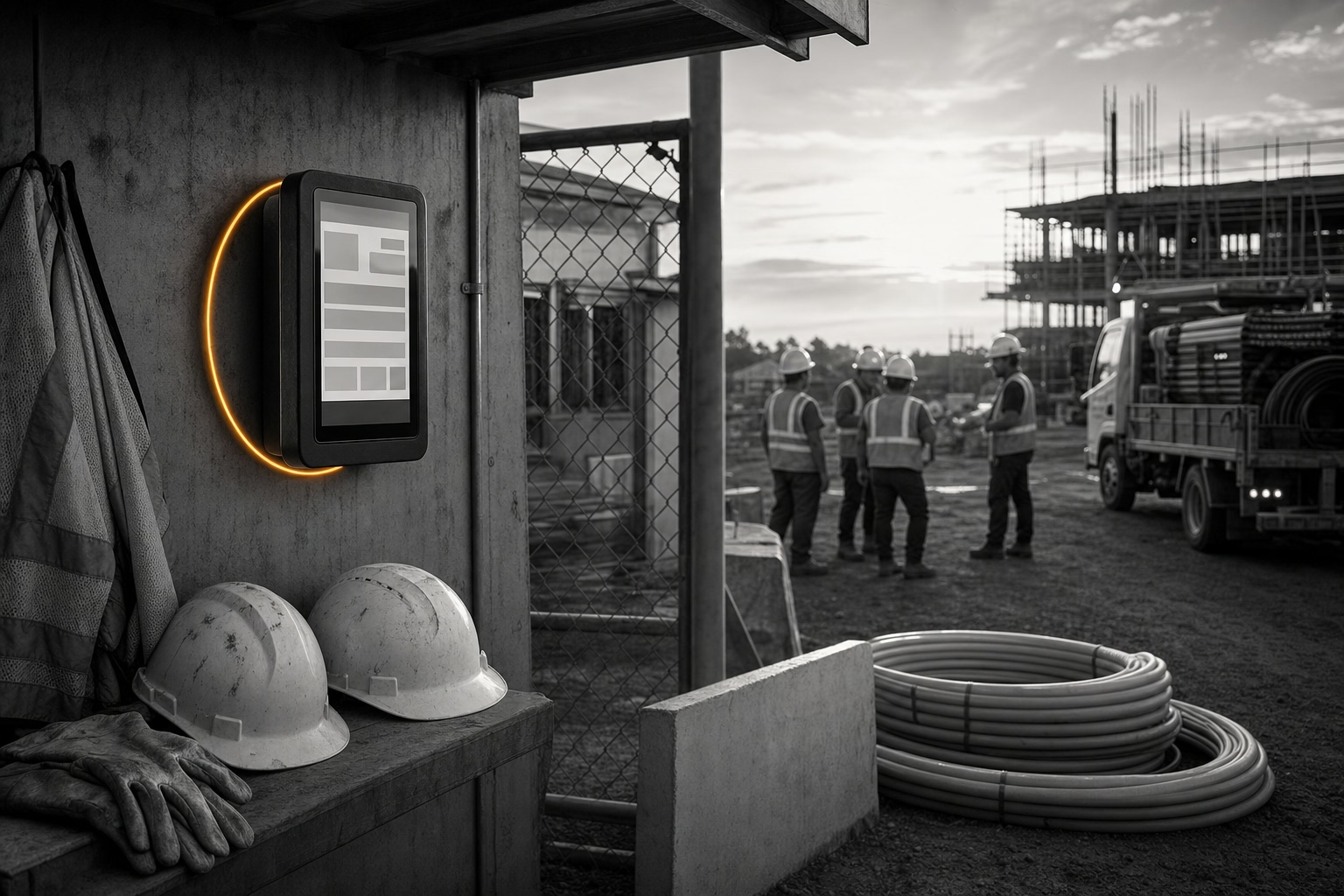
Construction GC running two sites in Cavite. Each site gets a 300m geofence around the project area. Workers assigned to Site A cannot clock in from Site B. The system warns and blocks. The foreman can override for valid cross-site work. Offline mode is non-negotiable because signal at perimeter walls is patchy.
Security firm placing 25 guards across three malls. Each mall gets its own 200m geofence covering the building footprint and parking. Each guard’s roster names the assigned mall for that shift. Clock-in from the wrong mall is blocked. That alone catches roster-swap arrangements early. Selfie verification is non-negotiable here. Otherwise guards will let friends cover their shifts.
Cleaning company servicing six condo buildings. Tight 50m geofence per building. Rosters change weekly. The dispatcher pushes the new schedule every Sunday night. Clock-in attempts at unassigned buildings show up on the dispatcher’s dashboard for review, not auto-blocked. Some route changes are genuine and happen mid-week.
Sales rep team for an FMCG distributor. No geofence here. GPS just captures the rep’s location at each client visit and feeds the daily route report. OT triggers on hours, not geofence violations. This is visit logging, not attendance enforcement.
BPO work-from-home agent. GPS verifies the agent is at their declared home address within a 50m radius, not at a coffee shop or another office. Selfie at clock-in confirms identity. The contract specifies the home-only requirement. How BPO companies reduce time theft and absenteeism covers the BPO-specific compliance setup.

Tools that handle Philippine field GPS well
Four tools clear the bar (GPS, selfie, offline, PH payroll export) for Philippine field operations.
ShiftFlow. ₱99 per seat per month, single plan, no base fee. GPS, selfie verification, per-site geofencing, offline mode, kiosk mode for shared devices, scheduling, overtime rules tied to the Philippine Labor Code, and CSV export to PH payroll. All in one plan. Best fit for crews of 5 to 50 in construction, security, cleaning, and field service.
Jibble. Free for unlimited users with GPS, face recognition, kiosk, and automated timesheets. The free tier caps you at two geofences. A cleaning company with six client sites has to pay for Premium at ≈₱228 per seat to add more. Best for small field teams under 10 where the free tier covers the scope.
Hubstaff. Starter at $7 per user per month monthly ($5.83 annual, ≈₱399 per seat) with a 2-seat minimum. GPS, geofencing, idle detection, and screenshot monitoring on every tier. The monitoring stack is heavier than ShiftFlow or Jibble. Whether that is a fit or a friction depends on your team. Better for distributed remote teams than field crews.
Sprout Solutions. PH-native HR suite with attendance, mobile GPS, and geofencing that flows into BIR, SSS, PhilHealth, and Pag-IBIG filings. Outsourced Payroll Starter from ≈₱5,000/mo for teams of 10 or fewer. Standard software starter from ≈₱10,000/mo on a custom quote. Heavier setup than ShiftFlow or Jibble, but it consolidates the full HR/payroll stack.
Best Time Tracking Software in the Philippines (2026 Guide) runs the full comparison across nine tools.
Download ShiftFlow for iPhone or Android
What goes wrong when configuring GPS attendance
Three patterns show up in almost every PH field deployment.
Geofence too tight on the first try. A 50m geofence on a construction site means the worker has to stand inside the perimeter wall to clock in. Normal GPS noise will reject them on a Tuesday morning. Start at 200m. Tighten only if you actually see abuse.
Skipping offline mode setup. Some apps require an initial online login before the offline cache works. A worker who downloads the app for the first time at a no-signal site cannot clock in. Roll out the app and require the first login on WiFi at the office.
Ignoring battery drain. GPS running continuously through a 12-hour shift drains the worker’s battery. On most modern tools, GPS only fires at clock-in and clock-out, not continuously. Confirm that setting before rollout. Otherwise workers will (legitimately) complain that the app is killing their phones.
How to prevent time theft in Philippine small businesses covers the broader operational changes that make GPS attendance pay back.
How GPS attendance changes the supervisor’s day
A supervisor running GPS attendance for the first time usually discovers three things in the first month.
- Punctuality is more variable than the old timesheets showed. Workers who reported “on time” in Excel often actually arrived 10 to 20 minutes late. The GPS log shows the real distribution.
- The night differential and OT stack adds up. Workers whose actual hours include 1am clock-outs accrue night differential nobody was tracking. Budget for the correction.
- Most geofence violations are innocent. The worker clocked in from the parking lot instead of inside the building. Or hit the wrong outlet because they misread the roster. Set up an exception dashboard for the supervisor to review weekly. Auto-rejecting in real time is a recipe for shift starts breaking.
For most PH field operations, GPS attendance is less about catching theft and more about producing a defensible record. The Labor Code requires employers to keep daily time records, which DOLE inspectors verify during labour standards inspections. A GPS-verified log is far stronger evidence than a foreman’s spreadsheet entry. How Philippine SMEs track employee attendance without manual timesheets covers the full operational setup.
Sources
- DataReportal Digital 2025: Philippines for mobile speed and connectivity baselines
- Philippine Labor Code Book III (PD 442) for the 8-hour workday, overtime rules, and daily time record requirements
- ShiftFlow pricing, Jibble pricing, Hubstaff pricing, Sprout Solutions
- philippines
- time-tracking
- gps-tracking
- field-teams
- geofencing
- construction
- security
- mofu