Offline Time Tracking for Remote Workers in Southeast Asia
Why offline time tracking matters for SEA remote workers in 2026. How offline mode works, where it fails, and tools that handle it across PH, MY, ID, TH, VN.
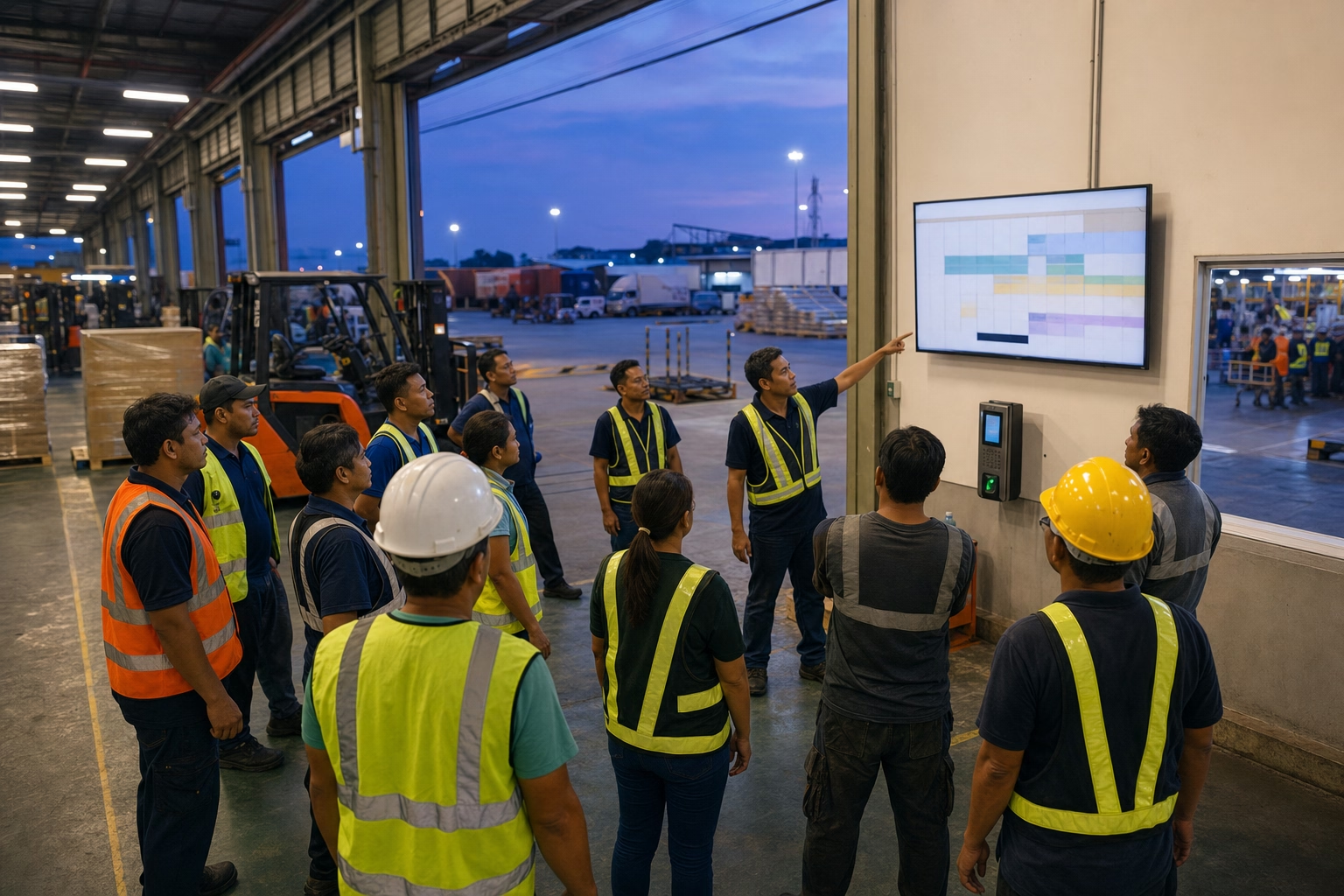
7am in Cebu. A cleaning crew supervisor tries to clock in 12 staff at a condo basement parking lot. The app fails. The building’s signal does not reach below ground. Meanwhile, a construction foreman in West Java cannot get a clock-in to register because the project site is 8 km from the nearest tower. And a security guard in Bangkok’s third-floor mall back office is technically online, but the connection is too patchy for the sync to complete. All three end up as missing time records. All three show up as disputes at month-end payroll. Offline time tracking is what kills the dispute before it starts. Here is why offline matters across SEA, how the tech actually works, where it still breaks, and which tools handle it.
Why offline mode is a SEA-specific problem
SEA mobile coverage is uneven in a way that US-built time tracking software was never designed around. KL, Singapore, Manila, Jakarta, Bangkok, Ho Chi Minh City all have median speeds above 50 Mbps and near-universal coverage. Step outside those centers and the picture changes fast.
- Philippine median mobile download speed is 35.56 Mbps, with provincial coverage gaps showing up regularly (DataReportal Digital 2025: Philippines)
- Indonesian rural coverage outside Java is materially weaker than urban metrics suggest
- Vietnamese and Thai provincial sites show similar urban-rural gradients
- Even in Singapore and KL CBDs, indoor coverage at mall basements, multi-story carparks, hospital sub-basements, and large warehouse interiors is unreliable
For SEA teams in construction, security, cleaning, healthcare, retail, and F&B, these are not edge cases. They are Tuesday morning.
A time tracker without real offline mode is operationally broken here. The clock-in fails. The worker either skips it or logs it later as a retroactive entry the supervisor has to approve. The audit trail loses the timestamp credibility that made the system worth running in the first place.
How offline mode actually works
Offline ships in three implementation patterns. They fail differently, so it matters which one a vendor uses.
Pattern A. Local queue with auto-sync. The mobile app stores clock-in and clock-out events in device local storage. When the network returns, the app pushes the queued events to the server with their original timestamps preserved. This is what most field workers actually need. ShiftFlow, Jibble, and Hubstaff all do this.
Pattern B. Cached login, online-required submission. The app caches the worker’s login so they can open it offline. The actual clock-in submission still needs network. The worker sees an error and is supposed to retry later. On a feature comparison sheet this looks like offline support. In practice it isn’t. The worker has to remember to clock in later, and they often don’t. A few tools that market themselves as “offline-friendly” sit here.
Pattern C. No offline support. Clock-in fails outright. The worker gives up or types a time later into a manual override field that the supervisor has to approve without verification. This is the honest answer for some of the lighter time tracking tools.
For SEA field work, only Pattern A is acceptable. Verify it on the demo. Ask the vendor directly: “What happens when a worker taps clock-in with no internet, and the app stays offline for 30 minutes before reconnecting?” The answer should describe a local queue and auto-sync on reconnect. Anything fuzzier is Pattern B.
Five real SEA scenarios where offline is the deciding feature
1. Cleaning crew in a Cebu condo basement. Crew arrives at 7am and has to clock in at the basement parking before taking the lift up. Signal below ground is unreliable. Offline mode queues the event with the real 7:00am timestamp and syncs when they get to the upper floors. Without it, the worker logs in 15 minutes later at the unit and the agency eats a phantom 15-minute payroll loss across the whole crew.
2. Construction crew at a rural West Java site. Fifteen people at a residential project 8 km from the nearest tower. The supervisor hands out shared tablets at site arrival, each worker taps in, the tablets queue events locally, and the supervisor syncs when they drive back into coverage for lunch. Without offline mode, the entire morning of clock-ins is gone.
3. Mall security guard rotation in Bangkok. A guard rotates through three positions across a 12-hour shift. Some spots have signal. Some don’t. Each position-change clock-in queues if needed, and the app catches up automatically when the guard hits a better zone.
4. Provincial PH retail outlet during a brownout. A boba shop in Pampanga loses power and WiFi for two hours. Afternoon shift staff arrive and use the kiosk tablet on its battery. Clock-ins queue, then sync when WiFi returns. Without offline mode, the shop loses a whole shift’s attendance log.
5. KL to Singapore cross-border travel. A sales engineer based at KL HQ heads to Singapore for client meetings. Some clock-ins happen mid-transit where roaming is patchy. Offline mode preserves them. They sync on the hotel WiFi.
How to test offline mode before you commit
Any pre-purchase demo should include this exact test.
- Open the time tracking app on a real phone (not the vendor’s demo iPad with their internal Wi-Fi)
- Turn on airplane mode
- Clock in. Confirm the app accepts the event and shows a queued status
- Wait 30 minutes (or simulate by closing the app, waiting, reopening)
- Turn airplane mode off
- Confirm the queued event syncs to the server with the original timestamp (not the sync time)
- Check the supervisor dashboard to confirm the event appears with the correct timestamp
Most vendors will not run this test on their own demo. It makes the difference between Pattern A and Pattern B visible, and Pattern B vendors don’t want that. Ask anyway. If they refuse, assume Pattern B until proven otherwise.

Which tools actually handle SEA offline use cases
Five tools clear the real offline bar for SEA field work.
- ShiftFlow (₱99 / RM 14.9 per seat / mo). Pattern A. Mobile apps queue events locally and sync on reconnect with original timestamps preserved. Works for PH and MY operations; CSV export to local payroll.
- Jibble (free unlimited users; ≈₱228 / ≈RM 18 per seat Premium). Pattern A. Malaysian-built, strong offline implementation, free tier covers basic field operations.
- Hubstaff (Starter $7 / user / mo monthly or $5.83 annual, ≈₱399 / ≈RM 33 per seat monthly, 2-seat minimum). Pattern A. Includes offline GPS tracking; foreign-client monitoring stack on higher tiers.
- Time Doctor ($8 Basic, $14 Standard, $20 Premium per user / mo). Pattern A. Required by many BPO contracts; offline mode is part of the standard build.
- Connecteam (free up to 10 users; Basic $29 / mo flat for the first 30 users, then per-seat above that). Pattern A. Mobile-first; offline mode is solid; geared to deskless field teams.
Toggl Track and Clockify mobile apps are weaker on offline. Fine for office work. Wrong tool for SEA field teams.
Grab the ShiftFlow app, no card needed
What changes when SEA teams get offline right
Three things shift in the first month after a Pattern-A tool goes live.
- The “I couldn’t clock in, no signal” messages stop. The manual override requests stop with them.
- Audit trail integrity holds. Every clock-in carries a server-side timestamp from the moment the worker tapped, not the moment signal returned.
- Payroll disputes tied to missing or backfilled time drop sharply. The audit trail has no visible gaps to argue about.
None of these are dramatic on their own. Together they are the difference between a time tracker that quietly works and one that produces a monthly payroll fight.
What to ask vendors before signing
Three questions catch most offline-mode hedging.
- “What happens when a worker taps clock-in offline and stays offline for 30 minutes?” You want to hear: queues locally, syncs on reconnect with original timestamp.
- “If two workers clock in offline at the same site and sync at different times, do their events stay in the correct order?” You want to hear: yes, original timestamps are preserved server-side.
- “What happens if a worker’s phone dies before syncing?” The honest answer is that queued events sync the next time they open the app after charging. Some tools have a sync cap (events older than 7 days get dropped). Get the cap in writing.
For specific country setups, Best Time Tracking Software in the Philippines (2026 Guide) covers PH-specific picks; Best Time Tracking Software in Malaysia for SMEs covers MY; What to look for in a time tracking system for Southeast Asian teams covers the multi-country evaluation framework.
Sources
- DataReportal Digital 2025: Southeast Asia overview for regional connectivity baselines
- DataReportal Digital 2025: Philippines for PH median mobile speed and coverage context
- DataReportal Digital 2025: Indonesia for ID urban-rural coverage gap context
- Jibble pricing and Hubstaff pricing for SEA-relevant vendor benchmarks
- southeast-asia
- time-tracking
- offline-mode
- remote-teams
- field-teams
- gps-tracking
- mofu