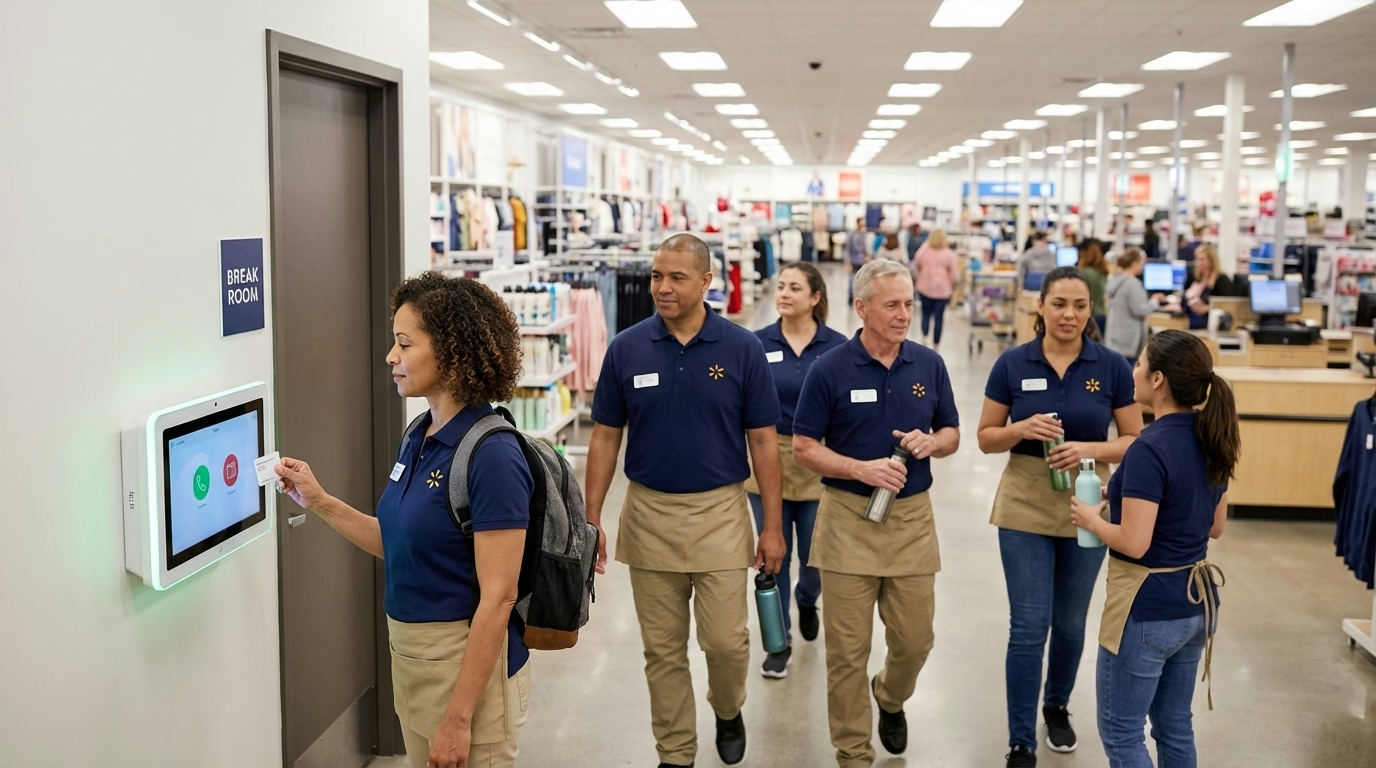
Online Time Clock vs Traditional Punch Clock: Which Is Better?
Still using a wall-mounted punch clock? Compare traditional punch clocks with online time clocks across accuracy, cost, compliance, and scalability to decide if it is time to switch.

What Is the Difference Between an Online Time Clock and a Punch Clock?
A traditional punch clock is a wall-mounted mechanical or electronic device that stamps a paper time card when an employee inserts it. The concept has barely changed since Willard Bundy patented one of the first commercially successful models in 1888.
An online time clock is cloud-based software that records clock-ins and clock-outs through a web browser, mobile app, or shared tablet. Hours sync automatically to digital timesheets, overtime calculations run in the background, and payroll exports happen in a few clicks.
Both solve the same core problem—recording when people start and stop work. The difference is everything that happens after the timestamp.
Quick Answer
Online time clocks automate hour calculations, prevent buddy punching, and export directly to payroll. Traditional punch clocks are cheaper upfront but create hidden costs through manual data entry, payroll errors, and compliance risk. For most teams with more than five people, online wins on total cost of ownership.
Side-by-Side Comparison
| Feature | Traditional Punch Clock | Online Time Clock |
|---|---|---|
| Accuracy | Manual reading; error-prone | Automatic; near-zero error rate |
| Buddy punching | No prevention | GPS, selfie, biometric verification |
| Payroll integration | Manual data entry | Direct export to payroll software |
| Cost (15 employees) | $50–200 upfront + $30–50/mo supplies | $0 hardware + $45–150/mo software |
| Mobile access | None | Clock in from any device |
| Overtime tracking | Manual calculation | Automatic alerts and calculations |
| Compliance records | Paper files, hard to audit | Digital audit trail, instant reports |
| Scalability | One clock per location | Unlimited locations, one dashboard |
Hidden Costs of Traditional Punch Clocks
The sticker price of a $50 punch clock looks attractive. The real cost shows up in manual payroll calculation labor, data entry errors, buddy punching, and compliance risk. For a detailed breakdown of these hidden costs — including error rate data and dollar estimates — see The Hidden Cost of Manual Time Tracking.
The short version: for a 20-person team, manual punch card processing alone can cost $180–300 per month in admin labor before you count the payroll corrections, wage disputes, and lost productivity.

Where Online Time Clocks Win
Automatic Hour Calculations
Clock-in and clock-out times flow directly into digital timesheets. The software handles daily totals, weekly overtime, break deductions, and pay period summaries without anyone touching a calculator.
Buddy Punching Prevention
Online time clocks use GPS verification, photo capture, device restrictions, or biometric login to confirm identity at clock-in. Preventing buddy punching becomes a system default rather than a management task.
Real-Time Visibility
Managers see who is clocked in right now, who is approaching overtime, and who has not shown up. This visibility is the foundation of effective workforce management—you cannot manage labor costs you cannot see.
Multi-Location Support
A single online time clock covers every job site, office, and remote worker from one dashboard. Traditional punch clocks require buying and maintaining hardware at every location.
Payroll Integration
Most online time clock platforms export hours directly to payroll software, eliminating the manual data entry step entirely. That alone can justify the monthly subscription cost.
When a Traditional Punch Clock Still Works
There are narrow cases where a wall-mounted punch clock is still reasonable:
- Single location with all team members clocking in at the same spot
- Fewer than five employees where manual calculation takes minutes, not hours
- No overtime complexity—everyone works the same fixed schedule
- No compliance concerns beyond basic record-keeping
Even in these cases, free or low-cost time clock software often matches the total cost of ownership while providing better records.
How to Switch from Punch Cards to an Online Time Clock
1. Audit Your Current Process
Calculate how much time your team spends on manual payroll each period. Count the number of time card disputes, buddy punching incidents, and payroll corrections. These numbers make the business case.
2. Choose Software That Fits Your Team
Look for time clock software with the features your team actually needs. A five-person restaurant does not need the same tool as a 50-person construction company. Prioritize ease of use—if your team members cannot clock in without training, adoption will stall.
3. Run Both Systems in Parallel
Keep the punch clock running for one pay period while team members also clock in with the new system. Compare the results. This catches setup errors and builds confidence before you pull the old clock off the wall.
4. Set Clear Expectations
Communicate the switch, explain why it is happening, and show team members how to use the new system. Address privacy concerns around GPS or photo verification upfront. A quick five-minute demo during a team meeting is usually enough.
5. Remove the Old Clock
Once you have confirmed the new system is accurate and everyone is using it, take down the punch clock. Keeping both running indefinitely creates confusion and defeats the purpose of switching.

Further Reading
- Automatic vs Manual Time Tracking: Which Is Better? — Cost analysis and ROI of switching from manual methods
- What Is Time Clock Software and How Does It Work? — Technical explainer covering cloud, on-premise, kiosk, and biometric types
- What Is a Time Clock & How to Choose One — Overview of every time clock type
If your team is still passing around paper time cards, an online time clock eliminates the manual work, cuts payroll errors, and gives you real-time visibility into labor costs. ShiftFlow’s time clock handles clock-ins, overtime calculations, and payroll exports from any device—no hardware required.
Sources
- American Payroll Association — The High Cost of Manual Time Tracking — error rate and cost estimates for manual time entry
- U.S. Department of Labor — FLSA Recordkeeping Requirements — federal time record retention rules
- Nucleus Research — Automating Time and Attendance — payroll error reduction data
FAQ
Is an online time clock more accurate than a punch clock?
Yes. Online time clocks record times to the second and calculate hours automatically, eliminating the manual data entry errors that come with reading paper punch cards. Automated systems reduce payroll errors to near zero compared to the significant error rates common with manual time entry.
How much does an online time clock cost compared to a punch clock?
A basic mechanical punch clock costs $50–200 upfront, plus $10–20 per month in time cards, ribbons, and replacement parts. Online time clock software typically costs $3–10 per user per month with no hardware required. For a team of 15, online software runs about $45–150 per month compared to roughly $30–50 per month for ongoing punch clock supplies, but eliminates the hidden cost of manual payroll calculation.
Can I use an online time clock without internet?
Many online time clock apps offer offline mode that caches clock-ins on the device and syncs when connectivity is restored. This makes them viable for job sites, rural locations, or basements where Wi-Fi is spotty. Check that your chosen software specifically supports offline functionality before committing.
Do online time clocks prevent buddy punching?
Yes. Online time clocks can use GPS verification, selfie capture, biometric login, or device-specific restrictions to verify that the person clocking in is actually the team member assigned to that shift. Traditional punch clocks have no way to verify who inserts the card.
When does a traditional punch clock still make sense?
A traditional punch clock can still work for businesses with a single location, fewer than five employees, no compliance complexity, and no need for remote clock-ins. Even then, the payroll calculation time often makes it more expensive in practice than a low-cost digital alternative.