How to Track Overnight and Lone-Worker Guard Shifts
The graveyard shift on a solo post is where attendance is hardest to verify and easiest to fake — and where a guard who goes quiet is also a safety problem. Here is how to track overnight lone-worker shifts without standing over anyone.
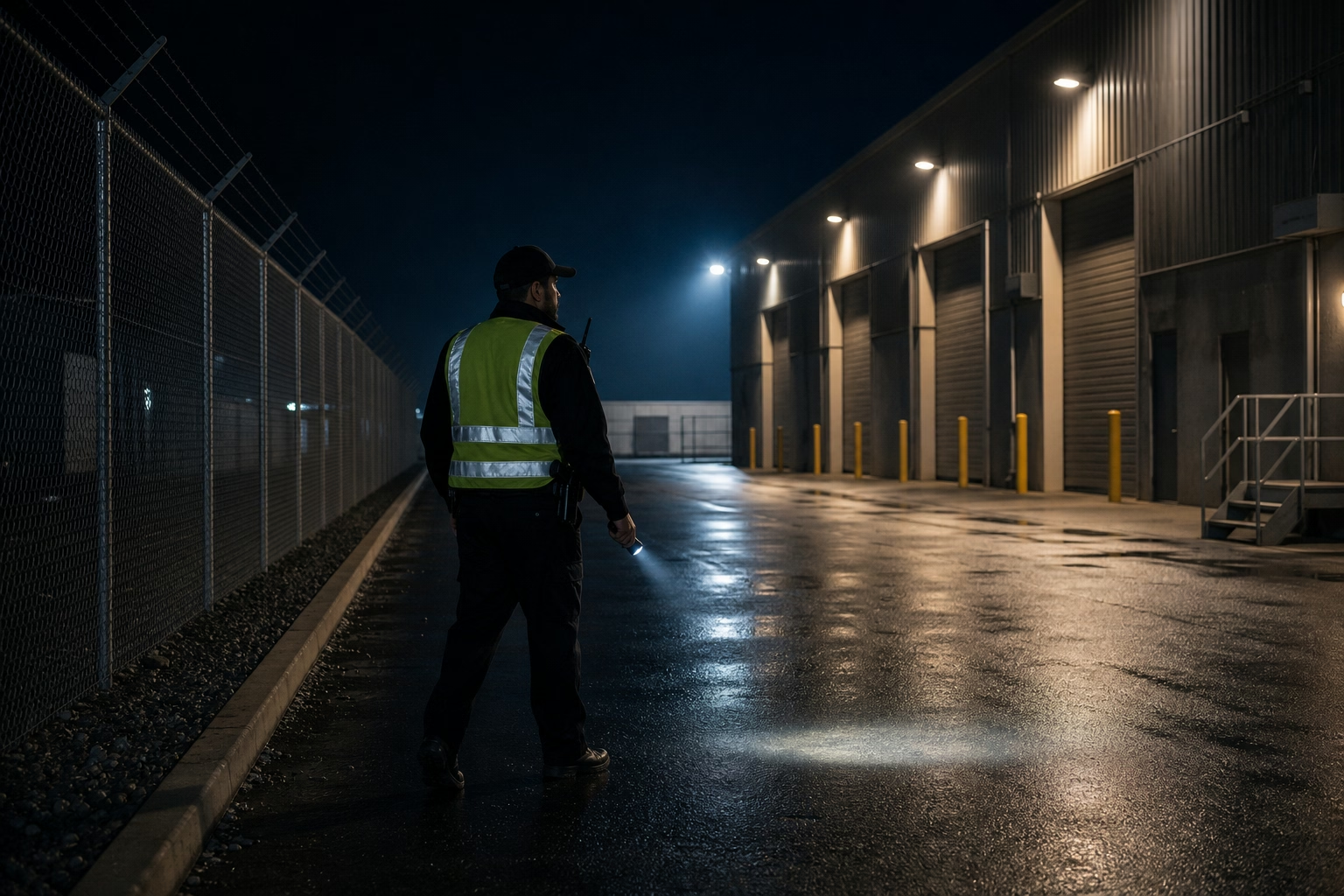
The Shift Where Everything Is Hardest
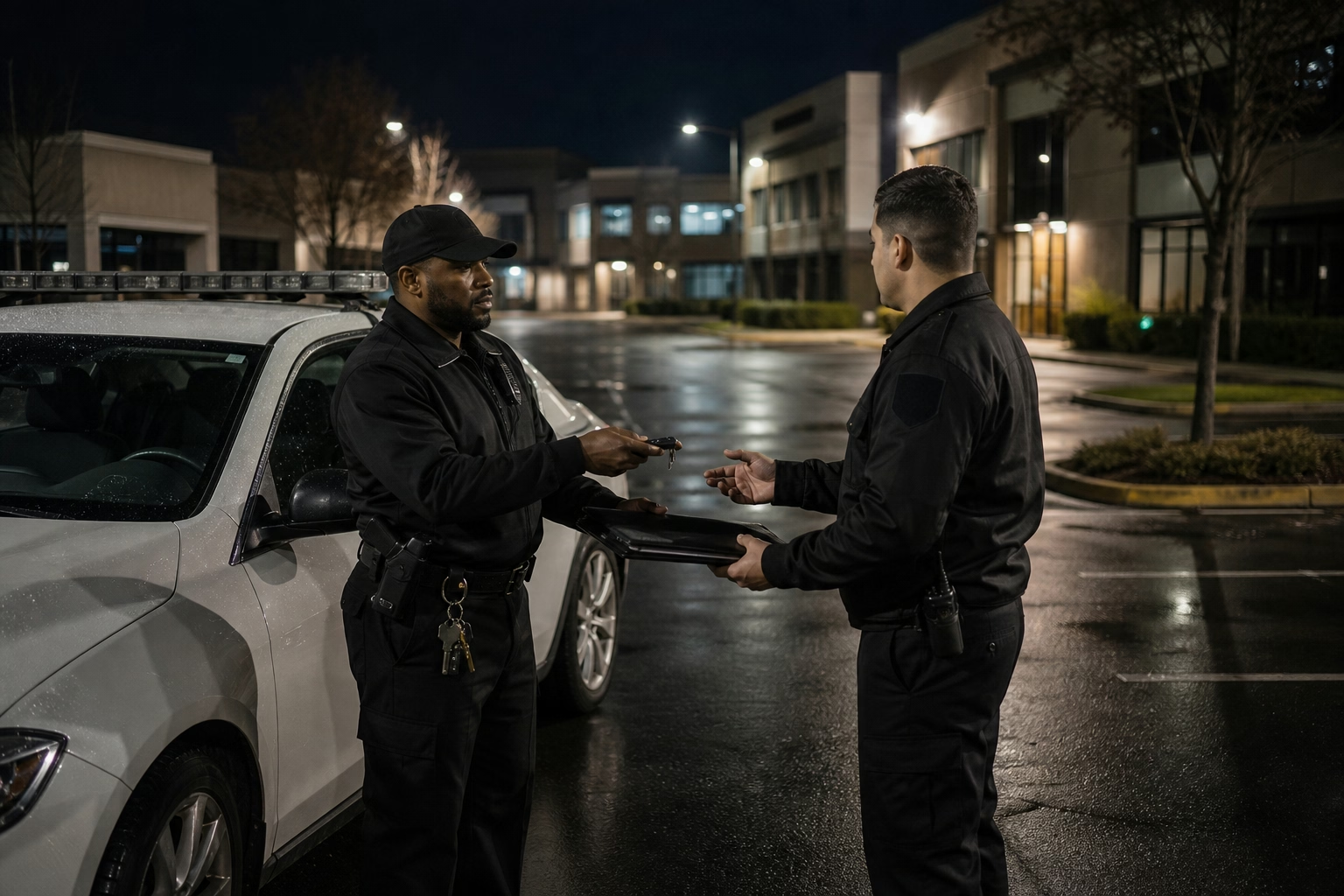
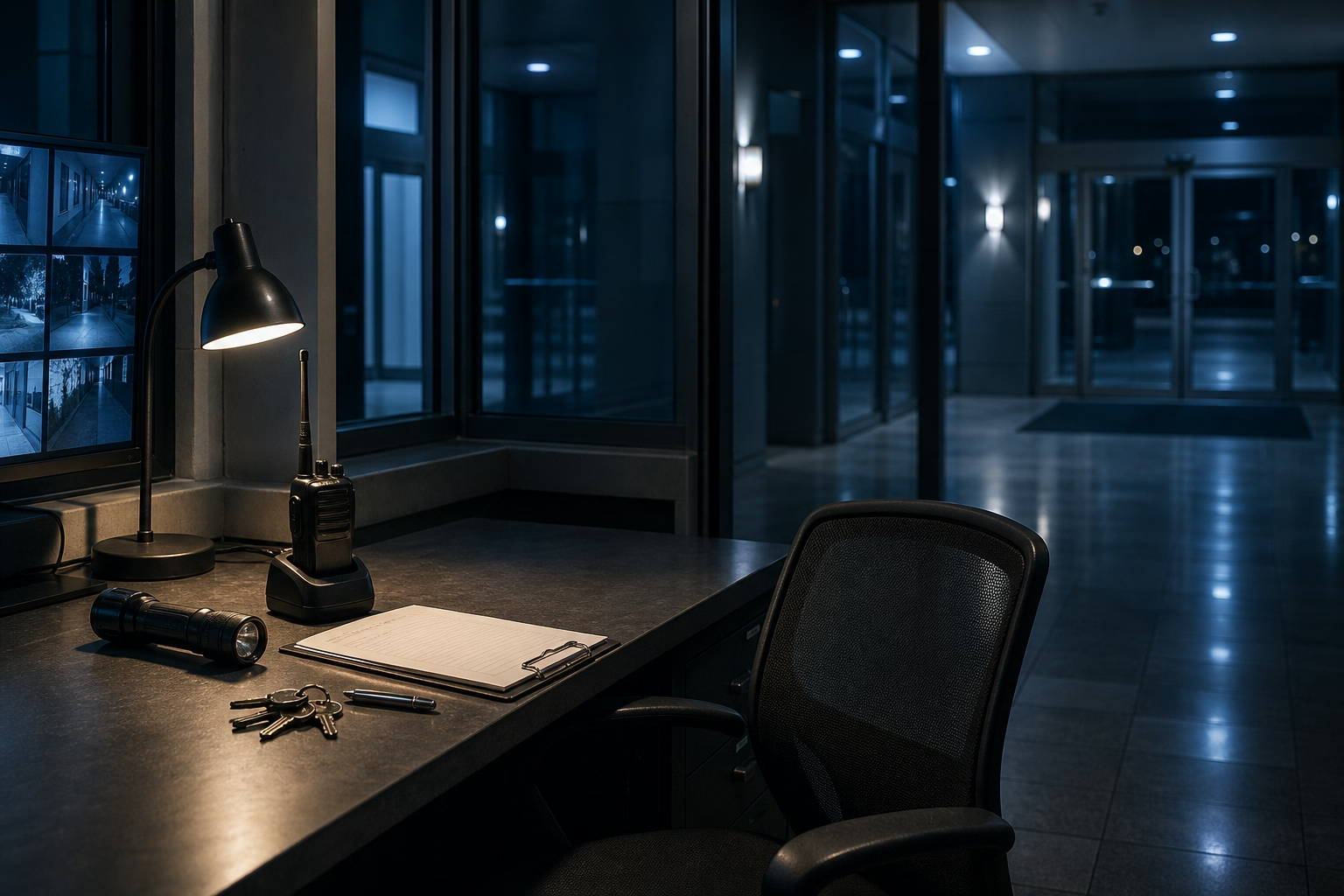
If you want to find the weakest point in any guard operation, look at the 11 PM to 7 AM solo post. Every problem in the business concentrates there. No supervisor, no coworker, nobody to witness anything. Oversight from the office is at its thinnest, because everyone’s asleep. The posts themselves are often the hardest to reach — a parking structure, a remote industrial yard, a construction site with no cell signal. And the work is one person, alone, for eight hours, with nobody checking.
That makes the overnight lone-worker shift the easiest place to skip a post or fake attendance, and the slowest place for you to find out. It’s also the shift where a guard going silent isn’t just an attendance question. It’s a safety one. A lone worker who stops responding at 3 AM could be asleep, or could be hurt, and you have no way to tell the difference without a system that’s watching for it.
You can’t solve this by putting a supervisor on every night post. The whole reason the post is solo is that staffing it twice makes no sense. So the coverage has to come from the clock-in and the alerting, not from a person standing there.
Why the Usual Approaches Fall Short
The morning log review. Reading last night’s logs at 8 AM tells you about a problem eight hours after it mattered. If a post went unmanned at midnight, knowing it at breakfast helps no one.
Calling the guard to check. A phone call covers one post at one moment, and it interrupts the work to confirm the work. Do it for every solo post every night and you’ve invented a second night shift in the office.
A signal-dependent app. A time clock that needs a live connection just fails at the parking-garage and remote-yard posts where overnight guards most often work. The guard can’t clock in, so he writes it down later, and you’re back to an unverifiable guess at exactly the post that needed proof most.
Trusting the schedule. The schedule says the post is covered 11 to 7. But that’s a plan, not a record. On the graveyard shift the gap between plan and reality is widest, because nobody’s there to close it.

What Actually Covers the Night Post
Missed-punch alerts, in real time. The guard is scheduled for 11 PM, and by 11:08 there’s no clock-in — you get notified immediately, not at breakfast. For an overnight post that’s the difference between dispatching a replacement at midnight and explaining an unwatched site to a client in the morning. Real-time detection is the single most important piece here, because at night nothing else is going to catch the gap.
Offline clock-ins that still verify. The same GPS-and-photo punch that proves a guard was on post is captured offline at no-signal posts and synced when service returns. So the parking structures and remote yards where overnight guards actually work don’t become the one place verification quietly fails.
Scheduled check-ins through the shift. This is what overnight work adds on top of a clock-in. Beyond starting and ending the shift, you can require a guard to check in at set points across the long lone hours, and a missed check-in flags for the office. On a solo graveyard post that’s as much a welfare signal as an attendance one. A lone worker who misses two check-ins in a row could be asleep, or could be hurt, and at 3 AM with nobody else on site that’s exactly what you want surfaced immediately. The check-in cadence is the thing that turns attendance tracking into a safety net for the person working alone.
Scheduling and time tracking in one system. Build the rotating night-shift pattern once, and every clock-in is automatically checked against it. Guards see their posts and times; you see who started and who didn’t. Rotations and last-minute swaps stay visible instead of getting lost between a separate schedule and a separate log.
Why Guards Tend to Want the Check-Ins
Be straight with guards about the boundary. The clock-in and check-ins capture location and a photo at specific moments — start, end, and scheduled check-points — while the guard is on the clock. It’s not a continuous track of where someone is every minute of the night, and you shouldn’t present it that way. For lone-worker safety, the value is in the check-in cadence: knowing a guard responded at the expected intervals, and being alerted when they didn’t. Keep what’s captured in a written policy, confirm your state’s rules on location and photo capture, and frame it honestly. Most guards welcome a system that notices if they stop responding alone at night.
The hardest shifts are the ones you can see the least, so see how a time clock built for security teams covers overnight solo posts with offline clock-ins, scheduled check-ins, and real-time alerts, or put ShiftFlow on your night posts and stop learning about gaps at sunrise.
Frequently Asked Questions
How do I track a guard on an overnight solo post?
Use a mobile time clock that stamps each clock-in with GPS and a photo, works offline at low-signal posts, and alerts you the moment a scheduled guard fails to clock in. That covers the overnight post without a supervisor on site: you get verified proof the guard started, and an immediate warning if they didn’t.
Why are overnight lone-worker shifts the hardest to verify?
There’s no supervisor and no colleague to witness the shift, the hours are when oversight is thinnest, and posts are often in low-signal locations like parking structures or remote yards. That combination makes attendance easy to fake and a problem easy to miss — which is exactly why the verification has to be built into the clock-in and the alerting.
Does a time clock work if the overnight post has no signal?
A time clock built for the field captures the punch, the location, and the photo offline and syncs them when service returns. The guard clocks in normally at a dead-zone post, the record is stored on the device, and it uploads once there’s a bar of signal — so no-service posts still produce verified hours.
Can scheduling and time tracking handle rotating night shifts together?
Yes. When scheduling and the time clock share one system, you build the rotating night-shift pattern once, guards see their posts and times, and each clock-in is checked against the schedule. A missed start triggers an alert automatically, so rotations and last-minute coverage stay visible instead of getting lost between a separate schedule and a separate log.
- security
- guard-services
- overnight-shift
- lone-worker
- gps-time-tracking
- scheduling
- field-service
- time-clock