How Do I Fix Wrong Business Information Online?
Find and fix wrong business information online, trace recurring errors to their source, document each correction, and verify that public listings stay accurate.
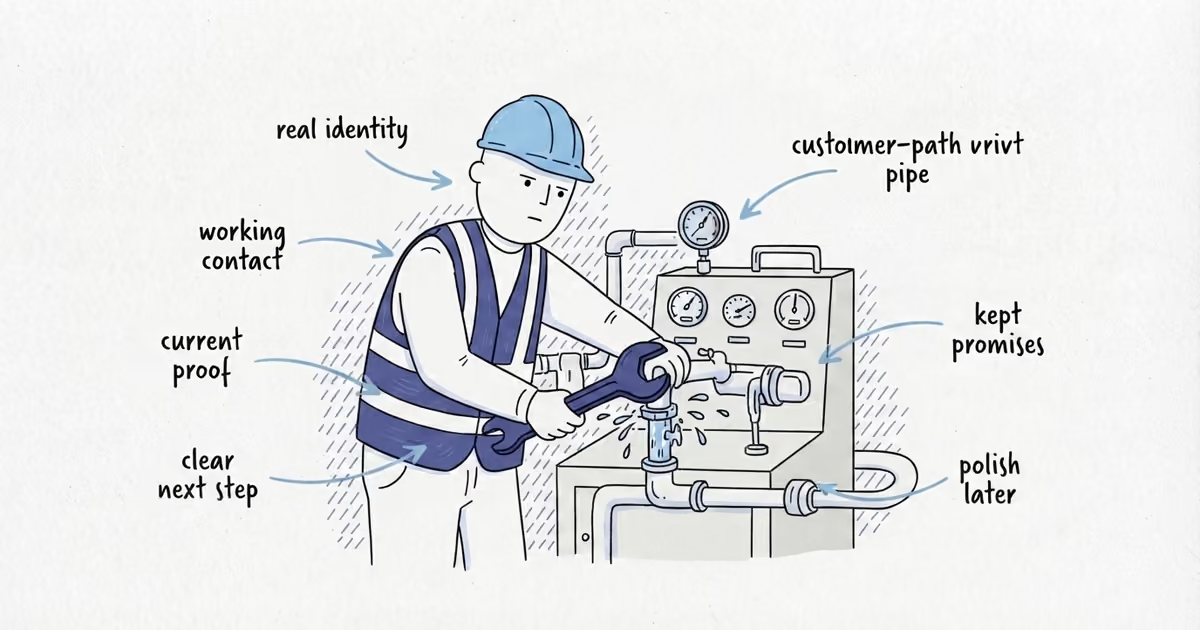
Fix the piece of business information that can cost a customer right now. A wrong phone number or false “permanently closed” status comes before a missing description, inconsistent punctuation, or another low-traffic directory.
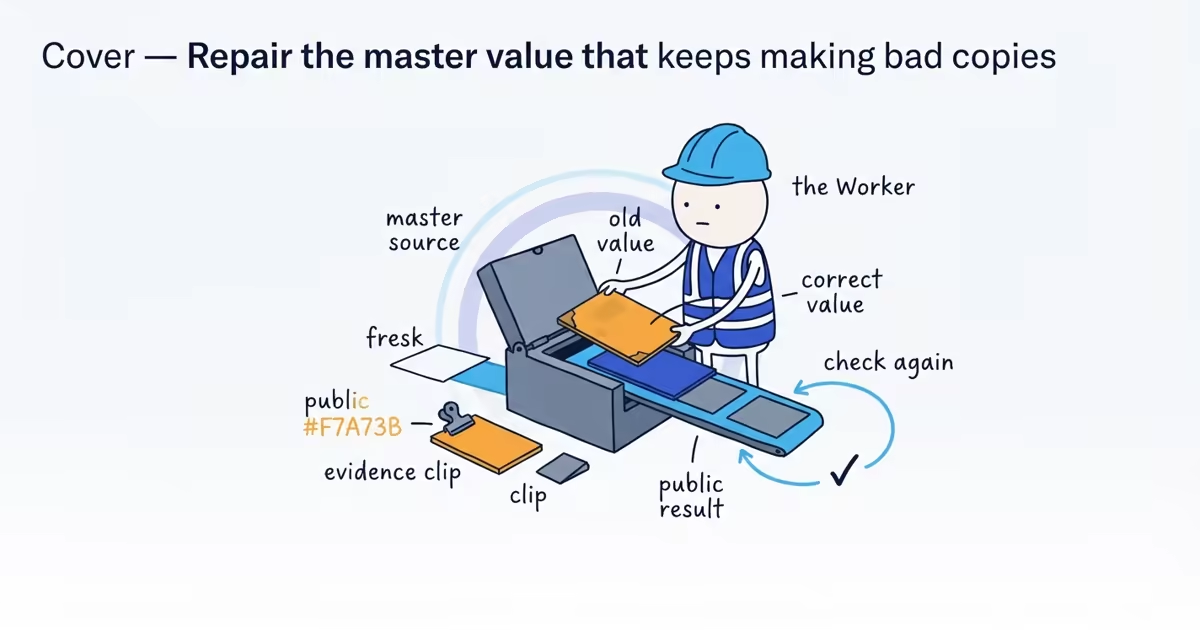
Before editing, save the incorrect result and decide what the correct value should be. Then find the source that controls or keeps republishing the error. Otherwise, the old phone, address, or website can return after the first correction.
Google profile, address, and ownership guidance checked: July 30, 2026 (United States).
How to document incorrect business information
Suppose a plumber learns that calls from one directory reach a disconnected tracking number. The owner changes the number on Google, but Google was already correct. The calls remain broken because the team edited the easiest profile instead of the source of the incident.
The right first actions are:
- Open the public result while signed out.
- Save the URL and a screenshot.
- Call the displayed number or follow the broken link.
- Record what happens to a customer.
- Confirm the correct value from a written source-of-truth record.
Evidence gives a platform or former provider something concrete to investigate. If the correct record has not been written yet, the NAP audit guide helps the team define it before submitting conflicting corrections from memory.
Which business listing errors should you fix first?
Use this priority:
- Wrong phone number or false closed status
- Wrong hours
- Wrong address or map pin
- Wrong website
- Wrong service-area presentation
- Wrong business name or identity details
- Cosmetic formatting or description differences
A public home address can also be urgent because it creates a privacy and customer-direction problem. Street versus St. is not urgent when both identify the same real place.
How to find wrong business listings online
Open a private browser window and search:
- Exact current business name
- Former names or spelling variants that were actually used
- Current and old phone numbers
- Current and old addresses
- Business name plus city
- Business name plus the incorrect phone, address, or website domain
An old number is especially useful for tracing the source. It may reveal a former agency page, duplicate profile, directory record, or campaign landing page the owner no longer remembers.
Record every live result in the same incident. Do not assume a search snippet and its destination contain the same value; open the page and check.
How to identify the source of incorrect information
The result will usually be one of these:
- A profile the business owns
- An unclaimed profile the business can verify
- A profile controlled by another account
- A possible duplicate or old location
- A directory or data source
- A social page
- The business website
- A third-party mention the business cannot directly edit
Use the source’s official edit, claim, ownership, suggest-an-edit, or support process. One listing dashboard does not control every page on the web.
Start with the website and the core profiles the business controls. These are customer-facing sources the owner can correct directly and may also be consulted by other services. Then work outward to relevant directories and third-party pages that still display the bad value.
Business listing cleanup tracker
Keep one line per field and URL:
Incorrect field:
Customer impact:
Public URL:
Value shown:
Correct value:
Owner or login:
Likely upstream source:
Action submitted and date:
Screenshot or evidence:
Current status:
7-day public check:
30-day public check:
Support or escalation reference:
Use statuses that describe reality: found, access requested, edit submitted, under review, correct in dashboard, correct in public result, returned, or escalated.
“Done” is too vague. An edit can be correct in the owner dashboard while the public result is still wrong.
How to fix an old tracking number online
The plumber’s source-of-truth record identifies the main customer line and confirms that the business controls it. Search results show:
- Google and the website use the main line.
- A former advertising landing page uses an old tracking number.
- Two directories copied that tracking number.
- Test calls to the old number reach a dead voicemail.
The owner should preserve the call test, request correction or removal from the former provider, claim and edit the two relevant directory records, and search the old number again after the changes.
Repeatedly editing Google would add review risk without touching the source of the lost calls.
How to remove a private address from business listings
A cleaning company moved and travels to customers. Its Google profile correctly uses a service area, but an old home address remains on Facebook and two directories.
The source of truth should record the real operating address as private and the customer-facing model as service area. Correct the controlled social page, claim the directory profiles, and request the truthful service-area presentation each platform permits.
Do not publish the new home address merely to make every site display the same street. Accuracy means representing how the business serves customers, not maximizing the number of matching address strings.
How to update listings after a move or rebrand
After a move, update the existing eligible Google Business Profile rather than creating a new one for the new address. Preserve proof of the real-world change and continue searching the former address during follow-up.
For a rebrand, update the existing controlled sources to the real name customers now see on the business, website, invoices, and materials. Search both names until the old one stops misdirecting customers.
If two Google profiles appear, stop and record both before acting. The duplicate-profile resolution guide helps choose among ownership, account removal, merge, move, and appeal paths without risking the canonical profile.
How to verify corrected business information
After submitting corrections, check the customer path while signed out:
- Search the exact business name, phone, address, and name-plus-city.
- Open Search, Maps, and the affected third-party page.
- Call the number shown.
- Open the website and complete the contact action.
- Compare the hours with real availability.
- Check the map pin or service-area presentation.
Repeat the public check after 7 days and 30 days. If the old value returns, reopen the same incident and find the source still publishing it. Escalate with URLs, screenshots, dates, and existing case references instead of starting contradictory edits.
The correction is complete when a customer sees the right information and the old version stays gone. Identical punctuation across every minor directory is not the finish line.
If high-risk errors keep returning across several platforms, a local listings cleanup can trace the competing sources and make the main customer-facing records agree.
Frequently asked questions
Why does old business information come back after I fix it?
Another directory, former provider, duplicate profile, or data source may still publish the old value. Search the former phone, name, and address, then keep the recurrence under the same cleanup record.
How long does it take to correct a business listing?
It varies by platform, ownership, verification, and review requirements. Record the submission date and status, then verify the public result after 7 days and 30 days instead of promising a fixed timeline.
Can I correct a business listing I do not control?
You may need to claim it, request ownership, suggest an edit, or use the platform’s support process. Preserve the public URL and evidence before creating another profile or submitting conflicting changes.
Sources
- business-listings
- local-listings-cleanup
- nap-consistency
- local-seo
- home-services