How do contractors get customers to book again?
Learn how contractors get customers to book again with a next-service record, repeat-work follow-up calendar, and clear reminder that makes rebooking easy.
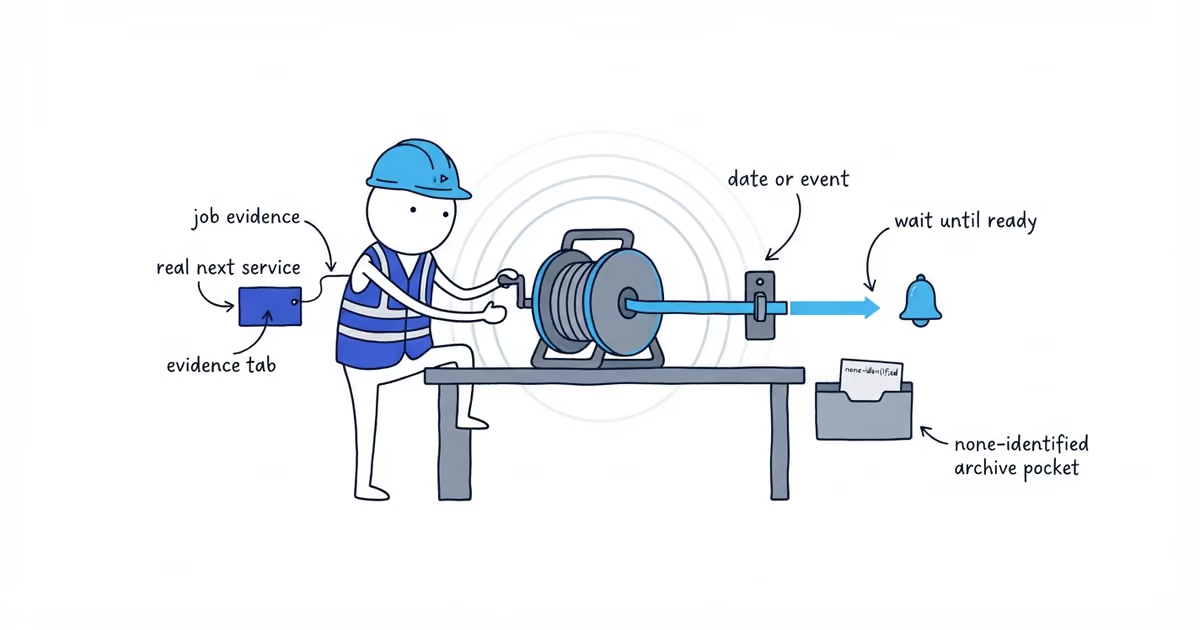
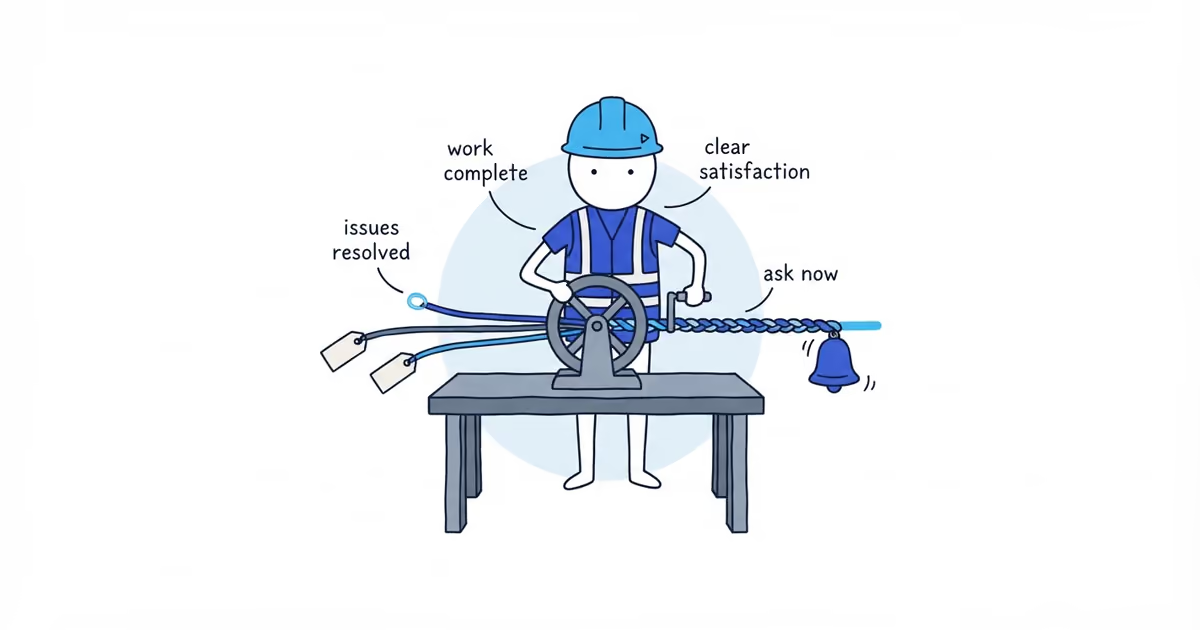
Contractors get customers to book again by recording a legitimate next service when the current job closes, then contacting the customer when that service becomes relevant. Do not leave it at “call us if you need anything,” and do not send a generic promotion a few days later.
Use this sequence:
- Identify a real next service, or record
none identified. - Write down why it may be needed and what evidence supports it.
- Set the actual due date or event trigger.
- Put a review date on a calendar and assign one owner.
- When the trigger is ready, send a relevant reminder with a direct booking path.
- Record what the customer decides.
The immediate job-completion text should confirm the work and closeout details. The future rebooking reminder belongs in this separate record, where it can wait until there is a genuine reason to send it.
How to build a contractor follow-up record at closeout
The Next-Service Matrix is the source record. Complete it while the job details and customer conversation are still clear. A spreadsheet is enough.
These fictional rows show a customer-agreed trigger and a job with no honest follow-up opportunity.
| Customer and job | Completed service | Next legitimate service | Reason and evidence | Due date or trigger | Contact route and owner | Rebooking path | Outcome |
|---|---|---|---|---|---|---|---|
| Jordan Lee, J-1042 | Repaired hall door | Inspect two sticking upstairs doors | Customer asked to revisit them after new flooring is installed | Event: flooring installation complete; internal review on October 15 | Text; Sam owns follow-up | Reply BOOK, LATER, or NO | Pending |
| Morgan Hill, J-1043 | Repaired damaged fence section | none identified | No related condition observed and no future need raised by customer | None | None | None | Closed: none identified |
Every usable row needs the service, reason, evidence, due date or trigger, recorded contact route, owner, booking path, and outcome. A row with a missing field is not ready.
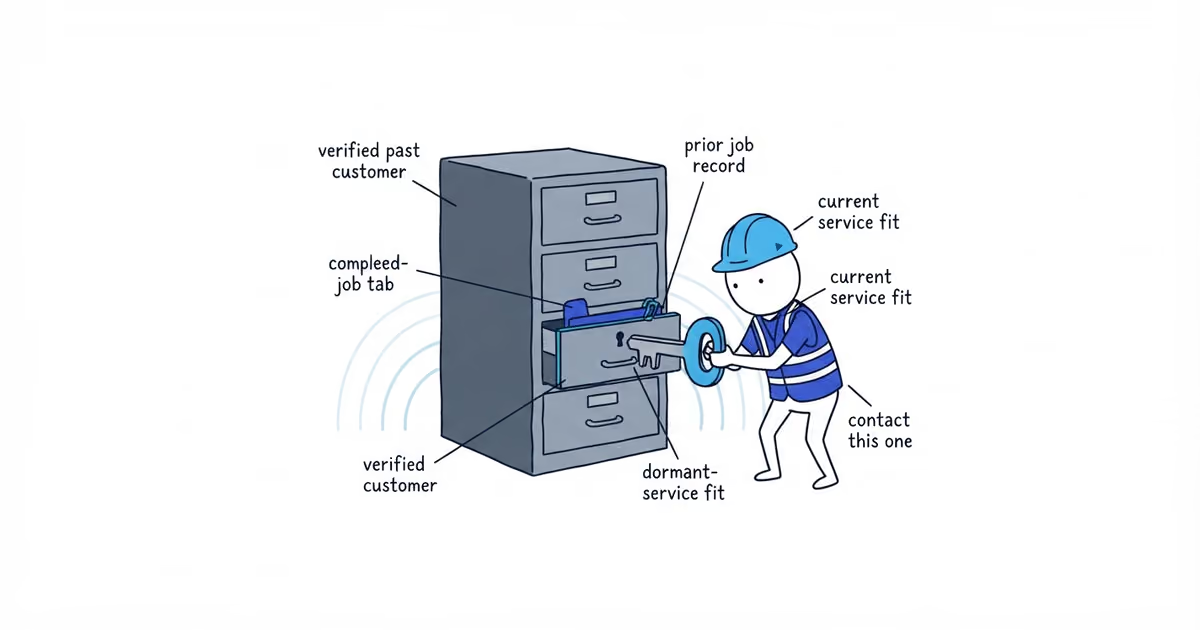
Keep none identified in the job history, but off the follow-up calendar. It prevents someone from inventing a contact reason later.
How to identify legitimate repeat work
A next service should come from one of five places:
- The work just completed.
- An equipment, component, or property condition actually observed on the job.
- A need the customer stated.
- A manufacturer or service interval the business actually knows applies.
- A genuine seasonal or property trigger.
“They might buy something else” is not evidence. Neither is an empty week on the schedule.
Do not assume that a repair repeats every year or that the same interval works across trades, equipment, climates, and properties. If the source gives you a real date, record the date. If the work depends on an event, record the event instead.
“Contact in six months” is valid only when that interval applies to the customer and service. “After the flooring is installed” is an event trigger. The internal review date prompts a check; it is not a due date.
How to build a repeat-work follow-up calendar
The Repeat-Work Follow-Up Calendar shows matrix rows with a reason and review point, without turning every past customer into a marketing list.
| Review date | Customer and job | Ready condition | Owner | Next action | Result |
|---|---|---|---|---|---|
| October 15 | Jordan Lee, J-1042 | Flooring installation is complete | Sam | Check the trigger, then send the saved reminder if ready | Pending |
At the review date, check whether the trigger is real. If the flooring is unfinished, mark not due and move the row only when there is a better trigger. A calendar task is not a reason to nudge the customer.
Use a specific next action: “check whether flooring is complete,” “send reminder by text,” or “place confirmed visit on schedule.” The owner should be able to finish it and update the row.
What to say when reminding customers to book again
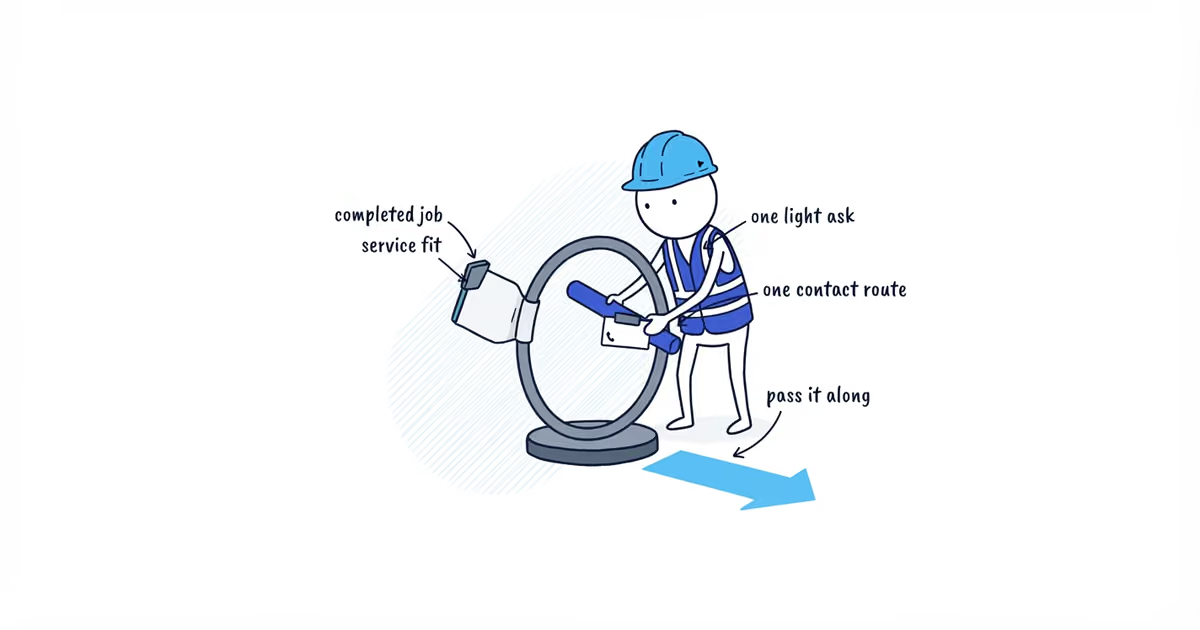
Name the previous work, explain why the reminder is relevant now, and give the customer a simple way to book, decline, or change the timing.
For the fictional matrix row, the message could be:
Hi Jordan, this is Sam from Northside Repairs. When we repaired your hall door, you asked us to check the two upstairs doors after the new flooring went in. If the flooring is finished, reply BOOK and we’ll arrange a visit. Reply LATER with a better month if it is not ready, or NO if you no longer need the inspection.
Use the customer’s recorded route and a booking path that somebody monitors and can put on the real schedule. Test it first.
If you still need to decide whether that path should reserve real capacity or only collect a preferred time, use the online booking guide to choose confirmed booking, request for review, or a call before sending the reminder.
How to track repeat-booking outcomes
Use separate outcomes so the calendar reflects what happened:
- Booked: The work has a real place on the schedule. Add the appointment or job reference.
- Declined: The customer said no. Close the row.
- Not due: The reason still exists, but the date or event has not arrived. Record only the revised timing or trigger the customer gives you.
- No response: Record the attempted reminder and stop. Silence does not create permission for an open-ended sequence, and it does not prove the customer will never need the service.
- No longer relevant: The trigger, property, service need, or relationship no longer applies. Close the row.
Choose a review slot that fits your job volume. Clear booked and closed rows, move genuinely not-due rows, correct vague triggers, and check that every pending row still has a reason, owner, and working booking path. Judge the routine by those records and scheduled work, not reminder volume.
Frequently Asked Questions
Should contractors book the next job before leaving?
Only when the customer agrees and the next service is clear enough to schedule. Otherwise, record the reason and trigger, then contact the customer when it becomes relevant. Never place an automatic appointment on the calendar without the customer’s agreement.
Can contractors manage repeat-customer follow-up without a CRM?
Yes. A spreadsheet can hold the Next-Service Matrix and Repeat-Work Follow-Up Calendar. The process works only if each eligible row has a reason, trigger, owner, monitored contact route, booking path, and recorded outcome.
- google-reviews
- how-to-get-customers-to-book-again
- how-contractors-get-customers-to-book-again
- how-to-get-repeat-customers
- turn-one-time-jobs-into-repeat-work
- how-to-remind-customers-to-book-again
- contractor-customer-follow-up-system