How Do I Get More Calls and Form Submissions From My Contractor Website?
Get more calls and form submissions from your contractor website by auditing service fit, proof, contact actions, team handoffs, and real test results.
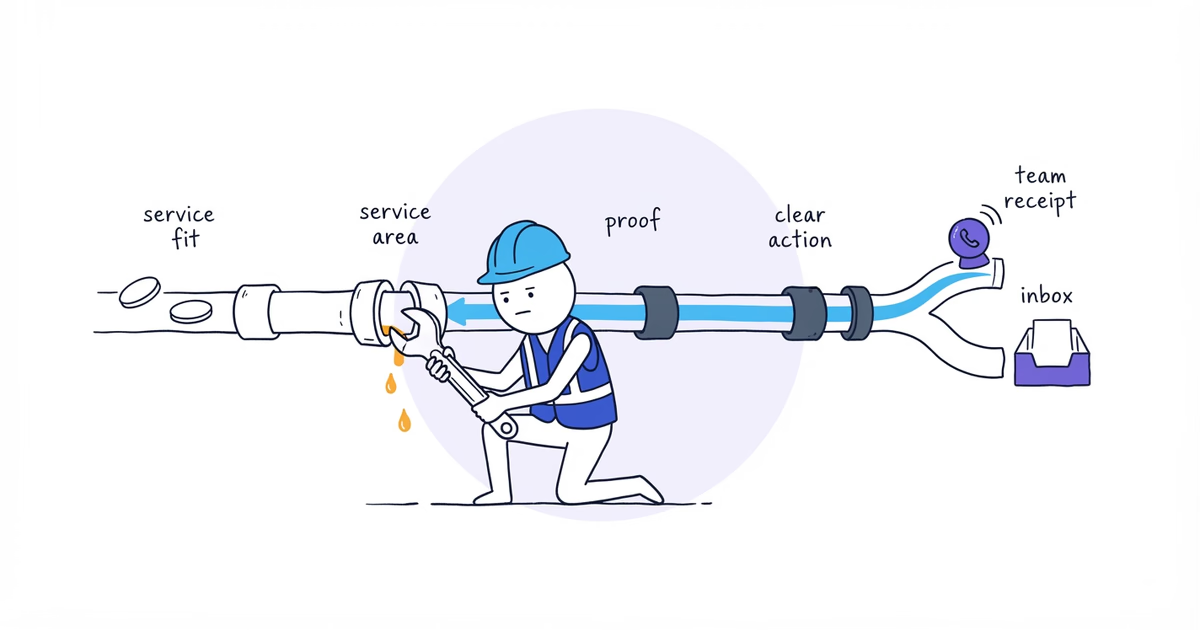
To get more calls and form submissions from your contractor website, do not start by adding more buttons. First check whether a qualified visitor can move through this path without hitting a dead end:
Is this the service I need?
→ Does this business serve my location?
→ Is there enough real proof to trust the next step?
→ Should I call, request service, or book?
→ Can I complete that action without avoidable friction?
→ What happens after I call or submit?
Fix the first missing answer. A better button cannot rescue a page that never explains the service. More traffic will not help a form that does not reach anyone.
Start with three pages:
| Page | Visitor’s job | Primary action | Useful alternative |
|---|---|---|---|
| Homepage | Confirm fit and choose a service | Request service | Call during [verified hours] |
| Priority service page | Decide whether the service fits | Request service | Call for [verified situation] |
| Contact or request page | Send the job details | Submit request | Call [verified phone] |
The bracketed details must come from the business. Do not invent emergency availability, response times, or answered hours to make the page sound stronger.
What You Need to Audit Website Calls and Forms
Gather the homepage, priority service page, and request-page URLs; verified service area and proof; every active contact action; access to the receiving systems; and one real phone. Prove the path works before waiting for perfect analytics.
Step 1. Give Each Contractor Website Page One Job
Write one sentence beside each URL:
This page helps [customer] decide or do [one job].For Northside Plumbing, a fictional company serving homeowners in Dallas and Irving:
- Homepage: This page helps a Dallas or Irving homeowner confirm that Northside handles the problem and choose a next step.
- Drain-clearing page: This page helps a homeowner decide whether drain clearing fits the problem and request service.
- Contact page: This page helps the homeowner send the minimum details Northside needs to respond.
If a page has two unrelated jobs, make the more important one primary. Do not force visitors to choose among Call now, Book now, Get a free quote, Chat, Text, and Learn more with equal weight.
Step 2. Check Service Area and Proof Before the CTA
Open each page on a phone. Before reading the full page, answer:
- What service or customer problem is this page about?
- Which customer or property type does it serve, if that changes who qualifies?
- Is the real service area clear?
- Is there a relevant reason to believe the business can do this work?
Useful proof is specific: a real job photo, service-relevant review, applicable credential, written policy, named team member, or verified process fact. “Quality,” “trusted,” and generic shield icons are not proof by themselves.
For Northside’s drain-clearing page, the working checklist is:
Service: Drain clearing
Customer: Homeowners
Area: Dallas and Irving
Proof: [real drain-clearing photo, review, credential, or process fact]
If the page cannot pass this check, fix the missing fit or proof before rewriting its button.
Step 3. Choose the Right Contractor Website CTA
Use the action that matches what the customer and team need to do next.
| Customer situation | Primary action |
|---|---|
| Urgent, complex, or safety-sensitive under the business’s verified policy | Call |
| Team needs location, photos, scope, or manual review before committing | Request service or estimate |
| Service, price basis, duration, area, skill, and live capacity can be checked reliably | Confirmed online booking |
| Visitor still needs to understand the service | View the service page |
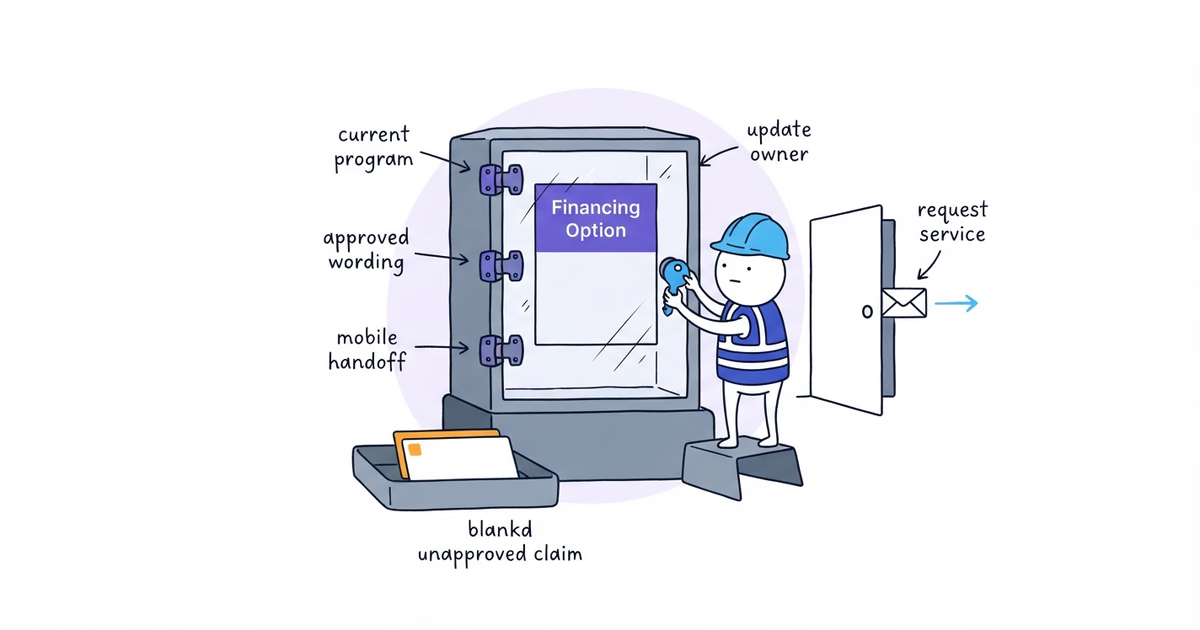
Use button wording that describes the immediate result:
- Request plumbing service
- Submit service request
- Call Northside Plumbing
- Choose an appointment time
Avoid Get started when a more specific instruction is available. Do not use Book now when the team still has to review the request before reserving an appointment.
Northside’s default is Request service. A phone call can be a secondary route where its real policy makes a call useful. Confirmed booking should appear only for a service that the business can schedule without guessing.
Step 4. Place CTAs at Customer Decision Points
Place the primary action:
- near the first clear statement of the service and area;
- after the proof or scope the customer needs before acting;
- at the end of the page.
This is a starting point, not a three-button rule. Keep alternatives visibly secondary, and add another action only after a meaningful decision section. The customer should not need to return to the navigation or face five equally prominent contact options.
Step 5. Test Calls and Forms as a Customer
Use a signed-out browser and a real phone. Complete the public path and record observed failures:
- the phone number is hidden or does not open the correct number;
- the form asks for details the team never uses;
- the mobile keyboard does not fit the field;
- a validation error does not explain how to continue;
- the booking flow says “book” but only sends a request;
- a chat bubble covers the primary button;
- the confirmation does not say what happens next;
- the page reports success, but no inquiry arrives.
Submit the request, place an agreed test call, and verify any confirmed booking in the real calendar or dispatch system.
Step 6. Verify Each Website Lead Reaches the Team
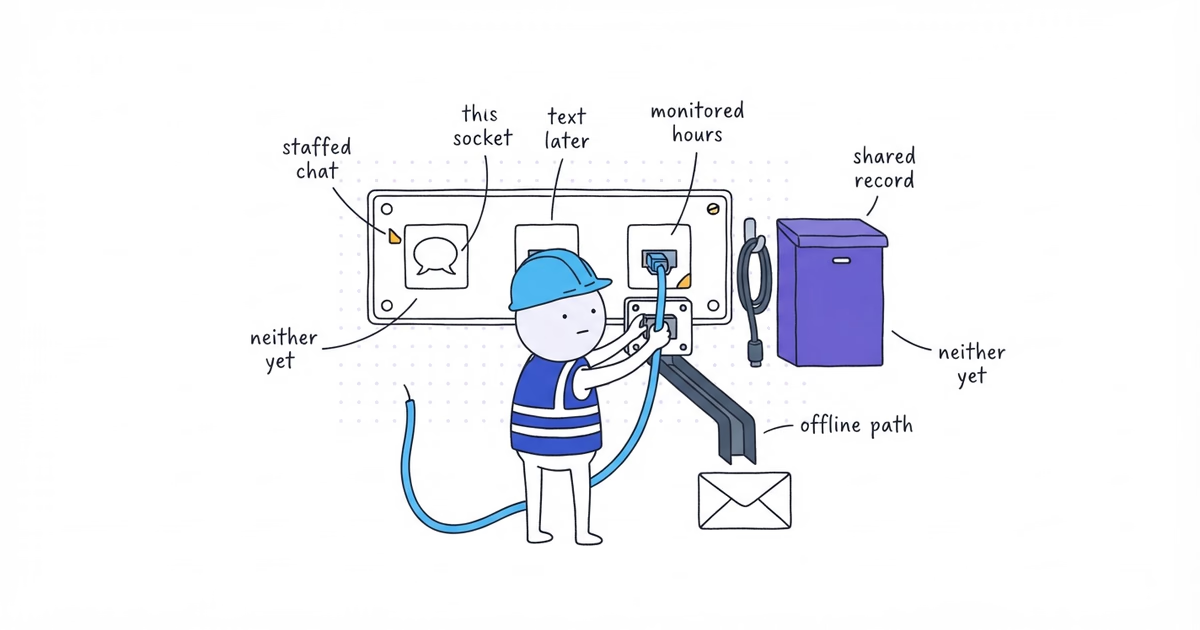
Every active action needs an owner and a backup.
Create one record for each call, form, or booking action:
Website action:
Destination system:
Primary owner:
Monitored hours:
Required next step:
Backup or failure path:
Test result:
The website may promise only what the workflow supports. An inquiry that reaches an abandoned inbox is a broken handoff, not a website success.
Step 7. Fix the First Conversion Failure and Record a Baseline
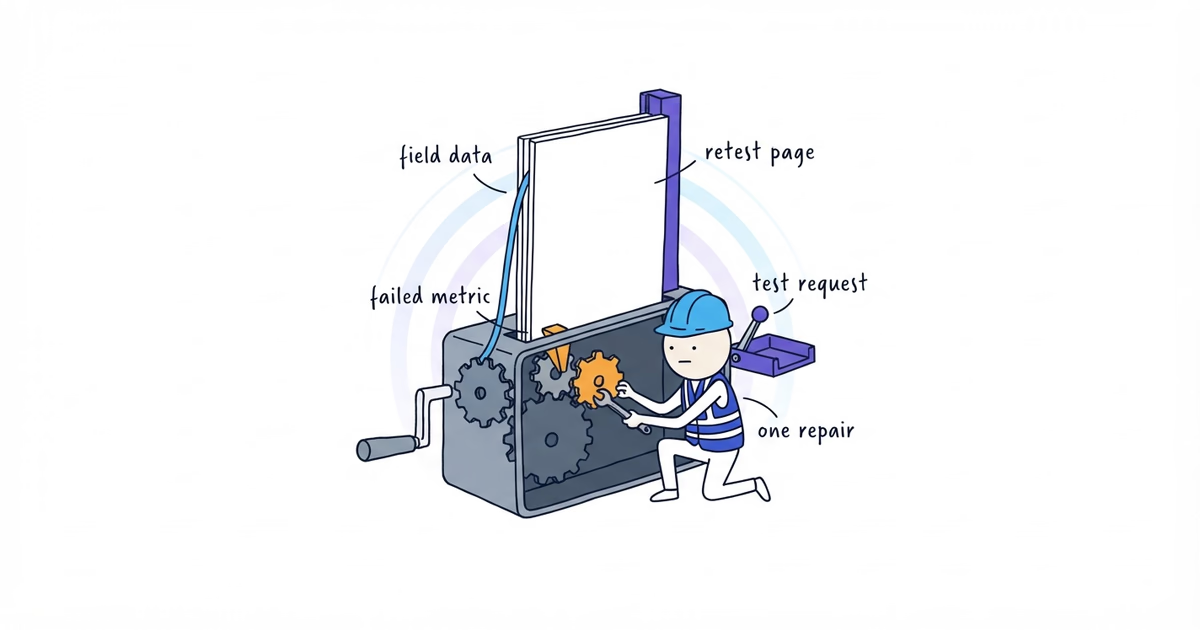
Fix the earliest failure in the path:
- unclear service before CTA wording;
- missing area before form styling;
- unsupported claim before adding another testimonial block;
- failed form delivery before installing more tracking;
- unowned inbox before buying more traffic.
Use the first failed question to choose the next repair:
| First break | Repair next |
|---|---|
| Service or area is unclear | Page message and service-area information |
| Proof is missing | Relevant job proof or verified business evidence |
| Customer cannot choose an action | CTA and channel decision |
| Call path fails | Phone placement and call handling |
| Form path fails | Form fields, validation, delivery, and ownership |
| Booking promise does not match | Booking suitability and capacity rules |
| Chat or text is unowned | Messaging-channel operating decision |
| Action fails on a phone | Real-device mobile acceptance test |
| Page is slow or unstable | Performance diagnosis |
| Contact cannot be connected to jobs | Call-and-form outcome tracking |
If the website path passes but local inquiries remain weak, ShiftFlow’s online presence audit compares the website, Google profile, reviews, listings, and nearby competitors, then prioritizes the first three fixes.
After the repair passes, record whatever baseline the business can measure honestly:
Period:
Phone-link clicks:
Connected website calls:
Accepted form submissions:
Qualified leads:
Estimates or appointments:
Won jobs:
Revenue definition and amount:
Leave unavailable fields blank. Change one part of the highest-intent path, retest it, and compare the same named outcome over a useful period. A phone-link click is not a connected call, and a submitted form is not a won job.
Contractor Website Conversion Audit Example
Use this record for each tested page:
Page and customer job:
Service, customer, and area result:
Relevant proof result:
Primary action and expected outcome:
Customer test result:
Team receipt result:
First failed stage:
Repair workstream:
Owner and backup:
Retest result:
Baseline period and named outcomes:
This completed hypothetical example demonstrates the method; it is not a real Northside result:
Page and customer job: Drain-clearing page — evaluate the service and request help
Service, customer, and area result: Pass
Relevant proof result: Pass
Primary action and expected outcome: Request service — accepted request, not a confirmed appointment
Customer test result: Pass; confirmation appeared
Team receipt result: Fail; no request reached the intake inbox
First failed stage: Form delivery
Repair workstream: Form delivery and routing
Owner and backup: Website administrator / office manager
Retest result: Pass; one request reached the intake inbox and the owner received the alert
Baseline: Begin after the repaired path is live; count accepted forms, qualified leads, and appointments separately
Replace the example with live-page evidence, then use the matching specialist workflow for the detailed repair.
Contractor Website Conversion Checklist
The first audit is complete when all three pages have:
- one customer job, accurate service and area information, and relevant proof;
- one accurately named primary action with useful alternatives only;
- a successful phone, form, or booking test;
- a clear customer confirmation;
- a named owner, backup, first failed stage, and honestly labeled baseline.
Stop after the highest-intent path works from page to team. Put lower-priority improvements in a backlog. Do not keep adding buttons or widgets because the website still has empty space.
Frequently Asked Questions About Contractor Website Leads
How often should I audit my contractor website’s calls and forms?
Run the complete path test after changing a form, phone number, CTA, booking tool, or receiving system. Repeat it on a schedule the team can maintain, and test immediately when inquiry volume changes unexpectedly or a customer reports a failure.
What is a good conversion rate for a contractor website?
There is no single useful rate for every contractor website. Define conversions as connected calls and accepted form submissions, keep qualified leads separate, and establish a baseline from your own pages before comparing the same traffic sources and outcomes over time.
- contractor-website
- website-conversion
- contractor-website-cta
- website-leads
- contractor