How do I grow a handyman business?
Learn how to grow a handyman business with a 90-day service-menu plan for compatible task baskets, repeat work, controlled travel, and skill capacity.
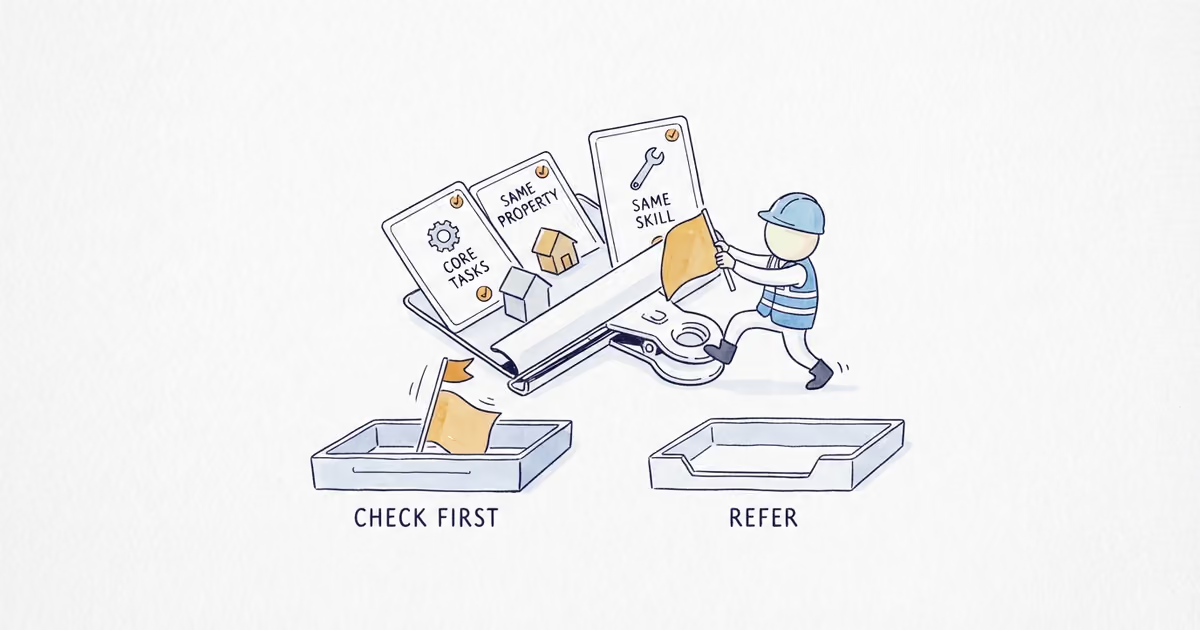
Grow a handyman business by narrowing work the company can repeat safely and profitably, filtering requests by task, property, real area, skill, tools, time, and regulatory flags, then grouping only compatible customer-approved tasks at one property and recording the approved next action after completion. Healthy growth means suitable baskets completed to standard with controlled travel, fewer scope surprises and callbacks, more repeat or referred customers, and enough skill-matched capacity. More inquiries, task types, towns, workers, or revenue do not prove it.
Last verified: August 28, 2026 (United States)
Build a four-state handyman service menu
Build the menu from completed work, actual skills/tools, insurance, demand, local requirements, quality history, and capacity, not a nationwide service list.
| Menu state | What belongs here | Required outcome |
|---|---|---|
| Core repeatable | Proven demand/work, clear scope, current skill/tools, acceptable quality, verified rules, and repeatable path | Book or estimate only while capacity exists |
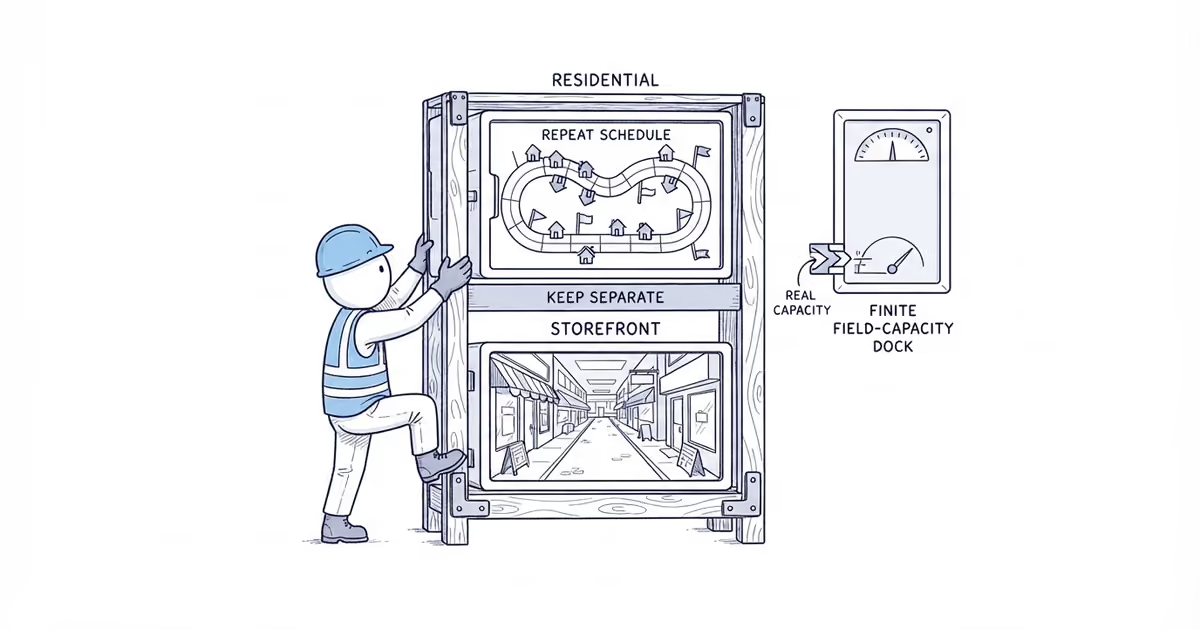
| Compatible basket | Customer-requested, approved, same-property work sharing skill, tools, ordinary materials, access, and schedule | Add only with no regulatory, structural, specialist, hazardous, high-risk, or no-fit flag |
| Estimate, inspection, or information needed | Scope, condition, access, material, timing, skill, or rule is unconfirmed | Assign an owner and next action; do not guess |
| Decline or refer | Outside menu, area, skill, tools, insurance, schedule, project-size boundary, verified authority, or risk tolerance | Record why; refer only when a suitable qualified provider is known |
Give each task family this record:
Customer wording | Included scope | Excluded scope | Required skill | Tools and ordinary materials | Access/property conditions | Booking or estimate path | Completed-work proof | Compatible tasks | Schedule/travel fit | Callback history | Rules or credential to verify
That final field is operational. License, permit, project-size, structural, specialist, hazardous, and high-risk boundaries vary by scope and jurisdiction. SBA says requirements vary by activity, location, and government rules. If uncertain, pause and verify with the relevant authority and insurer where appropriate, or decline and refer. Labels such as minor, cosmetic, maintenance, or repair, plus short duration, low price, customer-supplied items, or owner permission, do not settle the question.
A task basket contains customer-requested, approved tasks that share one property visit, skill set, tools, ordinary material plan, access, and schedule. It reduces repeated travel and handoffs; it must not manufacture work or absorb a licensed-trade, permitted, structural, hazardous, specialist, or no-fit task.
Narrow the handyman menu and service area in days 1-14
Audit the last 60 to 90 days of inquiries and completed visits. Record:
- Source, customer or relationship type, property, area, and requested tasks in customer language.
- Menu state, qualification outcome, photos or information received, and booking or estimate path.
- Accepted or lost reason, approved task count, completed tasks, direct field labor, job-specific materials, field hours, and travel or mobilization time where material.
- Callback or rework, payment state, review, referral, approved deferred work, and repeat visit.
Mark missing data; do not reconstruct it.
Sort proven task families into the four states. Choose a limited core menu and a controlled set of compatible additions for the next 90 days. Remove work the owner cannot scope, insure, schedule, document, or deliver consistently. Mark every regulatory uncertainty for verification.
Build the area filter from completed jobs, travel or mobilization, parking and access where relevant, basket fit, repeat-property potential, schedule reliability, and completed-job contribution. Do not impose a universal radius, add aspirational towns, or assume a larger Google service area improves Maps rank.
Create a job-fit card for each inquiry: customer or relationship, property, requested tasks, menu state, real area, required skill and tools, access, schedule window, photo or estimate need, compatible approved tasks, rule/credential flags, named owner, and a book, estimate, defer, decline, or refer outcome.
Deliverable: a baseline service-menu board with property, area, skill, tools, access, schedule, proof, rules to verify, capacity, and filter outcome. Missing data has an owner.
Match local discovery and intake to the handyman menu in days 15-30
Audit one eligible Google Business Profile. Use the real-world name, truthful primary category and actual services, accurate hours, phone, website, correct address or service-area treatment, and current permission-cleared photos. Do not list electrical, plumbing, HVAC, structural, roofing, remodeling, emergency, specialist, licensed, insured, or certified claims unless the operation and applicable requirements support them. Do not create virtual locations or stuff the business name.
If the profile is missing, unclaimed, or does not yet match the verified menu and area, ShiftFlow’s Google Business Profile setup can establish the accurate categories, services, hours, photos, and contact path.
Create useful pages for core task families and areas genuinely served. State who and what fits, the area, ordinary booking or estimate path, information to prepare, broad inclusions and exclusions, proof, scope or regulatory boundaries without legal conclusions, and the next step. Do not make a thin page for every micro-task or clone pages across cities.
Build proof from completed work. Pair permission-cleared completion or before-and-after images with the approved scope, property type, non-private area, process or checklist, useful date, and honest limits. Do not expose identities, addresses, access codes, belongings, children, license plates, neighboring properties, tenant information, or private documents.
Use one response and qualification path. Ask for the full requested task list before the visit, use photos only when helpful and privacy-safe, identify the property and decision-maker, confirm area and timing, record access and material or customer-supplied-item policy, separate bookable from estimate-needed work, and stop tasks outside the menu or awaiting rule verification.
Give each inquiry/basket an owner and state:
New -> Information waiting -> Fit check -> Bookable basket -> Estimate or inspection needed -> Estimate sent/follow-up due -> Scheduled -> Completed -> Callback or issue open -> Review eligible -> Repeat, referral, or approved deferred-task action -> Declined or referred with reason
Deliverable: one accurate local-to-book-or-estimate path with no unowned lead and no unsupported service or credential claim.
Build compatible task baskets and repeat work in days 31-60
Publish direct answers: task families handled, real areas served, how to send a task list, when photos help, whether compatible tasks can share a visit, when an estimate or inspection is needed, what the customer should prepare, how access works, and what happens when a request falls outside scope. Do not publish repair instructions or blanket legal conclusions.
Run a bounded AI-search accuracy check using fixed customer questions. Record the tool and date, answer, cited pages, wrong or missing business facts, and the owned page or profile to correct. Google’s standard search requirements apply to its AI features; no special AI file or schema is required. OAI-SearchBot access affects ChatGPT search eligibility, not guaranteed crawling, citation, ranking, or recommendation.
Use the basket workflow on live inquiries. Confirm the approved list before arrival where practical. Separate compatible work from estimate-needed and no-fit work, keep exclusions visible, assign the appropriate current skill and tools, and record each task as completed, deferred, changed, declined, or referred. Do not teach the repair.
After a completed basket or resolved issue, apply one neutral review rule, send the direct review link, restrain reminders, and protect customer and property details in replies. Do not buy reviews, review-gate, suppress criticism, or condition an incentive on positive sentiment.
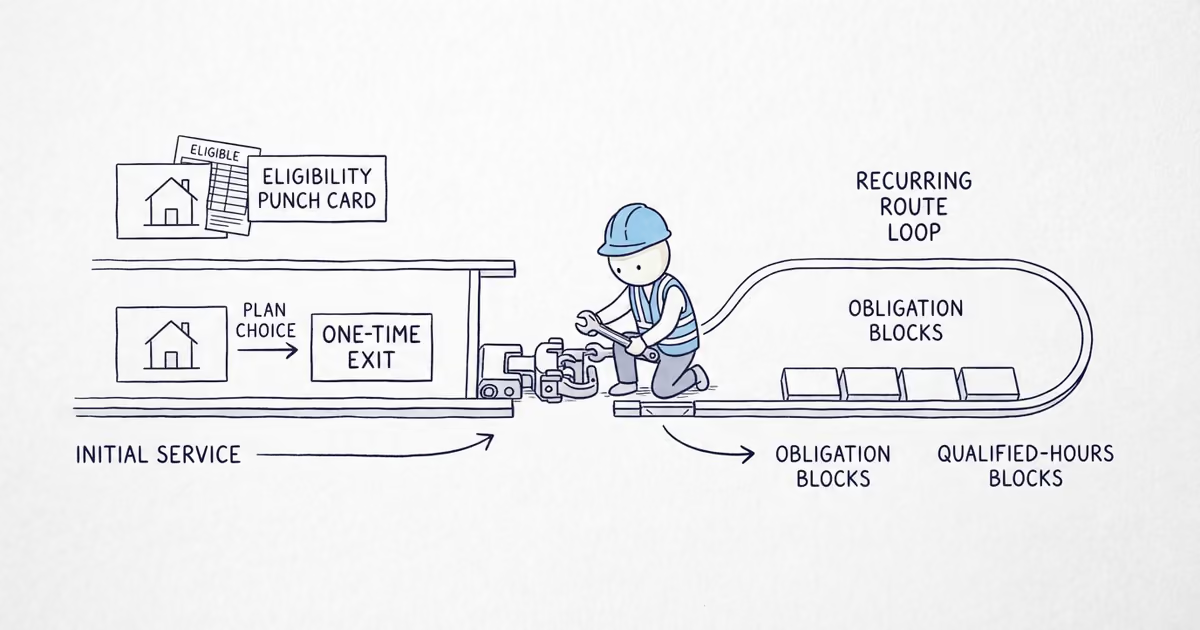
Record only customer-approved deferred tasks and relevant future needs already identified through the real job process. Add the agreed next contact, referral status, and relationship path without diagnosing, creating urgency, or adding unsolicited work to a maintenance list. Use that record to reactivate a suitable past customer at the agreed time.
If the approved next task needs a reminder and booking path, the customer rebooking guide helps turn the record into a confirmed visit or request-for-review workflow without inventing new work.
Keep relationship paths distinct:
- A homeowner may want a return visit for approved tasks.
- A realtor may need clearly scoped pre-listing or post-inspection work inside the menu.
- A landlord or property manager needs property identification, authorization, tenant access, documentation, payer clarity, and capacity fit.
Do not assume any relationship is profitable or turn this into a vendor-onboarding or contract guide.
Deliverable: a weekly repeat-work routine connecting completed baskets to reviews, approved deferred tasks, referrals, agreed next contacts, reactivation, and suitable property relationships.
Protect handyman travel and skill capacity in days 61-90
Use board evidence to tighten the schedule. Group compatible tasks at the same property, schedule real areas and relationship work deliberately, keep estimate visits separate where needed, and compare field time with travel or mobilization. Do not impose a radius, minimum task count, visit length, or route-density target.
For every sold basket, show required skill, tools or equipment, reliable field hours, travel or access burden, estimate/admin time where material, and the person who can complete and document it. Do not sell hours against hoped-for hires, equipment, or unverified skills.
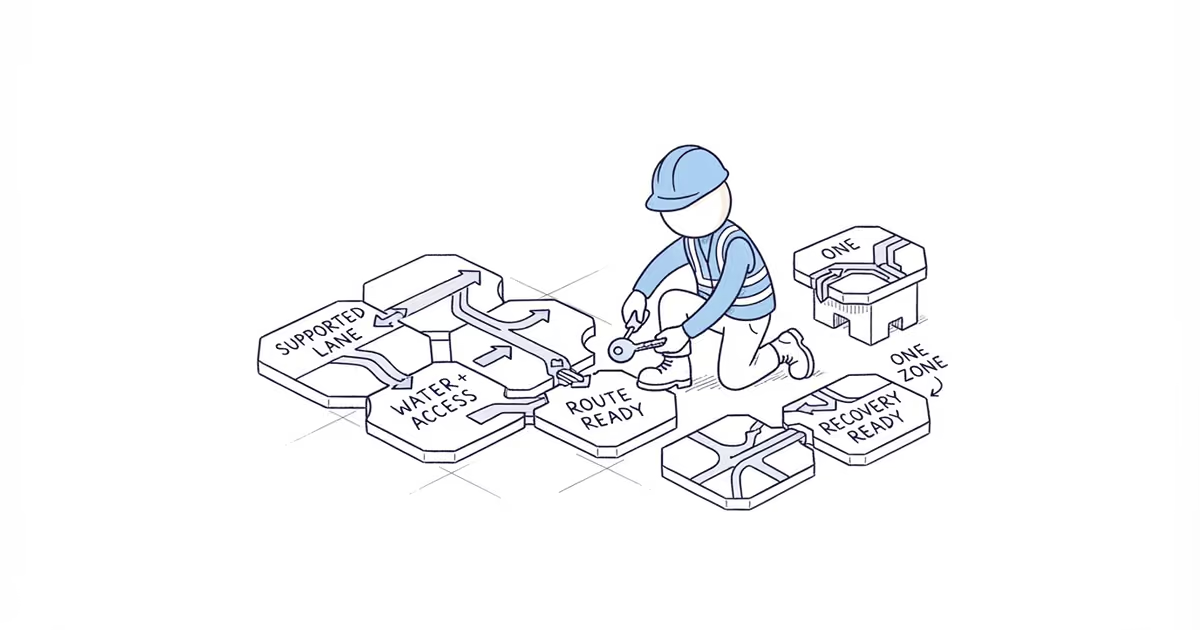
Add a worker, area, vehicle, or menu family only when repeatable qualified demand exists inside the core menu, completed-job contribution after direct costs is acceptable, scope and exclusions are clear, a skill/training owner is ready, reliable hours and tool/vehicle capacity exist, response and scheduling have owners, and callbacks are monitored. This is an operating gate, not employment, wage, classification, licensing, insurance, or safety advice.
Deliverable: keep, fix, stop, or defer decisions for every menu family, compatible task, area, source, and relationship, plus the next 90-day skill-capacity plan.
Use the weekly handyman growth scorecard
| Measure | Definition and owner use |
|---|---|
| Qualified inquiries by source and menu family | Count demand that fits a real customer or relationship, property, core family, area, timing, and operating boundary. Preserve no-fit reasons. |
| Filter outcomes | Track book, estimate/inspect, defer, decline, and refer with reason, owner, and next action where one exists. |
| Task-basket movement | Track booked, scheduled, completed, issue-open, and cancelled baskets, plus approved tasks completed, deferred, changed, declined, or referred. Task count is not an upsell target. |
| Completed-job contribution per field labor hour | (completed-job revenue - direct field labor - job-specific materials and rentals) / field labor hours. Use it to compare delivered work, not set customer prices. |
| Travel or mobilization burden | Track material travel or mobilization time by area and basket type. Treat single-property travel saved as an internal observation, not customer pressure. |
| Quality leakage | Track callbacks, rework, unresolved issues, service credits, and scope failures separately from repeat work. |
| Proof and relationship outcome | Track eligible neutral review requests, genuine reviews, repeat bookings, referrals, approved deferred-task actions, and active homeowner or property relationships without counting unsolicited tasks. |
| Skill-matched capacity | Compare sold field hours with reliable available hours by skill, tools, area, access, and schedule. Hoped-for hires and unverified skills are not current capacity. |
Completed-job contribution is not net profit. Vehicles, travel, estimates, admin, insurance, licenses, tools, marketing, taxes, owner pay, overhead, callbacks, and other costs may sit outside the formula.
Avoid these first-90-day handyman mistakes
- Advertising
we do everythingor copying a universal handyman service list. - Assuming small, short, low-price, customer-supplied, or
repairwork avoids rules. - Accepting every town or isolated task, or bundling incompatible or flagged work.
- Pressuring a customer to add tasks or leaving deferred work only in memory.
- Publishing repair instructions, thin task pages, cloned area pages, or AI hacks.
- Requesting reviews before resolution or exposing private property details.
- Hiring or expanding before the menu, scope standard, skill owner, schedule, and callback loop are repeatable.
Frequently asked questions
What services can a handyman legally offer?
There is no single nationwide list. Requirements can vary by task, scope, project size, location, and credential. Keep a rules-or-credential verification field, check the relevant authority and insurer where appropriate, and decline or refer unresolved work. A small task, low price, short visit, customer-supplied item, or repair label does not settle the question.
Can I bundle several handyman tasks into one visit?
Yes, when every task is customer-requested and approved, at the same property, compatible with the same skill, tools, ordinary material plan, access, and schedule, and free of regulatory or no-fit flags. Keep separate scope visible and never add work only to make the basket larger.
When should I hire another handyman?
Hire only after repeatable qualified demand exceeds reliable skill-matched hours and the core menu, scope standard, training owner, tools, scheduling, contribution, and callback controls are ready. A hoped-for hire is not current capacity, and more labor will not fix poor qualification, excess travel, or unresolved quality failures.
Sources
- SBA: Apply for licenses and permits
- Google: Guidelines for representing your business
- Google: Tips to improve your local ranking
- Google: Ask for and manage reviews
- FTC: Consumer Reviews and Testimonials Rule questions and answers
- Google Search Central: AI features and your website
- OpenAI: Overview of crawlers
- Google Search Central: Spam policies and doorway abuse
Make the day-90 keep, fix, stop, or defer decision
Keep a menu family, compatible task, area, source, or relationship only when qualified demand reaches the right book, estimate, decline, or refer outcome; accepted baskets are completed and documented with acceptable contribution, travel, and callback load; approved next work remains customer-led; and current skill-matched hours support it. Fix one named bottleneck. Stop repeated failures. Defer unsupported expansion.
- local-seo-foundations
- how-to-grow-a-handyman-business
- how-do-i-grow-a-handyman-business
- handyman-business-growth
- handyman-service-menu
- bundle-handyman-tasks
- handyman-repeat-customers