How Do I Invoice a Cleaning Job?
Learn how to invoice a cleaning job, match each line to the approved billing model, separate add-ons and prior payments, and verify the final balance.
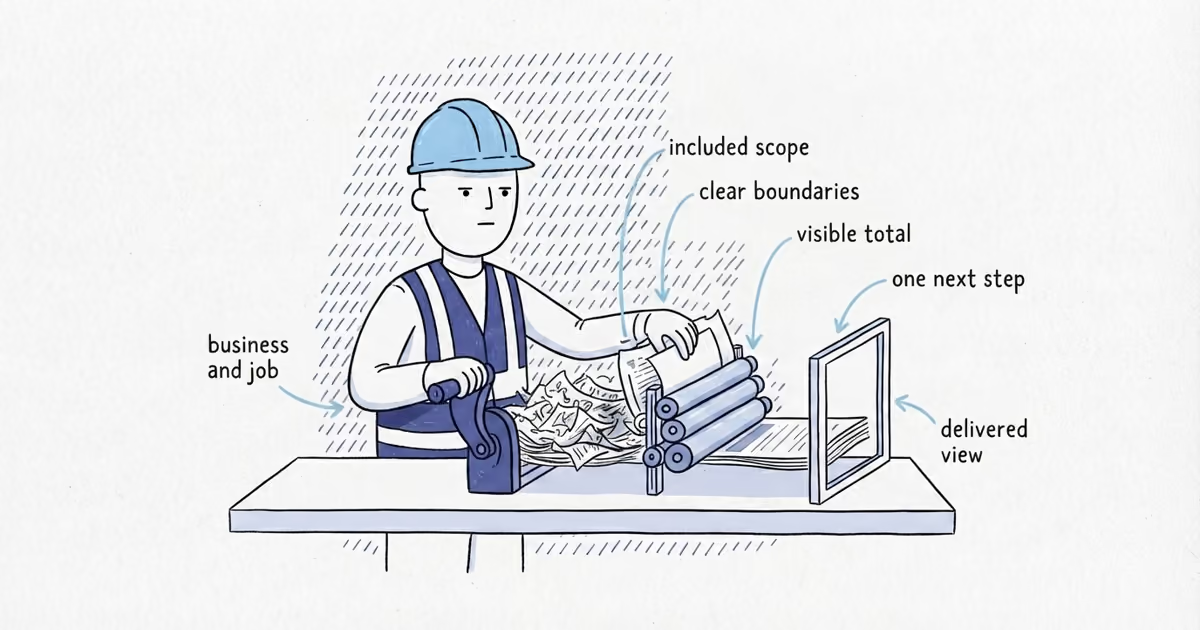
Identify the customer, property, cleaning type, and service date or period. Then invoice the work using the same visit, hour, room, square-foot, or flat-rate basis the customer approved. Show completed extras, discounts, prior payments, the balance, due date, and payment instructions clearly.
The controlling rule is simple: the invoice must mirror the sale. A flat-rate clean does not become hourly because the crew ran long, and an hourly or per-visit agreement does not become an unexplained flat charge after the work.
Use the billing unit the customer approved
| Cleaning arrangement | Show on the invoice |
|---|---|
| One-off residential | Use one visit or one flat-rate line when the customer bought a complete regular, deep, move-out, or window clean. Use hours or defined rooms only when that was the agreed basis. |
| Recurring residential | Show the service period and completed visit count when sold per visit. For a flat monthly plan, show one agreed amount plus the covered period. |
| Commercial | Match the contract or work order: completed visits, approved hours, defined rooms or units, agreed cleanable square footage, or a flat recurring amount. |
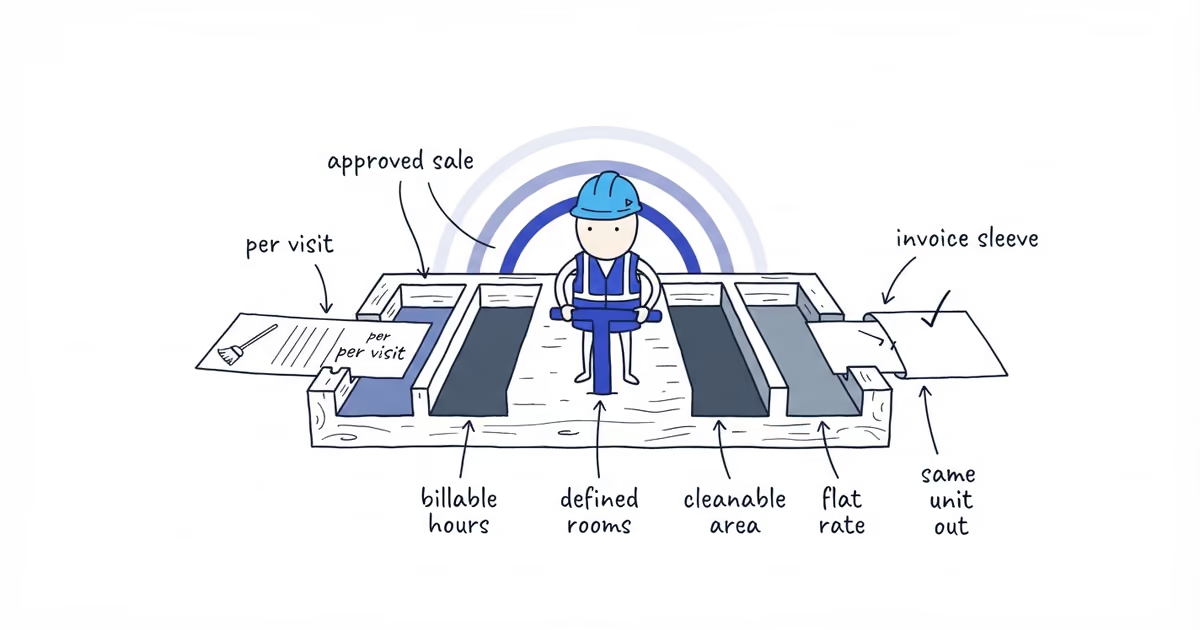
Each unit should mean what it meant in the estimate or agreement:
- Visit: a completed appointment sold per visit.
- Hour: work sold by billable time.
- Room: a defined set of billable rooms or units.
- Square foot: the agreed cleanable area, not a new measurement of the whole property.
- Flat rate: one sold scope or recurring service period at an agreed price.
Do not manufacture an hourly breakdown for a flat monthly plan. Do not use the crew’s timecard to reprice a job after completion.
Make the cleaning invoice easy to recognize
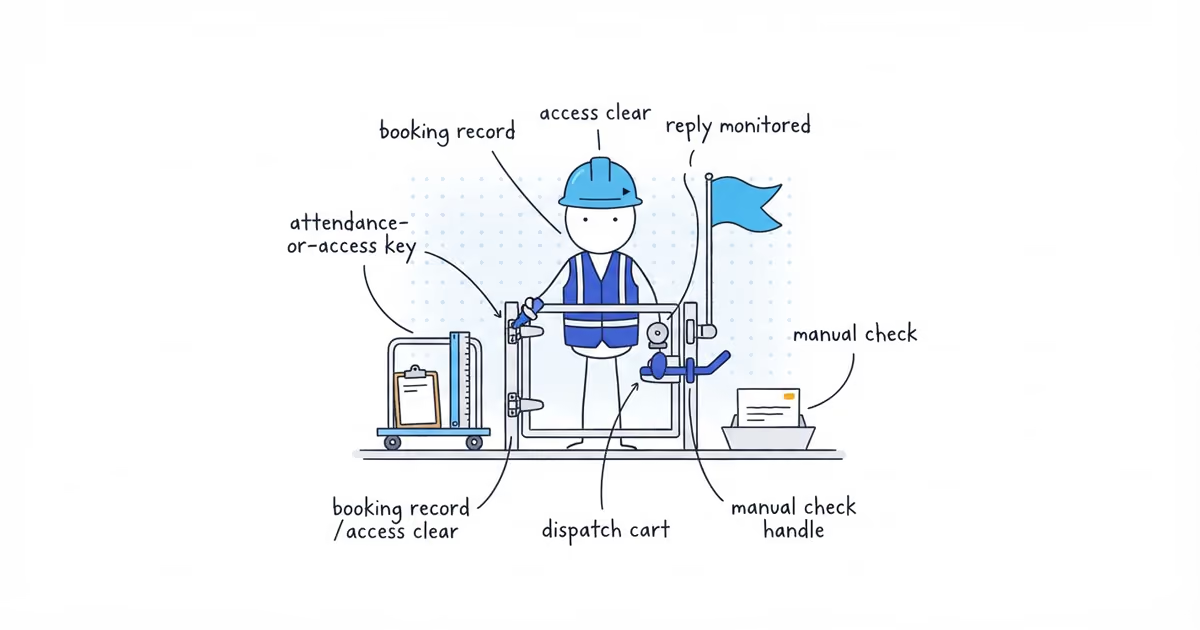
Include the normal business, customer, invoice number, issue date, due date, and payment details, then add the cleaning information that explains this bill:
- Service address.
- Cleaning type.
- Completed service date or covered period.
- Visit count or other approved quantity and unit.
- Purchase order, work order, or customer reference when required.
- A contact for billing questions.
Write Move-out cleaning, 1 flat rate or Regular cleaning, 4 visits, not only Cleaning services.
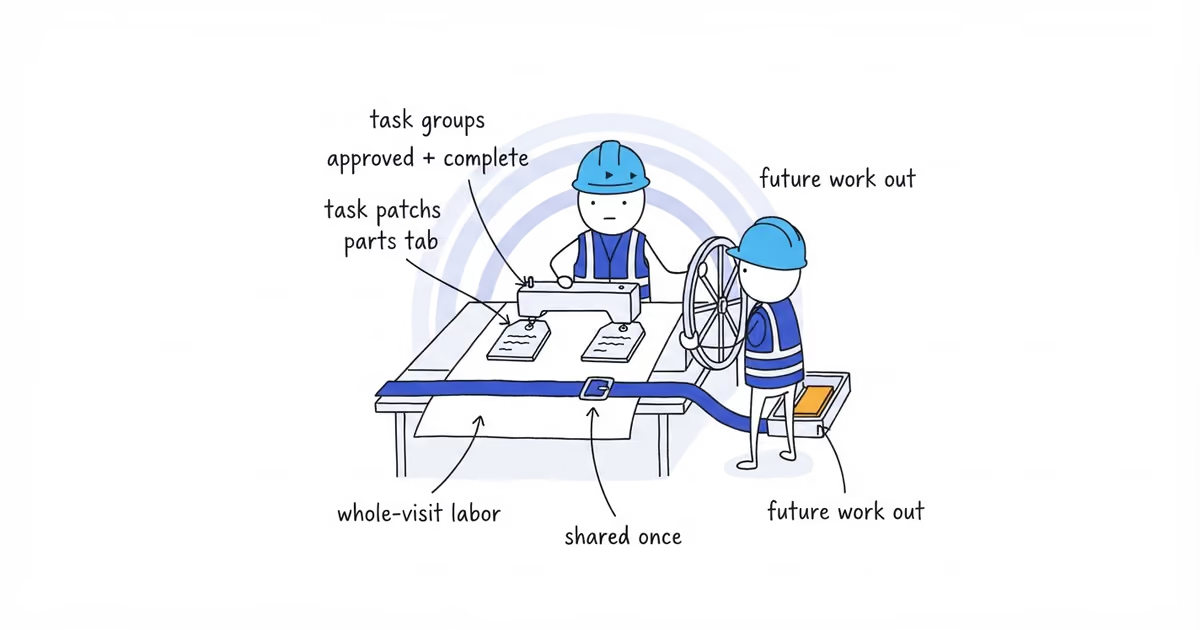
Keep the base service separate from completed add-ons. Oven cleaning, interior windows, or carpet-spot treatment can be separate lines when they were approved and completed. Specialty supplies and disposal belong on separate lines only when the agreement makes them separately billable. If they were included in the flat rate, do not charge them again.
Show the balance in an order the customer can follow
Add the base service or completed visits, approved add-ons, and any separately billable supplies or disposal. Then apply the documented discount and verified job-specific tax treatment. Finally, deduct a deposit, account credit, or prior payment.
Recurring commercial cleaning example
These figures demonstrate invoice arithmetic, not cleaning prices.
A commercial customer approved cleaning at $180 per visit. Four visits were completed during the invoice period:
| Line | Calculation | Amount |
|---|---|---|
| Regular commercial cleaning | 4 x $180 | $720 |
| Approved carpet-spot treatment | Flat rate | $120 |
| Separately agreed supplies | Item | $35 |
| Separately agreed disposal | Flat rate | $25 |
| Subtotal | $900 | |
| Agreed discount | -$40 | |
| Prior payment received | -$200 | |
| Balance due | $660 |
Tax is omitted because its treatment depends on the job. The invoice should also show the commercial site, covered period, four completed visits, due date, and payment method. Those details make the $660 understandable.
Leave payroll and job costs off the invoice
The invoice is not a crew timecard or job-cost report. Payroll rates, internal supply costs, overhead, and margin stay in the business records.
Show hours when hours were the approved billing unit or support an agreed charge. When the customer bought a flat-rate result, the crew’s internal hours do not belong on the invoice.
Once the billing unit, completed quantity, extras, discount, prior payments, and balance agree, the Cleaning Invoice Generator can format them into a customer preview and printable or downloadable PDF.
Before sending, check the invoice from the customer’s side: the property and service period are clear, the unit matches the agreement, extras are separate, no supply or disposal charge appears twice, and the balance can be reproduced.
Frequently asked questions
Can I put several recurring cleaning visits on one invoice?
Yes, when the agreement allows billing by service period. State the covered dates and visit count, then keep one-off add-ons on separate lines.
Can I correct a cleaning invoice after sending it?
Yes. Preserve the original, label the corrected version, explain what changed, and make sure the customer is left with one current balance.
Should a commercial cleaning invoice include a purchase order number?
Include the purchase order or work-order reference when the customer or agreement requires it. The invoice should still show the site, covered period, completed units, and balance.
Sources
- ShiftFlow Cleaning Invoice Generator, current tool configuration.
- pricing
- how-to-invoice-cleaning-job
- how-to-invoice-a-cleaning-job
- cleaning-invoice-example
- how-to-invoice-recurring-cleaning-services
- commercial-cleaning-invoice
- house-cleaning-invoice