What Should Contractors Post on Instagram?
See what contractors should post on Instagram, choose the right Feed, carousel, Reel, or Story, and use practical content ideas for eight home-service trades.
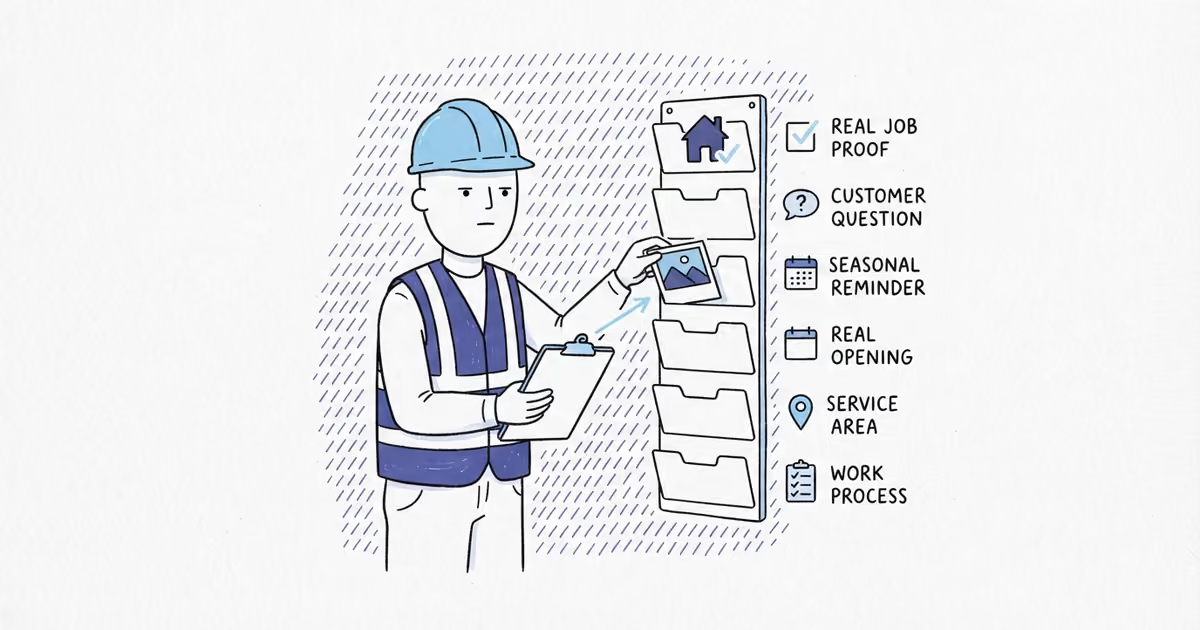
Post the work a local customer can use to judge your business: completed-job proof, problem-process-result project stories, answers to common questions, seasonal service guidance, crew standards, and current service-area or availability updates. Skip the generic quote graphics. A useful post shows what you did, explains one choice, or tells the customer what to do next.
Last checked: August 27, 2026 (United States).
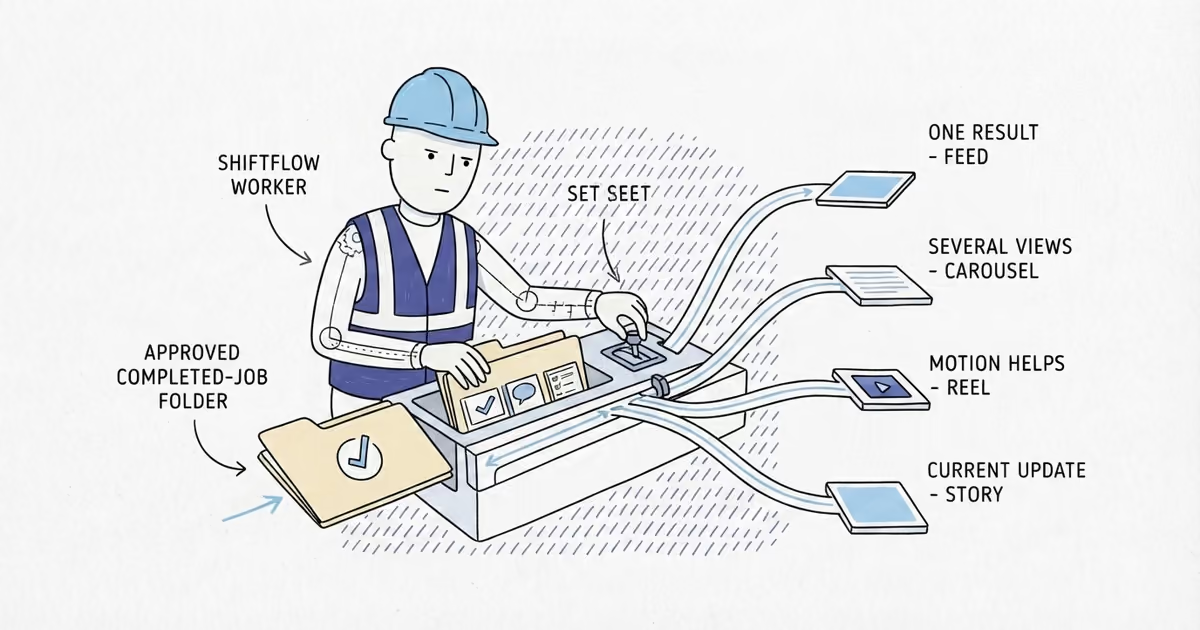
Instagram currently documents photo and video posts, posts with multiple photos or videos, Reels, and Stories. Those are different ways to explain the work, not a ranking from worst to best.
What Instagram format should contractors use?
Use this rule before opening the app:
| What you need to communicate | Use this format | Good contractor use |
|---|---|---|
| One clear result or point | Feed post | A finished installation, repair, clean, or project detail with context |
| Several steps, views, or choices | Carousel | A project sequence, service checklist, material options, or included work |
| Motion or a short spoken explanation | Reel | A finished walkthrough or tools-down explanation from cleared footage |
| A current, lightweight update | Story | Today’s service area, a seasonal reminder, or an open appointment |
A Reel is not automatically better than a still photo. If the customer needs to compare three details, a carousel is clearer. If one finished image tells the whole story, post that image. Use the format that carries the information with the least production work.
How to turn one contractor job into Instagram content
One job can give you more than a final photo. Start with the customer problem, one decision or process detail, the result, and one useful follow-up lesson. A current Story can show where the crew is working or that a similar appointment is available.
For example, an exterior painting job might produce:
- A photo of peeling trim, cropped so the home cannot be identified
- A carousel showing the damaged area, the prepared surface, and the finished trim
- A final feed photo with the color and work scope in the caption
- A short note about what the homeowner should watch at the next seasonal inspection
- A Story saying the crew is completing exterior work in the broader service area
You do not need to publish all five. Choose the angle that answers a real customer question.
Routine work also counts. An HVAC maintenance visit may have no dramatic transformation, but a carousel listing what the technician checked tells a customer what the service includes.
Workmanship standards count too: floor protection on a painting job, labels after electrical work, landscaping cleanup, or a completed service checklist. Name what this crew did; do not claim every job is flawless.
Instagram post ideas for contractors in eight trades
Use the row for your trade, then choose the column that fits the material you already have. Every idea below starts with normal work rather than a trend.
| Trade | Feed post | Carousel | Reel | Story | What to capture |
|---|---|---|---|---|---|
| House cleaning | Finished kitchen with the exact deep-clean tasks named | Room-by-room move-out clean showing what was included | Quiet walkthrough of cleared, finished surfaces after the crew packs up | A recurring-clean opening in a broad neighborhood or service area | Approved final wide shot, two details, and the completed checklist |
| Plumbing | Finished utility-sink installation with the completed scope | Corroded shutoff found, removed part on a work mat, and finished replacement | Plumber, tools down, explaining what changed and why the shutoff now works as intended | Seasonal pipe-protection reminder or an open service window | Identifier-free component close-up, removed part, and final detail |
| HVAC | Completed thermostat setup with the feature the customer asked for | Maintenance-visit checklist: filter, drain, thermostat, and documented system readings | Post-service walkthrough of the thermostat controls without making a performance promise | Current cooling or heating appointment availability by service area | Checklist, approved equipment view, and one completed-control clip |
| Electrical | Finished exterior-light installation with the chosen fixture function | Customer goal, fixture options considered, and the completed daylight result | Tools-down demonstration of the finished dimmer or lighting zones | A reminder about preparing access before a booked service visit | Final fixture, approved option detail, and safe finished-use clip |
| Roofing | Finished flashing or shingle repair photographed from an approved position | Material samples, the repair scope, and the finished area from a safe vantage point | Crew lead on the ground explaining the completed repair with the roof in the background | Storm-inspection availability after conditions are safe | Ground-level result, material sample, and written scope fact |
| Landscaping | Finished low-maintenance bed with the installed plants named | Plan sketch, plants grouped before installation, and the cleaned finished bed | After-cleanup walkthrough naming the plants and the care instruction given to the customer | A current seasonal cleanup or planting opening | Plan, plant labels, final wide shot, and approved walkthrough |
| Painting | Finished cabinet or room detail with the coating and color named | Original surface condition, prepared surface, and completed finish | After-cleanup walkthrough showing the finish under normal room light | An approved sample board or current exterior-painting availability | Surface detail, preparation photo, product facts, and final view |
| Pressure washing | Finished walkway with the cleaned area and excluded areas stated | Service scope showing the sections included, protected, and completed | Walkthrough after equipment is shut down showing the finished surface | A weather-related schedule update or next service-area opening | Approved before view, protected-area detail, and dry finished view |
The table is an idea selector, not a calendar. Choose work you completed and assets you can review; do not fill every format.
How to write Instagram captions for contractor jobs
A project image without context makes the customer guess. Build the caption from five facts:
- Customer problem or goal: What did the customer want fixed, cleaned, installed, or changed?
- Work completed: What did your crew actually do?
- Constraint, choice, or useful detail: What made this job specific?
- General service area: Name the city or broad area, not the customer’s address.
- Simple next step: Tell a similar customer how to ask about the service.
Here is a filled example for a painting contractor:
These kitchen cabinets in Cary had a worn finish, and the homeowner wanted a lighter color without replacing the doors. We removed the hardware, prepared the surfaces, and applied the agreed cabinet coating. The narrow clearance around the island meant we finished the doors off-site and returned for installation. We serve Cary and nearby Wake County. Planning a cabinet repaint? Send the number of doors and a few photos so we can check whether the job fits our service.
Keep claims observable. Say what you installed, repaired, cleaned, or checked. Do not promise a lower utility bill, a longer service life, a safer home, or better performance unless you have evidence for that specific claim.
What to check before posting contractor work on Instagram
Publish only when all four answers are yes:
- Approved: The customer approved the photos or footage, and every asset is cleared for business use.
- Private: No address, plate, face, document, screen, or other identifying detail is visible.
- Safe and truthful: The post does not show unsafe work, hide important context, or make a misleading claim.
- Useful: A local customer can understand the service, result, decision, or next step.
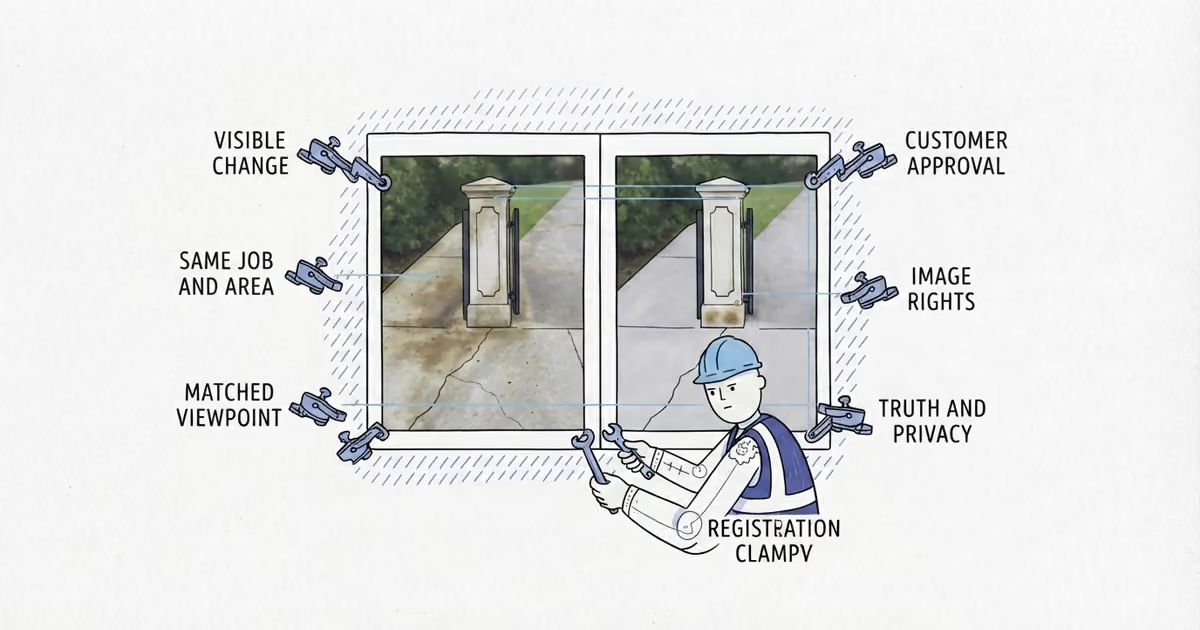
If the post depends on a transformation pair, the before-and-after photo guide helps check matched views, customer approval, image rights, privacy, and editing before the asset enters the content bank. If recording motion adds safety, audio, people, or property risks, the jobsite video guide helps make separate record and publish decisions.
Frequently Asked Questions
Are before-and-after photos good for contractor Instagram posts?
Yes, when the customer approved the images and the comparison is honest, clearly labeled, and free of identifying details. Skip it when different angles, lighting, or edits make the result misleading.
Should contractors post jobsite videos on Instagram?
Only use footage that has already passed the jobsite-video safety, permission, privacy, and truthfulness checks. If recording would distract the crew or expose the property, use a finished photo or carousel instead.
How often should contractors post on Instagram?
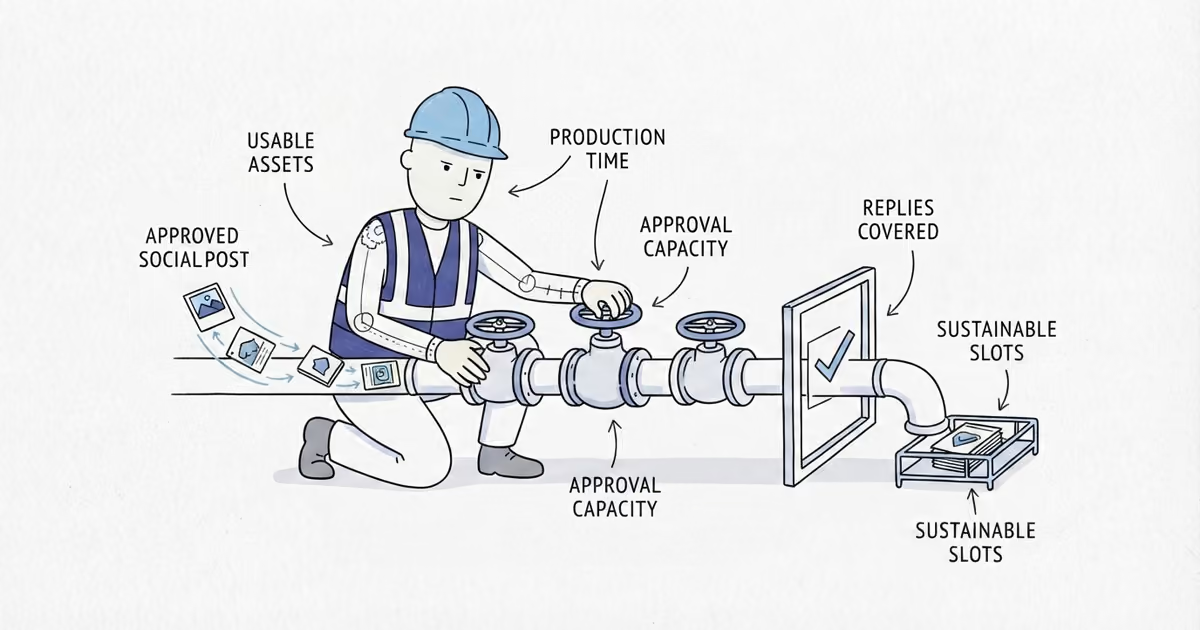
Use the highest pace you can sustain with approved job assets and enough time to review each post and respond to inquiries. Do not copy a universal daily or weekly number.
Sources
- local-platform-decisions
- what-should-contractors-post-on-instagram
- instagram-post-ideas-for-contractors
- contractor-instagram-content-ideas
- instagram-captions-for-contractors
- social-media-content-for-contractors