Should I Show My Phone Number at the Top of My Contractor Website and Add Click-to-Call Buttons?
Learn where to show your contractor website phone number, how to add click-to-call buttons, and how to test every desktop, mobile, and missed-call path.
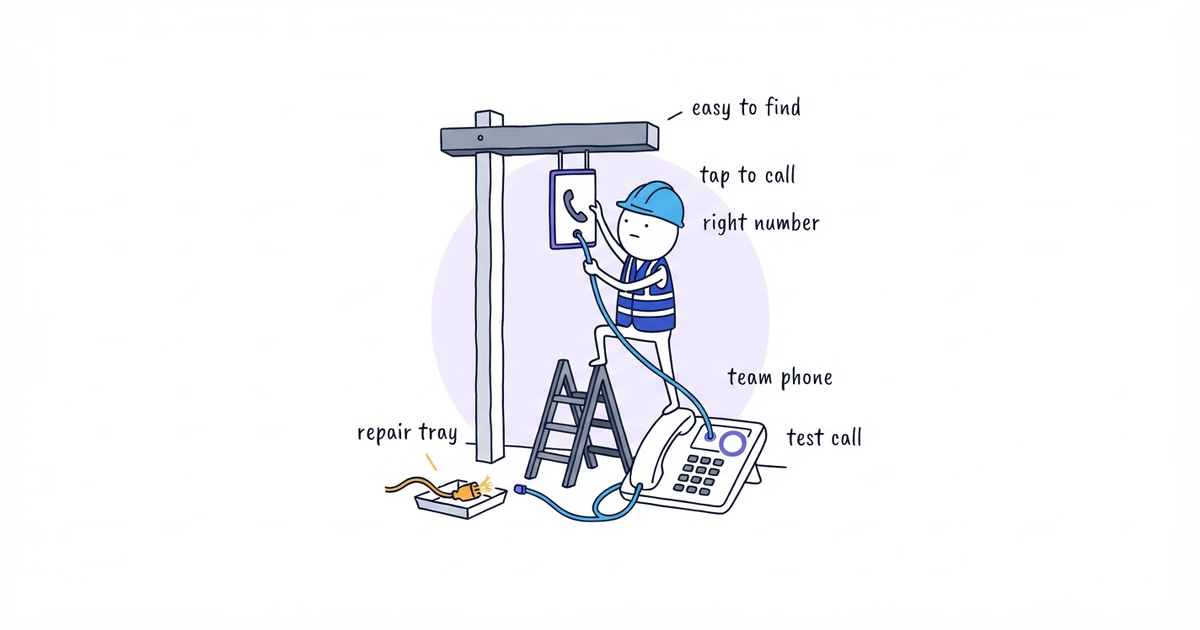
If your business accepts customer calls, show the phone number at the top of the desktop website and make it a real tap-to-call link on mobile. Repeat it on the contact page, in the footer, and beside the decision point on pages where a call is the correct next step.
Use this placement map:
| Location | Desktop | Mobile |
|---|---|---|
| Site header | Formatted number with a clear call label | Tappable call action in the header or navigation |
| Relevant service decision | Number or Call [business] beside the guidance | Tappable, labeled action |
| Contact page | Number plus real answered-hours or after-hours information | Same information with a tel: link |
| Footer | Consistent displayed number as a fallback | Tappable number |
| Persistent bottom action | Usually unnecessary | Optional only after overlap and scrolling tests |
Do not rely on a phone icon alone. Do not cover the form with a sticky call button. Most importantly, do not promise 24/7, emergency, or immediate response beside the number unless the business actually provides it.
What You Need Before Adding a Website Phone Number
Confirm the public number, answered hours, missed-call handling, appropriate call situations, destination system, and a real phone.
Step 1. Define Business Call Hours and Expectations
Write the operating facts before the website copy:
Calls answered: [verified days and hours]
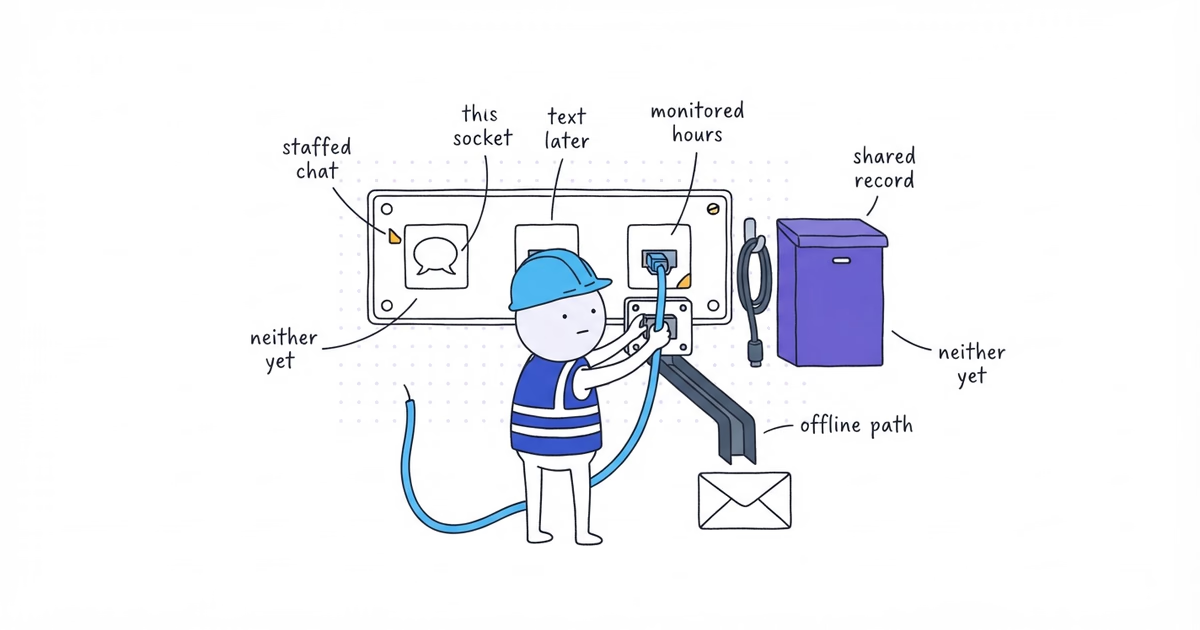
Outside those hours: [voicemail, answering service, or callback process]
Use a call for: [verified customer situations]
Do not promise: [24/7, same-day, emergency, or response time unless verified]
Northside Plumbing’s draft block is:
Call Northside Plumbing
[verified business phone]
[verified answered-hours or after-hours message]
Keep the brackets until the business supplies the facts. Call now does not mean the call will be answered now. State specific hours and the verified after-hours path.
Step 2. Put the Phone Number in the Website Header
Display the formatted number in or beside the main navigation. A visitor should not need to open the contact page or scroll to the footer to find it.
Use readable text:
Call Northside Plumbing: [formatted business phone]If the header is crowded, keep a short label and number there and move handling details to the contact page. A desktop link is fine if it still looks like a phone number and explains the action.
Step 3. Add a Click-to-Call Link on Mobile
Use the verified phone number in the link destination. Keep the visible text formatted for a person to read.
<a href="tel:+1XXXXXXXXXX">Call Northside Plumbing: [formatted business phone]</a>Replace +1XXXXXXXXXX with the full verified US number. The example is not a real Northside number.
The visible label can be Call Northside Plumbing. A phone icon may support the label but should not be the only explanation; icon-only controls need an accessible name.
Do not link Get a quote to the dialer unless the business intentionally handles quote requests by phone. The words and destination should agree.
Step 4. Add Click-to-Call Buttons on High-Intent Pages
Place a contextual call action where the customer has a reason to use it.
| Customer situation | Phone treatment |
|---|---|
| Urgent or complex under the business’s verified process | Call can be the primary action |
| Team needs a conversation before choosing scope or next step | Show a clear call action beside the explanation |
| Non-urgent estimate or service request | Keep phone as a secondary option to the request form |
| Informational page with no immediate call decision | Header and footer may be enough |
Use specific labels such as Call Northside Plumbing or Call during [verified hours]. Avoid Act now, unverified emergency wording, icon-only actions, and repeated call blocks after every short section.
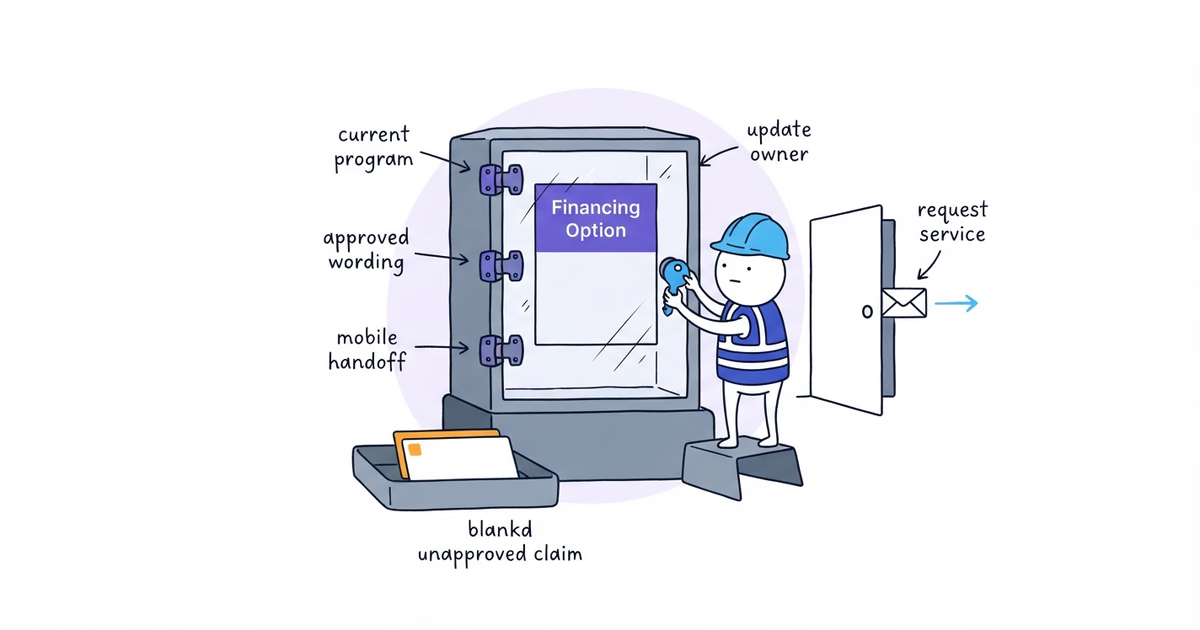
Northside can place a call alternative near the request action on its drain-clearing page. The exact urgent situations and hours stay bracketed until the qualified business owner approves them.
Step 5. Test a Sticky Mobile Call Button
A persistent bottom button can help when calling is a primary path on mobile. It is not automatically better than a normal header and contextual action.
On a real phone, scroll the full page, open the navigation, forms, booking flow, consent controls, keyboard, and every other floating control. Check the browser controls and device safe area. Remove the persistent action if it hides or shifts anything required; keep its dimensions stable across states.
If the current site cannot keep the call and request paths visible and stable on a phone, ShiftFlow’s free website setup can rebuild those contact paths into a mobile-ready service-business site.
Step 6. Repeat the Phone Number on the Contact Page and Footer
The contact page should show:
Call Northside Plumbing
[verified business phone]
[verified answered hours]
[verified missed-call or after-hours process]

Or submit the service-request form for [verified form use].
The footer is a consistent fallback, not the only number on a high-intent page. If call attribution is added, preserve a stable fallback number and test the page with tracking scripts unavailable.
If Google displays a different number from the verified website number, the Google phone-number correction guide helps separate a profile-field problem, duplicate profile, tracking number, and routing failure before anything is removed.
Step 7. Test Every Website Call Path
Opening the dialer is not enough. Place an agreed test call to prove the destination works.
On a real phone:
- open the homepage in a signed-out browser;
- tap the header call action;
- verify the number before calling;
- place a clearly identified test call during the agreed window;
- confirm where it rings and who receives it;
- repeat from the priority service page and contact page;
- test the missed-call or outside-hours path where this can be done without disrupting customers;
- record the page, device, displayed number, destination, date, and result.
Record each placement:
Page and placement:
Device and browser:
Visible number:
Number shown by the dialer:
Call placed: Yes / No
Destination reached:
Answered or missed-call result:
Owner notified:
Result: Pass / Fail
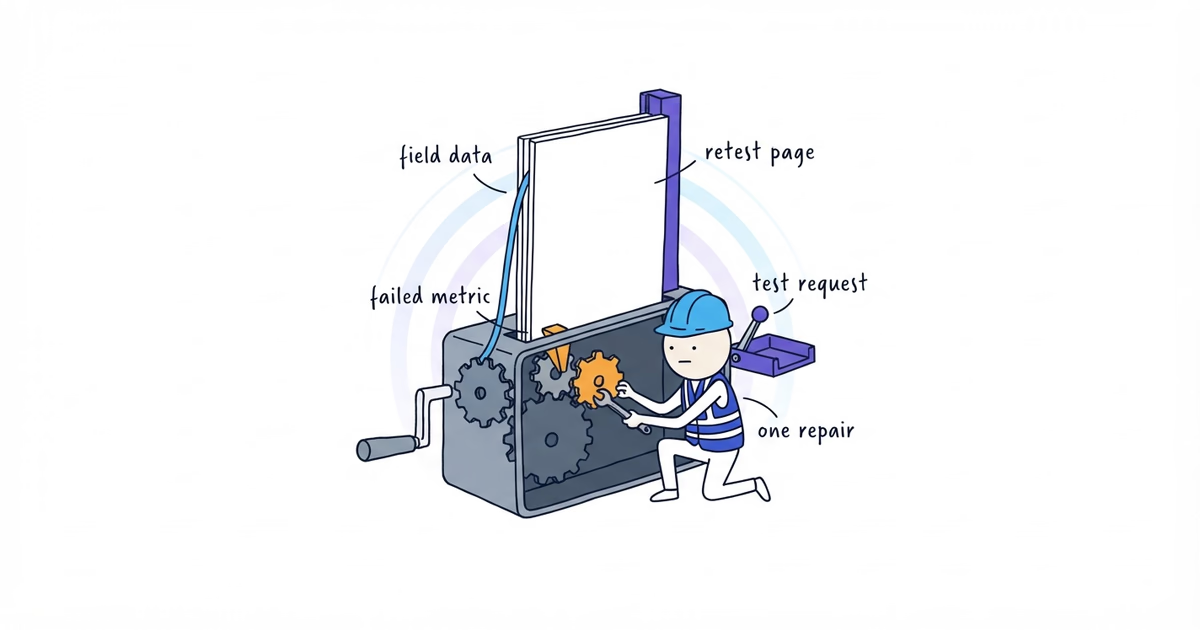
Repair and retest:
Keep phone-link clicks and connected calls separate in reports.
This completed hypothetical record is illustrative, not a real Northside result:
Page and placement: Drain-clearing page, mobile call action
Device and browser: Small-screen iPhone, Safari
Visible number: Correct verified public number
Number shown by the dialer: Old number
Call placed: No — tester stopped before dialing
Destination reached: Not tested because the destination was wrong
Result: Fail
Repair: Replace the stale tel destination and check all reused call components
Retest: Pass — visible and dialed numbers matched, and the agreed test call reached the shared queue
Phone and Click-to-Call Checklist
The phone path is ready when:
- the verified number appears at the top of desktop and as a named mobile call action;
- call wording matches real hours and handling;
- contextual actions appear only where calling is useful;
- no sticky control covers navigation, form, booking, or disclosure content;
- the contact page and footer are consistent, and a real test call reached the intended destination;
- missed calls and after-hours calls have an owner or defined process.
Stop adding copies of the number when the customer can find the phone path at every relevant decision point. Another button will not fix an unanswered phone.
Frequently Asked Questions About Contractor Website Phone Numbers
Should a contractor website use a local or toll-free number?
Use the number local customers recognize and the team handles reliably. Local versus toll-free matters less than consistent display, accurate call expectations, and correct routing. Do not use a number to imply an office that does not exist.
Can I use different tracking numbers on different website pages?
Do not hard-code a different campaign number into every page. If the business needs source-specific attribution, use a managed call-tracking setup with a stable fallback number, then test each displayed number and destination with tracking available and unavailable.
- contractor-website
- click-to-call
- phone-number
- mobile-call-button
- contractor