Why Does Google Show the Wrong Phone Number for My Business?
Fix a wrong business phone number on Google by testing call routing, checking duplicate profiles, documenting the mismatch, and correcting the right source.
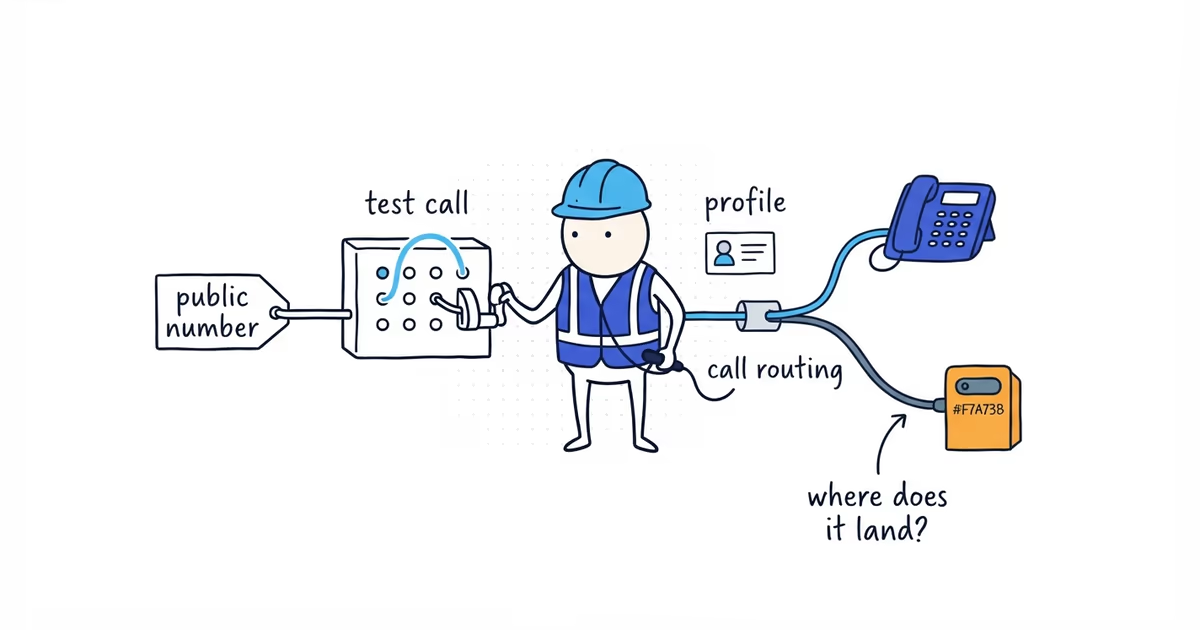
Place a test call before editing the profile. The number may be genuinely wrong, Google may be showing another Business Profile, or the unfamiliar number may be a tracking or forwarding line that still reaches your business.
The test takes two minutes and tells you whether you have a Google field problem, a duplicate-profile problem, or a phone-system problem.
Last verified: July 30, 2026 (United States).
Test the phone number shown on Google
Use a phone that is not connected to the business phone system.
- Search the exact business name while signed out.
- Open the result in Google Maps and save its URL.
- Record the number shown.
- Call it.
- Note who answers, which business name they use, whether a menu or forwarding message plays, and where unanswered calls go.
- Compare the result with the phone number inside the Business Profile manager.
Write the result in one line:
Maps shows 512-555-0140. The profile manager shows 512-555-0199. A call to the public number reaches the old office voicemail.
That is enough to choose the next branch.
How to fix the wrong phone number in your Business Profile
Decide which number customers should use. Google’s representation guidelines say the phone should connect to the individual business and be under its direct control.
The intended number should:
- Reach the business during its stated hours
- Use a voicemail that names the correct business
- Route urgent and normal calls as promised
- Remain under the business’s control
- Match the main customer number on the website
Then use Google’s Business Profile editing process to change the phone field. Save a screenshot of the old value, the new value, and the edit status.
Avoid switching repeatedly between a personal mobile, office number, tracking number, and answering service. Choose the intended customer path first.
If the Business Profile manager is correct but Google is wrong
Confirm that the manager and public result are the same profile. Match the Maps URL, address or service area, website, photos, and review count.
If they match, record:
- The intended number in the manager
- The number shown publicly
- Signed-out screenshots from Search and Maps
- The date the edit was submitted
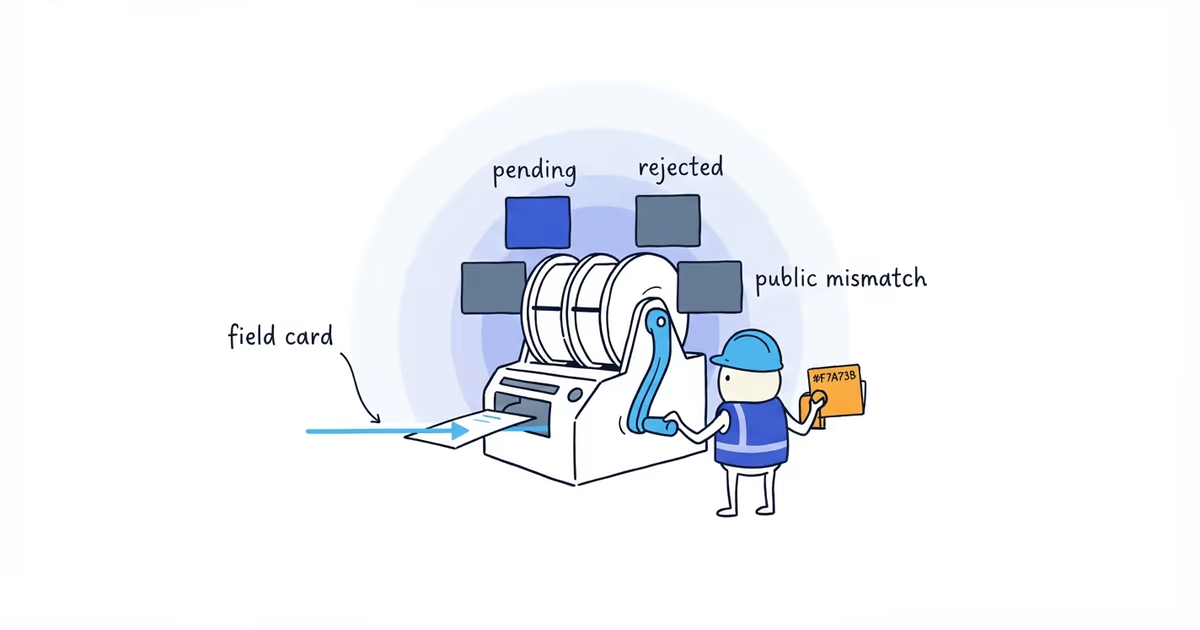
- Whether the edit is pending, rejected, or previously reverted
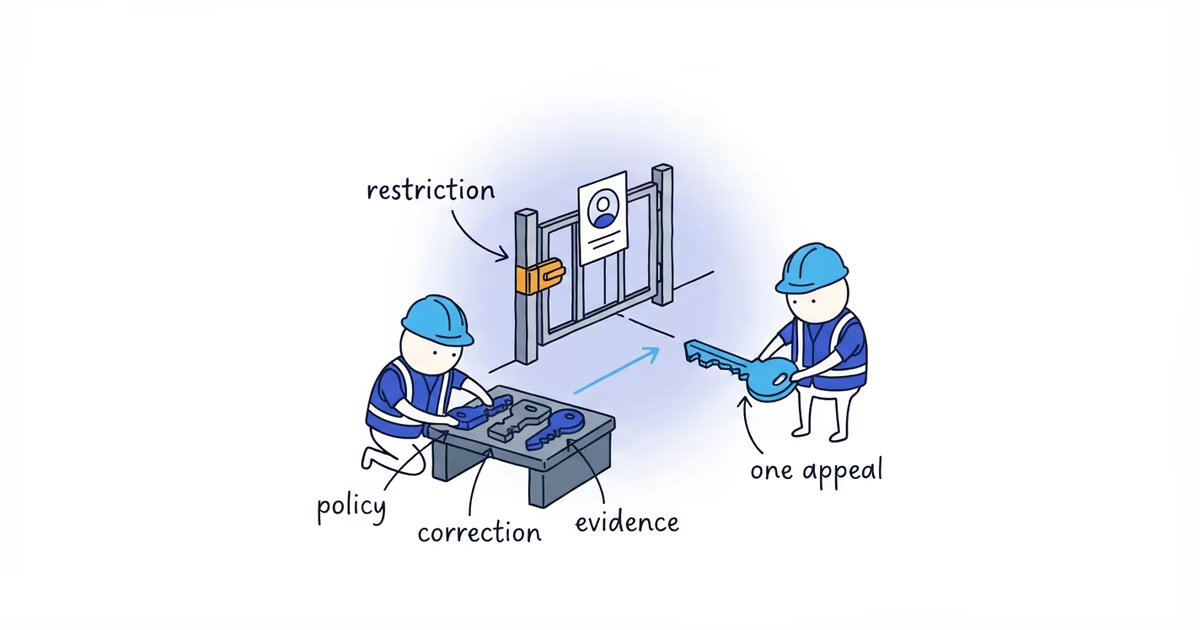
- Proof that the intended number belongs to the business
Use the edit-status or appeal route when Google shows a rejected decision. For a persistent public mismatch with no usable action, send the record to Business Profile support.
Submitting the same phone number again without recording the status only resets your understanding of the case.
Check whether Google is showing a duplicate Business Profile
An old location or duplicate can look like a failed phone edit. Compare both listings:
| Check | Profile you manage | Profile customers find |
|---|---|---|
| Maps URL | ||
| Address or area | ||
| Phone | ||
| Website | ||
| Review count | ||
| Owner access |
If both records represent the same business, preserve the customer-facing history before using the duplicate process. If another account controls the correct listing, follow Google’s ownership-request process.
If you need to recover that established record without creating another profile, our Business Profile ownership guide walks through the access states and supported request paths.
Editing the phone on Profile A cannot fix Profile B. Creating Profile C makes the customer choice worse.
Check an unfamiliar Google tracking or forwarding number
An unfamiliar public number is not automatically fraud. It may belong to an advertising campaign, call-tracking provider, answering service, or phone-system forwarding setup.
For example, a plumbing company sees a number on Google that no one in the office recognizes. A test call rings the normal dispatch line and appears in the company’s advertising dashboard. The number belongs to a tracking provider set up by a former agency.
The immediate problem is ownership, not routing. The company needs to confirm who controls the provider account, what happens when the contract ends, and whether the number should remain. Removing it before that check could break working calls; leaving it under a former agency’s control is also risky.
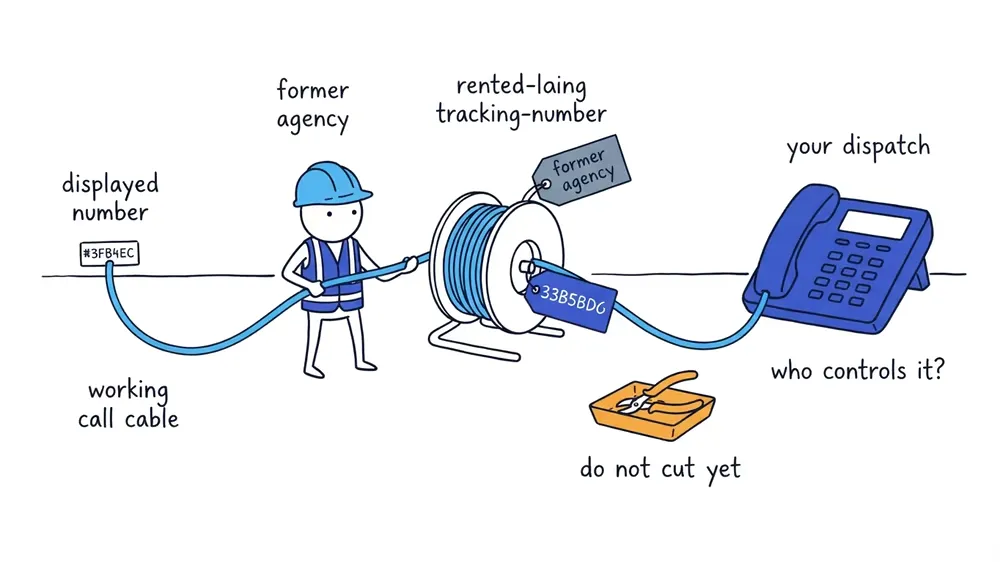
Ask:
- Which provider owns the number?
- Which line receives the forwarded call?
- Does the business control the provider account?
- Are calls announced, recorded, or routed differently?
- What happens if forwarding or the subscription ends?
This is phone-system and advertising-account diagnosis, not a published Google rule. The desired result is a call path the business controls and can test.
Fix a correct phone number that routes calls incorrectly
If the number is correct and the call reaches the wrong employee, menu, voicemail, or disconnected extension, changing Google will not help.
Repair the forwarding rule, auto-attendant, voicemail, carrier account, or answering-service instructions. Then repeat the signed-out test call.
Also test the website’s tap-to-call button. A correct Google number paired with an old website link still loses calls.
Protect business calls while Google updates the phone number
- Keep the intended number prominent on the website.
- Maintain forwarding from an old number when the business still controls it and that is operationally appropriate.
- Make sure the person answering uses the correct business name.
- Track missed calls and changes to the public number.
- Update major listings that clearly show an old number, without delaying an urgent Google support case.
If the old number also appears across Apple Maps, Bing, Yelp, Facebook, or directories, ShiftFlow’s local listings cleanup helps align those customer-facing records around the number the business controls.
The issue is resolved when a signed-out customer opens the correct profile, calls the displayed number, and reaches the path the business intends. A correct value inside the manager is only one part of that test.
Frequently asked questions
Why is Google showing a different phone number for my business?
Google may be showing an old or duplicate profile, a public value that has not matched the manager, or a tracking or forwarding number. Save the Maps URL and place a test call before changing anything.
Should I remove an unfamiliar phone number from Google?
Not until you know who controls it and where it routes. A former agency, advertising platform, answering service, or phone provider may own a working tracking number, and removing it without checking can break incoming calls.
How do I change a Google Business Profile phone number without access?
If the correct profile belongs to the business but another account manages it, use Google’s ownership-request process. Creating another profile or editing a different listing will not correct the established record.
Sources
- google-business-profile
- wrong-phone-number
- business-phone-number
- call-tracking
- duplicate-profile