Why Aren't My Google Business Profile Photos Showing?
Find whether a missing photo is pending, rejected, live but reordered, disappeared, or on the wrong profile, then take the right action without creating duplicates.
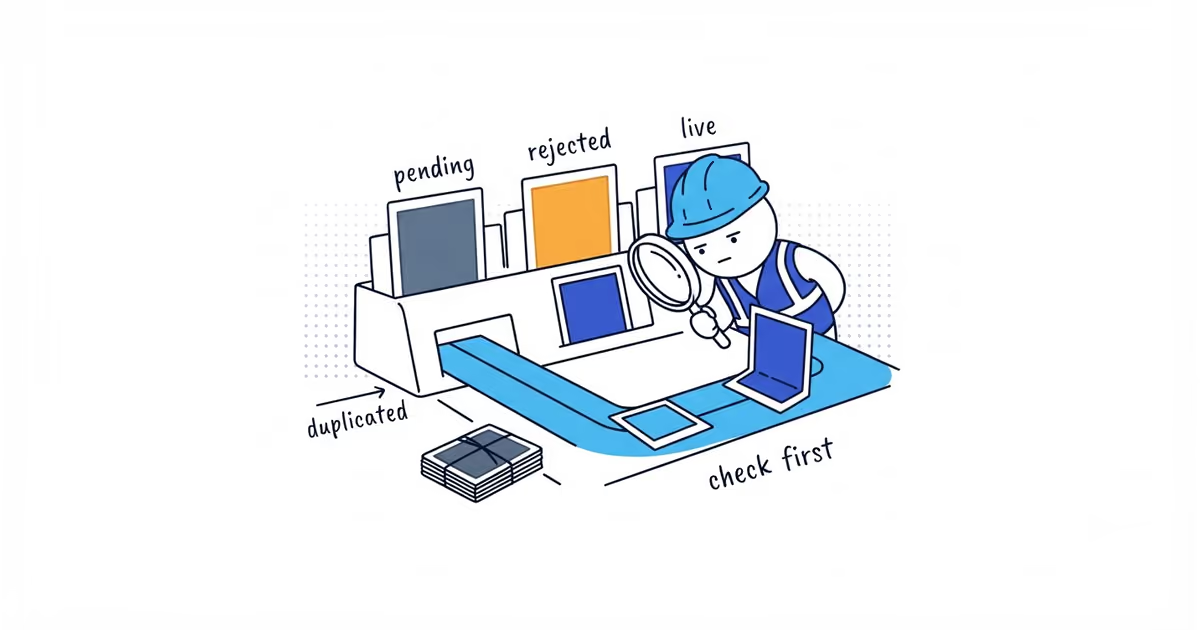
A photo may still be processing, may have been rejected, may be live but not shown first, may have disappeared, or may be on the wrong profile. An unverified Business Profile is another possible blocker.
Before uploading it again, open the full gallery the way a customer would. If the image is already there, the upload worked. If it is not, use the status in the management view to choose the next step.
Find why your Google Business Profile photo is missing
First confirm the business, management account, verification status, upload date, and what a customer sees in both Search and Maps.
| State | How to recognize it | Next action | Done when |
|---|---|---|---|
| Profile not verified | The business has not completed verification | Finish verification before diagnosing photo presentation | The profile is verified and media can be reviewed normally |
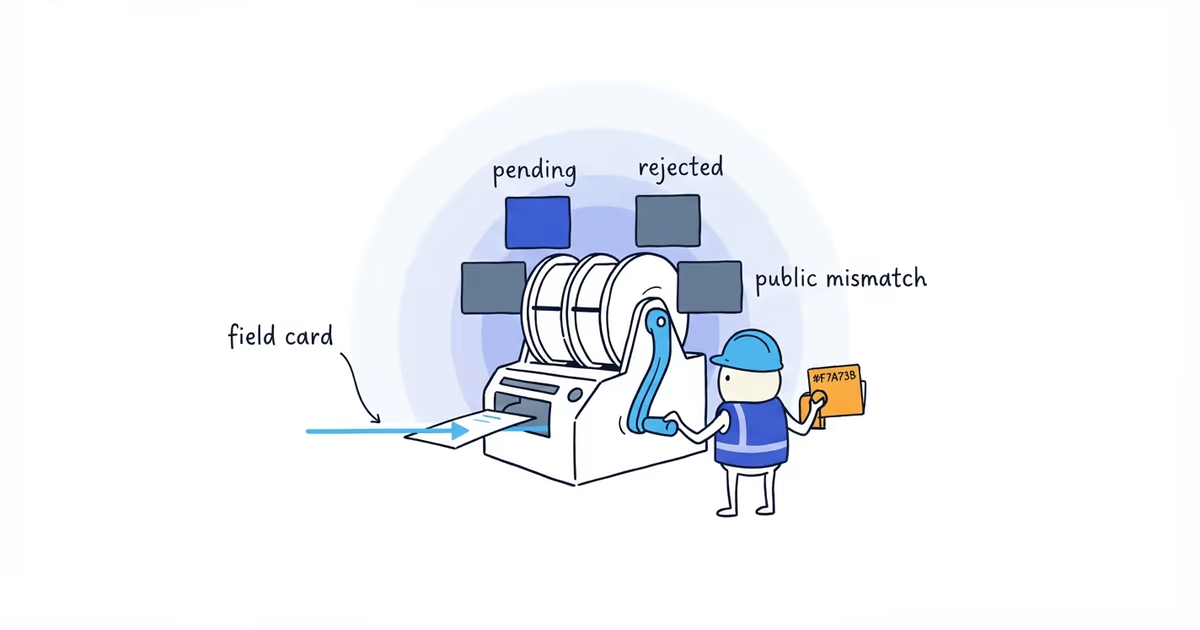
| Pending or processing | The management view has not completed review | Record the upload time and wait; do not create duplicates | The state changes to live or rejected |
| Rejected or not approved | Google shows a failed media state | Check the original against current technical, quality, relevance, and policy rules | One corrected version is submitted or the image is rejected from the publish queue |
| Live but not prominent | The image appears in the public gallery but not first | Accept that Google controls much of the cover and gallery presentation | The owner confirms the upload worked |
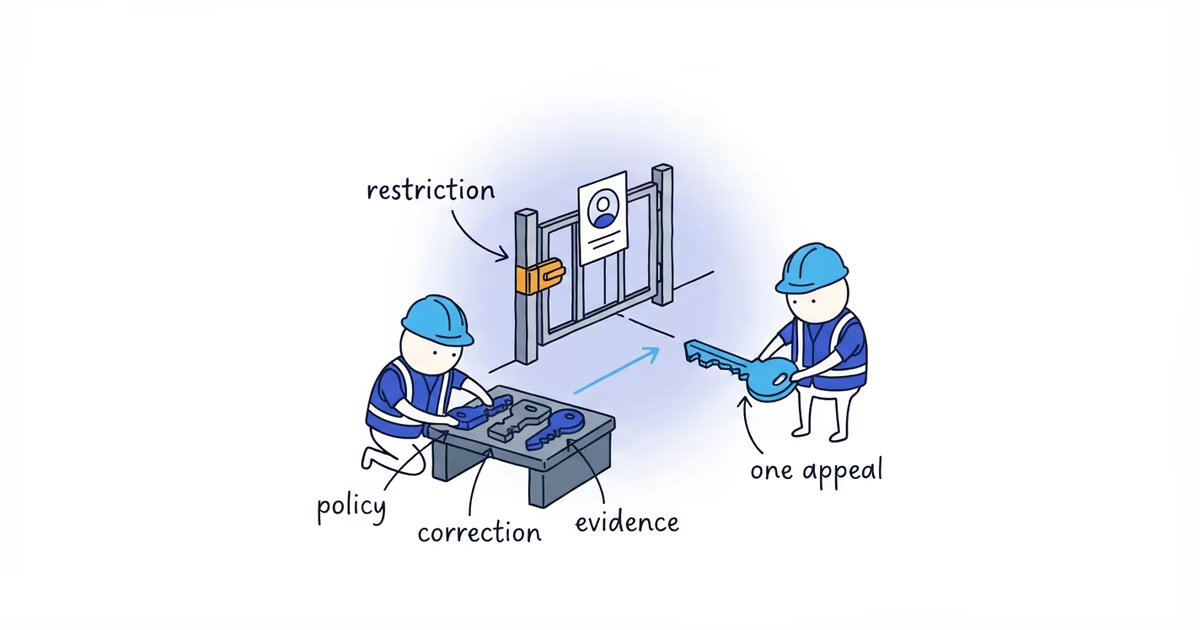
| Disappeared after being live | A previously public image can no longer be found | Check status, policy, profile changes, and preserve evidence | The image is restored, the removal is understood, or a support case is ready |
| Wrong profile | The media appears on another location or listing | Stop retrying and correct the target profile | The right profile receives one correct upload |
Google requires a verified Business Profile before its photos and videos can appear. Use the verification guide if that first condition is not complete.
What to do when a Google photo is pending
Keep the original file and record when it was uploaded. Google says photos and videos can take up to 24–48 hours to appear. Treat that as a normal processing window, not a guaranteed resolution time for every pending or rejected item.
Avoid uploading another copy during that window. If the image is still pending afterward, recheck the profile’s verification, file requirements, and management status before retrying. A duplicate will not explain why the first one is pending.
How to fix a rejected Google Business Profile photo
Compare the original with Google’s current baseline:
- JPG or PNG
- Between 10 KB and 5 MB
- Recommended resolution of 720 by 720 pixels
- Minimum resolution of 250 by 250 pixels
- In focus and well lit
- No significant alterations or excessive filters
- Representative of reality
- Relevant and compliant with Business Profile media policy
Check private information, prohibited or restricted subject matter, misleading edits, text treatment, and whether the image actually represents the business.
Do not default to changing the file name, adding EXIF coordinates, clearing a browser cache, or uploading from several accounts. None of those actions corrects a visible content or file failure by itself.
When there is one clear issue, fix only that issue and try one clean version. Keep the original so you know what changed.
Why your Google cover photo is not showing first
Google can choose the cover image and gallery order. Selecting a cover is a preference, not a guaranteed placement contract.
Open the public gallery. If the image is live there, the upload succeeded. Compressing, renaming, and reuploading it will not create control over the first position.
What to do when a Google photo disappears
Check whether:
- The profile or media now shows a restriction.
- The file still meets current policy.
- A major profile or account change occurred.
- The image was uploaded by the expected business account.
- The same media is visible in Search, Maps, or another profile.
Save the original file, profile URL, photo URL if available, upload date, current status screenshot, and public screenshot before contacting support.
Google Business Profile photo display example
A painter uploads a completed exterior project and expects it to become the cover. The management view shows the file, but the public profile uses a team photo first.
The owner opens the full public gallery and finds the exterior image live. The state is live but not prominent, not rejected. No compression, cache clearing, or duplicate upload is needed.
The owner avoids wasting time fixing an upload that already worked.
When to contact Google about a missing photo
Prepare a support case when you fix one clear issue and the clean version still fails, a live image disappears without an understandable reason, or the profile itself shows a restriction. Include:
- Original file
- Profile and media links
- Upload date
- Status and public-view screenshots
- Account used
- One correction already tested
There is no useful magic retry count. Stop when the photo is public, one corrected version is under review, you have confirmed that only the display order changed, or the support evidence is ready.
Frequently asked questions
How long does Google take to approve a Business Profile photo?
Google says photos and videos can take up to 24–48 hours to appear. Treat that as a normal processing window, not a guaranteed resolution time for every pending or rejected item, and avoid duplicate uploads while the first is processing.
Why is my cover photo not showing first?
Google may choose another image for the cover or gallery order. If the preferred image is public in the gallery, it has not been rejected merely because it is not first.
Should I rename the image and upload it again?
Only when the name change is part of your own file organization. Renaming does not correct a visible policy, quality, verification, or wrong-profile problem.
Sources
- google-business-profile
- profile-photos
- photo-rejected
- photo-pending
- troubleshooting
- home-services