Best Clock In Clock Out Apps for Employees (2026)
Finding the right clock in clock out app can save small businesses hours of payroll headaches every week. This guide compares the top options for industries like cleaning, landscaping, construction, restaurants, and healthcare—so you can pick the one that fits your team.

If you run a small business with hourly team members, you already know the pain of tracking time by hand. Paper timesheets get lost, text messages go unanswered, and by the time payroll rolls around you are stuck reconstructing hours from memory. A clock in clock out app solves that problem by letting team members punch in and out from a phone, tablet, or shared kiosk—giving you accurate records without the guesswork.
But not every app works the same way, and what a cleaning company needs is different from what a restaurant or construction crew needs. This guide breaks down what to look for, compares the top options available today, and helps you pick the right fit for your team. If you want a broader look at the category, our guide to best time clock software covers the full landscape.
What to Look For in a Clock In Clock Out App
Before jumping into specific tools, it helps to know which features actually matter for small businesses. Here are the essentials:
Simple, Fast Punch Process
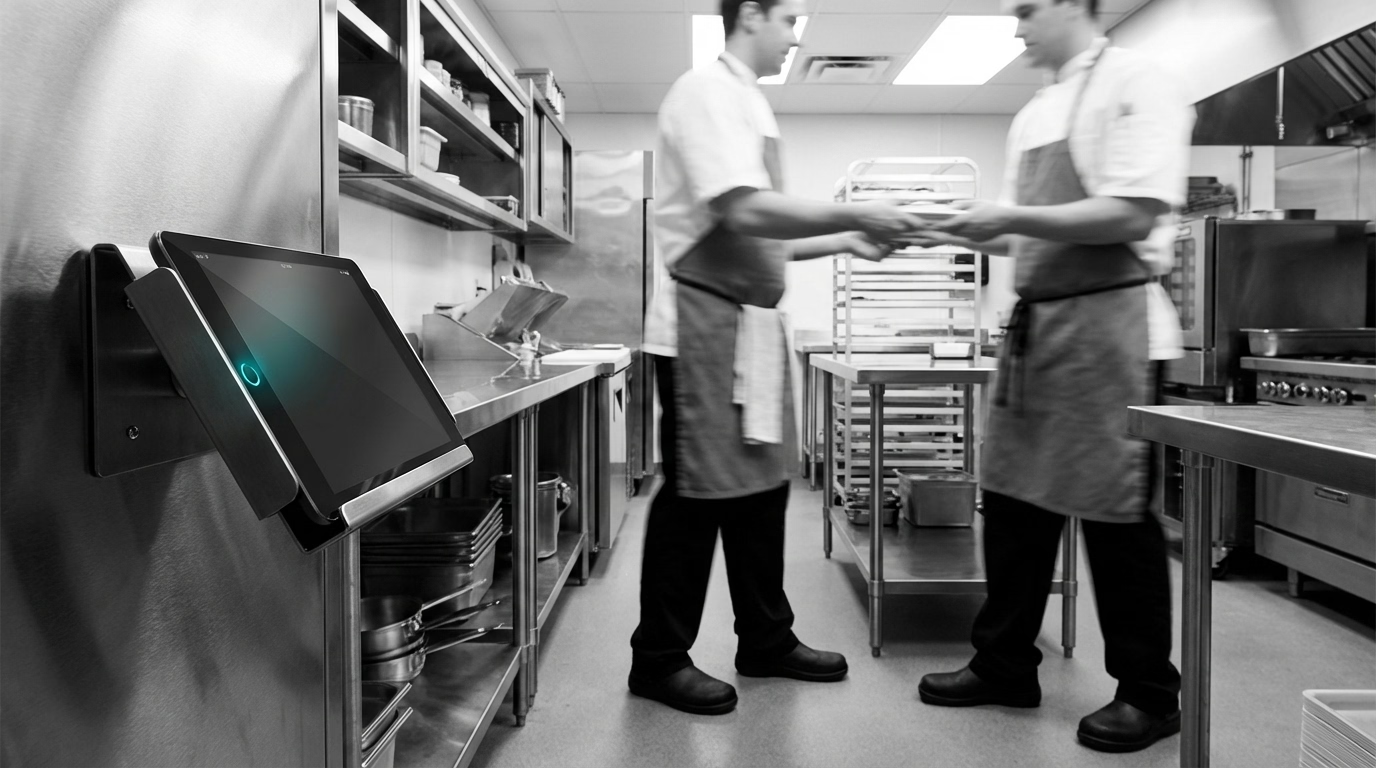
Your team members should be able to clock in within seconds. If the app takes more than two or three taps, people will resist using it—or find workarounds. Look for one-tap punch-in on mobile or a kiosk mode that works on a shared tablet at the job site or break room.
GPS and Location Tracking
For field-based teams in cleaning, landscaping, or construction, GPS verification confirms that team members are clocking in from the right location. This keeps records honest without requiring a manager to be physically present at every site.
Offline Capability
Job sites, rural locations, and older buildings do not always have reliable internet. The app should let team members punch in even when offline and sync the data once connectivity returns.
Payroll Integration
Time data is only useful if it flows into your payroll system without manual re-entry. Check whether the app integrates with your payroll provider or at least exports clean CSV files.
Overtime and Break Tracking
Labor laws vary by state, and the app should help you stay compliant. Automatic overtime calculations, mandatory break reminders, and clear audit trails protect your business from wage-and-hour claims.
Affordable Pricing
Most small businesses do not need enterprise features. Look for straightforward per-user pricing with no hidden fees for basic functionality like reporting or exports.
Top Clock In Clock Out Apps Compared
Below are seven solid options, each with different strengths depending on your industry, team size, and budget.
1. ShiftFlow
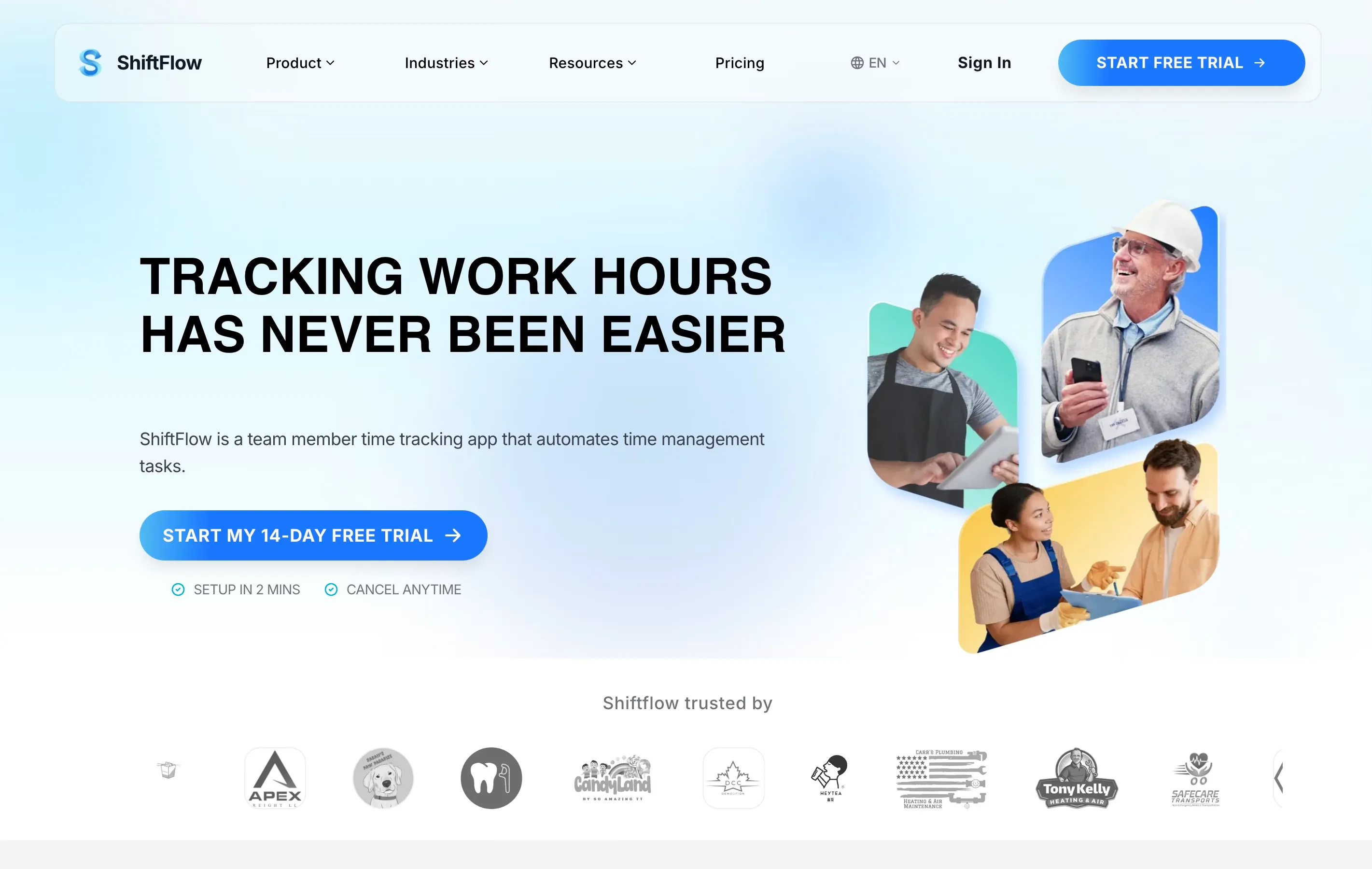
ShiftFlow is built specifically for shift-based small businesses—restaurants, cleaning crews, home healthcare agencies, and similar operations. The mobile app offers one-tap clock in and clock out with GPS verification, and a shared kiosk mode for teams that prefer a single device at the workplace. Managers get real-time dashboards showing who is on the clock, running labor costs, and any missed punches.
Best for: Restaurants, cleaning companies, and healthcare teams that need simple scheduling alongside time tracking.
Key features:
- One-tap mobile punch with GPS
- Kiosk mode for shared tablets
- Built-in scheduling and shift swaps
- Overtime alerts and break tracking
- Payroll-ready exports
- Built-in time tracking with overtime calculations
Pricing: 14-day free trial. Paid plans are $5.99/seat/month or $60.00/seat/year.
2. Homebase
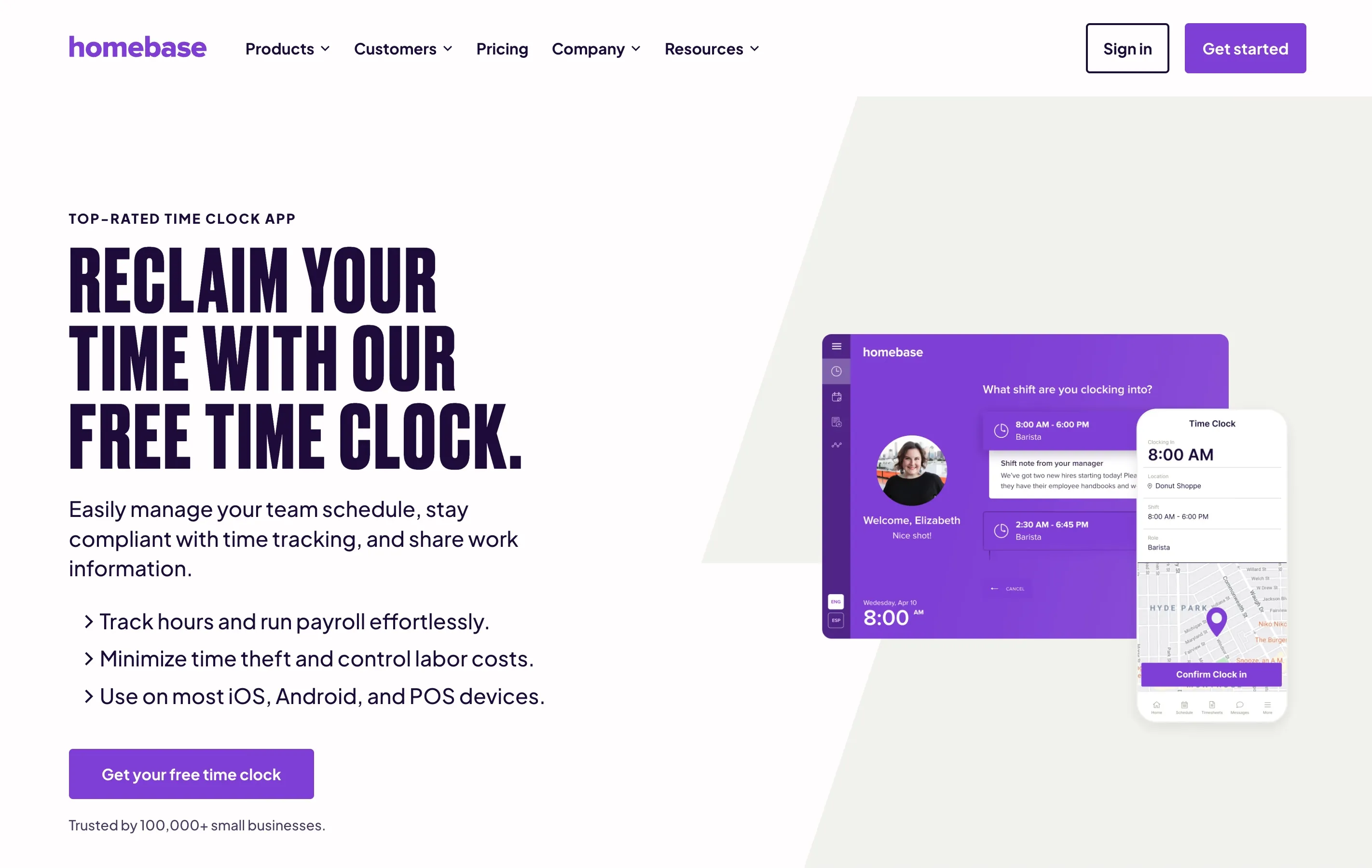
Homebase is a popular choice for small retail and food-service businesses. It combines scheduling, time tracking, and basic HR tools in one platform. The free tier is generous for single-location businesses, though multi-location support and advanced features require a paid plan.
Best for: Single-location retail shops and cafes with small teams.
Key features:
- Free plan for one location
- Scheduling and availability management
- Team messaging
- Basic hiring and onboarding tools
Pricing: Free for one location and up to 20 team members; paid plans from $24.95/month per location (or $20/month billed annually).
3. Connecteam
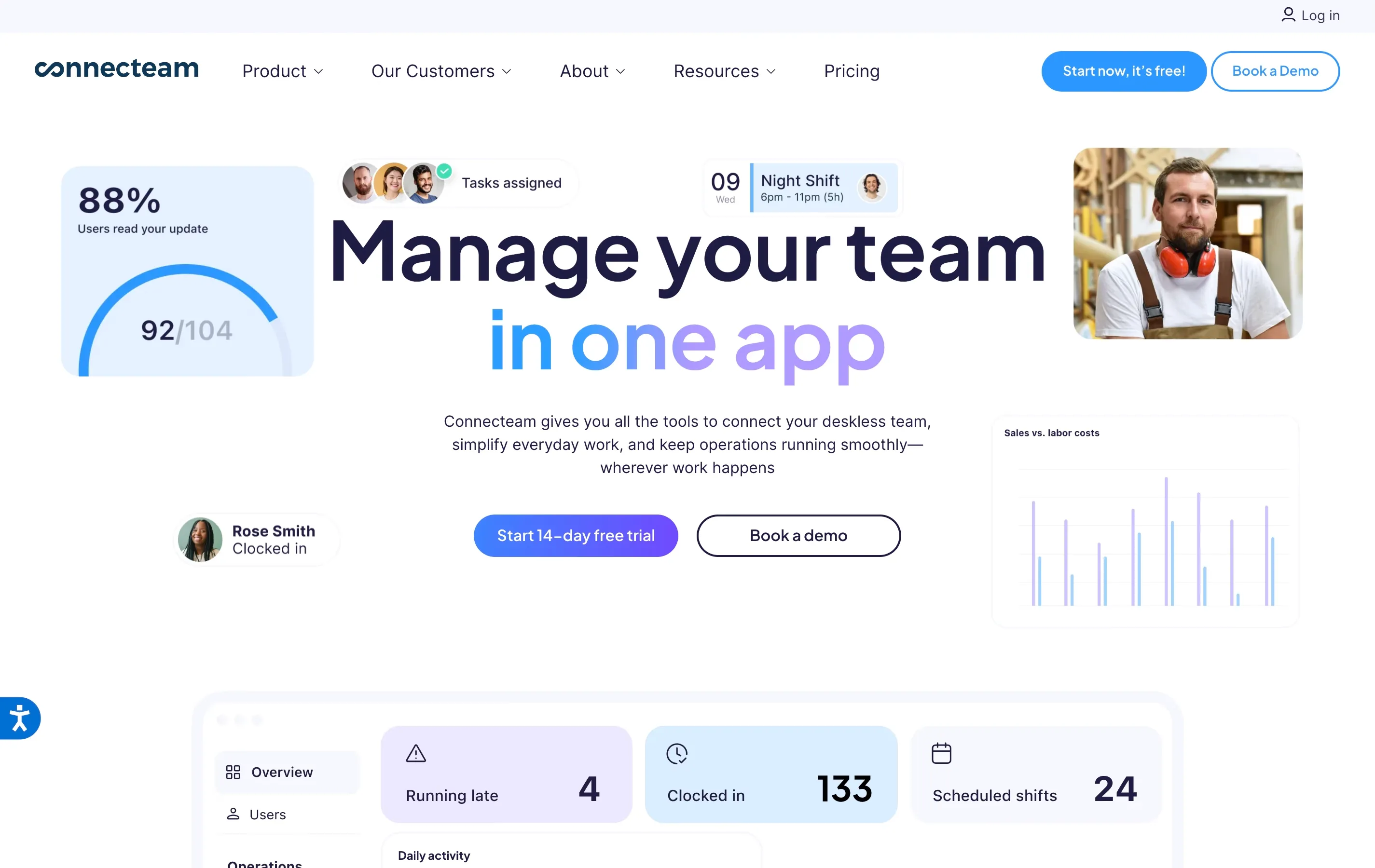
Connecteam targets deskless and field-based workforces. It includes a time clock with geofencing, plus a broader suite of communication and training tools. The interface can feel busy for teams that only need time tracking, but the all-in-one approach works well for larger field operations.
Best for: Field service companies, franchises, and distributed teams with 15+ team members.
Key features:
- GPS time clock with geofencing
- Digital forms and checklists
- In-app communication and updates
- Training and knowledge base modules
Pricing: Free for up to 10 users; paid plans from $29/month for up to 30 users.
4. Buddy Punch
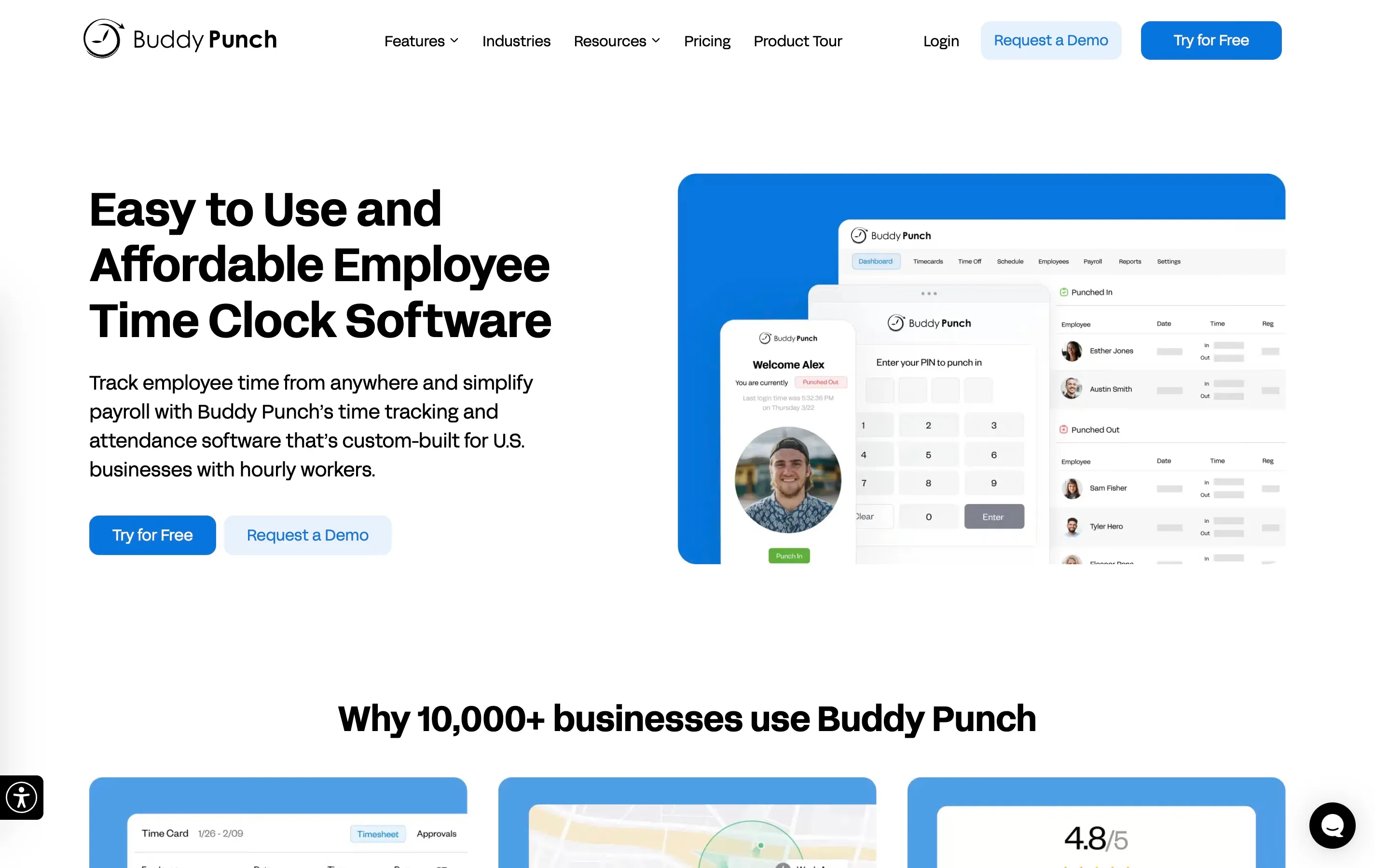
Buddy Punch focuses specifically on time tracking and does it well. The interface is straightforward, and it offers multiple punch methods including facial recognition, QR codes, and PIN entry. It integrates with most major payroll platforms.
Best for: Small businesses that want a focused time-tracking tool without extra features they will not use.
Key features:
- Multiple punch methods (face recognition, QR, PIN)
- Automatic overtime calculations
- PTO tracking and approval
- Integrations with QuickBooks, ADP, Gusto, and others
Pricing: From $5.49/user per month plus a $19/month base fee.
5. When I Work
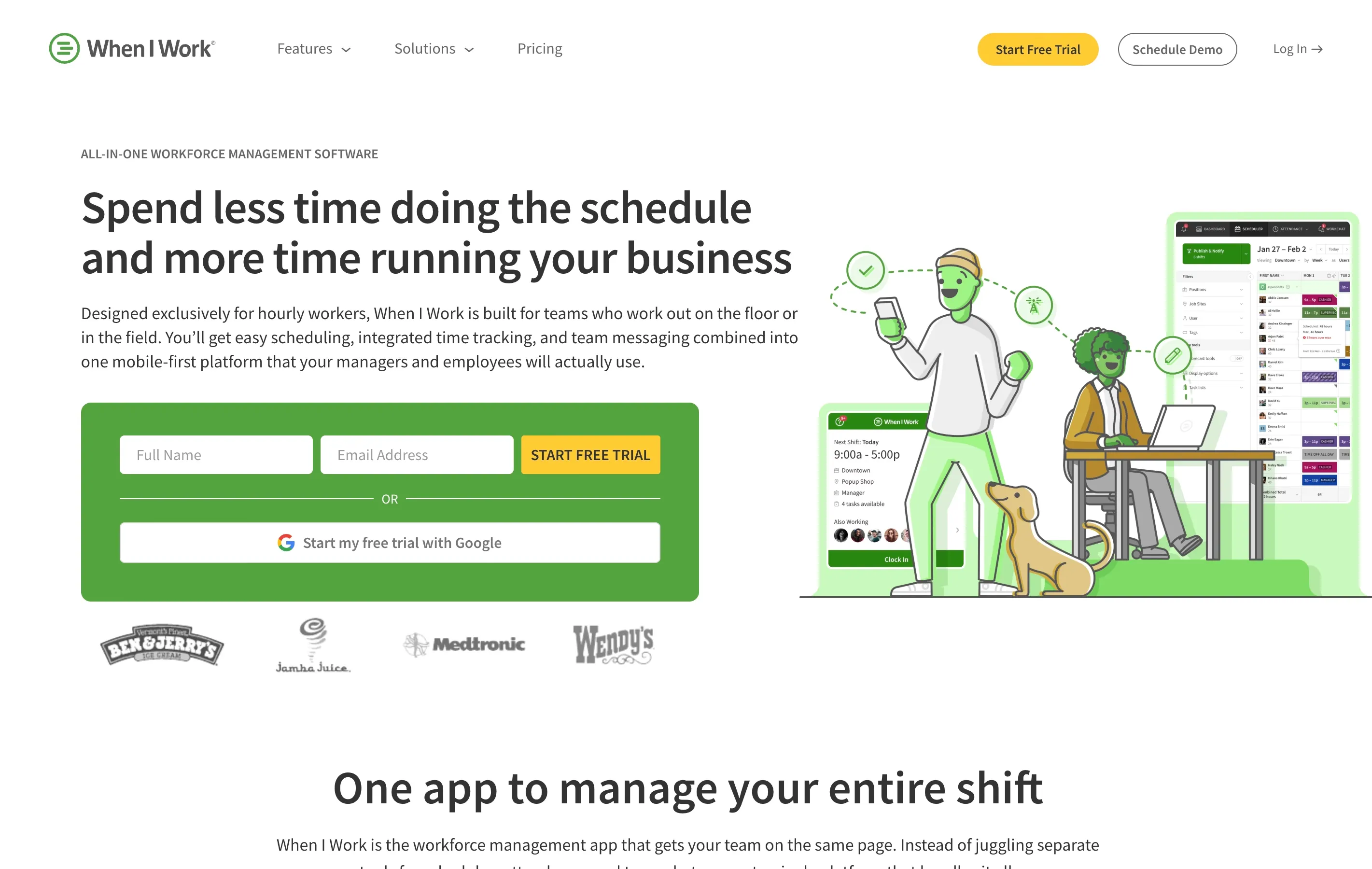
When I Work pairs scheduling with a simple time clock. It is popular in hospitality and retail because of its clean mobile interface and easy shift-swapping features. The time clock is an add-on to the scheduling product.
Best for: Hospitality and retail businesses that prioritize scheduling and want time tracking as a complement.
Key features:
- Drag-and-drop scheduling
- One-tap clock in on mobile
- Shift trading and open shift posting
- Labor cost forecasting
Pricing: Scheduling starts at $2.50/user per month; time tracking and attendance is an add-on at roughly $1.50/user per month extra.
6. ClockShark
ClockShark is designed for construction and field service companies. It includes GPS tracking, job costing, and crew-level time tracking—features that matter when you need to know not just how long someone worked, but which job site they were at and what task they performed.
Best for: Construction companies, plumbers, electricians, and field service businesses that need job costing.
Key features:
- GPS breadcrumb tracking
- Job and task-level time allocation
- Crew punch for group clock-ins
- QuickBooks and Sage integration
Pricing: From $9/user per month plus a $40/month base fee (Standard plan).
7. OnTheClock
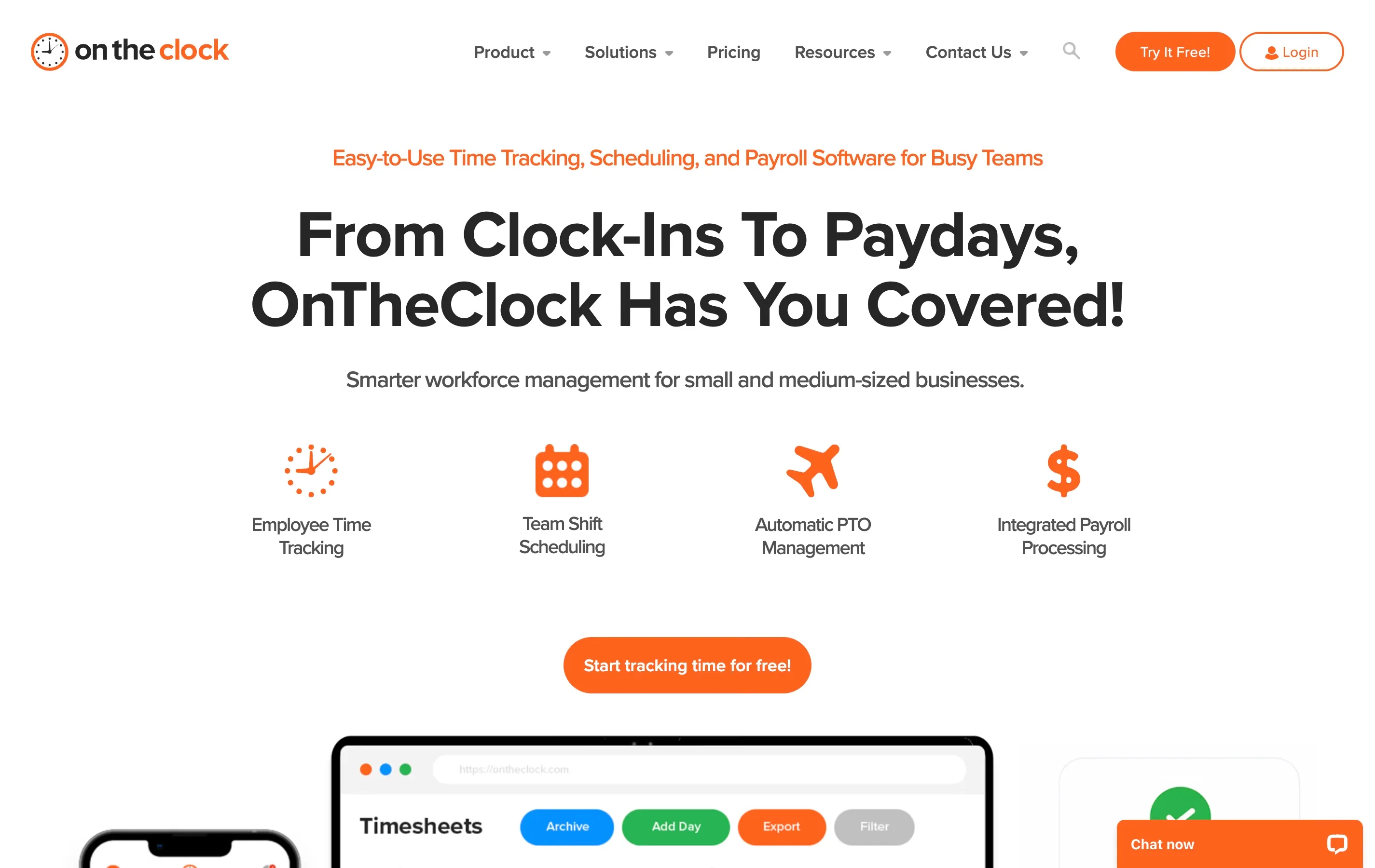
OnTheClock is a straightforward time-tracking app that appeals to budget-conscious small businesses. It covers the basics—mobile punch, GPS, PTO tracking, and payroll exports—without trying to be an all-in-one platform. The interface is no-frills but functional.
Best for: Very small teams (under 10) looking for a low-cost, simple solution.
Key features:
- Mobile and desktop clock in
- GPS and IP address restrictions
- PTO accrual and tracking
- Free for companies with two or fewer team members
Pricing: Free for 1–2 team members; $4/user per month after that.
Quick Comparison Table
| App | GPS Tracking | Kiosk Mode | Scheduling | Free Plan | Starting Price |
|---|---|---|---|---|---|
| ShiftFlow | Yes | Yes | Yes | Yes | Free; paid plans per user |
| Homebase | Yes | Yes | Yes | Yes (1 location) | $24.95/mo per location |
| Connecteam | Yes | Yes | Yes | Yes (10 users) | $29/mo for 30 users |
| Buddy Punch | Yes | Yes | Yes | No | $5.49/user/mo + $19 base |
| When I Work | Yes | No | Yes | No | $2.50/user/mo + add-ons |
| ClockShark | Yes | Yes | Yes | No | $9/user/mo + $40 base |
| OnTheClock | Yes | Yes | Yes | Yes (1–2 users) | $4/user/mo |
How to Choose the Right App for Your Business
With so many options, narrowing down the list comes down to your specific situation:
- Single-location restaurant or cafe: Homebase is the stronger fit if you want a true free tier, while ShiftFlow is the better fit if you want a full-featured 14-day trial before moving to seat-based billing.
- Cleaning or home healthcare with mobile crews: GPS verification is essential. ShiftFlow and Connecteam both handle distributed teams well, with clock-in validation tied to job-site locations.
- Construction or field service: ClockShark stands out for job costing and crew-level tracking. If you bill clients by the job, those features pay for themselves.
- Very small team on a tight budget: OnTheClock or Buddy Punch keeps costs low while covering the basics.
- Large distributed workforce: Connecteam’s communication and training tools make sense when you need more than just a time clock.
No matter which app you choose, the goal is the same: accurate hours, less payroll stress, and a clear record that protects both you and your team members. For a deeper dive into how these tools fit into the broader time-tracking landscape, see our full roundup of the best time clock software.
Getting Started
Most of these apps offer free trials or free tiers, so the best approach is to test two or three with a small group of team members before rolling one out to the whole team. Pay attention to how quickly people figure out the punch-in process—if your team needs training to use it, it is probably too complicated.
Set up the app on a shared tablet for any fixed location, enable GPS for mobile crews, and connect it to your payroll system before the first full pay period. Within a week or two, you will have a clear picture of whether the tool fits your workflow—and you will never want to go back to paper timesheets.
- clock-in-clock-out
- time-clock-app
- employee-time-tracking
- small-business
- mobile-time-clock