Best Simple Time Clock Apps for Small Businesses (2026)
Not a tech person? These simple time clock apps are built for small business owners who want easy setup, zero learning curve, and accurate timesheets without the headache.
You did not start your business to become an IT person. You started it to clean houses, run a restaurant, pour concrete, or take care of patients. And yet here you are, staring at a time clock app that wants you to “configure workflow rules” and “set up role-based permissions” before anyone can punch in.
It should not be this complicated.
Most time clock software is built for mid-size companies with an HR department and a dedicated IT person. That is great for those companies. But if you are a small business owner with 5 to 30 team members and your idea of tech support is asking your nephew to fix the Wi-Fi, you need something different.
You need a time clock app that works right out of the box — one your team members can figure out in about 30 seconds, and one that gives you accurate timesheets without turning you into a systems administrator. This guide is for you. We looked at the most popular time clock apps and ranked them by the one thing that matters most when you are not a tech person: simplicity.
If you want a broader comparison that includes advanced features like GPS tracking and geofencing, check out our full roundup of the best time clock software.
What Makes a Time Clock App “Simple”
Before we get into the list, it helps to define what “simple” actually means. A flashy marketing page can promise ease of use, but the real test happens when you are sitting at your kitchen table at 9 PM trying to set the thing up before tomorrow’s shift.
Here is what we looked for:
- Setup takes under 15 minutes. You should be able to create an account, add your team members, and have someone clock in on the same day. No onboarding calls required.
- Your team members do not need training. If you have to print a how-to sheet or hold a meeting to explain the app, it is too complicated. A good time clock app should be as obvious as unlocking a phone.
- It works on any phone. Not everyone on your crew has the latest smartphone. The app should work on older Android devices and iPhones without lagging or crashing.
- Reports are clear and exportable. When payroll day comes, you should be able to pull a report that shows hours worked, overtime, and breaks — and export it as a spreadsheet or send it to your payroll provider.
- The admin side is just as easy. Editing a missed punch, approving timesheets, or adding a new team member should take a few taps, not a tutorial video.
7 Best Simple Time Clock Apps for Small Businesses
1. ShiftFlow — Built for Simplicity from Day One
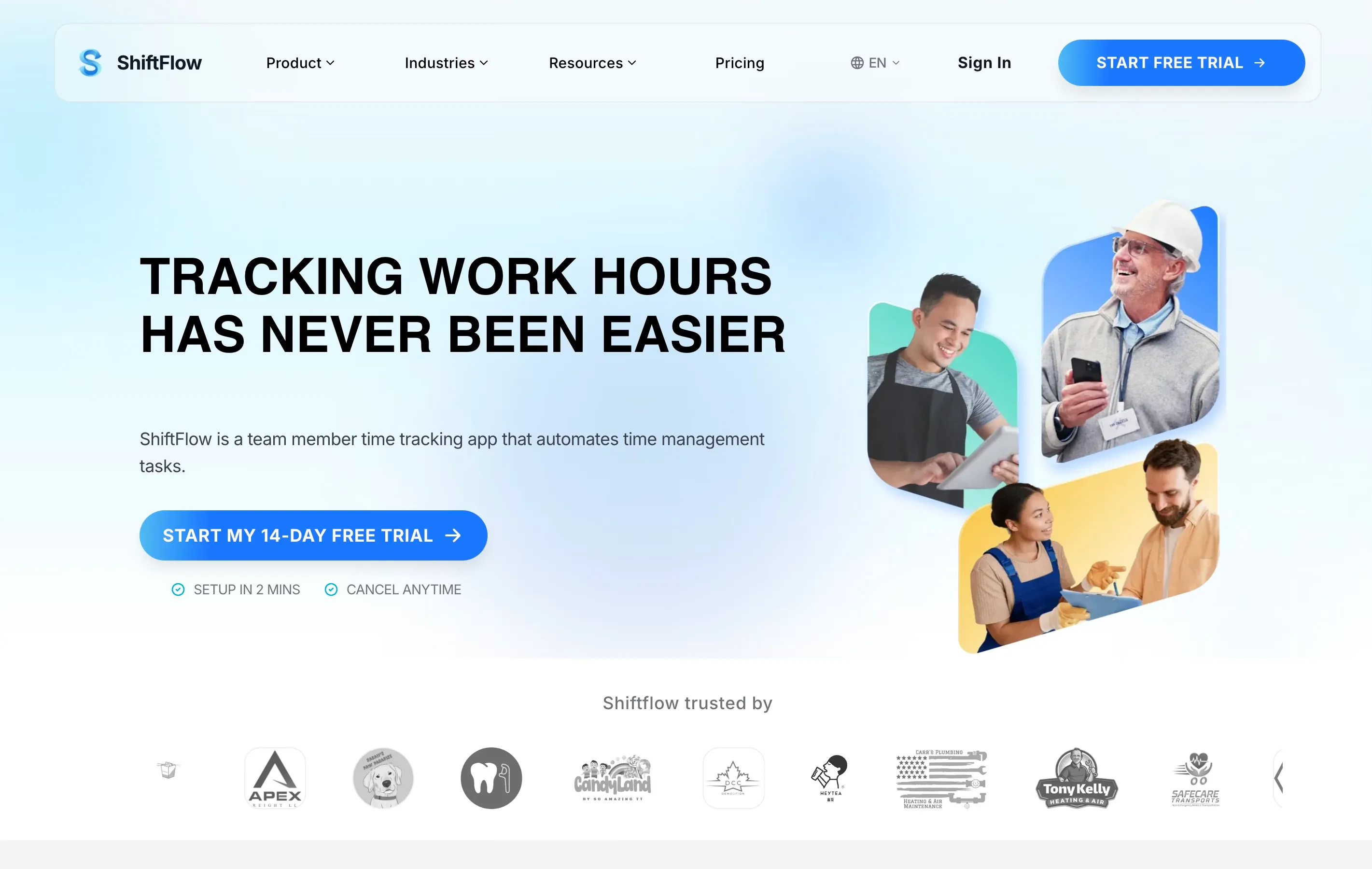
Full disclosure: ShiftFlow is our product. We built it specifically for small businesses that find most time clock tools overwhelming, so we are naturally biased — but we will be straightforward about what it does and does not do.
ShiftFlow focuses on doing a few things well rather than doing everything. Team members open the app and tap one button to clock in. There are no menus to navigate, no settings to configure on their end. The admin dashboard shows you who is on the clock right now, and timesheets are generated automatically at the end of each pay period.
We intentionally left out features that add complexity without adding value for small teams. There is no project tracking module, no complex approval chains, and no enterprise-level reporting suite. If you need those things, ShiftFlow is probably not the right fit. But if you want a simple time clock app that your team members can use on their first day without any explanation, it is worth a look.
What makes it simple: The team member experience is a single screen with one button. The admin dashboard shows real-time attendance and weekly timesheets without buried menus.
Key features: One-tap clock-in, real-time dashboard, automatic timesheets, overtime tracking, payroll export.
Pricing: 14-day free trial. Paid plans are $5.99/seat/month or $60.00/seat/year.
Best for: Cleaning crews, landscaping teams, and small service businesses that want the fastest possible setup.
2. Homebase — Easiest All-in-One for Hourly Teams
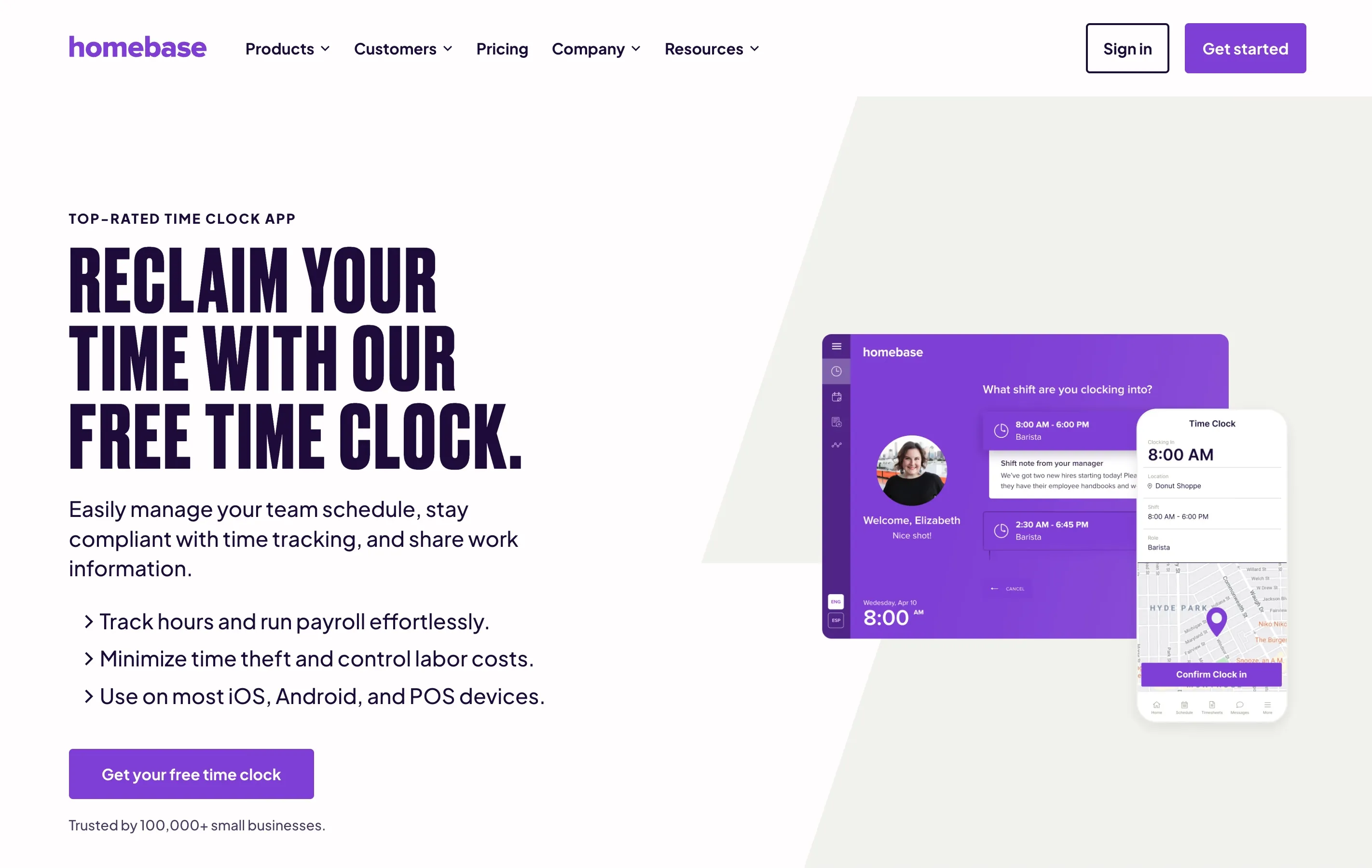
Homebase is one of the most approachable time clock apps out there, and it is a strong pick if you want scheduling and time tracking in one place without dealing with a steep learning curve.
The interface is clean and straightforward. Team members download the app, tap a button to clock in, and that is it. On the admin side, you get automatic timesheets, break tracking, and a basic schedule builder. The free plan covers up to 20 team members at one location, which is enough for many small businesses.
What makes it simple: The onboarding wizard walks you through everything step by step. You do not need to understand any technical terms to get started.
Key features: Mobile clock-in, automatic timesheets, GPS snapshot at punch, scheduling, team messaging.
Pricing: Free for one location (up to 20 team members). Paid plans start at $20/month per location (billed annually; $24.95/month if billed monthly).
Best for: Restaurants, retail shops, and service businesses that want scheduling and time tracking in one app.
3. OnTheClock — Great for Teams That Just Need a Punch Clock
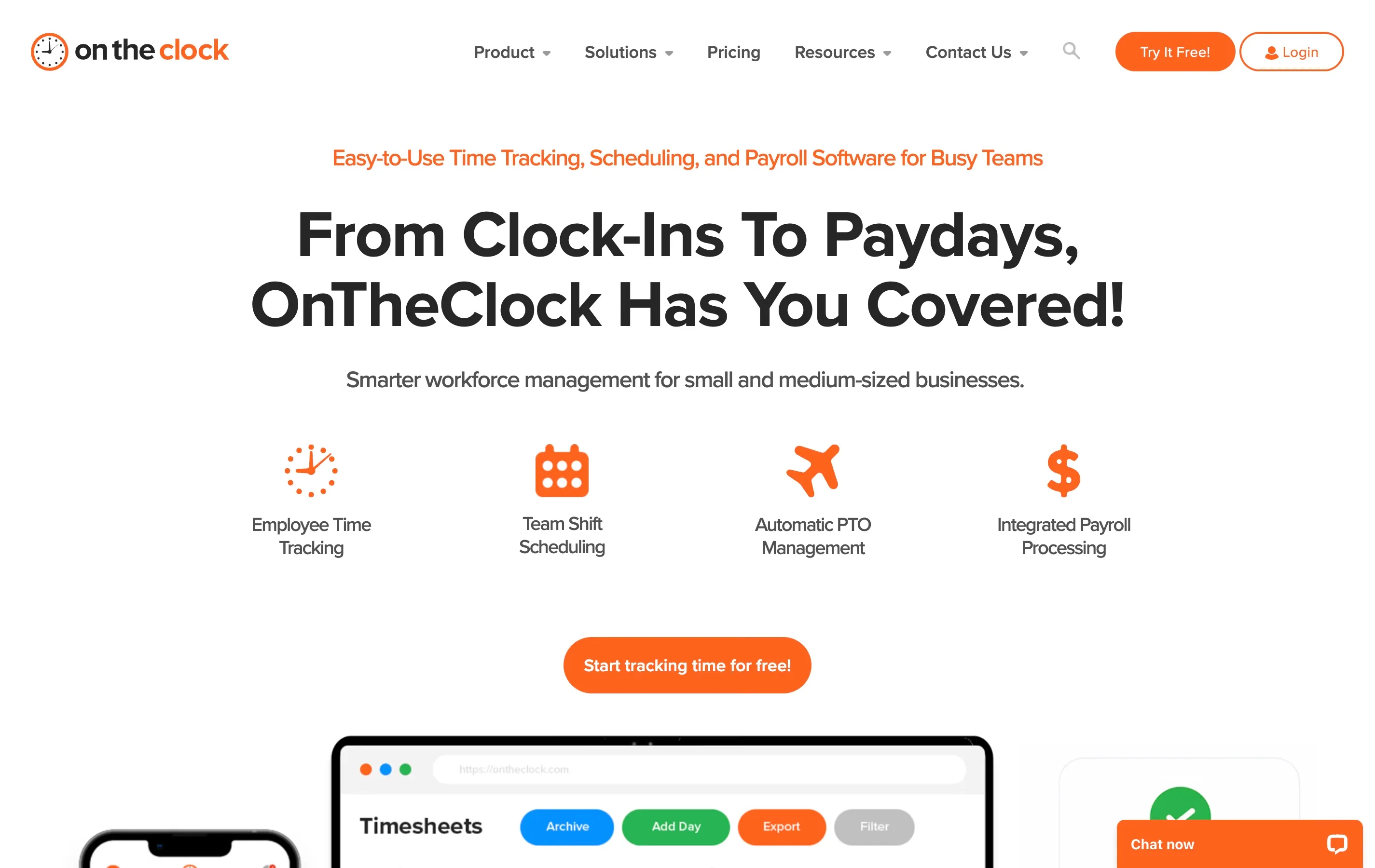
OnTheClock does exactly what the name suggests. It is a digital punch clock that does not try to be anything else. That focus on one job makes it easy to understand and easy to use.
The interface is not the most modern-looking, but it is clear. Team members can clock in from a phone, tablet, or computer. Managers get straightforward time cards that show daily and weekly totals. There is GPS tracking available if you need it, but it stays out of the way if you do not.
What makes it simple: The app does not overwhelm you with features you did not ask for. What you see is what you get.
Key features: Mobile and web clock-in, time cards, PTO tracking, GPS, payroll integrations (QuickBooks, ADP, Gusto).
Pricing: Free for 1–2 team members. Paid plans start at $4/user/month plus a $5/month base fee for 3+ team members.
Best for: Very small teams and sole proprietors with a handful of hourly workers.
4. Buddy Punch — Intuitive Interface with Strong Payroll Connections
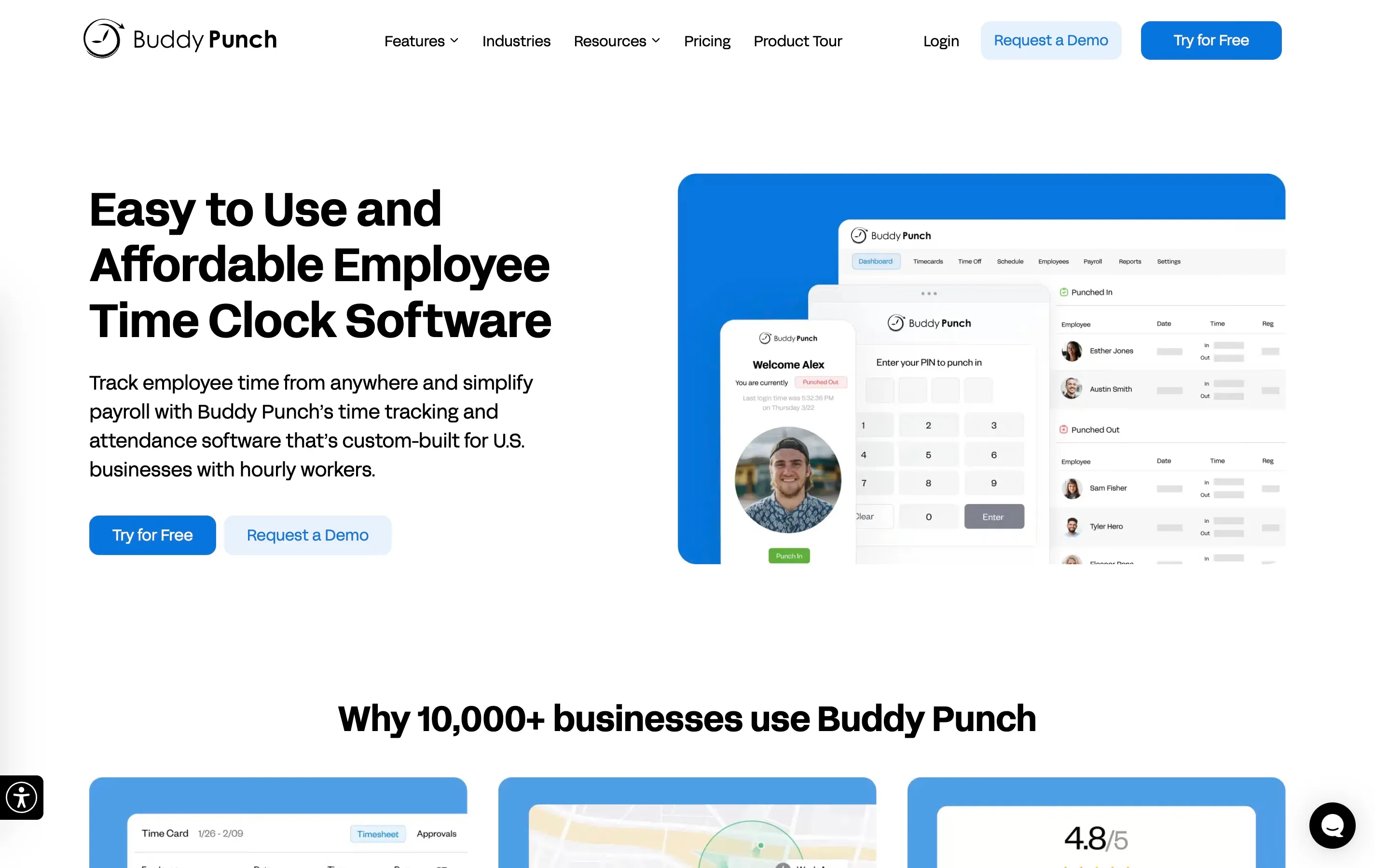
Buddy Punch earns its spot on this list because of how clean and intuitive the interface feels. Everything is labeled in plain language — no jargon, no acronyms. The clock-in screen is simple, and the admin dashboard is organized in a way that makes sense even if you have never used workforce software before.
The payroll integration options are also a highlight. Buddy Punch connects directly to QuickBooks, ADP, Paychex, and several other providers, which means you spend less time manually exporting and re-entering numbers.
What makes it simple: Labels are written in everyday language. The layout is logical and uncluttered.
Key features: One-click punch-in, facial recognition (optional), GPS, PTO management, direct payroll integrations, overtime calculations.
Pricing: Starts at $5.49/user/month plus a $19/month base fee. 14-day free trial available.
Best for: Small businesses that already use QuickBooks or ADP for payroll and want a time clock that plugs right in.
5. When I Work — Best for Businesses That Need Scheduling Too
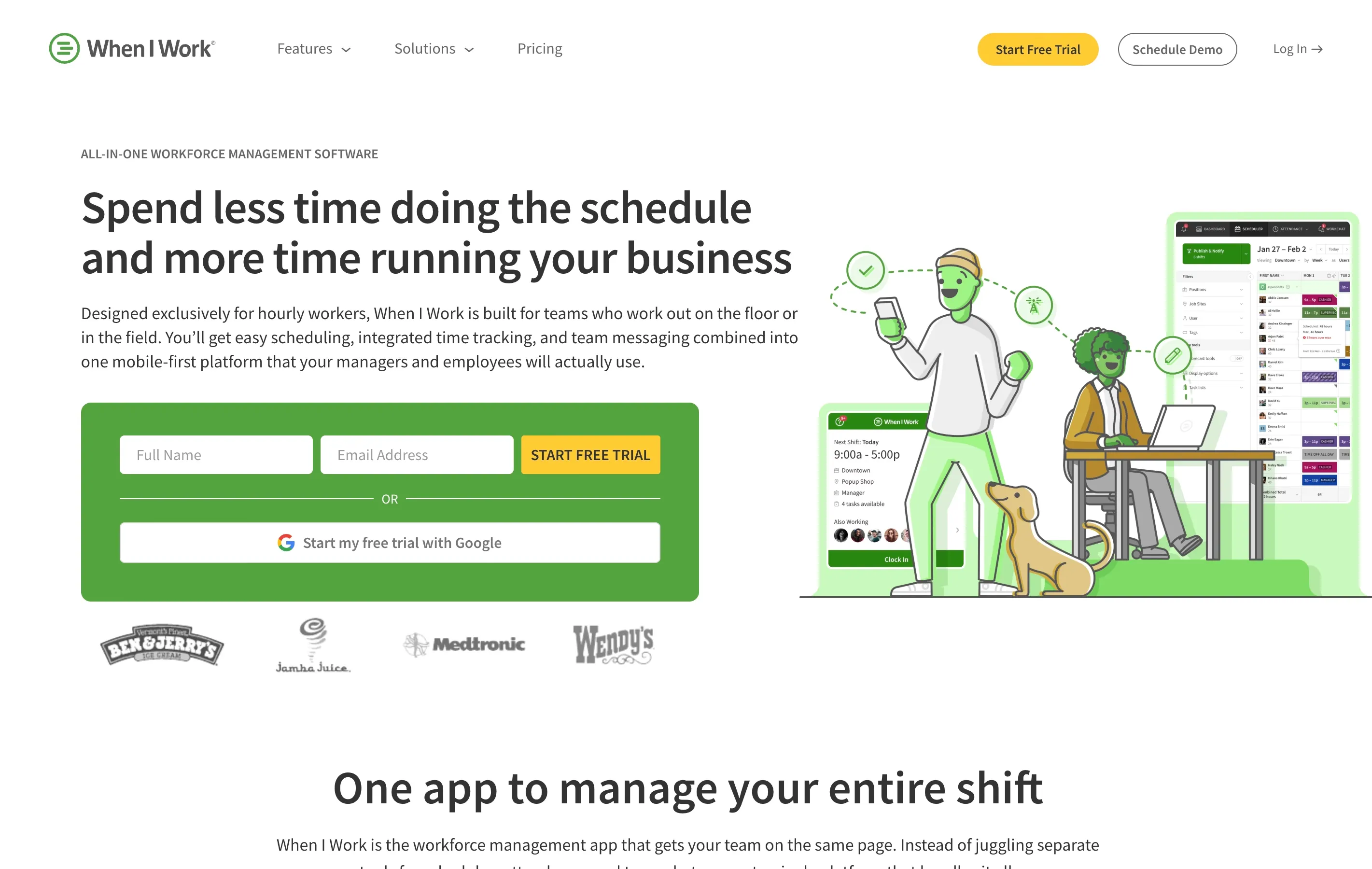
When I Work combines scheduling and time tracking in a mobile-first package that team members tend to pick up quickly. The app is well designed and responsive, and the clock-in process is a single swipe.
Where it shines for non-technical owners is the scheduling side. Building a weekly schedule is drag-and-drop, and team members get notified on their phones automatically. If your biggest headache is coordinating who works when — and then making sure they actually show up on time — When I Work handles both problems.
What makes it simple: The mobile app is polished and intuitive. Scheduling and time tracking live in the same place, so you are not juggling two tools.
Key features: Shift scheduling, mobile clock-in, availability management, shift swapping, time tracking, labor cost forecasting.
Pricing: Starts at $2.50/user/month for scheduling. Time tracking is an add-on that increases the per-user cost; check current pricing for bundled plans.
Best for: Restaurants, cafes, and retail businesses where scheduling is just as important as time tracking.
6. Clockify — Best Free Option for Budget-Conscious Owners
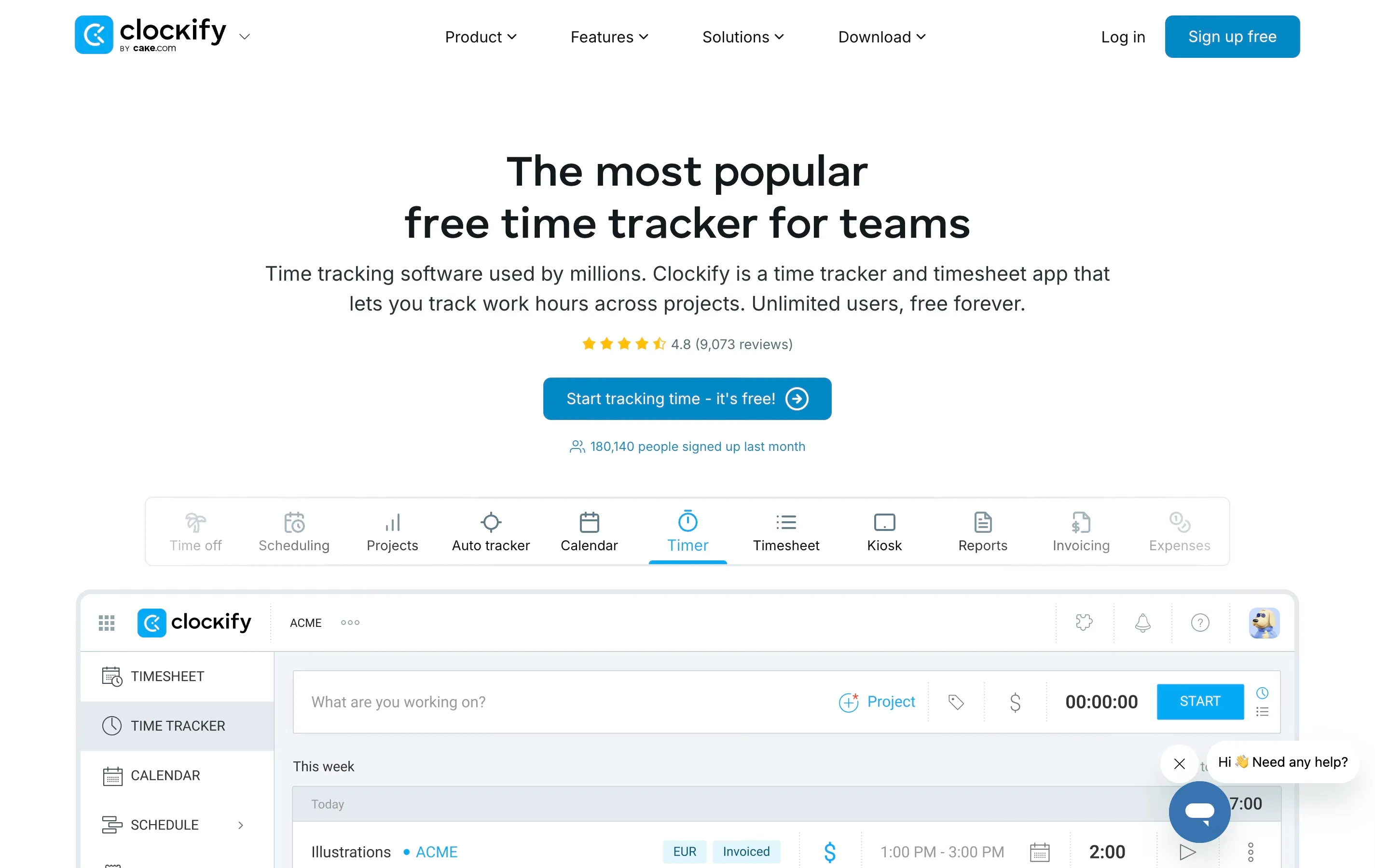
Clockify is the most generous free time clock app available — there is no limit on the number of team members, and the free plan never expires. If your budget is zero, Clockify deserves serious consideration.
The catch is that Clockify was originally designed as a time tracker for freelancers and project-based teams, so it leans more toward timers and manual entry than a traditional punch clock. The kiosk mode helps bridge that gap — you can set up a shared tablet as a clock-in station — but the experience is not quite as streamlined as apps that were built for shift-based work from the start.
What makes it simple: Signing up and adding team members is fast. The free plan removes the stress of budgeting for another monthly subscription.
Key features: Unlimited free users, time tracking, kiosk mode, basic reports, project tracking, timesheet approval.
Pricing: Free forever for core features. Paid plans start at $3.99/user/month (Basic), but GPS tracking and scheduling require the Pro plan at $7.99/user/month (billed annually).
Best for: Very budget-conscious businesses that do not mind a slightly less polished clock-in experience.
7. Connecteam — Best for Larger Field Teams That Need More Than Time Tracking
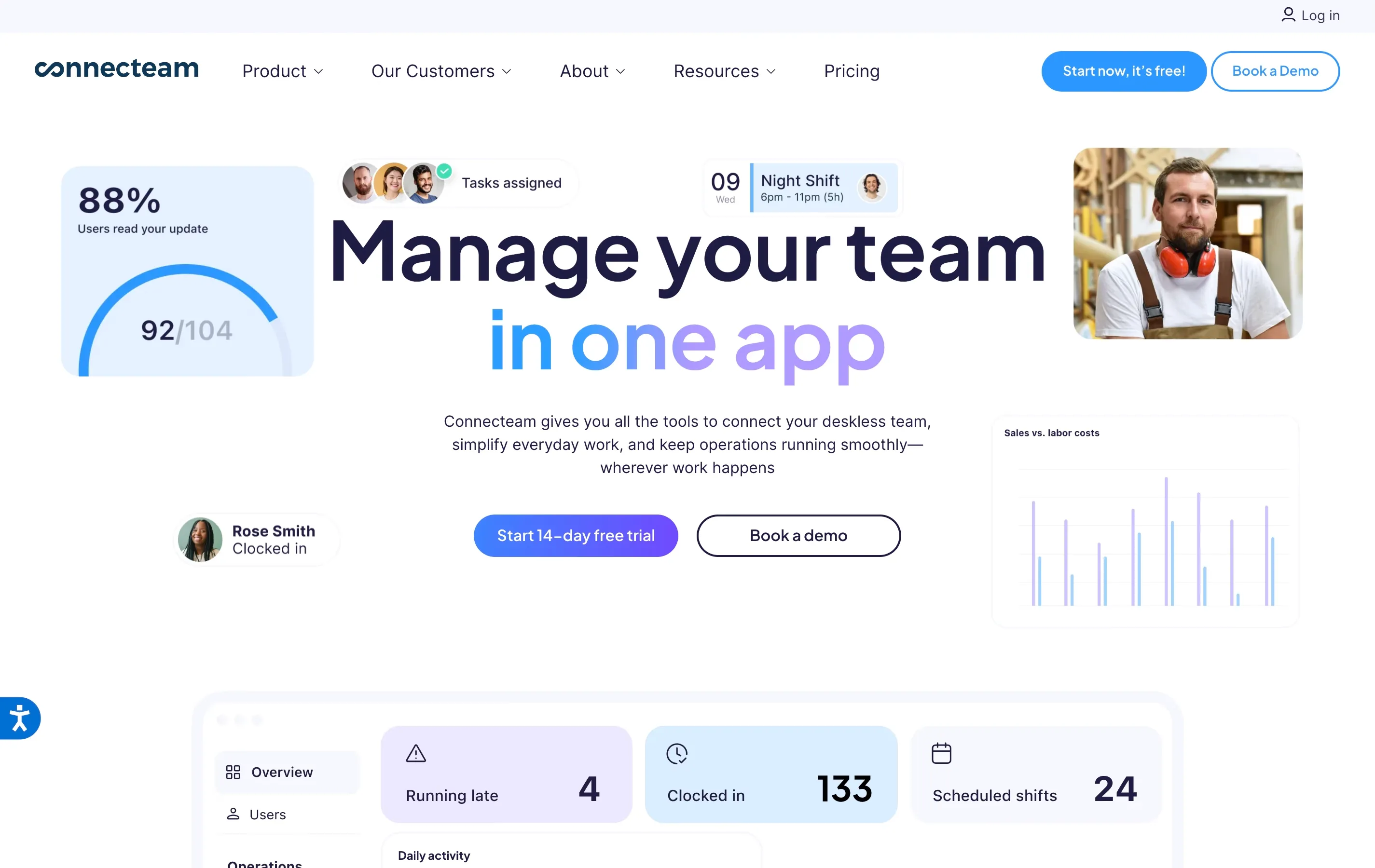
Connecteam is a broader workforce management platform, but its time clock module is surprisingly easy to use on its own. Team members clock in from the app with one tap, and GPS is built in so you can see where punches happen.
The reason it makes this list is the free plan, which covers up to 10 team members with full access to time tracking, scheduling, and communication tools. If you are a small crew that plans to grow, Connecteam gives you room to expand without switching apps later.
The downside is that the admin side has more features than you might need. It can feel cluttered if you only care about time tracking. But you can ignore the extras and focus on the clock — it works fine that way.
What makes it simple: The team member app is straightforward despite the platform being feature-rich. The free plan is genuinely useful for micro-teams.
Key features: GPS clock-in, geofencing, scheduling, timesheets, communication tools, task management, payroll export.
Pricing: Free for up to 10 team members. Paid plans start at $29/month for up to 30 team members.
Best for: Small field teams (cleaning, landscaping, home services) that want room to grow into additional features over time.

Quick Comparison Table
| App | Ease of Setup | Free Plan | Starting Price | Payroll Export | GPS | Best For |
|---|---|---|---|---|---|---|
| ShiftFlow | Very easy | 14-day trial | $5.99/seat/mo | Yes | Yes | Non-technical small teams |
| Homebase | Very easy | Yes (1 location) | $20/mo per location (annual) | Yes | Yes | Hourly teams needing scheduling |
| OnTheClock | Easy | Yes (1–2 users) | $4/user/mo + $5 base | Yes | Yes | Very small teams |
| Buddy Punch | Easy | 14-day trial | $5.49/user/mo + $19 base | Yes (direct) | Yes | QuickBooks/ADP users |
| When I Work | Easy | No | $2.50/user/mo + add-ons | Yes | Yes | Schedule-heavy businesses |
| Clockify | Easy | Yes (unlimited) | $3.99/user/mo (Basic); GPS/scheduling at $7.99 (Pro) | Yes | Paid only | Zero-budget teams |
| Connecteam | Moderate | Yes (10 users) | $29/mo (30 users) | Yes | Yes | Growing field teams |
How to Choose the Right One
Picking a time clock app does not need to be a research project. Here is a quick way to narrow it down based on your situation:
- You have zero budget and just need basic hours tracking. Start with Clockify or Homebase (free plan). Both let you get going today without a credit card.
- You want the absolute simplest experience for your team members. Look at ShiftFlow or OnTheClock. Both are built around a one-tap clock-in that requires zero explanation.
- You need scheduling and time tracking in one place. Homebase or When I Work handle both without making you switch between apps.
- You already use QuickBooks or ADP for payroll. Buddy Punch has the strongest direct integrations with popular payroll providers.
- You are a field crew that will grow past 10 people. Connecteam gives you the most room to scale without switching tools.
No matter which app you choose, the most important thing is that your team members will actually use it. The fanciest features in the world do not matter if half your crew forgets to clock in because the app is confusing. Pick the one that feels obvious the first time you open it.
For a deeper dive into time clock software with more advanced features and detailed testing notes, see our complete guide to time clock software for small businesses.
Final Thoughts
You do not need a computer science degree to track your team’s hours. The apps on this list prove that time tracking can be simple — genuinely simple, not “simple after you watch six tutorial videos” simple.
Start with a free plan or trial from any of the tools above. Give it a real test: add a few team members, have them clock in for a day or two, and see if the timesheets come out clean. If you are spending more than 15 minutes on setup or your team members are texting you asking how it works, move on to the next option.
The right time clock app should fade into the background of your workday. It should be something your team uses without thinking about it, and something that hands you accurate hours when payroll day arrives. Nothing more, nothing less.
- simple-time-clock
- easy-time-tracking
- time-clock-app
- small-business
- non-technical