Best Free Time Clock Apps for Small Businesses (2026)
Looking for a free time clock app that actually works? We compare the best free options for small businesses in 2026 — covering features, limits, and which plan fits your team.
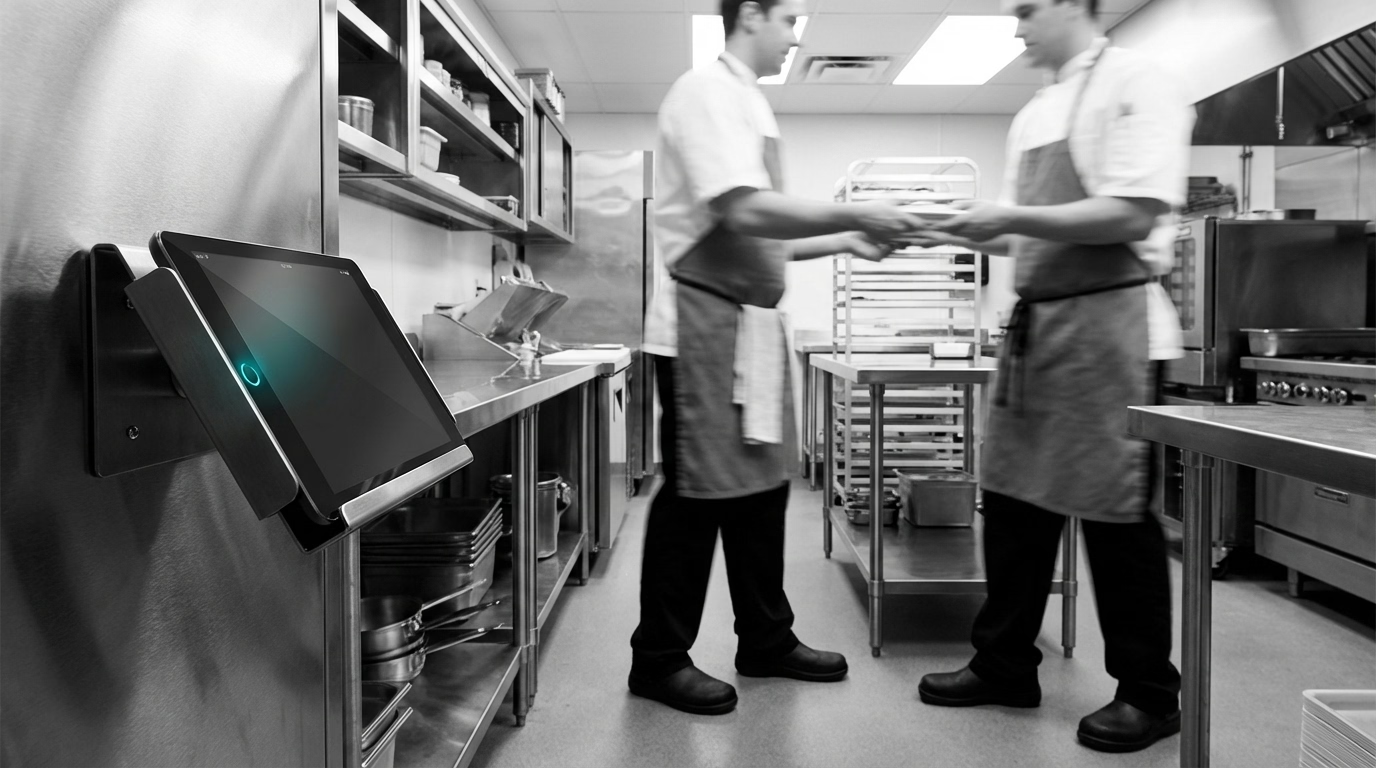
You are running a small business. You know your team members need to clock in and out. You also know that paying $5 or $10 per person per month for time tracking software adds up fast when margins are already tight.
The good news: there are genuinely free time clock apps out there. The bad news: “free” does not always mean the same thing. Some apps give you a forever-free plan with real limits. Others offer a trial period that runs out after 14 or 30 days. And a few are free on paper but lock essential features — like payroll export or GPS — behind paid tiers.
We dug into the most popular options to find out which free time clock apps are actually worth setting up. If you want a broader look at time clock tools including paid options, check out our full guide to the best time clock software.
What to Look for in a Free Time Clock App
Before you sign up for anything, it helps to know what separates a useful free plan from a frustrating one. Here are the features that matter most for small businesses.
Team size limits
Some free plans cap you at 1 or 2 team members, which is useless if you have a crew of 10. Look for plans that support at least the number of people you actually employ today.
Mobile access
If your team members work in the field — cleaning homes, mowing lawns, pouring concrete, serving tables — they need to clock in from a phone. A desktop-only time tracker will not cut it.
GPS and location verification
For businesses with team members working at different job sites, GPS tracking at clock-in helps confirm that people are where they say they are. Not every free plan includes this.
Payroll export
The whole point of a time clock is to get accurate hours into payroll. If you cannot export a CSV or connect to your payroll provider, you are going to end up re-typing numbers — which defeats the purpose.
Ease of setup
You should be able to go from sign-up to first clock-in in under 30 minutes. If the onboarding takes longer than that, the tool is probably built for a different audience.
No surprise expiration
A 14-day free trial is not a free plan. Make sure you understand whether the free tier lasts forever or disappears after a set period.
7 Best Free Time Clock Apps for Small Businesses
1. ShiftFlow — Best Free Trial for Scheduling + Time Clock Together
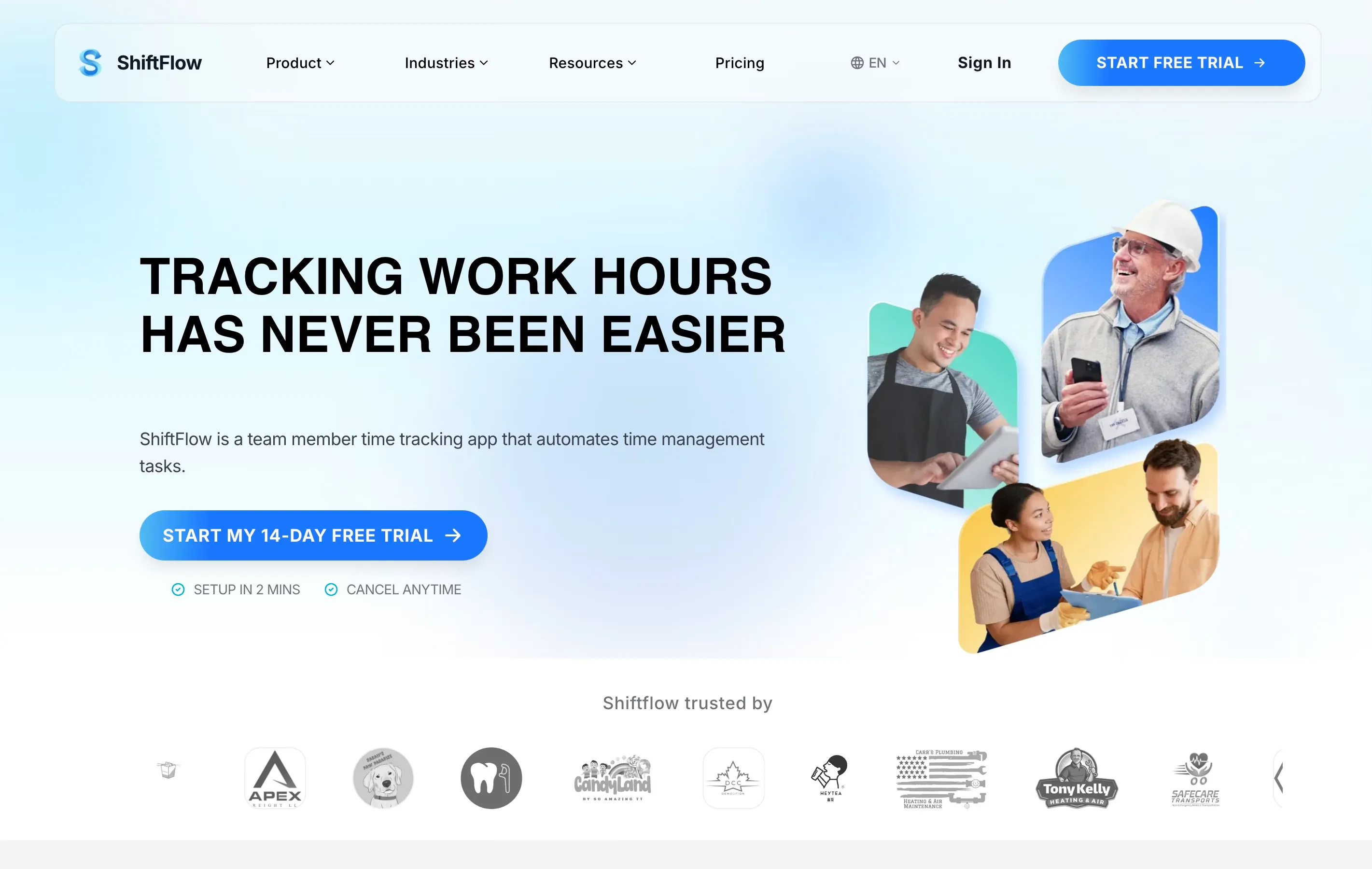
Full disclosure: ShiftFlow is our product. We are including it because we think the free trial is worth testing, not because we are pretending to be unbiased.
ShiftFlow connects your schedule and time clock so they work as one system. When a team member clocks in, you see instantly whether they are on time relative to their assigned shift. GPS verification checks coordinates against geofences you set per job site. Timesheets build themselves from punch data, and overtime and breaks are calculated automatically.
The mobile app is designed for speed — team members describe it as one tap to clock in. Offline mode works for crews on construction sites or in areas with spotty signal, and punches sync when connectivity returns.
ShiftFlow does not have a permanent free plan, but the 14-day free trial gives you full access. If you are comparing options from this list, it is worth trying alongside Homebase or Connecteam to see which interface clicks with your team. For a deeper comparison with paid tools, see our full roundup of the best time clock software for small businesses.
Free plan includes: 14-day free trial with full access to scheduling, time tracking, GPS, geofencing, timesheets, and team messaging.
Free plan limits: Not a permanent free plan. After the trial, pricing is $5.99/seat/month or $60.00/seat/year.
Best for: Teams that need scheduling and time tracking in a single tool, especially field crews in cleaning, landscaping, or construction.
2. Clockify — Best Truly Free Option with Unlimited Users
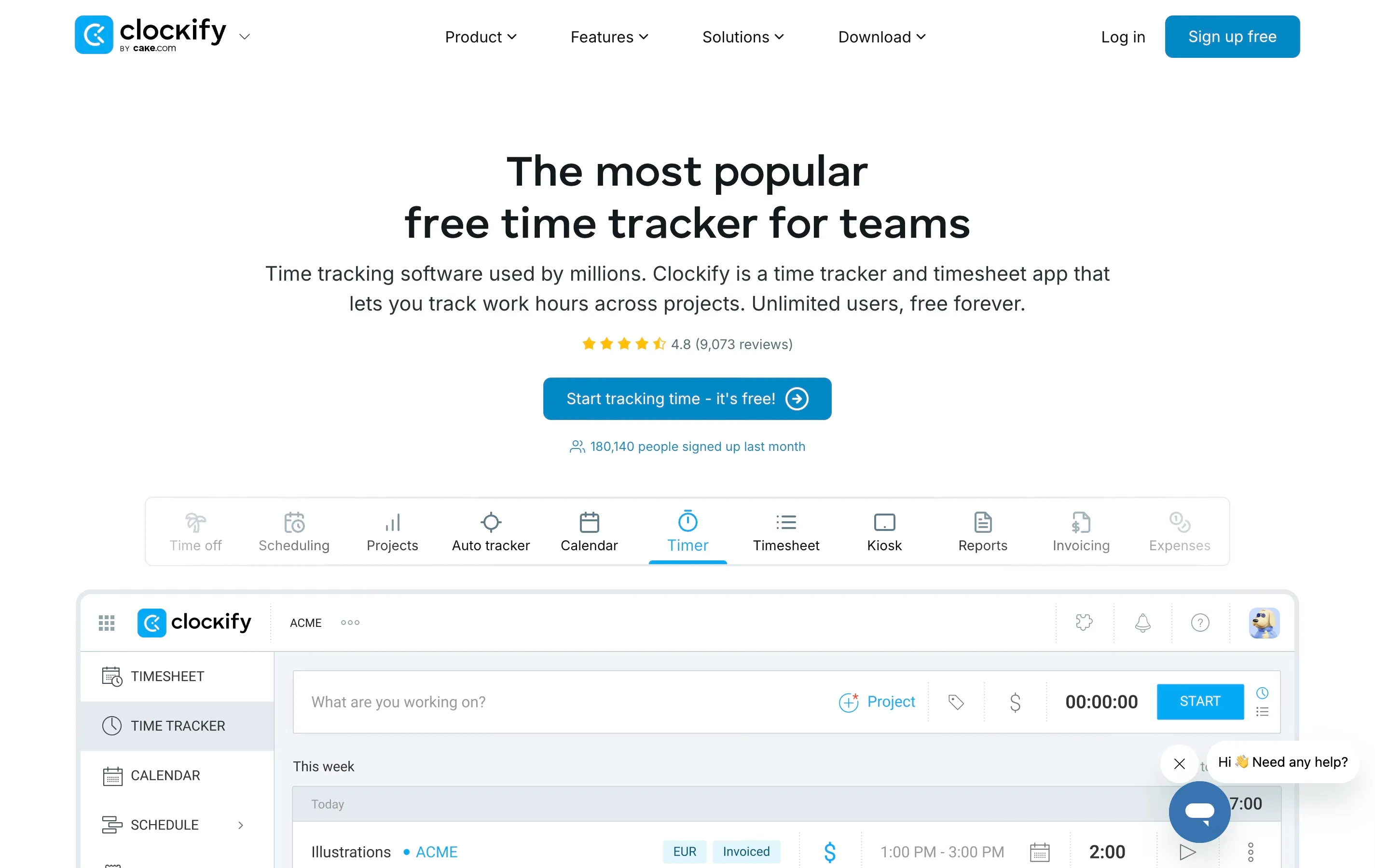
Clockify is the go-to recommendation when people ask for a free time tracker, and for good reason. The free plan has no user limit and no expiration. You can add your entire team, track hours, and generate basic reports without ever entering a credit card.
That said, Clockify is more of a time tracker than a traditional punch clock. It is built around timers and manual timesheet entry, which works well for desk-based teams and freelancers. The kiosk mode lets you set up a shared tablet for clock-in, but it does not feel as streamlined as dedicated time clock apps.
Free plan includes: Unlimited users, time tracking, basic reports, project tracking, kiosk mode.
Free plan limits: No GPS, no geofencing, no scheduling, no overtime calculations. GPS requires the Pro plan at $7.99/user/month.
Best for: Teams with zero budget that primarily work from a fixed location.
3. Homebase — Best Free Plan for Single-Location Businesses
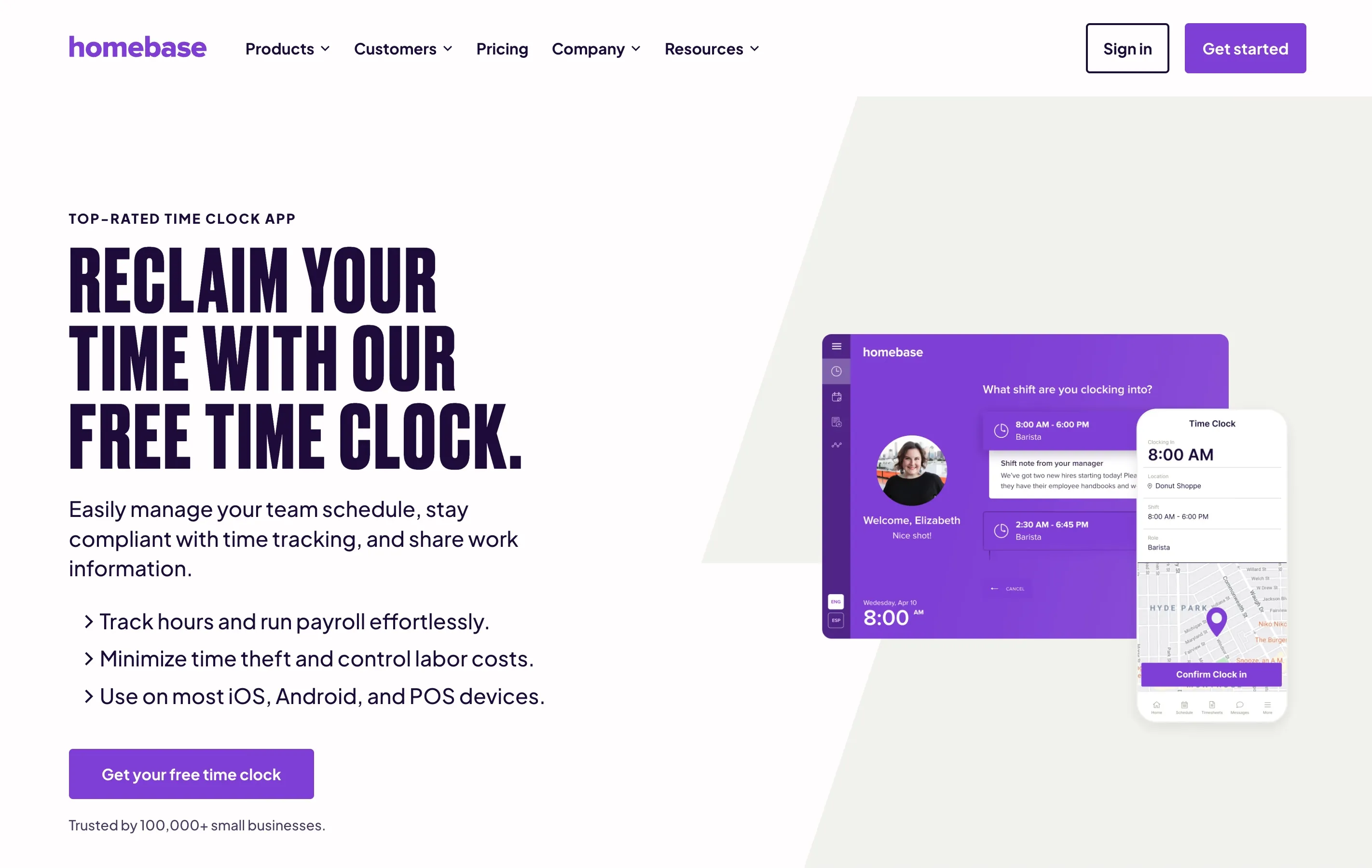
Homebase stands out because its free plan includes both scheduling and time tracking — two tools you would normally pay for separately. You get a time clock, basic scheduling, and team messaging for up to 20 team members at one location.
The mobile app works well. Team members clock in from their phones, and Homebase grabs a GPS snapshot at punch time. Timesheets are built automatically and you can export them for payroll.
Free plan includes: Time clock, basic scheduling, team messaging, GPS snapshots at clock-in, up to 20 team members at 1 location.
Free plan limits: Single location only. No overtime alerts, no early clock-in prevention, no payroll integration. Adding a second location requires a paid plan starting at $24.95/month per location.
Best for: Restaurants, retail shops, and service businesses operating from one location with hourly staff.
4. Time Clock Wizard — Best No-Frills Free Clock
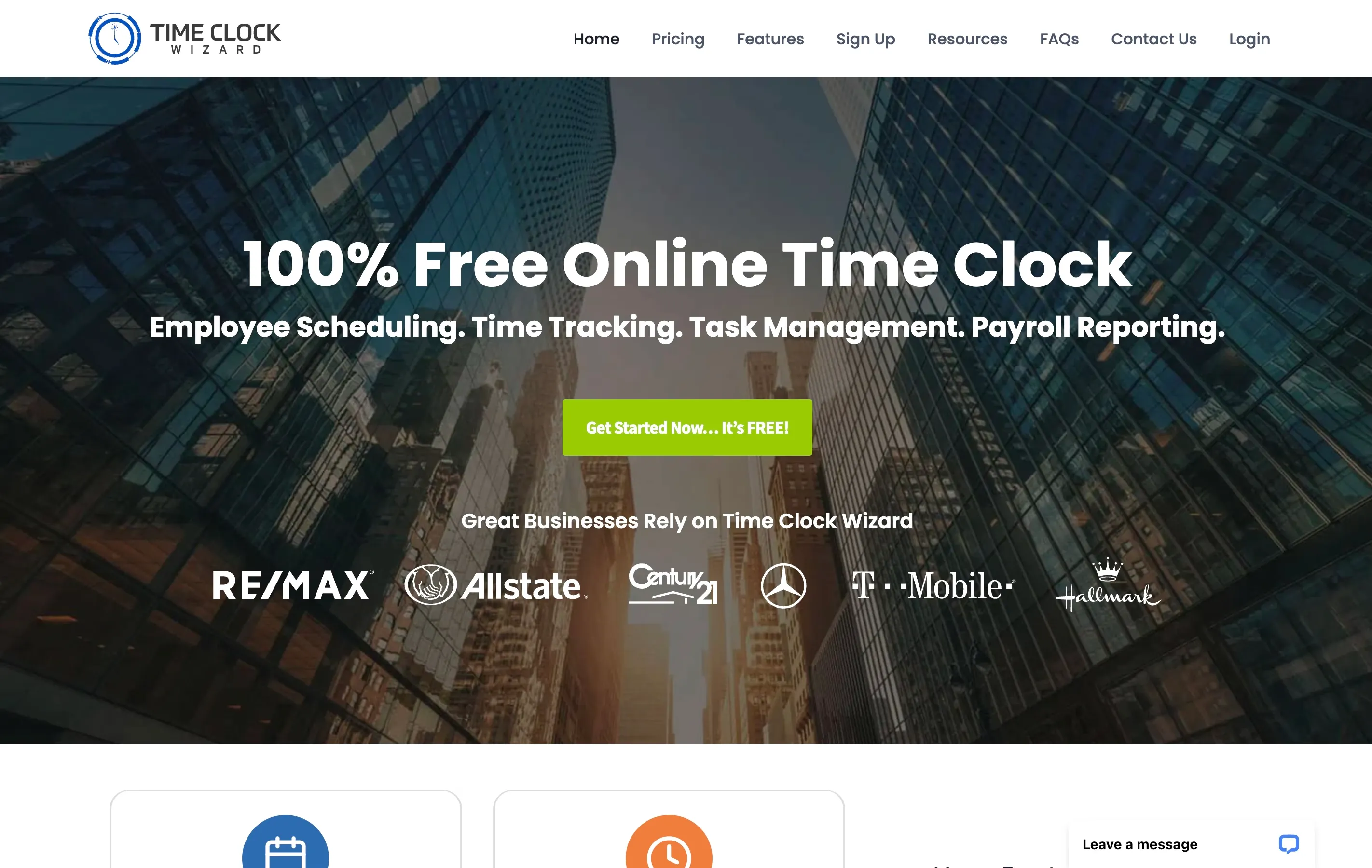
Time Clock Wizard does not try to impress you with features. It gives you a simple clock-in/clock-out system that works on mobile and desktop. The free plan supports unlimited team members, which is rare for a no-cost tier.
The interface feels dated compared to newer tools, and do not expect polished reporting or dedicated support on the free plan. But it works, and the price is right.
Free plan includes: Clock-in/clock-out, basic timesheets, mobile access for unlimited team members.
Free plan limits: No GPS, no geofencing, no scheduling, no support. Paid plans start at $34.95/month (Value plan, flat rate).
Best for: Small crews who just need basic clock-in functionality without the fuss.
5. Connecteam — Best Free Plan for Field Teams
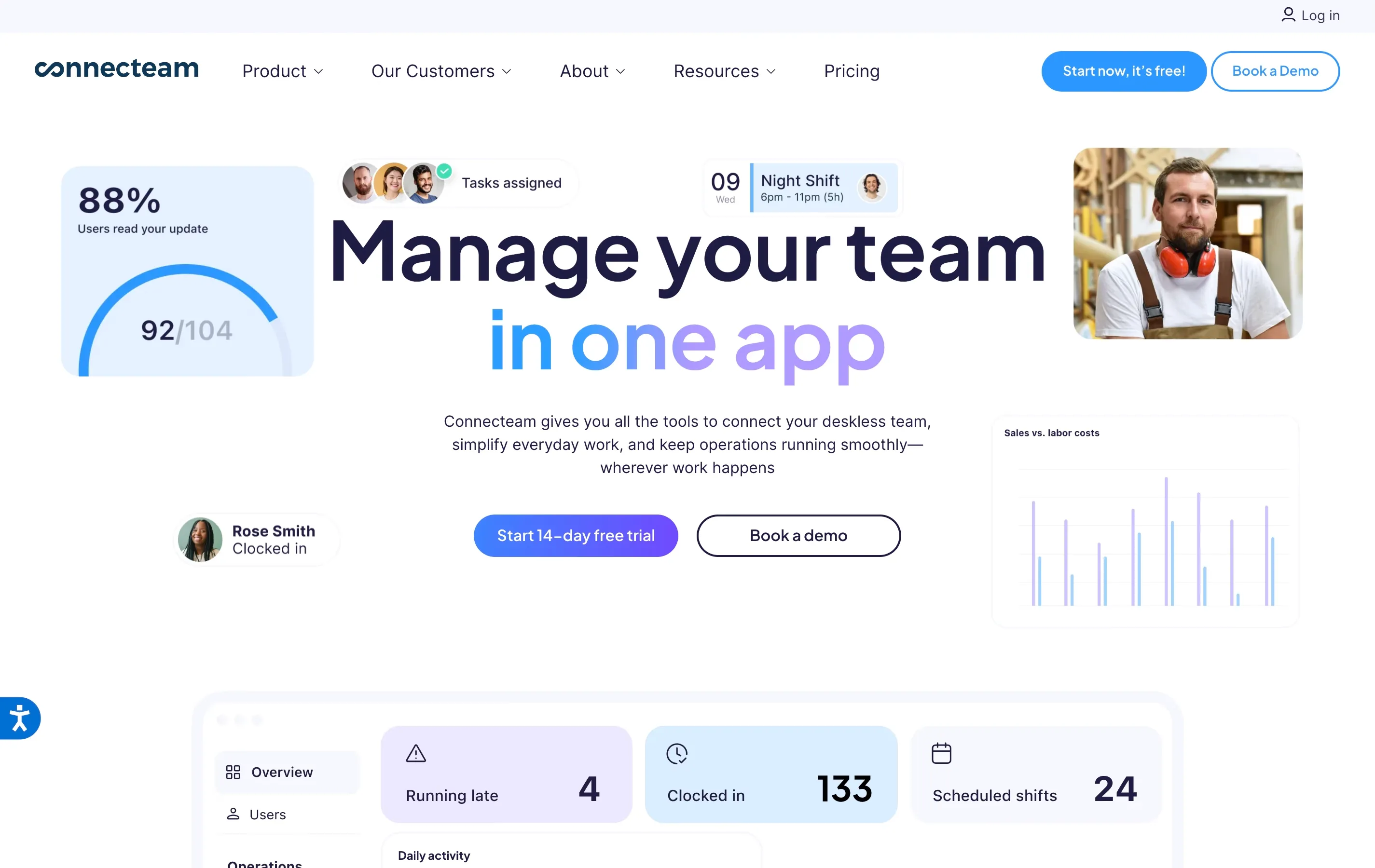
Connecteam has a genuinely generous free plan for small businesses — up to 10 team members get access to the full platform, which includes a time clock, task management, scheduling, forms, and internal communication. That is a lot of functionality for free.
The time clock includes basic GPS tracking on the free plan. Team members clock in from their phones and location data is captured automatically. The app also supports kiosk mode. Note that geofencing is not available on the free plan — it requires the Advanced plan ($49/month).
Free plan includes: Time clock with basic GPS, scheduling, task management, forms, team communication, kiosk mode — all for up to 10 team members.
Free plan limits: 10 team members max. No geofencing. Beyond that, the Basic plan starts at $29/month for up to 30 users. The free tier also limits some advanced reporting and automation features.
Best for: Small field service crews — cleaning, landscaping, maintenance — that need more than just a time clock.
6. Hubstaff — Best Trial for Remote Work Visibility
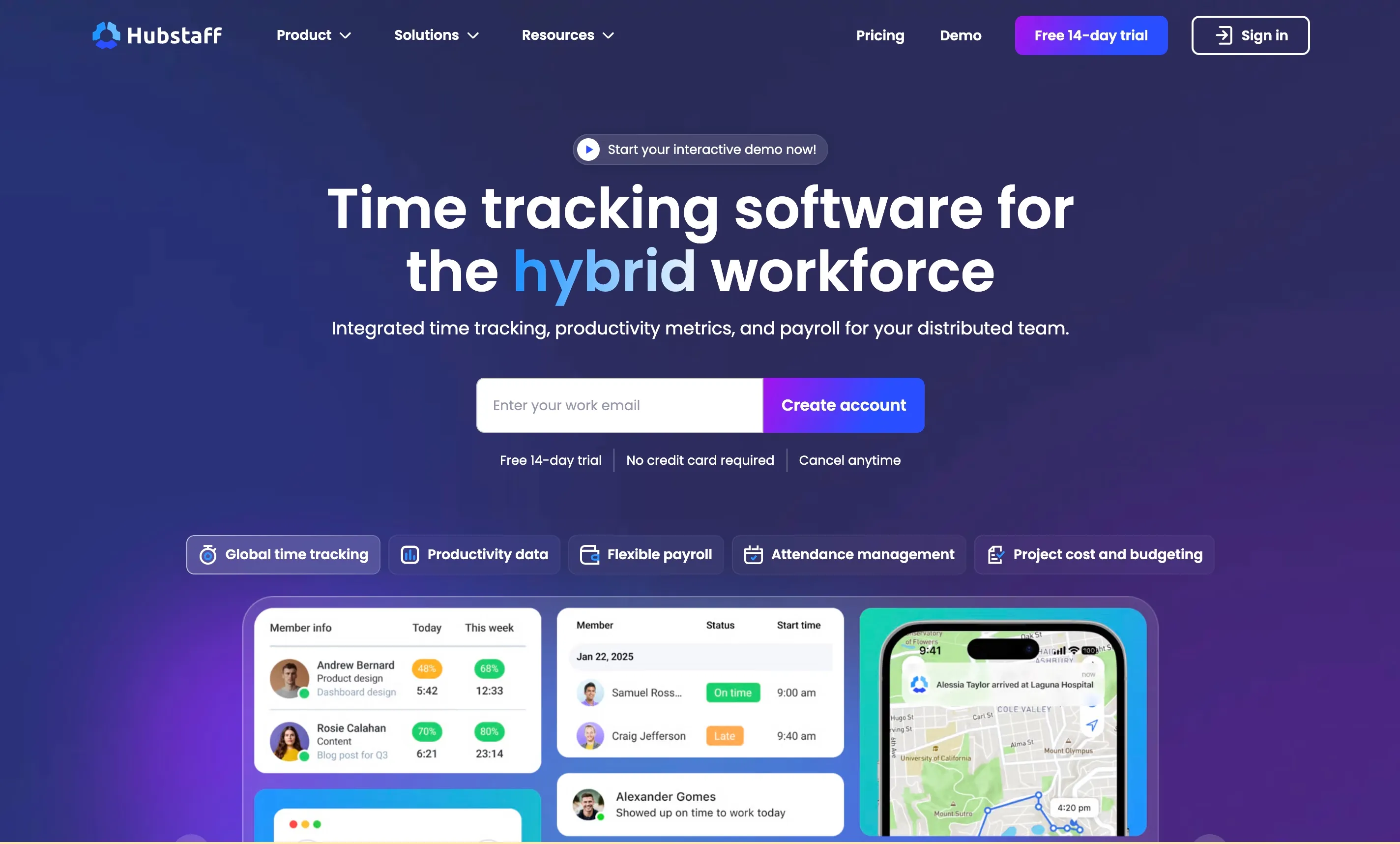
Hubstaff is primarily an activity monitoring and time tracking tool for remote teams. It no longer offers a free plan, but the 14-day free trial gives you full access to features like GPS tracking, geofencing, route tracking, and activity monitoring. If you want to test the platform before committing, the trial is a solid way to evaluate it.
The paid plans are where Hubstaff earns its reputation — GPS tracking, geofencing, route tracking, and payroll integrations make it a strong choice for distributed teams that need visibility into remote work.
Free plan includes: 14-day free trial with full access to time tracking, GPS, activity monitoring, and reporting.
Free plan limits: Not a permanent free plan. After 14 days, paid plans start at $4.99/user/month (Starter, billed annually).
Best for: Remote teams that need activity monitoring and GPS, and are willing to pay after evaluating the trial.
7. When I Work — Best Free Trial for Schedule-First Teams
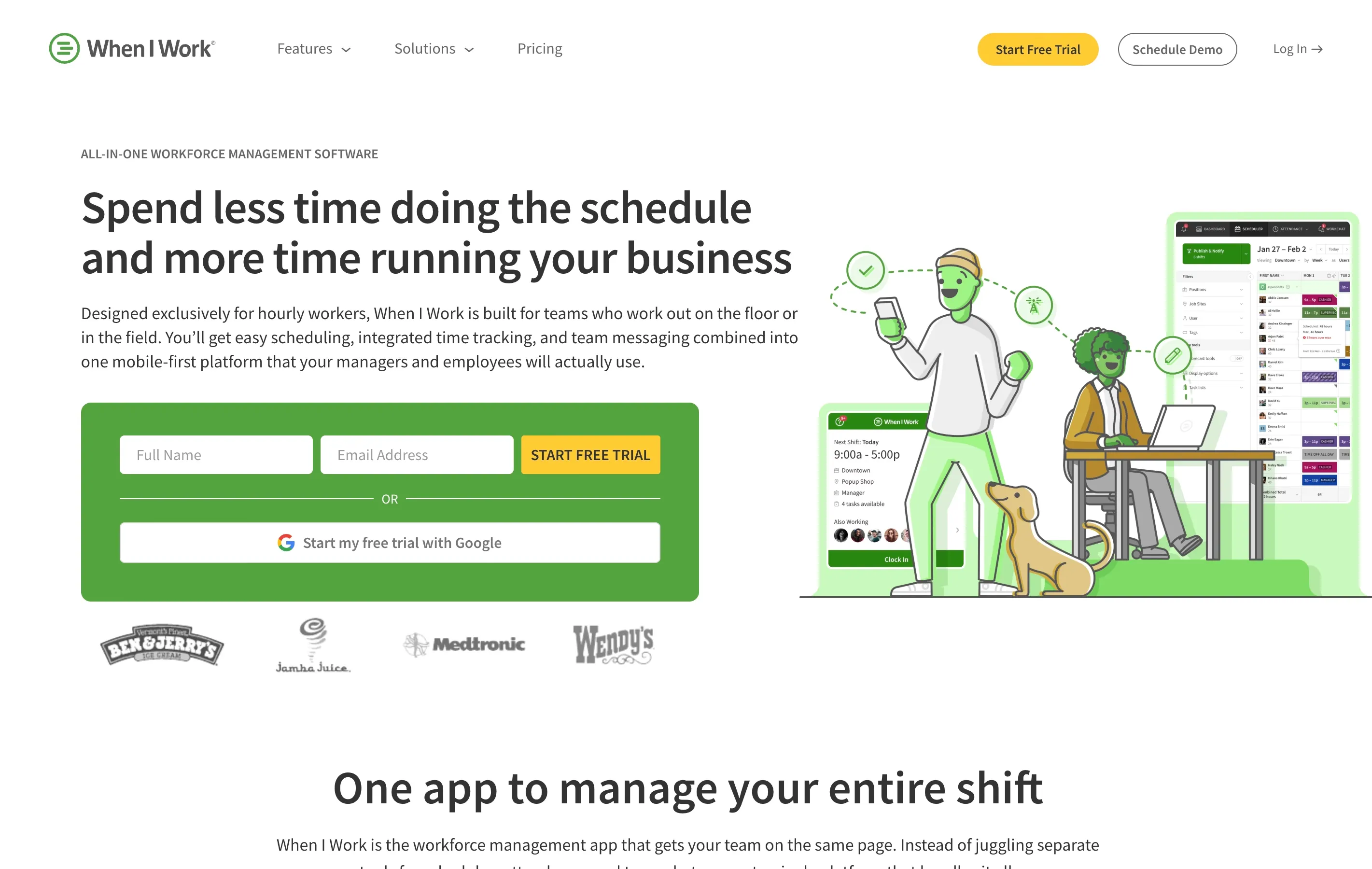
When I Work does not have a permanent free plan, but the 14-day free trial gives you full access to scheduling and time clock features. If scheduling is your primary headache and time tracking is secondary, this trial is worth exploring.
The scheduling experience is excellent — drag-and-drop shift building, shift swaps, availability management, and team messaging. The time clock ties directly into the schedule, so you can see who is late or missing.
Free plan includes: 14-day free trial with full access to scheduling and time clock.
Free plan limits: Not a permanent free plan. After 14 days, pricing starts at $2.50/user/month for scheduling only, or $4/user/month for scheduling plus time clock.
Best for: Businesses where scheduling is the main pain point and time tracking is a bonus.

Quick Comparison Table
| App | Free tier type | Team size limit | GPS on free plan | Payroll export | Scheduling |
|---|---|---|---|---|---|
| ShiftFlow | 14-day trial | Unlimited | Yes | Yes | Yes |
| Clockify | Forever free | Unlimited | No | CSV only | No |
| Homebase | Forever free | 20 (1 location) | Yes (snapshot) | CSV only | Yes |
| Time Clock Wizard | Forever free | Unlimited | No | Basic | No |
| Connecteam | Forever free | 10 | Yes (basic) | Yes | Yes |
| Hubstaff | 14-day trial | Unlimited | Yes | Yes | No |
| When I Work | 14-day trial | Unlimited | Yes | Yes | Yes |
How to Choose the Right Free Time Clock App
The “best” free app depends on your situation. Here is a simple way to think about it.
If you have zero budget and need to start today, go with Clockify. The unlimited free plan means you will not hit a paywall, and you can always switch later if you outgrow it.
If you run a single location with hourly staff, Homebase is the strongest forever-free option. You get scheduling, time tracking, and basic GPS — all in one plan.
If you manage a small field crew, Connecteam gives you the most functionality for free, including basic GPS and task management. The 10-person limit is the main constraint.
If you want to test a full-featured tool before committing, the free trials from ShiftFlow and When I Work let you evaluate everything without restrictions. Just set a calendar reminder before the trial ends.
If you just need something simple, Time Clock Wizard’s unlimited free plan will get the job done without any complexity.
The Bottom Line
Free time clock apps are a smart starting point for small businesses that need to get hours tracked without adding another monthly expense. The tools on this list cover a wide range of team sizes, industries, and feature needs.
Start with one or two that match your situation, run them for a week, and pay attention to how your team members actually use them. The best time clock app is the one your crew will use consistently — not the one with the longest feature list.
If you end up outgrowing a free plan, that is actually a good sign. It means you have enough team members and enough structure to justify a paid tool that saves you even more time on payroll, compliance, and scheduling.
- free-time-clock
- time-clock-app
- time-tracking
- small-business
- employee-time-clock