How to Get Field Team Hours Out of ShiftFlow and Into Payroll
The hours are right there in the dashboard, but every pay period turns into a Friday spreadsheet, a broken VLOOKUP, and a missing job code. Here is the clean path from ShiftFlow into payroll and BI.
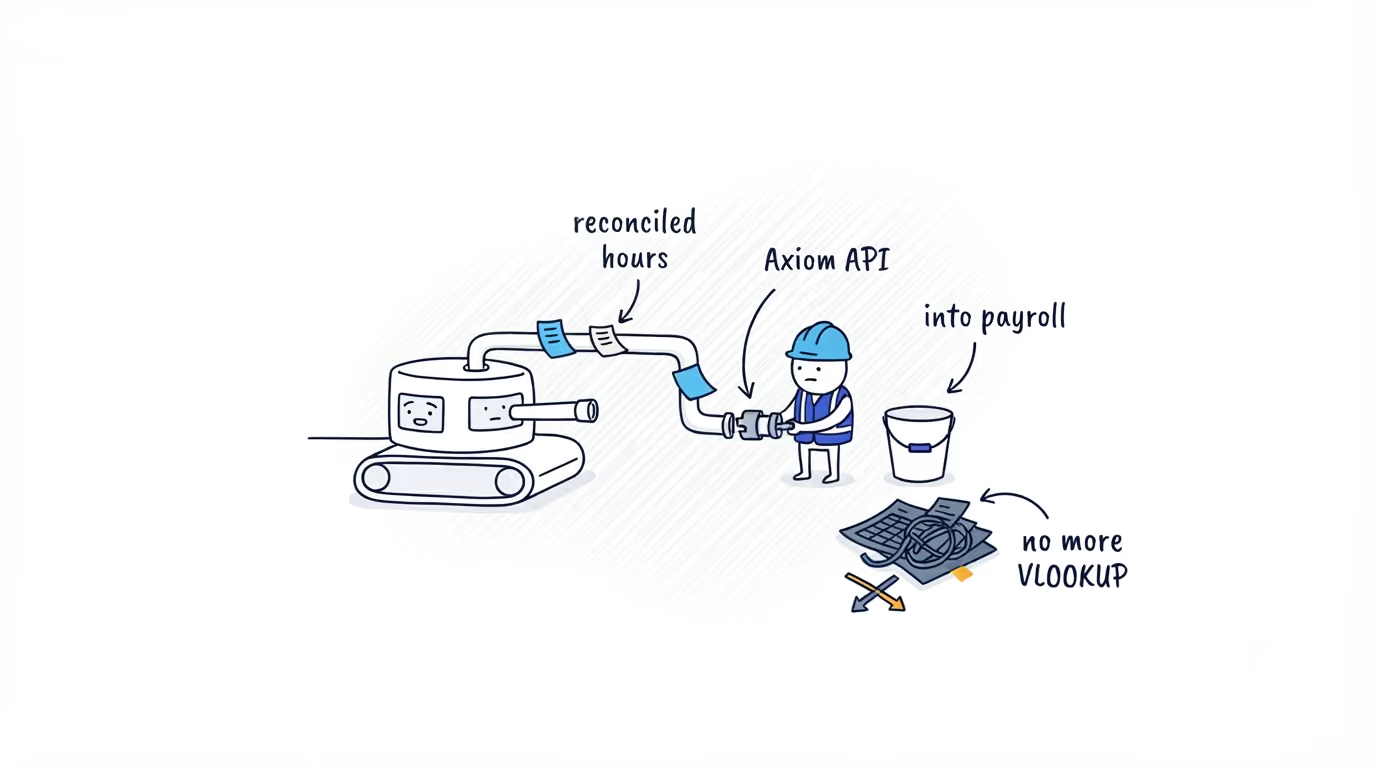
The hours are in the dashboard and nowhere useful
If you run payroll or own the data warehouse for a field team, you know this Friday. The hours exist in ShiftFlow. You can see them on screen, clean. Then someone has to get them into the system that actually pays people, and that means exporting a spreadsheet, running a VLOOKUP against employee IDs that do not line up, and explaining to a manager why a job code fell off the export. Next pay period the same person rebuilds the same report by hand.
The numbers are not the problem. The dashboard already rounded them to your rules, pulled out the unpaid breaks, and split time by job code. The problem is the gap between that screen and payroll or BI, and every manual step in the gap is a place the labor figures can go wrong.
There is a clean path across that gap. ShiftFlow can hand you the same reconciled record the dashboard shows, in a form your payroll system or warehouse can read directly, with an ID that already matches your employee table so the VLOOKUP step stops existing. Before getting to how that connection is set up, it helps to see what actually comes across.
What a finished hours record looks like
This is one time entry as it leaves ShiftFlow. It is not a raw punch you have to assemble. It is the finished number, already done:
{
  "items": [
    {
      "id": "018f6c2a-7e2b-7e2c-9a9b-5f3d94c8b9b1",
      "userId": "018f6c2a-7e2b-7e2c-9a9b-5f3d94c8b9a1",
      "userExternalId": "employee-1042",
      "date": "2026-05-14",
      "clockInAt": "2026-05-14T15:00:00Z",
      "clockOutAt": "2026-05-14T23:30:00Z",
      "durationSec": 28800,
      "tracking": {
        "start": {
          "lat": 37.7891,
          "lng": -122.401,
          "address": "123 Market St, San Francisco, CA 94105",
          "workSiteId": "018f6c2a-7e2b-7e2c-9a9b-5f3d94c8b9a3"
        }
      },
      "breaks": [
        {
          "id": "018f6c2a-7e2b-7e2c-9a9b-5f3d94c8b9b2",
          "startAt": "2026-05-14T19:00:00Z",
          "endAt": "2026-05-14T19:30:00Z",
          "durationSec": 1800,
          "paid": false,
          "name": "Meal break"
        }
      ],
      "jobEntries": [
        {
          "id": "018f6c2a-7e2b-7e2c-9a9b-5f3d94c8b9b3",
          "jobCodeId": "018f6c2a-7e2b-7e2c-9a9b-5f3d94c8b9a2",
          "jobCodeName": "Delivery",
          "startAt": "2026-05-14T15:00:00Z",
          "endAt": "2026-05-14T23:30:00Z",
          "durationSec": 28800
        }
      ]
    }
  ]
}
Read the math in that record. The team member was clocked in for eight and a half hours, took a thirty-minute unpaid meal break, and durationSec is 28800, which is exactly eight hours. You did not compute that. ShiftFlow did, using the account’s rounding and break rules, before it ever reached you. The userExternalId is the field that ends the Friday VLOOKUP: it carries the same employee identifier already in your payroll system, so the records line up on the way in instead of by hand after.
Timestamps are ISO 8601 in UTC. The date field is the account-local work date, which is the value you group by for payroll, not the UTC timestamp. The other reference data, the people, the job codes, and the work sites, comes back the same way, with matching IDs so you can resolve names, roles, and sites on your side.
The export path that delivers it
That record reaches you through Axiom, ShiftFlow’s read-only export API. You do not have to think of it as building an integration. It is four ways to ask for data you already own.
GET /axiom/v1/time-entriesreturns completed clock-in and clock-out records for a work-date range.GET /axiom/v1/usersreturns the people in the account.GET /axiom/v1/job-codesreturns the job codes time can be booked against.GET /axiom/v1/work-sitesreturns the configured work sites.
Every request authenticates with OAuth 2.0 client credentials and carries the single axiom.read scope. There are zero write endpoints. The base URL is https://api.shiftflow.app. If your payroll or BI tool can call a REST endpoint, or your data team can schedule a pull, this is deliberately boring plumbing, which is what you want for numbers that have to be right.
How authentication works
Access is machine-to-machine, not a user login. ShiftFlow issues your account a client ID and secret, and your integration exchanges them for a short-lived bearer token that every request carries. There is no end-user sign-in screen and no permanent API key sitting in a config file.
For a security or IT reviewer, that is the part that matters: standard OAuth 2.0 client credentials, a token that is read-only by scope and short-lived, with its exact lifetime returned in the response (the documented example is about an hour). The exact token endpoint, request format, and error codes live in the Axiom API reference, which is where a developer should check them at integration time rather than from a blog post that will age.
How paging and date ranges work
You pull time entries for an inclusive work-date range, and one detail matters at the decision level: the range filters on the account-local work date, not on UTC timestamps. That is what makes a calendar month line up with a payroll period instead of drifting by a few hours at the edges. Wide date ranges page automatically, so pulling a year is a volume question, not a correctness one. The exact pagination parameters and limits are in the reference.
What Axiom does not do in v1
Being straight about the limits is more useful than discovering them in production.
It is read-only. There are no write endpoints, so you cannot push corrections back through Axiom. There are no webhooks, so there is no push delivery: you pull a work-date range on a schedule. If you need something close to current, poll more often, but accept that this is a reporting and reconciliation API, not an event stream. There is one scope, axiom.read, so access is all-or-nothing for the four read endpoints. It returns durations, not money: Axiom hands you reconciled hours, and the pay rate math stays in your payroll system where it belongs. And a location is only as good as what was captured: lat, lng, address, and workSiteId are each omitted when no usable point was recorded. The workSiteId is the site the entry was selected or matched against, an association you confirm against the coordinates rather than treat as a proven geofence, so write your code to read these fields as optional rather than guaranteed.
None of this is a roadmap promise. It is what v1 is today, so design around it.
Why this beats a raw punch feed
Plenty of time tracking tools expose an API. Most of them hand you lower-level events: a clock-in here, a clock-out there, breaks as separate rows, and the labor math left for you to rebuild in a SQL view that has to match payroll. That is the Friday spreadsheet again, just in a different file. Axiom inverts it. The reconciliation, the unpaid-break subtraction, the job-code attribution, and the work-site association happen before the data leaves ShiftFlow. You read a finished record instead of assembling one. For a field or hourly team that also means location-tagged hours you can verify, which a desk-based productivity tracker does not have to give.
How to go further
If you want to see exactly what every field returns before deciding how to wire it in, read the Axiom v1 reference. It lists the endpoints, the schema, and the limits in detail. If you are weighing whether this fits your payroll or warehouse setup, talk to your ShiftFlow account team and they can walk through what Axiom can do for your account.
Once the hours are flowing cleanly, the rest of this series shows what to do with them: catching payroll hour errors before you run payroll, checking every timesheet before payroll, and how Axiom compares to other time tracking APIs.
- shiftflow-api
- axiom-api
- time-tracking-api
- data-export
- integrations
- oauth