Why Time Tracking Exports Do Not Match What Payroll Actually Pays
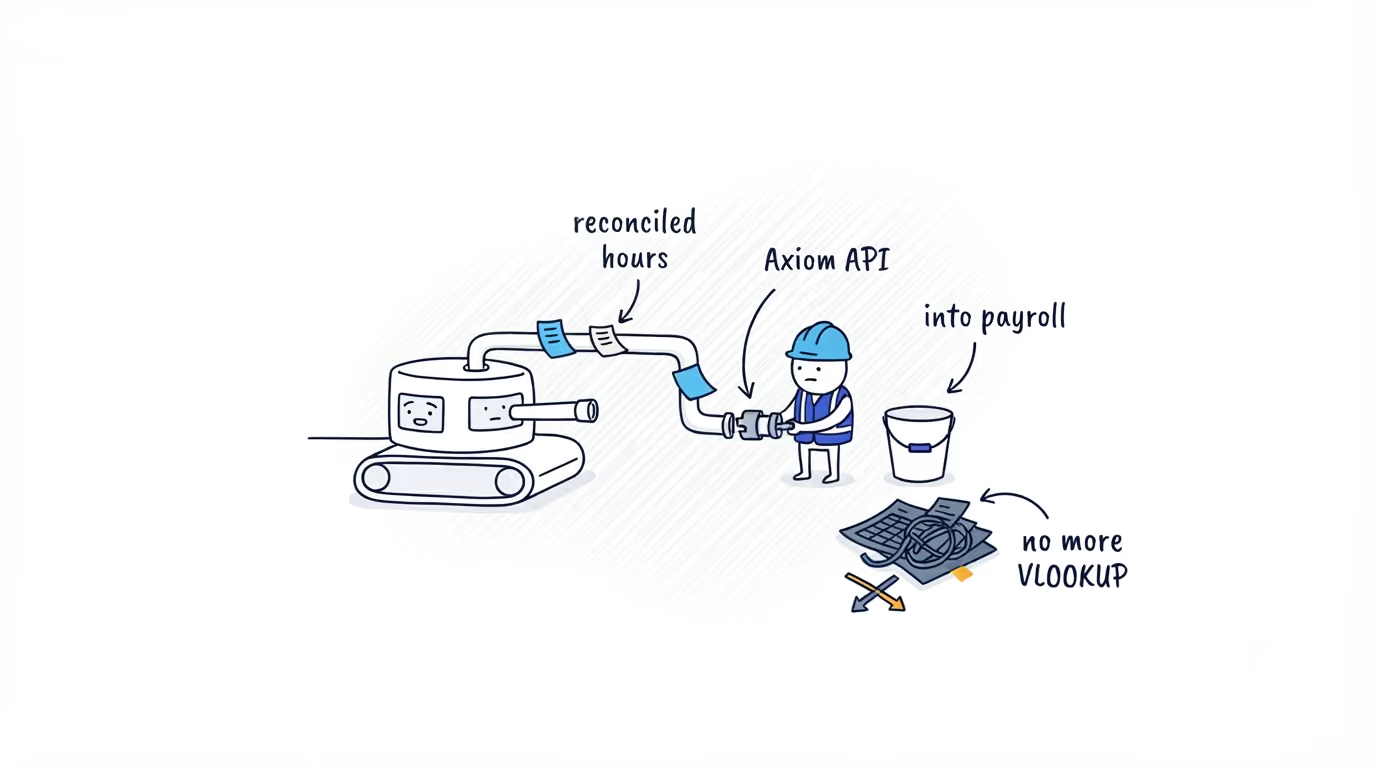
You finally pulled the data out of your time tracker and the totals do not tie to payroll. The reason is the shape of what you exported, raw punches and activity you have to reassemble into payroll math yourself. Here is the real divide, and the option that hands you the answer instead.

The export came out and the totals are wrong
You run payroll, or you own the operations side of it. You finally got the data out of your time tracker, a CSV or a feed, and you sat it next to what payroll is about to pay. The numbers do not tie. Someone shows 41.5 hours in the export and 39.8 on the pay run. A break that should be unpaid is in the total. Job-code time does not split the way the foreman swears it should.
Nothing is broken. The export is doing exactly what it was built to do. What you pulled out is not “hours this person should be paid for this work date.” It is the raw material for that number, clock-in events, clock-out events, breaks as separate rows, activity as samples. Payroll math is the part you have to do after the export, and right now you are doing it by hand in a spreadsheet every cycle.
Once you see that, the real question stops being “can I get my data out” and becomes “what shape does it come out in.” That shape decides whether you reconcile every period or just read the answer.
Two kinds of records, and the work each one leaves on you
Tools that track time mostly hand back lower-level records. A clock-in here, a clock-out there, breaks as their own rows, activity as samples. To turn that into a paid figure you write and maintain the reconciliation yourself: subtract unpaid breaks, apply the account’s rounding, split job codes, decide which segments count. That logic lives in your spreadsheet or your script, and it has to stay in sync every time the source changes a rule.
Reconciled records are the opposite. Worked duration already excludes unpaid breaks. Each break is already labeled paid or unpaid. Job-code time is already split. Location is already tagged. You query the figure instead of rebuilding it.
The divide is not “good tool versus bad tool.” It is what the tool was built to return, and how much labor logic that leaves you owning for as long as the integration lives.
Access varies, but that is not the real divide
There is a real access question, just not the one you would expect. APIs in this category are common, but they are often gated to a higher or Enterprise plan and the scope differs by tool, so confirm an API is in the plan and access level you actually pay for before you design around it.
Several time trackers have genuinely mature APIs:
- Clockify publishes a public REST API with API-key authentication, webhooks, pagination, and an add-on marketplace.
- Hubstaff offers OAuth 2.0 and personal access tokens, a versioned V2 API with read and write access, and interactive docs.
- QuickBooks Time uses OAuth 2.0 over REST, with documentation hosted openly on GitHub and backed by the Intuit developer portal.
- Deputy provides OAuth 2.0 plus a permanent-token option, role-segmented developer guides, and line-by-line recipes.
- The shift-management tools aimed at hourly teams, such as Homebase and Connecteam, also expose developer APIs, typically on a higher or Enterprise tier rather than on every plan.
These are not weak APIs. They are broader, general-purpose APIs, and that is the point. They hand you lower-level or general-purpose records: events, or timesheet-style rows you still have to verify against the payroll view you plan to trust. Good APIs do not make the reconciliation go away. They just give you a clean pipe to the same raw material.
Querying the answer instead of rebuilding it
This is where the ShiftFlow Axiom API enters. It does not try to be a broad platform API. It does one thing: it returns the reconciled record so the export ties to payroll on the way out.
A single Axiom time entry arrives already reconciled. durationSec is worked time with unpaid breaks already removed. Each break is labeled paid or unpaid. Job-code segments are split out with their own durations. The clock-in and clock-out locations carry the associated work site, selected or matched, which you can verify against the site coordinates. The reconciliation happened before the data left ShiftFlow, using the account’s own rounding and break rules. You query the answer. For a field or hourly team that also means location-checkable hours, which a desk-oriented activity tracker does not have to produce in the first place.
The full schema and the exact fields are in how to export time tracking data with the ShiftFlow Axiom API.
When Axiom is not the right tool
Axiom v1 is read-only, has a single axiom.read scope, and has no webhooks. If your integration needs to write data back into the time system, or needs real-time event delivery, a read-write API such as Hubstaff V2 or a webhook-capable API such as Clockify is the better fit, and you should use one. Saying that plainly matters more than pretending Axiom covers every job.
Axiom is for getting reconciled, payroll-grade, location-tagged workforce data out of ShiftFlow and into payroll, a warehouse, or an AI system without rebuilding the labor logic. If that is the spreadsheet you are tired of maintaining, the shape is the whole point. If your job is the opposite, one of the other tools fits better.
How to read your own situation
Ask two questions in order. First, is there a documented API in the plan and access level you actually pay for, since in this category an API often sits on a higher or Enterprise tier rather than on every plan. Second, does it hand you reconciled records or lower-level events you reassemble. That decides how many pay cycles you spend in a spreadsheet and how confidently the output ties to payroll. Match those two answers against the job in front of you. The right tool is the one whose data shape matches the work, not the one with the longest endpoint list.
Where to go next
If reconciled export is the shape you need, start with how to export time tracking data with the ShiftFlow Axiom API, then the work that runs on the same feed: checking every timesheet before payroll and catching payroll hour errors before you run payroll. To see what Axiom returns against your own setup, read the reference or contact your ShiftFlow account team.
Sources
Vendor capabilities described above, accessed May 2026:
- shiftflow-api
- axiom-api
- time-tracking-api
- api-comparison
- integrations
- workforce-data