How to Build a GPS Clock-In Report for Client Billing and Proof of Service
When a client asks how they know your crew was on site, "trust us" is not an answer. Here is how to produce a shareable record of when and where work happened that holds up in a billing dispute.
“How do we know your crew was actually here?”
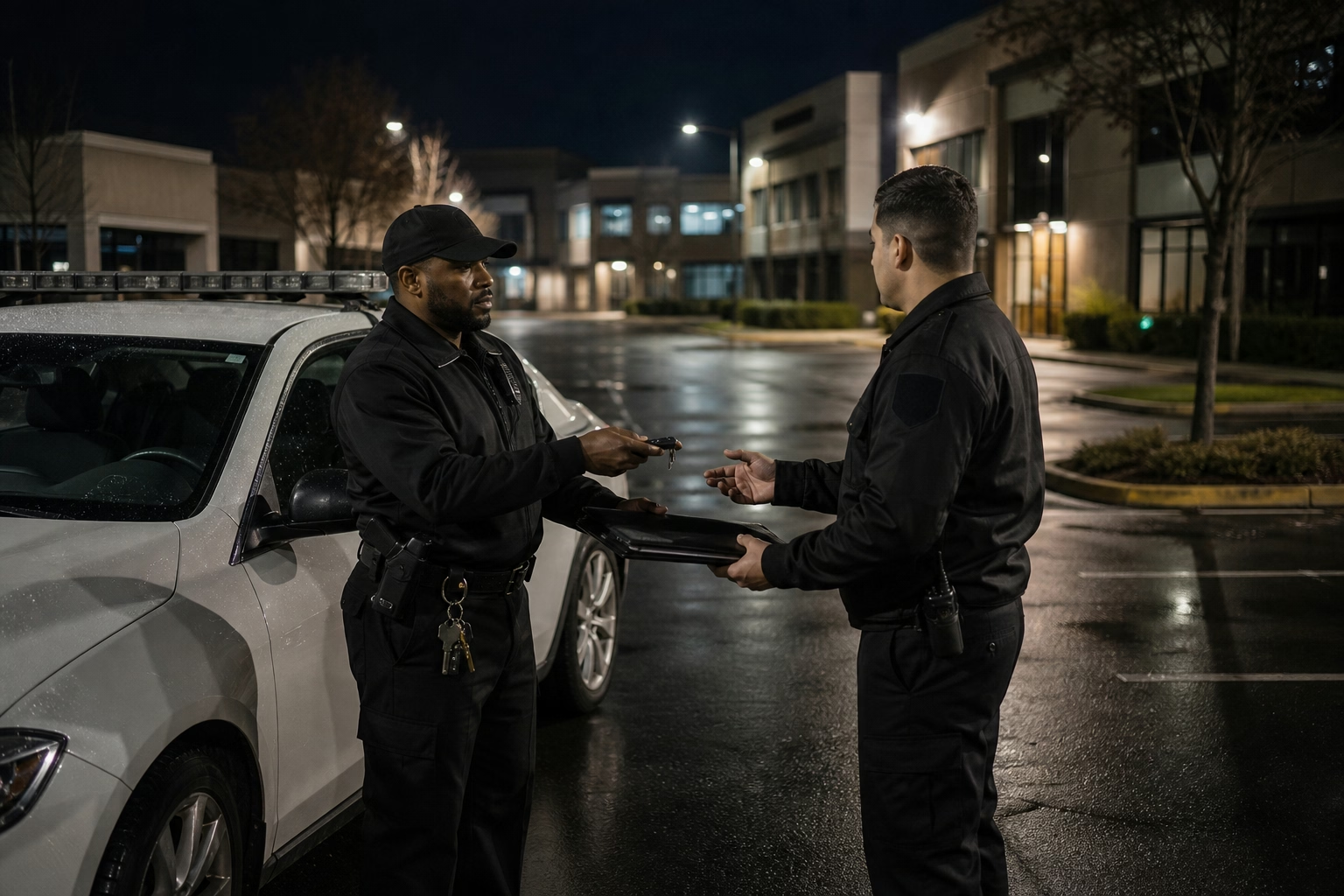
A client emails that line next to a disputed invoice, and the honest version of most field businesses’ answer is “because we said so.” The timesheet shows hours. It does not show a skeptical facilities manager that your two-person crew was at their building on Tuesday and Thursday. For cleaning, security, and field-service work, proof of presence is part of what the client is paying for, and the place it gets tested is the billing dispute, after the work is done and the trust is thin.
You can answer that question with a record instead of an assurance. The data to do it already exists every time someone clocks in on site.
You can already see this. The client cannot.
Worth being clear up front, because it changes what this post is actually about. The ShiftFlow app already shows you, internally, where your people punched in and out. You can open a time entry and see the captured location for yourself. So this is not “how to view where your crew clocked in” — you have that already.
The thing the in-app screen does not do is hand a client a record they will accept, or push that per-site time into the invoice. Those are cross-system jobs. One is a document the client reads while they are disputing your bill: filtered to their site, their period, written in language that survives a skeptical read. The other is the location and hours flowing into whatever you bill from, so a visit that happened on Harbor Plaza shows up as Harbor Plaza time on the Harbor Plaza invoice without anyone retyping it off a screen. The app shows you the data. Turning it into a client deliverable and into the invoice is the part you build on top, and that is what the rest of this is about.
What the feed gives you to build the deliverable from
The ShiftFlow Axiom data feed is how the data leaves the app and reaches the client document or the invoice. It returns each completed time entry with its clock-in and clock-out moment and, when it was captured, the location at those moments: coordinates, a resolved street address, and a workSiteId. That last field tells you the punch was associated with a configured site, either picked by the worker from a list or matched by the system. It does not, on its own, tell you the worker stood inside that site’s radius. To make that claim you check the captured coordinates against the site’s radius yourself. Any of the three can be missing on a given punch.
For the client deliverable, you filter to one client’s site over a billing period and you have, per visit, who was there, when they arrived and left, and the location that was recorded — the raw material for the document they read.
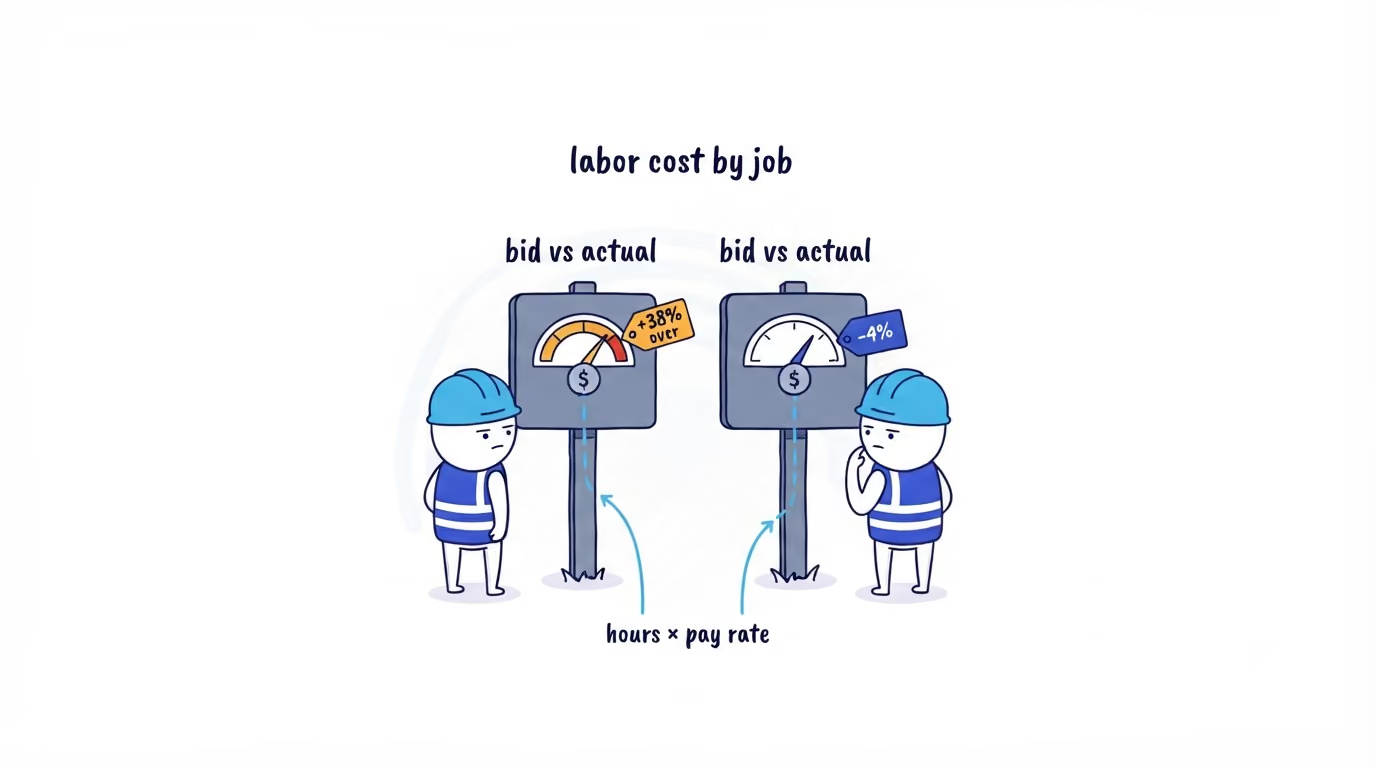
For invoicing, you group entries by site, sum the hours per site for the period, and that total flows into the invoice line for that client without anyone reading it off a screen and retyping it. The location proof rides along with the same query, so the invoice and the evidence behind it come from one pull, not two manual reconciliations.
Each location field is omitted when no usable value was captured. A dead phone, denied permission, a building that eats GPS.
A deliverable that silently treats “no location” as “present” is a liability the first time it is challenged, and an invoice that bills a visit with no captured location as if presence were proven is the same liability with money attached. So both have to carry that state explicitly.

A deliverable shape that survives scrutiny
Keep it boring and explicit. This is the document you hand the client, so it has to read straight to someone who is already arguing about the bill. Per visit, one row:
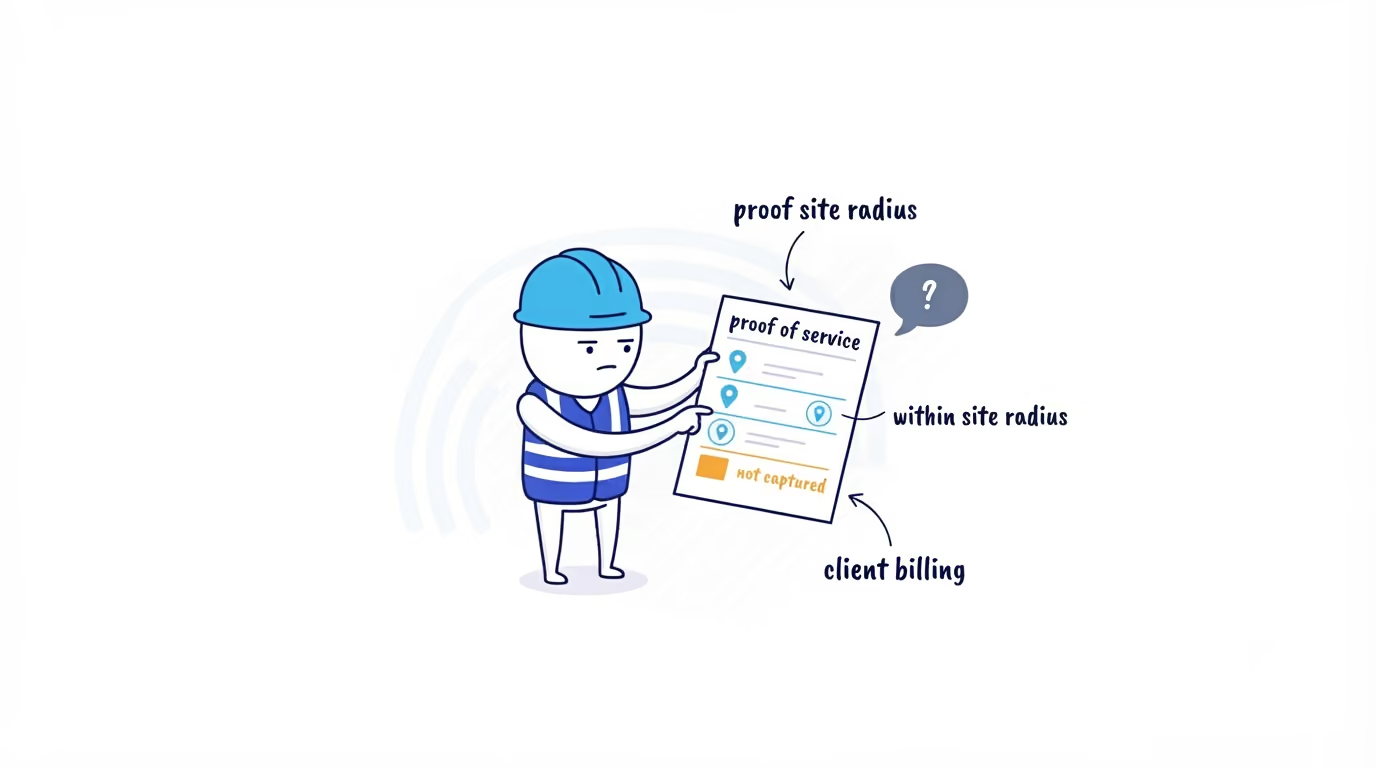
| Date | Team member | Site | In | Out | Hours | Location captured |
|---|---|---|---|---|---|---|
| May 6 | A. Rivera | Harbor Plaza | 08:02 | 12:14 | 4.2 | Within site radius |
| May 6 | J. Okafor | Harbor Plaza | 08:05 | 12:10 | 4.1 | Within site radius |
| May 9 | A. Rivera | Harbor Plaza | 07:58 | 12:20 | 4.4 | Not captured |
That last column carries the deliverable, because it does not bluff on the row where there is nothing to show. “Within site radius” means the captured coordinates were checked against Harbor Plaza’s configured radius and fell inside it, not just that the punch carried the Harbor Plaza workSiteId. A client will accept “not captured” on one visit out of twelve far more readily than they will forgive one inflated claim. This is where AI does the part you used to dread. Instead of hand-assembling a defense every billing cycle, AI reads the period’s visits, writes the cover note the client actually reads, and flags upfront the visits a client could push on: “Your two-person crew clocked in within the Harbor Plaza site radius on five of six scheduled visits this period; one visit recorded time but not location.”
The Hours column is the same number that should be feeding the Harbor Plaza invoice line for the period — 12.7 hours here. When the deliverable and the invoice are built from the same query, the client is looking at a document whose hours reconcile to the bill by construction, instead of two artifacts you assembled separately and have to defend for matching by hand. That is the whole point of pulling this through the API rather than screenshotting the in-app view: the proof and the amount come out together.
The limits of this check
The data is the location at clock-in and clock-out, not a continuous trail. You can state, with evidence, that a team member’s clock-in and clock-out coordinates fell inside the client site radius at specific times. You cannot state from this data that they were on site every minute in between, and a deliverable that implies it will fall apart the moment a client pushes. Write the claim narrowly: coordinates checked against the site radius at the punch events, with gaps shown as gaps. Narrow and true beats broad and brittle, especially in front of someone already disputing the bill. Overstated, the same document is the thing that loses the account — and if its hours are also driving the invoice, an overstated claim is now an overstated bill.
Where to go next
The same location-stamped punches that prove a visit to a client also catch the clock-ins that should not have happened and check every timesheet before payroll. If your crew is still clocking in on something that does not record where they were, there is no record to hand a client in the first place — see how ShiftFlow time tracking ties clock-ins to a work-site location, or talk to our team about putting this on your own client sites.
- gps-clock-in-report
- field-employee-location-report
- geofence-reporting
- proof-of-service
- field-service
- client-billing