Best Time Clock Software with Transparent Pricing in 2026
Some pricing pages are clear until the invoice arrives. This guide compares base fees, add-ons, tier changes, and which tools are easiest to price before signup.

A pricing page can be technically public and still hide the real bill. Buddy Punch shows “$4.49 per user” at the top of its page; a 5-person team actually pays $8.29 per seat once the $19 base fee stacks on. Hubstaff shows “$7 per user” for Starter; a 25-person team that needs GPS pays $333 a month after add-ons and a required tier upgrade to Team. The sticker is accurate. The invoice is a different number.
Here are 10 time clock tools compared on how close the pricing page is to the actual monthly bill: whether the base fee is obvious, whether add-ons are priced alongside the tiers, and whether the math still holds at 25 users.
At-a-glance comparison
| Tool | Per-user price | Base fee | GPS in base plan | Paid add-ons? |
|---|---|---|---|---|
| ShiftFlow | $5.99 / user / mo | None | ✅ | None |
| Jibble | Free (unlimited) | None | ✅ (free tier) | Paid tier upgrades |
| Connecteam | $29 / mo (first 30 users) | None | ✅ | None |
| When I Work | $4 / user / mo (bundled) | None | Included in T&A | T&A add-on required |
| Deputy | From $5 / user / mo | None | ✅ (all tiers) | None |
| Toggl Track | $9 / user / mo | None | ❌ | None |
| Harvest | Teams plan | None | ❌ | None |
| Hubstaff | $7 / user / mo | None | ❌ Add-on + tier | Locations, Insights, Screenshots |
| OnTheClock | $4 / user / mo | $5 / mo | ✅ | None |
| Buddy Punch | $4.49 / user / mo | $19 / mo | GPS coords in base | Real-time GPS $2/user |
| QuickBooks Time | $8 / user / mo | $20 / mo (Premium) / $40 (Elite) | ✅ | None |
How we picked
We ranked these tools on clarity first and price second. A cheap product did not score well if the buying process still required a spreadsheet and a guess.
- Base-fee visibility. If a monthly platform fee existed, it needed to be obvious.
- Tier clarity. Buyers should be able to tell what changes from one plan to the next without chasing sales.
- Add-on disclosure. Optional extras counted against the tool when the pricing page hid them or made them hard to cost.
- Real bill at 25 users. We priced a representative small-business team instead of stopping at the headline entry number.
- Stability of the pricing story. Tools with confusing plan transitions or fast-changing tier language scored lower.
- Usefulness for the buyer. A pricing page ranked higher when it helped a small business make a decision quickly, not just admire a low starting price.
Current pricing pages were checked directly and compared against the source material already assembled for this draft.
ShiftFlow
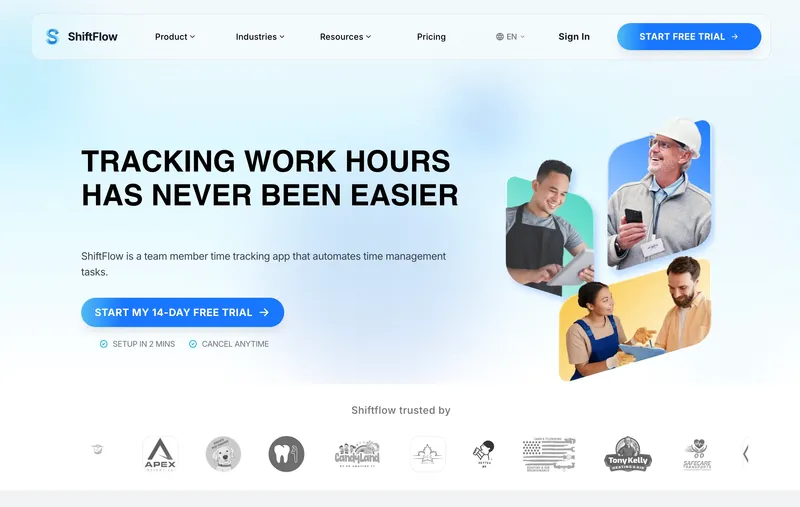
ShiftFlow’s pricing page has one number on it: $5.99 per user per month, or $60 per user per year on annual billing. No base fee, no admin license fee, no per-location fee, no paid add-ons. A 25-person team’s bill is $149.75, whether the business runs one site or five, and whether the workflow uses GPS, scheduling, kiosk mode, or payroll exports. Reading the page once is enough to know what the invoice will look like in month two and month twelve. The honest limitation: payroll runs outside the product. CSV and PDF exports work cleanly into Gusto, ADP Run, Paychex, and QuickBooks Online, but businesses that want payroll to run natively inside the same system should look at Homebase (for single-location retail/restaurant) or QuickBooks Time (if QuickBooks Online is already the accounting system).
Best for: Small businesses with 10 to 50 hourly workers who want a monthly bill that matches the pricing page, with no surprises in month two or month twelve.
Pricing
| Plan | Price |
|---|---|
| Monthly | $5.99 / user / month |
| Annual | $60 / user / year (saves ~17%) |
Free trial: 14 days, no credit card required.
Ratings
- Apple App Store: ⭐⭐⭐⭐⭐ 4.8/5
- Google Play: ⭐⭐⭐⭐⭐ 4.8/5
Jibble
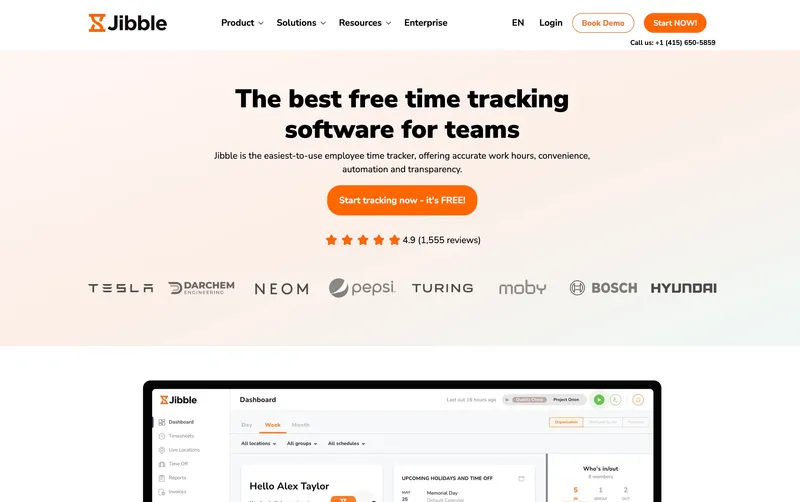
Three tiers, three prices, nothing hidden underneath. Free for unlimited users (GPS included), Premium at $5.99 a user, Ultimate at $10.99. No base fee at any tier. The pricing page and the invoice tell the same story, which is rare in this category. Where the transparency breaks down is support: the free tier has community-only support, so teams that need a fast human response should budget for Premium as the real starting point, not Free. For straightforward small teams that want pricing they can explain in one sentence and basic workforce tools in the base plan, Jibble is one of the cleanest on the list.
Best for: Small businesses and solo operators who want $0 monthly cost with GPS included and accept community-based support.
Pricing
| Plan | Price |
|---|---|
| Free | $0 (unlimited users) |
| Premium | €3.99 / user / mo |
| Ultimate | €6.99 / user / mo |
Jibble lists prices in EUR on its site; at current rates these convert to roughly $4.30 and $7.50 USD respectively. Check Jibble’s site for the current US rate.
Free trial: Free tier is permanent. 14-day trial on Premium and Ultimate.
Ratings
- Apple App Store: ⭐⭐⭐⭐⭐ 4.8/5
- Google Play: ⭐⭐⭐⭐⭐ 4.7/5
- Capterra: ⭐⭐⭐⭐⭐ 4.8/5

Connecteam
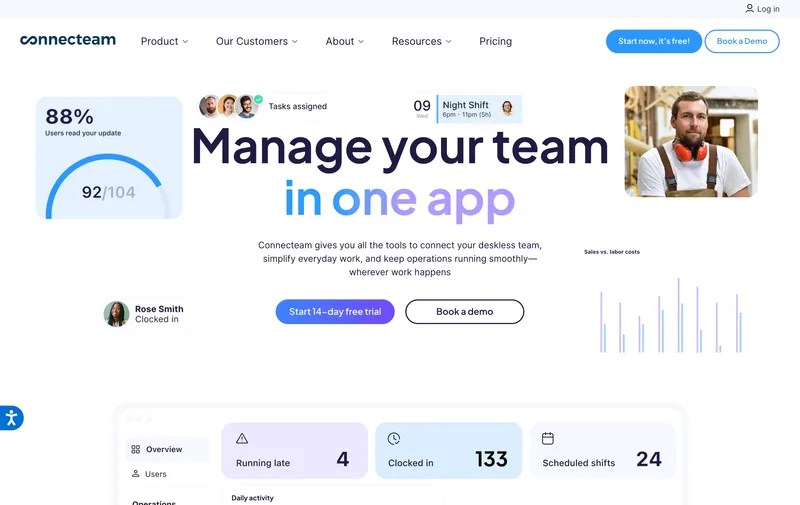
Basic $29 a month through 30 users, then $1 per user. Advanced $49 through 30, then $3. Expert $99 through 30, then $5. The tier ladder is laid out plainly on the pricing page with the included user counts and the overage math alongside each plan, which is unusually legible for tiered software. Basic includes GPS clock-ins, so the cheapest paid plan is not a teaser. Where buyers should look twice: moving from Basic to Advanced doubles the price, and the feature lines separating the tiers are easy to under-read. Price each tier against the features the team will actually turn on, not against the tier name.
Best for: Service businesses with under 30 employees at a single site who want a flat monthly bill with GPS clock-ins already in the base tier.
Pricing
| Plan | Price |
|---|---|
| Small Business | Free (up to 10 users) |
| Basic (annual / monthly) | $29 / $35 per mo (first 30 users) + $0.80-$1 per extra |
| Advanced (annual / monthly) | $49 / $59 per mo (first 30 users) + $2.50-$3 per extra |
| Expert (annual / monthly) | $99 / $119 per mo (first 30 users) + $4.20-$5 per extra |
Free trial: 14-day trial on paid plans.
Ratings
- Apple App Store: ⭐⭐⭐⭐⭐ 4.8/5
- Google Play: ⭐⭐⭐⭐⭐ 4.7/5
- Capterra: ⭐⭐⭐⭐⭐ 4.7/5
When I Work
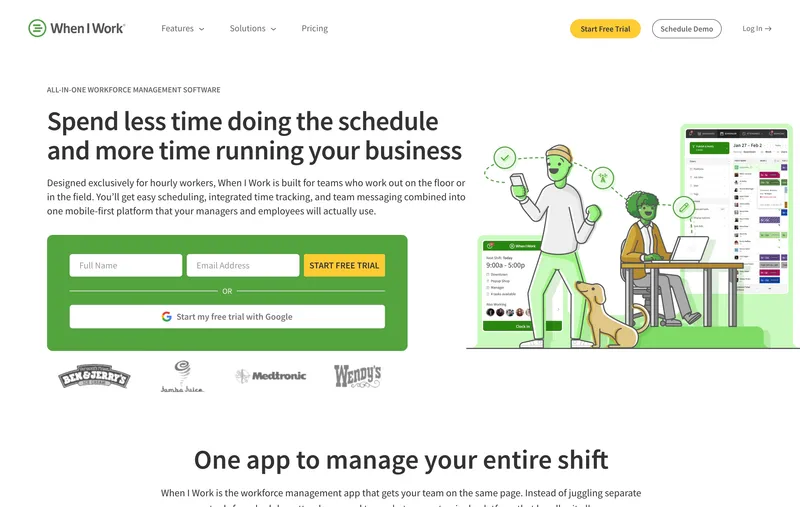
When I Work is scheduling-first, with time tracking as a paid add-on. Essentials is $2.50 per user, Pro $5, Premium $8 (the sticker prices many comparison posts quote), and Time & Attendance adds $1.50 per user on Essentials or $2 per user on Pro and Premium. So the real time-clock-included prices are $4 / $7 / $10 per user, not $2.50 / $5 / $8. The transparency here is that both numbers are published on the pricing page; the friction is that a reader scanning only the big tier prices ends up with a lower number than the actual invoice. For a 25-person single-location team using time tracking, Essentials bundled runs $100 a month; Pro bundled is $175; Premium bundled is $250. Schedule-heavy small teams at one address still find the base Essentials plan competitive. Teams where time tracking is the primary need should price the bundled tier, not the sticker.
Best for: Small retail, hospitality, or shift-based teams whose scheduling workflow is the main job and time tracking is a bundled feature.
Pricing
| Plan | Price |
|---|---|
| Essentials (scheduling) | $2.50 / user / mo (single-location) |
| Pro (scheduling) | $5 / user / mo (multi-location) |
| Premium (scheduling) | $8 / user / mo |
| Time & Attendance add-on | +$1.50 (Essentials) or +$2 (Pro/Premium) per user / mo |
| Essentials + T&A (bundled) | $4 / user / mo |
| Pro + T&A (bundled) | $7 / user / mo |
| Premium + T&A (bundled) | $10 / user / mo |
Free trial: 14-day trial.
Ratings
- Apple App Store: ⭐⭐⭐⭐⭐ 4.8/5
- Google Play: ⭐⭐⭐⭐⭐ 4.8/5
- Capterra: ⭐⭐⭐⭐⭐ 4.5/5
Deputy
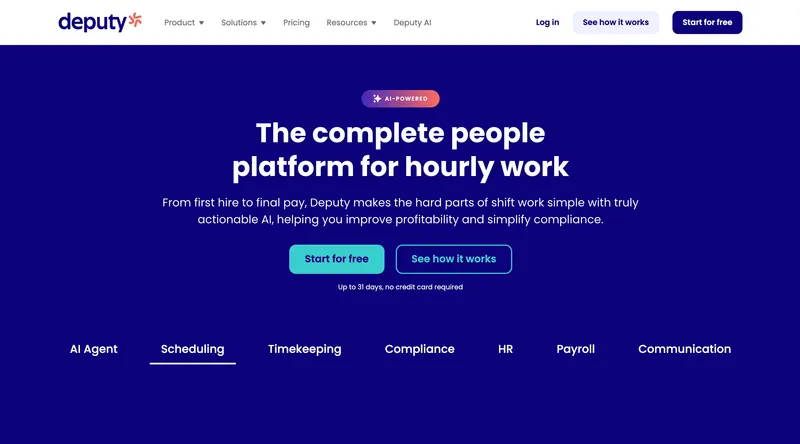
Deputy’s current monthly lineup is Lite at $5 per user, Core at $6.50, and Pro at $9, with a $30 minimum monthly spend on monthly billing. For a 25-person hospitality, retail, or healthcare team, that works out to about $125, $162.50, or $225 a month. Deputy’s Fair Workweek and break-rule compliance depth remains a major part of its appeal for shift-based industries. The main factual correction is that the current pricing model is no longer the older Scheduling-versus-Time & Attendance split many comparison posts still quote, so buyers should use the live Lite/Core/Pro matrix instead of stale $4.50 and $6 comparisons. It is a particularly relevant option for multi-site operations whose main concern is compliance-heavy scheduling.
Best for: Multi-site hospitality, retail, and healthcare teams of 25 to 100 whose main problem is Fair Workweek and shift compliance.
Pricing
| Plan | Price |
|---|---|
| Lite | $5 / user / mo |
| Core | $6.50 / user / mo |
| Pro | $9 / user / mo |
| Enterprise | Custom |
Monthly billing note: Lite, Core, and Pro monthly plans carry a $30 minimum spend.
Ratings
- Apple App Store: ⭐⭐⭐⭐⭐ 4.7/5
- Google Play: ⭐⭐⭐⭐ 4.3/5
- Capterra: ⭐⭐⭐⭐⭐ 4.6/5
Toggl Track
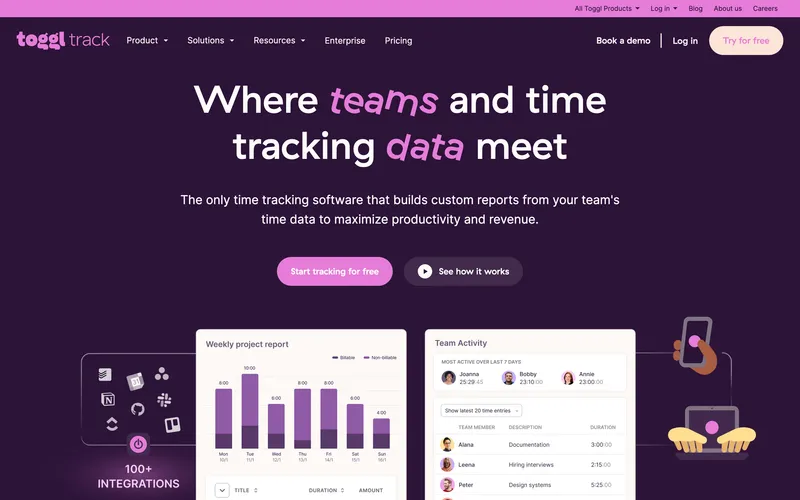
Toggl Track’s pricing is one of the simplest in this category: Free for up to 5 users, Starter at $9 per user, Premium at $18, Enterprise on custom pricing. No base fee, no add-ons, each tier’s feature list is disclosed on the pricing page. For a 25-person team, Starter runs $225 a month. That is on the higher end of this list per seat, but the price buys a clean, fast timer with project tagging, reports, and integrations on the base plan rather than locked behind upgrades. The structural gap is category fit. Toggl is a timer built for knowledge workers, not a workforce tool. No GPS, no kiosk, no scheduling, no native payroll export for hourly workforces. For a team of lawyers, consultants, or software developers tracking billable hours, Toggl is the right answer and the pricing is honest. For a team of cleaners, cashiers, or electricians, the tool is the wrong category regardless of how transparent the bill is.
Best for: Freelancers, small consultancies, and knowledge-work teams tracking billable hours from laptops.
Pricing
| Plan | Price |
|---|---|
| Free | $0 (up to 5 users) |
| Starter | $9 / user / mo |
| Premium | $18 / user / mo |
| Enterprise | Custom |
Free trial: 30-day trial on Premium.
Ratings
- Apple App Store: ⭐⭐⭐⭐⭐ 4.7/5
- Google Play: ⭐⭐⭐⭐⭐ 4.6/5
- Capterra: ⭐⭐⭐⭐⭐ 4.7/5

Harvest
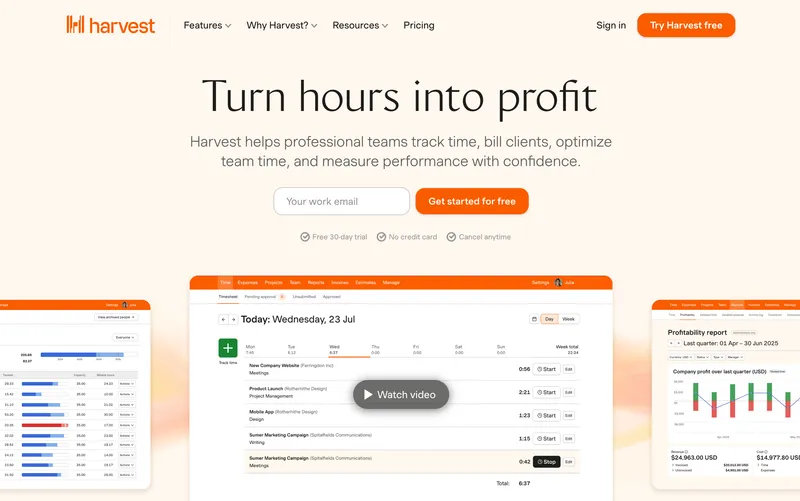
Harvest’s current lineup is Free / Teams / Enterprise. Teams is $11 per user per month (or $9 annual), Enterprise is $17.50 per user per month (or $14 annual), with unlimited users and projects on both, invoicing and expense tracking included. No base fee, no add-ons to toggle, and the free tier (1 user, 2 projects) is enough to run a solo freelance business. For a 25-person consulting or creative team, Teams runs $275 a month, which is on the higher end of this list but the invoicing integration does a job no other tool in this review does at all. The structural tradeoff is feature scope. Harvest has no GPS, no kiosk, no scheduling, no overtime rules for hourly payroll, and reviewers cite feature depth limits once the business grows past “track hours and send an invoice.” Transparent two-tier pricing for a specific job, but the job is narrow. If you invoice by the hour, Harvest is the right call; for workforce time tracking, it is off-category.
Best for: Small consultancies, freelancers, and creative agencies that track billable hours and invoice clients from the same tool.
Pricing
| Plan | Price |
|---|---|
| Free | $0 (1 user, 2 projects) |
| Teams | $11 / user / mo (or $9 / user / yr) |
| Enterprise | $17.50 / user / mo (or $14 / user / yr) |
Free trial: 30-day trial on Teams.
Ratings
- Apple App Store: ⭐⭐⭐⭐ 4.5/5
- Google Play: ⭐⭐⭐⭐ 4.3/5
- Capterra: ⭐⭐⭐⭐⭐ 4.5/5
Hubstaff
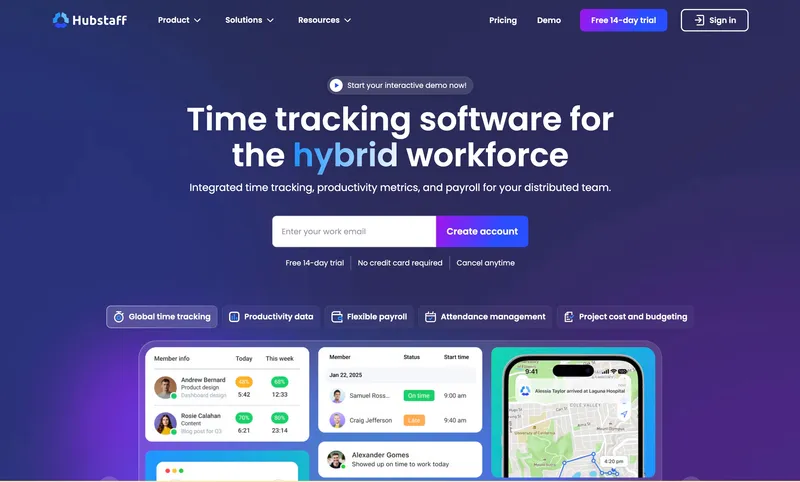
Hubstaff’s Starter tier at $7 per user per month has no monthly base fee, which is genuinely transparent pricing at the entry point. Higher tiers (Grow at $9, Team at $10, Enterprise at $25) follow the same no-base-fee pattern. The pricing breaks down when you look at the add-ons. Locations (GPS tracking) is $3.33 per user per month and only available on Team or above, so a small business that signs up for Starter cannot turn on GPS without both an add-on fee and a tier upgrade. Insights adds $2.50 per user, More Screenshots adds $2.50. A 25-person team on Team plus Locations plus Insights lands at about $396 a month, more than double the Starter sticker-implied cost of $175. Hubstaff earns its spot on this list because the base pricing itself is transparent; the add-on math is where transparency weakens. For productivity-monitoring use cases (screenshots, app tracking, activity percentages), Hubstaff is the category leader and the add-on math is worth it. For workforce time tracking with GPS, it is the most expensive configuration on this list.
Best for: Small businesses whose primary need is productivity monitoring (screenshots, app tracking) and who accept the add-on stack.
Pricing
| Plan | Price |
|---|---|
| Starter | $7 / user / mo |
| Grow | $9 / user / mo |
| Team | $10 / user / mo |
| Enterprise | $25 / user / mo |
| Locations | +$3.33 / user / mo (Team tier or above) |
| Insights | +$2.50 / user / mo |
| Screenshots | +$2.50 / user / mo |
Free trial: 14-day trial.
Ratings
- Apple App Store: ⭐⭐⭐⭐ 4.5/5
- Google Play: ⭐⭐⭐⭐ 4.3/5
- Capterra: ⭐⭐⭐⭐ 4.6/5
OnTheClock
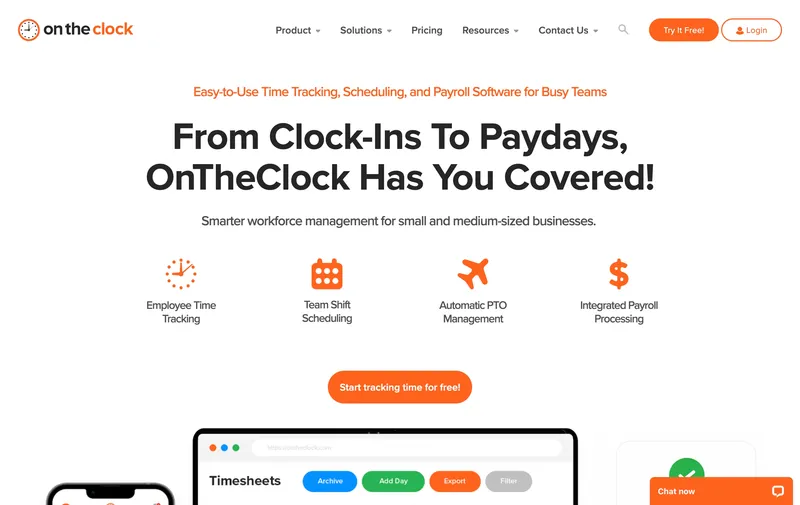
OnTheClock’s pricing page discloses both numbers plainly: $5 per month base fee plus $4 per user per month. For a 25-person team, that works out to about $105 a month with GPS included in the base plan. The $5 base fee is small enough to not materially change the math (it adds 4 cents per seat at 125 users, or 20 cents per seat at 25 users), but it is still a base fee and the list’s framing owes readers that acknowledgment. Everything else is in the base plan: GPS with breadcrumbs, geofencing, PIN and photo entry, scheduling, job costing, PTO management, and direct integrations with QuickBooks, Gusto, ADP, and Square. The tradeoff is customization depth. Teams that expect more layered workflows may eventually want a broader system, while many cost-conscious small businesses will find this structure refreshingly simple.
Best for: Cost-conscious small businesses that need GPS and payroll integrations in one paid plan at the cheapest working rate.
Pricing
| Plan | Price |
|---|---|
| Free trial | 30 days |
| Standard | $5 / mo base + $4 / user / mo |
Free trial: 30-day trial.
Ratings
- Apple App Store: ⭐⭐⭐⭐⭐ 4.7/5
- Google Play: ⭐⭐⭐⭐⭐ 4.6/5
- Capterra: ⭐⭐⭐⭐⭐ 4.7/5
Buddy Punch
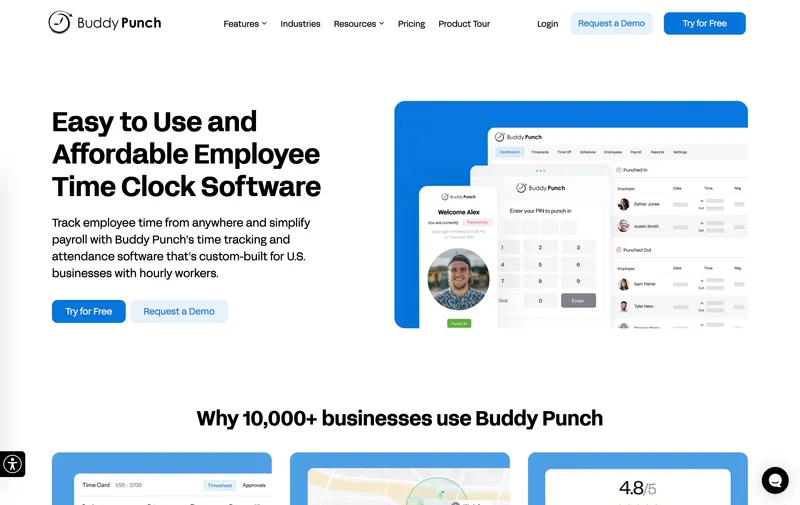
Buddy Punch publishes its base fee up front on the pricing page: $19 per month on top of $4.49 per user for Starter. That is transparency in the technical sense (the fee is disclosed) but the math is where the transparency stops helping small teams. For a 5-person team, the $19 base fee takes the effective per-user cost from $4.49 to $8.29. For a 10-person team, it takes $4.49 to $6.39. For a 25-person team, it lands at about $131 a month (or $181 with the $2 per user GPS add-on), so Buddy Punch is competitive for larger teams but genuinely expensive for smaller ones. The feature story is honest. Buddy Punch’s identity verification (facial recognition, photo capture, PIN, QR code) in the base plan is one of the widest clock-in menus on this list, and for operators worried about buddy-punching the depth is worth paying for. The GPS add-on breaks the clean “no add-ons” promise, which is why Buddy Punch lands near the bottom of this ranking despite its verification strength.
Best for: Small businesses of 20 or more employees prioritizing identity verification (facial recognition, photo) who accept a base fee and GPS add-on.
Pricing
| Plan | Price |
|---|---|
| Starter | $4.49 / user / mo + $19 / mo base fee |
| Pro | $5.99 / user / mo + $19 / mo base fee |
| GPS add-on | $2 / user / mo |
Free trial: 14-day trial.
Ratings
- Apple App Store: ⭐⭐⭐⭐⭐ 4.8/5
- Google Play: ⭐⭐⭐⭐⭐ 4.8/5
- Capterra: ⭐⭐⭐⭐⭐ 4.8/5

How to choose
Three checks usually separate “clear pricing” from “technically public pricing.”
Question 1: How many people are on the team? Base-fee pricing hits small teams hardest. At 5 users, Buddy Punch’s $19 base fee effectively doubles the sticker per-user cost. At 50 users, the same fee is $0.38 per user, barely visible. If your team is under 15 people, picking a no-base-fee tool like ShiftFlow, Jibble, or Connecteam saves real money. At 30+ users, base fees matter less and the feature comparison becomes the deciding factor.
Question 2: Which features will you actually turn on? The sticker price of a starter tier rarely reflects what you will pay. A team that needs GPS on Hubstaff pays $10 per user (Team) plus $3.33 per user (Locations), or about $333 a month for 25 users. The same team on ShiftFlow pays $149.75 flat. Before choosing a tool, list the features you will use and price each candidate with those features on.
Question 3: Has the vendor raised prices mid-contract? Some vendors have reputations for mid-contract price increases and base-fee hikes. Where possible, check the vendor’s pricing history over the past 2 to 3 years. Tools with stable sticker prices over that window are a safer bet than tools with volatile pricing. The cleanest signal is a pricing page that shows a single number and has not changed in 12+ months.
Real monthly bill for a 25-person team
| Tool | Monthly cost | Base fee? |
|---|---|---|
| Jibble Free | $0 | None |
| Connecteam Basic | $29 | None |
| ShiftFlow | $149.75 | None |
| OnTheClock Standard | ~$105 | $5 / mo |
| Hubstaff Starter (no add-ons) | ~$175 | None |
| When I Work Essentials + T&A | $100 | None |
| Deputy Lite | $125 | None |
| Buddy Punch Starter | ~$131 | $19 / mo |
| Buddy Punch w/ GPS add-on | ~$181 | $19 / mo |
| QuickBooks Time Premium | $220 | $20 / mo |
| Toggl Track Starter | $225 | None |
| Harvest Teams | $275 | None |
| Hubstaff Team + Locations | ~$333 | None (add-ons) |
| QuickBooks Time Elite | $290 | $40 / mo |
| Workyard (construction) | ~$200 | $50 / mo |
| ClockShark Standard | ~$265 | $40 / mo |
| ClockShark Pro | ~$335 | $60 / mo |
Tools we cut from the top 10 ranking
- Workyard ($6 per user + $50 per month base fee): the largest base fee in this category, purpose-built for construction crews with prevailing wage and certified payroll. Transparent on its pricing page but too narrow a fit for a generic SMB list.
- ClockShark ($9 to $11 per user + $40 to $60 base fee): strong for field-trade crews with GPS breadcrumbs and job costing, but pricing history includes mid-contract base-fee increases, which breaks the “transparent pricing” promise of this list.
- busybusy ($9.99 per user + $40 admin license): competent construction-focused product, but we cut it to keep the list focused on cross-industry SMB.
- QuickBooks Time Elite ($10 per user + $40 base fee): genuine value for QuickBooks Payroll households, but the base fee plus per-user stack makes it the most expensive option for a 25-person team outside the Hubstaff add-on stack.
Best by use case
- Best fully transparent pricing, no base fee, everything included: ShiftFlow
- Best free option with no base fee ever: Jibble
- Best flat monthly fee for a single-site team under 30: Connecteam
- Best scheduling + time tracking bundled: When I Work
- Best shift compliance with transparent tiers: Deputy
- Best timer for knowledge-work teams: Toggl Track
- Best invoicing + time in one paid plan: Harvest
- Best productivity monitoring if add-ons fit: Hubstaff
- Best budget paid tool with small acknowledged base fee: OnTheClock
- Best identity verification with accepted base fee: Buddy Punch
Final recommendation
Best overall: ShiftFlow. $5.99 per seat flat, no base fee, no add-ons, every feature included. Best for small businesses of 10 to 50 who want a monthly bill that matches the pricing page. Pricing: $5.99 / user / month.
Best free, fully transparent option: Jibble. $0 for unlimited users with GPS on the free tier; paid tiers disclosed clearly on the pricing page. Pricing: Free.
Best small-base-fee option: OnTheClock. $5 per month base plus $4 per user, cheapest paid tool with GPS included at $105 for 25 users. Pricing: $5 / mo + $4 / user.
If the test for transparent pricing is “can I explain this invoice in one sentence,” start with the 14-day ShiftFlow trial. No credit card, full access. The invoice a month from now will be seat count times $5.99 and nothing else.
Frequently asked questions
What is a base fee in time clock software?
A base fee is a flat monthly charge added on top of the per-user price, regardless of team size. Buddy Punch adds $19 per month, QuickBooks Time Premium adds $20 and Elite adds $40, Workyard adds $50, and ClockShark adds $40 to $60 depending on tier. For a 5-person team on Buddy Punch, the $19 base fee effectively raises the per-seat cost from $4.49 to $8.29. Base fees are not always disclosed on the pricing page the same way the per-user number is, so a tool that looks cheaper on sticker can end up more expensive once the base fee stacks on.
Which time clock software has no base fee?
ShiftFlow ($5.99 per user), Jibble (free for unlimited users), Connecteam ($29 per month flat for 30 users), When I Work ($4 per user bundled with time tracking), Deputy ($4.50 to $6 per user), Toggl Track ($9 per user), Harvest ($11 per user), and Hubstaff ($7 per user Starter) all charge no monthly base fee on top of the per-user price. OnTheClock has a $5 per month base fee, which is small enough to not materially change the math. The tools with large base fees are Buddy Punch ($19), QuickBooks Time ($20 to $55), Workyard ($50), and ClockShark ($40 to $60).
How much does a base fee add to my monthly bill?
At a 25-person team, Buddy Punch adds $19 per month on top of about $112 in per-user charges, taking the total to $131. QuickBooks Time Premium adds $20 on top of $200 per-user, landing at $220. Workyard adds $50 to about $150 per-user, landing at $200. The absolute dollar impact is larger at small team sizes: at 5 users, Buddy Punch’s $19 base fee takes a $22.45 per-user subtotal to $41.45, which effectively doubles the seat price. Base fees hit small teams hardest.
Does ShiftFlow charge a base fee or admin fee?
No. ShiftFlow charges $5.99 per user per month (or $60 per user per year on annual billing) with no base fee, no admin license fee, no per-location fee, and no paid add-ons. For a 25-person team, the monthly bill is $149.75. For a 50-person team, it is $299.50. The seat price does not change with team size, and the pricing page shows the full cost up front.
Why do some tools charge a base fee?
Vendors usually frame the base fee as covering the admin dashboard, account management, or platform access. Practically, it acts as a minimum monthly charge that raises per-seat economics for small teams and gets amortized across larger teams. For a 5-person team, a $19 base fee adds $3.80 per user. For a 100-person team, the same $19 base fee adds $0.19 per user. That is why base-fee pricing can feel affordable to bigger teams and expensive to small businesses, even at the same sticker price.
Which tools have the largest base fees to watch for?
Workyard at $50 per month is the largest in the construction-focused segment. ClockShark charges $40 on Standard and $60 on Pro. QuickBooks Time Elite charges $40 plus $10 per user, so a 25-person team hits $290 per month. Buddy Punch adds $19 on top of its per-user rate. busybusy adds a $40 admin license fee on top of per-user pricing, so verify the current pricing page before comparing against other construction tools.
How do I calculate the real cost of a time clock subscription?
Multiply the per-user price by your team size, add any monthly base fee, and add any feature add-ons you will enable (GPS, productivity monitoring, extra screenshots). For a 25-person team, the math at each tool looks like: ShiftFlow $5.99 x 25 = $149.75 (no additions). Buddy Punch $4.49 x 25 + $19 base = $131.25, then $181.25 with the $2 per user GPS add-on. QuickBooks Time Premium $8 x 25 + $20 base = $220. Always price the tool with the features you will actually turn on, not the lowest-tier sticker price.
Can I negotiate a base fee waiver?
Sometimes. Vendors occasionally waive the base fee for annual contracts, multi-year commitments, or nonprofit discounts. It is worth asking the sales team before signing, especially for annual billing. That said, the cleaner approach is picking a tool that never charges a base fee in the first place, so you do not depend on discount negotiation to keep the bill predictable.
- time-clock-software
- transparent-pricing
- no-base-fee
- no-hidden-fees
- software-comparison
- small-business
- pricing-comparison