Best time tracking software for transportation companies
Enterprise fleet tools cost more than they save; generic time clocks ignore mileage. 10 apps built for under-10-driver fleets, with 2026 pricing.
Most of the trucking-grade software on the market assumes 50 vehicles, ELD compliance, and a dispatcher who lives inside the platform. That isn’t the operation we’re writing for. We’re writing for the shop with five drivers, three vans, and a Friday ritual of reconciling paper logs against the dispatch sheet. The choice usually comes down to a generic time clock that ignores mileage and routes, or an enterprise fleet suite that costs more than the wage leakage it’s supposed to catch.
The 10 tools below sit in between. They work for small couriers, last-mile delivery, and intrastate trucking outfits that don’t fall under FMCSA Hours-of-Service rules. We weighted GPS verification, mileage handling, scheduling, and pricing structure — and we paid attention to the things drivers and dispatchers actually live with: battery drain, clock-in friction, and how the bill grows once add-ons are switched on.
At a glance
| Tool | GPS at clock-in | Mileage tracking | Driver scheduling | Battery-friendly | Free plan | Direct payroll |
|---|---|---|---|---|---|---|
| ShiftFlow | ✓ | Capture | ✓ | ✓ | 14-day trial | CSV/PDF |
| Connecteam | ✓ | Limited | ✓ | ✓ | ✓ (≤10 users) | ✓ |
| Timeero | ✓ | ✓ (detailed) | ✓ | ✓ | 14-day trial | ✓ |
| Hubstaff | Add-on | ✓ | ✓ | Drains | 14-day trial | ✓ |
| Buddy Punch | Add-on | ✗ | ✓ | ✓ | 14-day trial | ✓ |
| Jibble | ✓ | Limited | ✓ | ✓ | ✓ (unlimited) | ✓ |
| When I Work | ✗ | ✗ | ✓ | n/a | ✓ (1 location) | ✓ |
| QuickBooks Time | ✓ | ✓ | ✓ | ✓ | 30-day trial | ✓ (QB) |
| Hellotracks | ✓ | ✓ | ✓ | Drains | 30-day trial | Limited |
| ClockIt | ✓ | Limited | ✓ | ✓ | 14-day trial | CSV |
How we picked
We weighted eight criteria toward the realities of small fleets:
- GPS captured automatically at every punch, not as a manual selection drivers can skip
- Mileage data that exports cleanly for reimbursement or client billing
- Scheduling with shift assignment to specific routes or stops, not just generic shift blocks
- Event-based GPS rather than continuous tracking — battery is a real cost on an 8-hour route
- Per-driver pricing without per-vehicle, per-route, or per-location surcharges
- Direct payroll integration with Gusto, QuickBooks, ADP, or Paychex; CSV is acceptable, not preferred
- A mobile app a driver can use one-handed in the cab without a training session
- Verified ratings on App Store, Google Play, and Capterra with enough reviews to be meaningful
Pricing, features, and ratings were pulled from three industry roundups current to early 2026 and cross-checked against vendor pages. Where sources disagreed by more than 20 percent, we flagged it in the entry.
1. ShiftFlow: best overall for small local delivery and courier operations
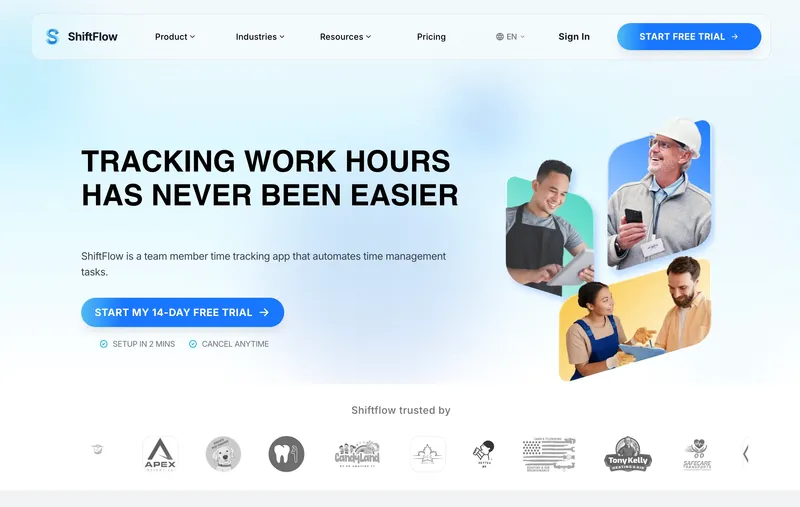
ShiftFlow runs $5.99 per seat on a single plan, or $60 per seat per year on annual billing. There’s one plan, no base fee, no per-vehicle charge, and no add-on for GPS — clock-in geolocation, scheduling, selfie verification, kiosk mode, and CSV/PDF payroll exports are all in. A 6-driver operation pays $35.94 a month on monthly billing, which is roughly half what a Buddy Punch Pro plan plus the Real-Time GPS Add-on costs at the same headcount.
The tradeoff is rudimentary mileage capture compared to Timeero — fine for punch-event geolocation, but not built for IRS standard-rate reimbursement workflows. What ShiftFlow does well is keep the bill predictable as the team grows: seat count equals the line item, and that’s usually the headache small operators are trying to escape.
Best for: Small driver-only shops that want GPS punch verification and scheduling on a flat per-seat bill, and don’t need native mileage reimbursement or a deep payroll integration.
Pricing
| Plan | Price |
|---|---|
| Monthly | $5.99 per seat |
| Annual | $60 per seat per year |
Free trial: 14 days, no credit card required.
Ratings
- Apple App Store: 4.8/5
- Google Play: 4.8/5
- Capterra: 4.8/5
2. Connecteam: best free option for fleets under 10 drivers
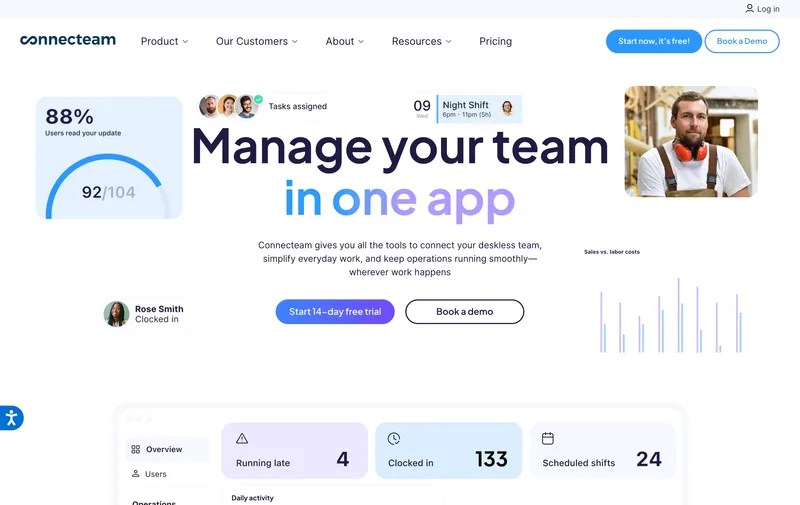
If the headcount is 10 or fewer, this is the cheapest option in the category — $0. The Small Business Plan covers GPS clock-in, geofence notifications, scheduling, and team chat for free, full stop. Connecteam markets to logistics teams alongside construction and field service, and the deskless-first approach shows up in details like a low-data mobile app that won’t burn through a driver’s data plan over an 8-hour shift.
The cliff arrives at user 11, and earlier if geofence enforcement matters. The free tier only notifies when a driver punches outside an approved area; blocking those punches requires the Advanced tier ($49 per month for the first 30 users, billed annually). Read the geofencing fine print before deciding the free plan is enough — for some shops “notify” is fine, for others it’s the whole point of buying.
Best for: Driver crews of 10 or fewer that can live with notification-only geofencing.
Pricing
| Plan | Price |
|---|---|
| Small Business | Free up to 10 users |
| Basic | $29/month for first 30 users |
| Advanced | $49/month for first 30 users |
| Expert | $99/month for first 30 users |
Free trial: Free plan; 14-day trial on paid tiers.
Ratings
- Apple App Store: 4.9/5
- Google Play: 4.9/5
- Capterra: 4.6/5
3. Timeero: best mileage tracking for delivery routes
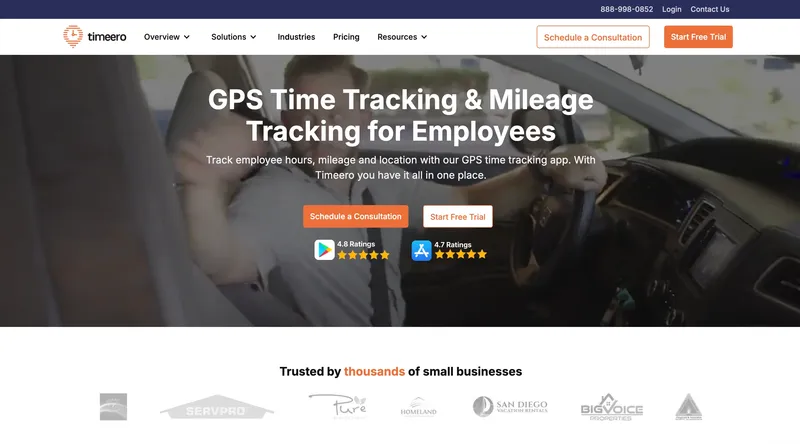
If reimbursement or billable-mile invoicing is the dominant pain point, Timeero is the answer and most other tools on this list aren’t really competing. The breadcrumb GPS trail records timestamped location continuously while a driver is clocked in, and the resulting mileage data exports to QuickBooks for either IRS-rate reimbursement or per-mile client invoicing without the spreadsheet fight.
Scheduling is the catch. Drivers can see assigned routes, but shift swaps and team-wide schedule visibility are thinner than Connecteam or When I Work. Timeero is “more time-and-location focused than full field-operations” — that’s a fair characterization. App store ratings reflect a split user base: 5.0/5 on iOS, 3.2/5 on Android. The Android complaints cluster around occasional GPS drift and battery, which is worth piloting before committing the whole fleet.
Pricing starts at $4 per user per month on Basic, with mileage features showing up in the $7–11 Pro/Premium range. A 6-driver operation on Pro lands around $48 a month — competitive once mileage automation is doing real work.
Best for: Couriers and contract delivery shops where billable miles or IRS-rate reimbursement is part of payroll, not a side calculation.
Pricing
| Plan | Price |
|---|---|
| Basic | $4 per user per month |
| Pro/Premium | ≈$7-11 per user per month |
Free trial: 14 days, no credit card required.
Ratings
- Apple App Store: 5.0/5
- Google Play: 3.2/5
- Capterra: 4.4/5
4. Hubstaff: best for mixed dispatch + delivery operations
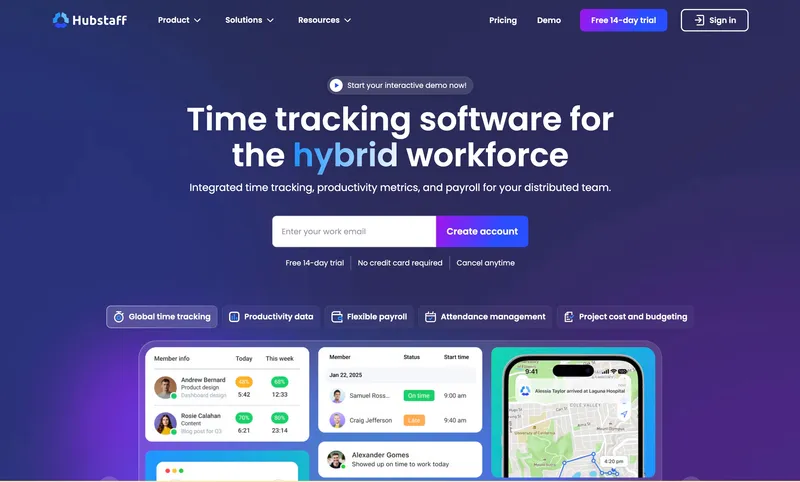
Hubstaff is the only product on this list that pairs driver geolocation with screenshot and activity monitoring for dispatchers at a desktop. For a hybrid shop where the office is routing and handling customer service while drivers are on the road, that’s a structural fit nothing else here matches.
The structural cost is the bill. Field GPS lives behind the Locations add-on at $4 per user per month, on top of the Team plan ($10 annual, ≈$12 monthly). Six drivers with GPS turned on runs around $84 a month — the most expensive option in the comparison. Continuous GPS also drains driver phones meaningfully on a full shift; for delivery drivers that’s a bigger problem than for plumbers or electricians, who tend to be near a vehicle charger between jobs. If the desktop monitoring isn’t critical, lighter tools handle the driver half for less.
Best for: Hybrid operations where desk-based dispatchers are tracked alongside field drivers, and the activity monitoring is actually a requirement.
Pricing
| Plan | Price |
|---|---|
| Starter | ≈$7/user monthly ($4.99 annual) |
| Team | ≈$12/user monthly ($10 annual) |
| Locations add-on | $4/user per month (Team and Enterprise only) |
Free trial: 14 days.
Ratings
- Apple App Store: 4.6/5
- Google Play: 4.4/5
- Capterra: 4.6/5
5. Buddy Punch: simple multi-method clock-in for mixed driver pools
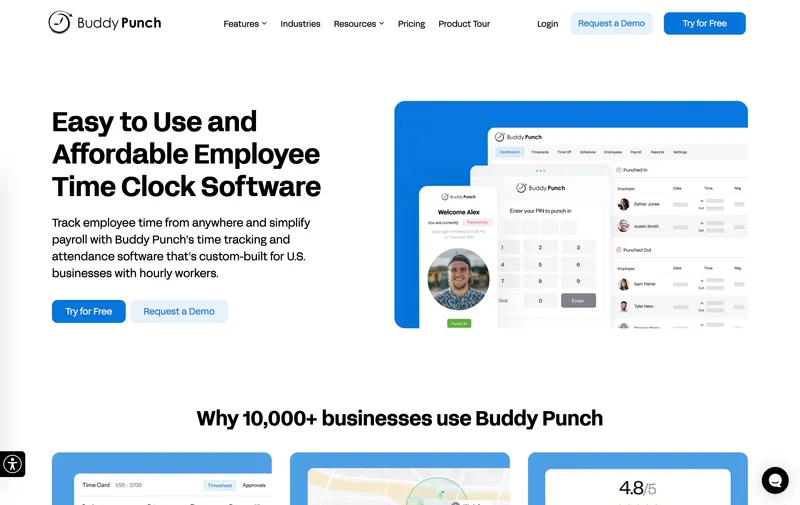
Phone, kiosk, PIN, or QR code — Buddy Punch supports all four punch methods, which is the right answer for shops mixing W-2 employees with 1099 contractors who’d rather not put a corporate app on a personal phone. There’s also a transportation-specific configuration with a live driver map.
Two pricing gotchas to flag, because the headline rate undersells the bill. The Pro plan’s $5.99 per user per month (annual; $6.99 monthly) carries a $19 per month admin base fee. The live-map view requires the Real-Time GPS Add-on, around $2 per user per month. Six drivers on Pro plus the GPS add-on lands near $67 a month — competitive, but not the bargain the headline suggests. Basic GPS at clock-in is included on paid plans without the add-on; geofence enforcement is Pro and Enterprise only, while lower tiers limit you to notifications.
Best for: Mixed W-2/1099 driver pools that need multiple punch methods, where the per-month bill isn’t the deciding factor.
Pricing
| Plan | Price |
|---|---|
| Starter | $4.49/user annual ($5.49 monthly) + $19/month base |
| Pro | $5.99/user annual ($6.99 monthly) + $19/month base |
| Real-Time GPS Add-on | ≈$2/user per month for live location dashboards |
| Enterprise | Higher tier |
Free trial: 14 days, no credit card required.
Ratings
- Apple App Store: 4.9/5
- Google Play: 4.6/5
- Capterra: 4.8/5
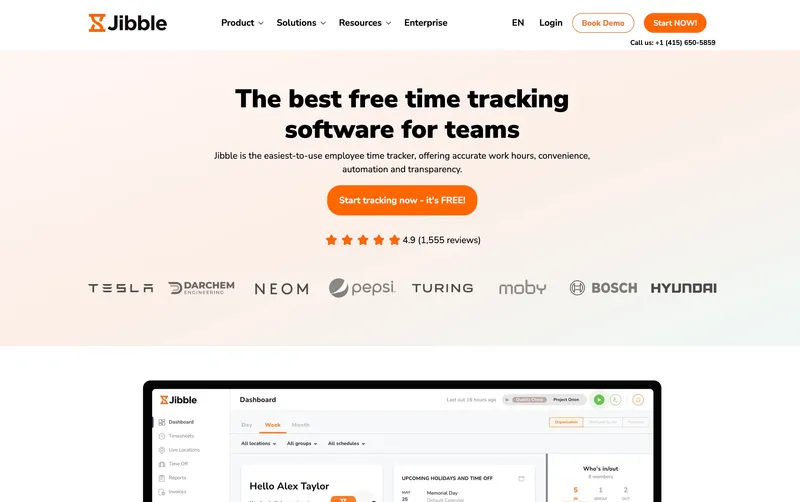
6. Jibble: best free GPS time clock with no driver-count cap
Jibble’s free plan is the one to look at when the crew has outgrown Connecteam’s 10-user ceiling but doesn’t want a paid contract. Unlimited users, GPS at punch, and automated timesheets — all $0. Facial recognition is paywalled, but the basics aren’t.
The Premium tier ($4.99 per user per month) adds geofence enforcement, live tracking, and richer reporting. Expectations should be calibrated: scheduling is thinner than When I Work or Connecteam, and mileage capture won’t replace Timeero. For a 12- or 15-driver courier shop that just needs reliable punch verification and weekly timesheets, the math is hard to beat. Once dispatch wants serious schedule management or reimbursement automation, the gaps start to bite.
Best for: Crews that have outgrown Connecteam’s free tier but only need clock-in verification and timesheets, not full operations management.
Pricing
| Plan | Price |
|---|---|
| Free | $0, unlimited users |
| Premium | $4.99 per user per month |
| Ultimate | Higher tier |
Free trial: Free plan; 14-day trial on paid tiers.
Ratings
- Apple App Store: 4.8/5
- Google Play: 4.7/5
- Capterra: 4.8/5

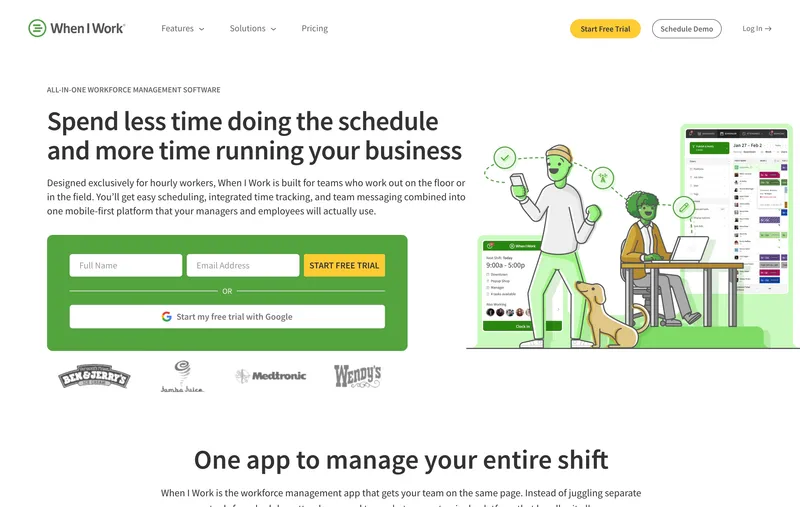
7. When I Work: best driver scheduling for fixed-route operations
Fixed-route shops — five drivers covering five routes Monday through Friday — get the most out of When I Work, because scheduling is where it’s strongest in the category. Drag-and-drop schedule editing, built-in shift swaps, and self-service availability mean drivers resolve coverage gaps without calling dispatch at 6 a.m.
Note about When I Work GPS: this listing currently states there is “no native GPS clock-in” but the vendor’s own page says GPS is captured. We’re verifying with the vendor before changing the wording either way; treat that detail as pending. The Time & Attendance and Payroll add-ons also push the per-user cost above the $2.50 Essentials headline, so model the real bill against the modules you actually need.
Best for: Fixed-route shuttle and delivery shops where the scheduling problem is bigger than the verification problem.
Pricing
| Plan | Price |
|---|---|
| Essentials | $2.50 per user per month |
| Pro | $5 per user per month |
| Premium | $8 per user per month |
| Time & Attendance add-on | Additional cost |
Free trial: 14 days, no credit card required.
Ratings
- Apple App Store: 4.8/5
- Google Play: 4.8/5
- Capterra: 4.5/5
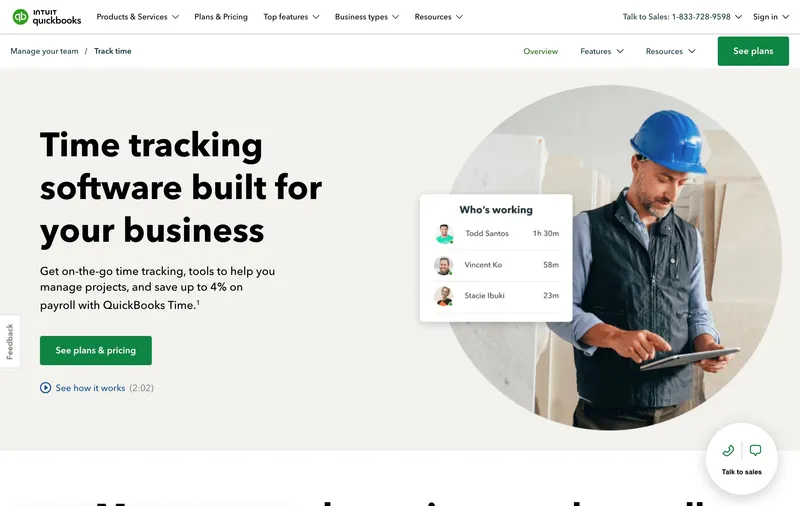
8. QuickBooks Time: best if your accounting already runs on QuickBooks
For shops on QuickBooks Online or QuickBooks Payroll, this is the cleanest payroll handoff in the category. Driver hours flow into payroll without a CSV step, and mileage captured during shifts can be tagged to specific jobs and pushed straight to invoices. GPS at punch, geofence reminders, and a live driver map are all included in the box.
For non-QuickBooks shops, the math is harder to justify. Premium runs roughly $20 per month base plus $8 per driver per month, so a 6-driver operation lands around $68 — about double ShiftFlow at the same size, and outside the conversation against Connecteam’s free tier under 10 users. Geofencing notifies but does not block. The product is worth the premium specifically when payroll is already a QuickBooks workflow; if it isn’t, look elsewhere.
Best for: Shops where QuickBooks is non-negotiable and the integration savings clear the higher monthly bill.
Pricing
| Plan | Price |
|---|---|
| Premium | ≈$20/month base + $8 per user per month |
| Elite | ≈$40/month base + $10 per user per month |
Free trial: 30 days.
Ratings
- Apple App Store: 4.7/5
- Google Play: 4.4/5
- Capterra: 4.3-4.7/5
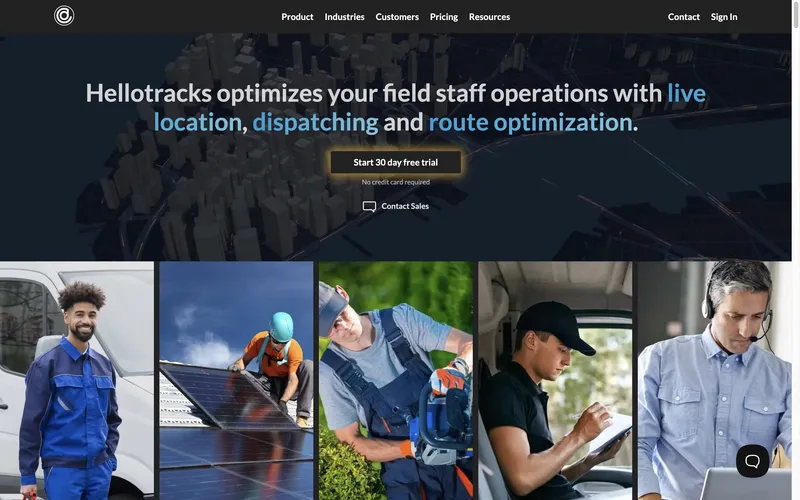
9. Hellotracks: best for delivery routing combined with time tracking
Hellotracks is best understood as a delivery-management platform that happens to track time, not a time clock that happens to know about routes. Custom polygon and shape-based geofencing, route optimization, real-time driver location, and signature capture for proof of delivery are all native — and that’s the right shape for couriers where dispatch, routing, and timesheets really do belong in one app.
The flip side: scheduling and timesheets feel secondary to the routing engine, and pricing is the highest end of what’s still a time tracking tool. Business - Location is $10 per user per month, Business - Dispatch is $12.50 — six drivers on Location lands at $60 a month with route optimization included. If routing isn’t a real problem in the operation, you’re paying for capability that won’t get used.
Best for: Couriers running variable, multi-stop daily routes where routing optimization is part of the daily workflow, not a quarterly review.
Pricing
| Plan | Price |
|---|---|
| Business - Location | $10 per user per month |
| Business - Dispatch | $12.50 per user per month |
Free trial: 30-day free trial.
Ratings
- Apple App Store: 3.5/5
- Google Play: 3.8/5
- Capterra: 4.1/5
10. ClockIt: best budget option for multi-location delivery
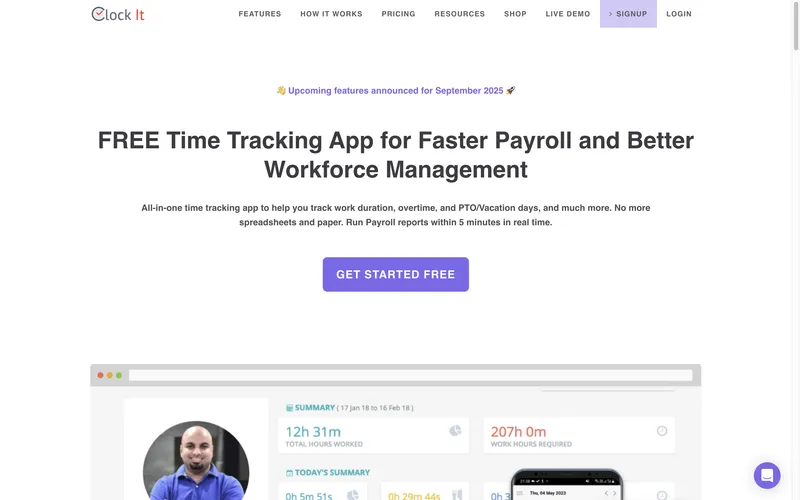
The cheapest paid plan in the comparison: $2.99 per user per month, no base fee, with GPS at clock-in, geofencing, and PTO tracking included. For a multi-hub delivery shop where the priority is the lowest predictable bill, it’s hard to beat on price alone.
The cost is interface friction. The feature-heavy admin “can feel overwhelming” (the source roundups’ phrase, and the app store reviews back it up — Google Play sits at 2.4/5). Configuration and corrections take more clicks than competitors. If the operation has the patience to invest in setup once and lock in $17.94 a month for six drivers, the math holds. If anyone in the office is going to be configuring schedules weekly, the saved dollars will be spent in time.
Best for: Multi-location shops with someone willing to absorb configuration friction in exchange for the lowest ongoing per-driver bill.
Pricing
| Plan | Price |
|---|---|
| Standard | $2.99 per user per month |
Free trial: 14 days, no credit card required.
Ratings
- Apple App Store: Insufficient reviews for overall score
- Google Play: 2.4/5
- Capterra: 4.6/5

How to choose
The decision usually collapses to three questions: does the free tier fit, how much does mileage matter, and how dynamic is the routing.
Does a free tier fit? Crews of 10 or fewer should run Connecteam’s Small Business Plan unless geofence enforcement is a hard requirement. Crews above 10 that don’t need rich scheduling can run Jibble free indefinitely. The trap is committing to a paid plan before testing whether either free option already covers the workflow — both leave room for upgrade later if the gaps actually bite.
Pricing structure: per-driver vs base-fee vs add-on. Headline prices are misleading for small operations. The structural difference between “$5.99 per seat, period” and “$5.99 per seat plus $19 base plus $2 GPS add-on” matters more than which one looks cheaper on the marketing page. List prices below assume monthly billing on each tool’s most comparable middle tier with GPS turned on for a 6-driver crew; annual billing typically discounts 10–17 percent.
| Tool | Plan | Monthly bill (6 drivers) |
|---|---|---|
| ShiftFlow | Single plan | $35.94 |
| Connecteam | Small Business | $0 (free under 10 users) |
| Timeero | Pro | ≈$48 |
| Hubstaff | Team + Locations | ≈$84 |
| Buddy Punch | Pro + Real-Time GPS | ≈$67 |
| Jibble | Premium | $29.94 |
| When I Work | Essentials | $15 (no GPS) |
| QuickBooks Time | Premium | ≈$68 |
| Hellotracks | Business - Location | $60 |
| ClockIt | Standard | $17.94 |
Mileage and routing depth. If reimbursement at IRS rates or per-mile client billing is part of payroll, Timeero either wins or constrains everything else. If routing is dynamic — fifty stops a day re-optimized each morning — Hellotracks consolidates more than the time clocks here, and dedicated delivery platforms (Onfleet, OptimoRoute, Track-POD) become worth comparing against. For fixed daily routes with the same drivers, generic time tracking is enough and the choice comes down to scheduling depth and bill predictability.
Best by use case
- Small driver-only shop on a flat bill: ShiftFlow
- Free, under 10 drivers: Connecteam
- Free, more than 10 drivers, basics only: Jibble
- Mileage reimbursement is core to payroll: Timeero
- Mixed dispatch + driver team with desktop monitoring: Hubstaff
- Fixed-route shuttle scheduling: When I Work
- Already running QuickBooks payroll: QuickBooks Time
- Routing-first courier operation: Hellotracks
- Lowest per-driver bill, willing to fight the UI: ClockIt
- Multiple punch methods for mixed W-2 and 1099: Buddy Punch
Final recommendation
Best overall: ShiftFlow. $5.99 per seat, one plan, GPS and scheduling included. Six drivers is $35.94 a month, and the bill matches the seat count without surprises. Skip it if mileage reimbursement is the central workflow (Timeero), if QuickBooks payroll is the deciding factor (QuickBooks Time), or if the crew is small enough to live free (Connecteam).
Cheapest for the smallest operations: Connecteam. Free up to 10 users with GPS punch, basic scheduling, and a deskless-team app drivers actually use. Plan to upgrade or switch the moment headcount crosses 10 or geofence enforcement becomes a hard requirement.
Mileage-heavy operations: Timeero. Continuous breadcrumb GPS and clean QuickBooks mileage exports. Ratings split between iOS and Android — pilot a couple of drivers on Android phones before standardizing.
FAQ
Do I need GPS time tracking if my drivers are on the same routes every day?
Even on repeating routes, a punch with location attached closes off the most common driver wage disputes by documenting that the driver started on time at the right address — the dispatch hub or the first stop. Operations switching from honor-system check-ins typically see payroll-inflation savings within the first 60 days.
Is GPS time tracking different from fleet management software?
Yes — and the distinction matters when picking a vendor. Time tracking software (ShiftFlow, Connecteam, Timeero, Buddy Punch) tracks driver hours and verifies location at punch events. Fleet management software (Samsara, Geotab, Motive) tracks vehicles continuously, including engine diagnostics, fuel use, FMCSA hours-of-service compliance, and driver behavior. Interstate trucking with ELD requirements needs fleet management. Driver hours and punch verification only need time tracking.
Will GPS tracking drain my drivers’ phone batteries on long routes?
Depends on whether GPS is event-based or continuous. Continuous GPS (Hubstaff, Hellotracks) drains noticeably across an 8-hour shift, and that hits drivers harder than office workers because they’re away from chargers longer. Event-only GPS (ShiftFlow, Buddy Punch, Jibble) has minimal impact. Ask vendors directly which model they use before signing.
How much does time tracking software cost for a 6-driver delivery operation?
Roughly $0 to $84 a month at list prices. Connecteam covers 6 drivers free. ShiftFlow lands at $35.94. Hubstaff Team plus Locations is around $84. One thing to watch: some tools price per vehicle rather than per driver (most fleet management does), which scales differently as the team grows.
Can I track miles and time in the same app?
Yes, but not all of these handle it well. Timeero is purpose-built for combined mileage-and-time and exports both to QuickBooks cleanly. ShiftFlow, Connecteam, and Jibble capture GPS at punch but don’t calculate mileage as a separate metric. Hubstaff and QuickBooks Time handle basic mileage with less depth than Timeero. If reimbursement is a real line item, pick a tool built for it.
What time tracking software works for 1099 independent contractor drivers?
Most tools here support both W-2 and 1099, but contractors often resist installing corporate apps on personal phones. Buddy Punch’s QR-code and PIN methods allow punches without a managed app. Connecteam’s free tier and Jibble’s lightweight mobile app tend to be accepted with less friction. Verify state-specific rules around tracking 1099 hours before deploying GPS-based monitoring on independent contractors.
Is GPS time tracking legal for delivery drivers?
In most U.S. states, yes — employers can use GPS to verify clock-in locations during work hours, provided the practice is disclosed and tracking is limited to working time. California, New York, and Connecticut have additional notification or consent requirements. Disclose GPS use in the employee handbook, capture location only at punch events rather than continuously, and be explicit about when tracking starts and stops.
- time-tracking
- transportation
- delivery-drivers
- gps-time-tracking
- mileage-tracking
- small-fleet
- software-comparison