Best Time Tracking Software Under $100 a Month in 2026
A plan can fit under $100 at 10 users and break the budget at 15. This guide compares which tools stay inside the cap longest and what you give up.
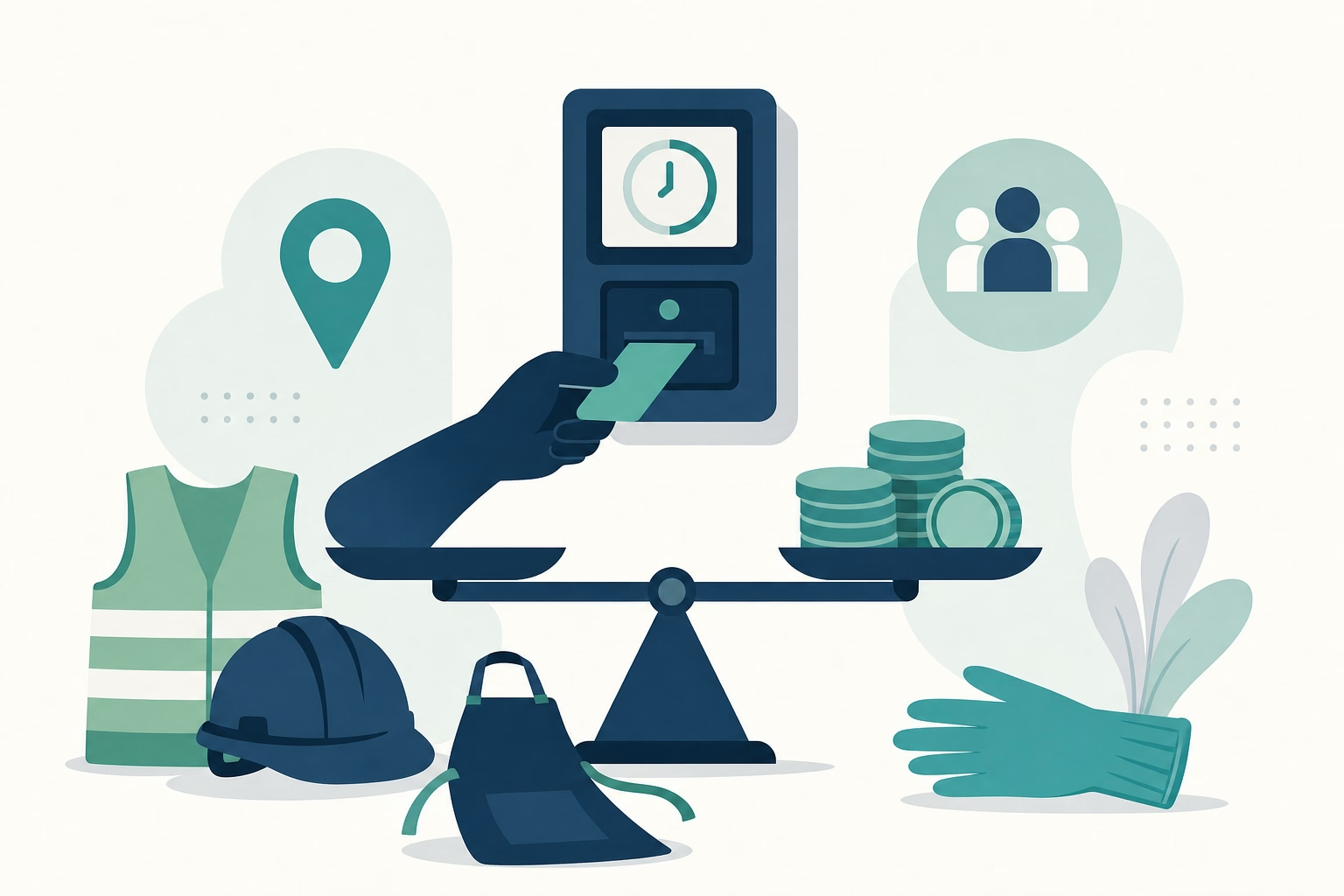
$89.85 for a 15-person team on ShiftFlow. $99.80 for 20 users on Clockify Basic. $29 flat for anyone under 30 on Connecteam. $0 for unlimited users on Jibble. Four real tools, four different answers to “time tracking under $100 a month,” and the right pick depends on team size, GPS need, and which features you can do without.
Here are 10 tools compared by where the monthly bill hits $100: how far the team can grow before crossing the cap, and what falls off the plan to stay inside it.
At-a-glance comparison
| Tool | Price at 10 users | GPS in base plan | Base fee | Fits 15 users? | Fits 20 users? |
|---|---|---|---|---|---|
| ShiftFlow | $59.90 | ✅ | None | ✅ ($89.85) | ❌ ($119.80) |
| Jibble Free | $0 | ✅ | None | ✅ ($0) | ✅ ($0) |
| Connecteam Basic | $29 | ✅ | None | ✅ ($29) | ✅ ($29) |
| OnTheClock | ~$45 | ✅ | $5 / mo | ~$65 | ~$85 |
| When I Work + T&A | $40-$70 (bundled) | T&A add-on required | None | $60-$105 | $80-$140 |
| Clockify Basic | $49.90 | ❌ Pro tier | None | $74.85 | $99.80 |
| Deputy | $50-$90 | ✅ (all tiers) | None | $75-$135 | $100-$180 |
| Hubstaff Starter | $70 | ❌ Add-on + tier | None | ❌ ($105) | ❌ ($140) |
| Buddy Punch Starter | $63.90 (w/ $19 base) | ✅ | $19 / mo | $86.35 | ❌ ($108.80) |
| Toggl Track Starter | $90 | ❌ | None | ❌ ($135) | ❌ ($180) |
How we picked
We ranked these tools on whether they could keep a small business under budget without turning the workflow into a compromise.
- Price at 10 users with the essentials on. GPS, scheduling, and payroll workflow counted; teaser tiers did not.
- How far the tool scales before hitting $100. We tracked what happens at 15 and 20 users, not just at the starting team size.
- Feature depth under the cap. A product scored lower if the only way to stay below budget was to give up important functionality.
- Mobile credibility. Ratings were reviewed by store to keep the app experience in view.
- Growth logic. We looked at whether the next stage of growth still made financial sense or forced a re-platform.
- Budget usefulness. The list favors tools that help a buyer make a clean budget decision quickly.
Pricing and plan details were checked against current vendor pages and reconciled with the research already used in this draft.
ShiftFlow
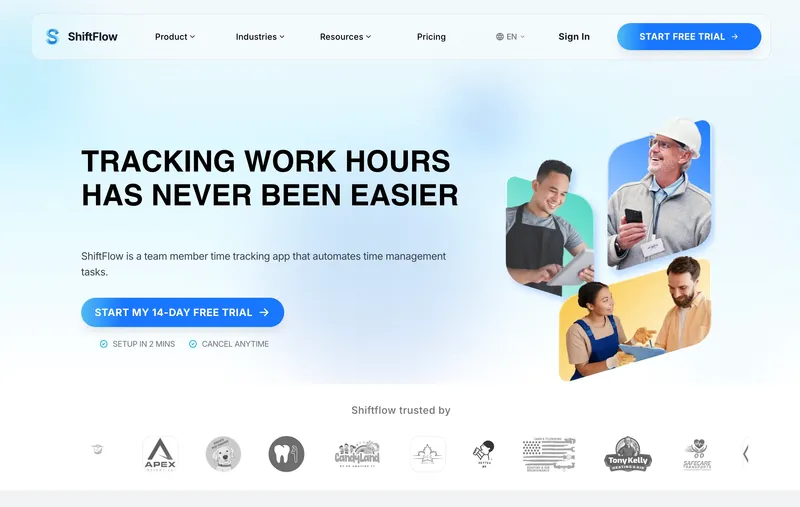
ShiftFlow charges $5.99 per seat. 10 users is $59.90, 15 is $89.85, 16 is $95.84, and 17 is $101.83, just over the $100 line. Inside that cap, the full workflow runs: GPS, selfie verification, scheduling, kiosk mode, payroll exports, reporting, Windows desktop. Several tools beat ShiftFlow on absolute sticker: Jibble is still free, Connecteam Basic is $29 flat up to 30 users, and OnTheClock is cheaper at 10 people. ShiftFlow’s argument is feature coverage per dollar: the same $89.85 at 15 users gets GPS + scheduling + kiosk + desktop, where most cheaper tools force a tradeoff somewhere. The honest limitation: integration breadth is narrower than Deputy’s or When I Work’s. Teams that need deep native integrations beyond Gusto, ADP, Paychex, and QuickBooks Online CSV will outgrow the catalog. Teams whose integration needs are standard will not.
Best for: Small businesses of 5 to 16 employees who want GPS, selfie verification, scheduling, and Windows desktop all in one bill under $100.
Pricing
| Plan | Price |
|---|---|
| Monthly | $5.99 / user / month |
| Annual | $60 / user / year (saves ~17%) |
Free trial: 14 days, no credit card required.
Ratings
- Apple App Store: ⭐⭐⭐⭐⭐ 4.8/5
- Google Play: ⭐⭐⭐⭐⭐ 4.8/5
Jibble
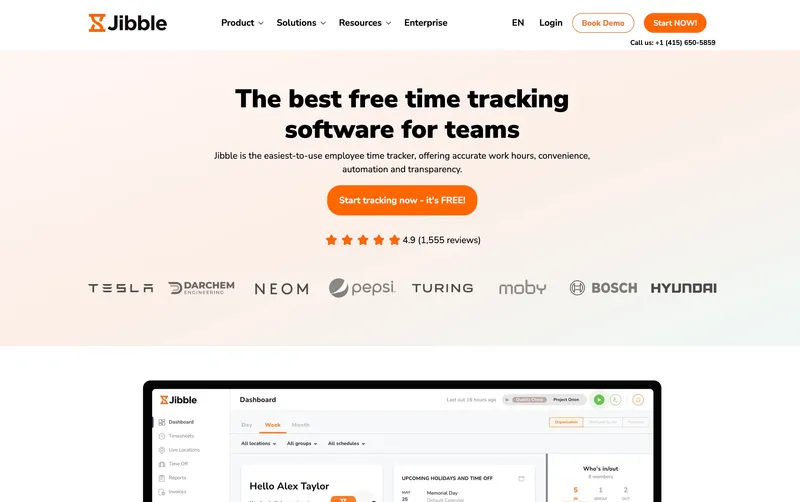
Jibble ranks this high because it solves the budget problem in the most direct possible way: the bill is $0 whether the team has 10 people or 100. That matters for buyers who do not have room for a “starter” subscription that creeps upward each quarter. The free tier still covers GPS, kiosk mode, PIN or facial recognition entry, and the basic attendance workflow most small teams actually need. The tradeoff is not price but ceiling. Support on free is community-based, and once the team needs deeper reporting, multi-rate pay, or custom overtime handling, the upgrade conversation starts. For a buyer whose first requirement is simply staying below $100 without losing core clock-in functionality, Jibble is the cleanest non-paid answer on the page.
Best for: Small businesses and solo operators with simple time tracking needs who want $0 a month regardless of team size.
Pricing
| Plan | Price |
|---|---|
| Free | $0 (unlimited users) |
| Premium | €3.99 / user / mo |
| Ultimate | €6.99 / user / mo |
Jibble lists prices in EUR on its site; at current rates these convert to roughly $4.30 and $7.50 USD respectively. Check Jibble’s site for the current US rate.
Free trial: Free tier is permanent. 14-day trial on Premium and Ultimate.
Ratings
- Apple App Store: ⭐⭐⭐⭐⭐ 4.8/5
- Google Play: ⭐⭐⭐⭐⭐ 4.7/5
- Capterra: ⭐⭐⭐⭐⭐ 4.8/5

Connecteam
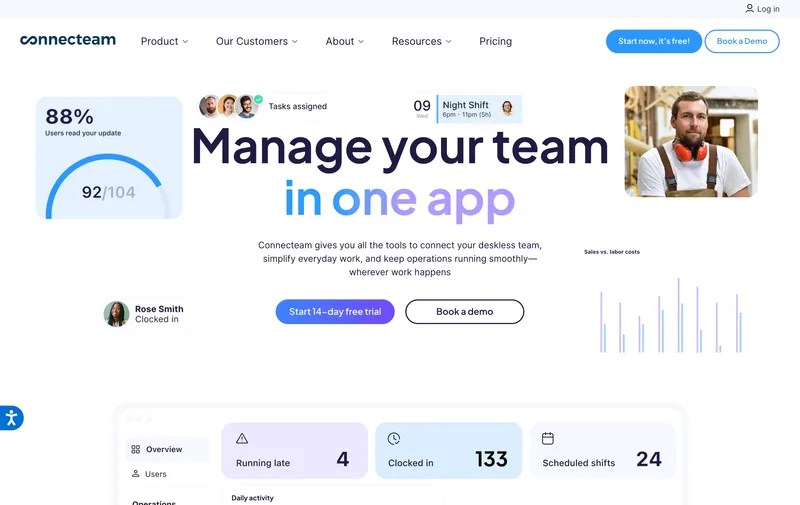
Connecteam earns the #3 slot because it stretches a paid budget further than almost anything else here. Basic is still $29 a month for up to 30 users, so a team of 10 and a team of 25 pay the same bill. That makes it unusually forgiving for owners who know hiring is coming but cannot justify a bigger software spend yet. The important correction is that Basic already includes GPS clock-ins, so the low price is not tied to a stripped-down attendance setup. What you are really paying more for on Advanced or Expert is workflow automation and broader operations tooling. If the goal is to keep a real team under budget without falling all the way down to a free-tier support model, Connecteam is one of the strongest fits in this list.
Best for: Small service or retail teams under 30 employees that want one flat monthly bill with GPS clock-ins already included.
Pricing
| Plan | Price |
|---|---|
| Small Business | Free (up to 10 users) |
| Basic (annual / monthly) | $29 / $35 per mo (first 30 users) + $0.80-$1 per extra |
| Advanced (annual / monthly) | $49 / $59 per mo (first 30 users) + $2.50-$3 per extra |
| Expert (annual / monthly) | $99 / $119 per mo (first 30 users) + $4.20-$5 per extra |
Free trial: 14-day trial on paid plans.
Ratings
- Apple App Store: ⭐⭐⭐⭐⭐ 4.8/5
- Google Play: ⭐⭐⭐⭐⭐ 4.7/5
- Capterra: ⭐⭐⭐⭐⭐ 4.7/5
OnTheClock
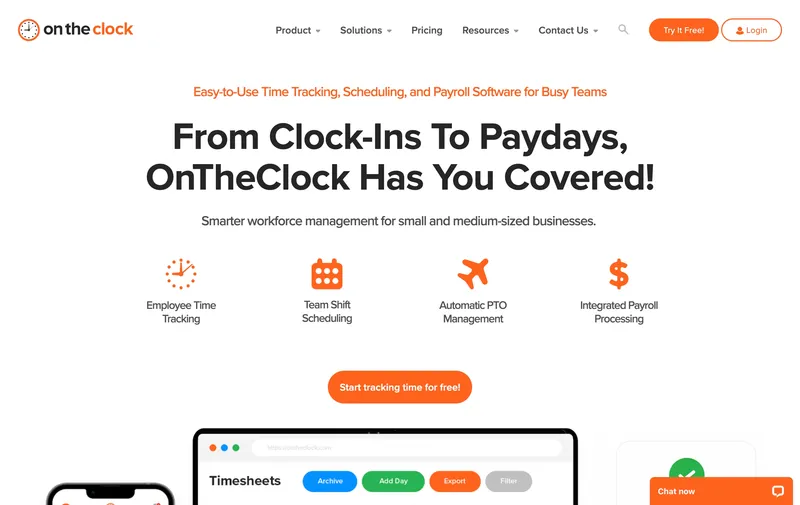
OnTheClock is the pick for buyers who want a paid tool, not a free tier, but still need the number to stay obviously affordable. At roughly $45 a month for 10 users, it keeps GPS, kiosk mode, scheduling, job costing, and payroll integrations inside one simple plan, then still stays below $100 into the low 20s on headcount. That makes it easy to understand and easy to budget. The tradeoff is mostly about workflow depth. Teams that expect more layered approvals, permissions, or reporting may eventually want a heavier operations system. For a small team that mainly wants dependable paid software without crossing the budget line too early, it is a very rational choice.
Best for: Cost-conscious small teams of 5 to 20 that need GPS and integrations in one paid plan and do not need selfie verification or a Windows desktop app.
Pricing
| Plan | Price |
|---|---|
| Free trial | 30 days |
| Standard | $5 / mo base + $4 / user / mo |
Free trial: 30-day trial.
Ratings
- Apple App Store: ⭐⭐⭐⭐⭐ 4.7/5
- Google Play: ⭐⭐⭐⭐⭐ 4.6/5
- Capterra: ⭐⭐⭐⭐⭐ 4.7/5
When I Work
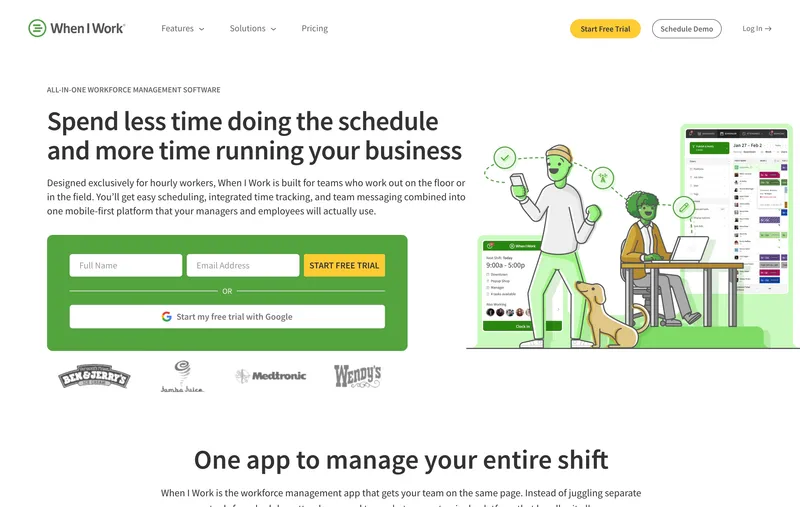
When I Work is scheduling-first with time tracking as a paid add-on. Essentials is $2.50 per user, Pro $5, Premium $8 on the scheduling side; Time & Attendance adds $1.50 per user on Essentials or $2 per user on Pro and Premium. Bundled for time-clock use: $4 / $7 / $10 per user. For a 10-person single-location team that actually needs time tracking, the bundled bill is $40 a month on Essentials, $70 on Pro, or $100 on Premium. All three fit under the $100 cap at 10 users; at 15 users, only Essentials bundled ($60) stays under; Pro bundled at $105 is just over the line. The app is one of the most polished schedulers in the category, especially for retail, hospitality, and shift-based workflows. When I Work remains one of the cheapest scheduling-first options on this list once the add-on math is included up front.
Best for: Small retail, hospitality, or shift-based teams whose scheduling workflow is the primary job and time tracking is a bundled feature.
Pricing
| Plan | Price |
|---|---|
| Essentials | $2.50 / user / mo (single-location) |
| Pro | $5 / user / mo (multi-location) |
| Premium | $8 / user / mo |
Free trial: 14-day trial.
Ratings
- Apple App Store: ⭐⭐⭐⭐⭐ 4.8/5
- Google Play: ⭐⭐⭐⭐⭐ 4.8/5
- Capterra: ⭐⭐⭐⭐⭐ 4.5/5
Clockify
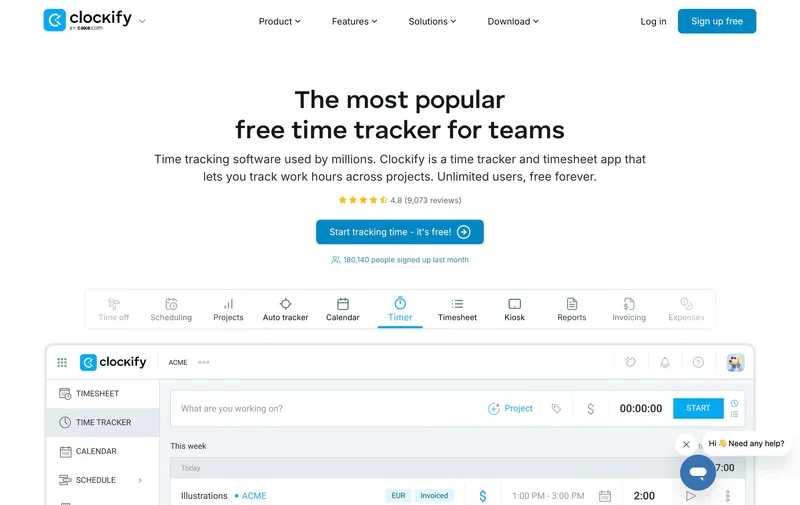
Clockify’s free plan covers up to 5 users and unlimited projects with a timer, manual entry, and basic reports. For a small desk-based consultancy or agency, the free plan often covers the whole use case at $0 a month. Paid tiers unlock approvals, required fields, scheduled reports, and more advanced controls, starting at $4.99 per user on Basic, which is $49.90 for a 10-person team. The structural limit for this post is GPS: Clockify does not include GPS on the free or Basic tier, and it only arrives on Pro at $9.99 per user, which takes a 10-person team to $99.90, right at the ceiling. For a team of cleaners or field techs who need GPS, that math gets tight fast. For a team of marketers or software developers tracking project hours from laptops, Clockify’s free tier is still one of the strongest budget answers on this list.
Best for: Small project-based teams (agencies, consultancies, creative studios) tracking billable hours against projects from laptops without GPS needs.
Pricing
| Plan | Price |
|---|---|
| Free | $0 (up to 5 users, unlimited projects) |
| Basic | $4.99 / user / mo |
| Standard | $6.99 / user / mo |
| Pro | $9.99 / user / mo (includes GPS) |
| Enterprise | $14.99 / user / mo |
Free trial: Free tier is permanent. 7-day trial on paid plans.
Ratings
- Apple App Store: ⭐⭐⭐⭐ 4.5/5
- Google Play: ⭐⭐⭐⭐ 4.4/5
- Capterra: ⭐⭐⭐⭐⭐ 4.7/5
Deputy
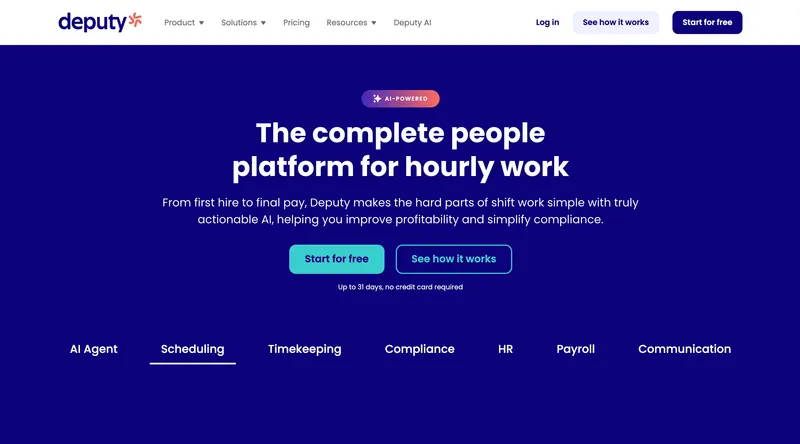
Deputy’s current monthly lineup is Lite at $5 per user, Core at $6.50, and Pro at $9, with a $30 minimum monthly spend on monthly billing. For a 10-person team, that means roughly $50 on Lite, $65 on Core, and $90 on Pro. For a small hospitality, retail, or healthcare team whose main pain is break-rule compliance and shift scheduling, Deputy’s depth is still the most compelling on this list. The key correction is that the current pricing model is no longer the older Scheduling-versus-Time & Attendance split many comparison posts still quote. For compliance-first small teams under 15, Deputy is still a legitimate option, but the live Lite/Core/Pro matrix is the right source of truth.
Best for: Small hospitality, retail, or healthcare teams of 5 to 15 whose main problem is shift compliance and Fair Workweek rules.
Pricing
| Plan | Price |
|---|---|
| Lite | $5 / user / mo |
| Core | $6.50 / user / mo |
| Pro | $9 / user / mo |
| Enterprise | Custom |
Monthly billing note: Lite, Core, and Pro monthly plans carry a $30 minimum spend.
Ratings
- Apple App Store: ⭐⭐⭐⭐⭐ 4.7/5
- Google Play: ⭐⭐⭐⭐ 4.3/5
- Capterra: ⭐⭐⭐⭐⭐ 4.6/5
Hubstaff
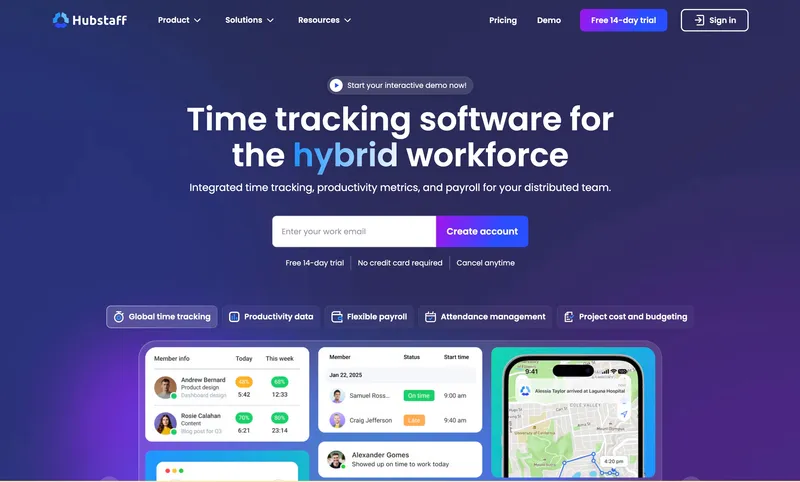
Hubstaff Starter at $7 per user per month fits a 10-person team at $70 a month and a 14-person team at $98, then crosses the $100 ceiling at 15 users ($105). No base fee at any tier, so the sticker math is honest on the starting plan. The budget discipline matters here because Hubstaff’s pricing breaks as soon as add-ons turn on. Locations (GPS tracking) is a $3.33 per user add-on only available on Team at $10 per user or above, so any team that needs GPS on Hubstaff is already at about $133 a month for 10 users (Team plus Locations). For a small team that wants productivity monitoring (screenshots, app tracking, activity percentages) without GPS, Starter at $70 a month for 10 users is honestly priced. For a team that needs GPS, the math pushes well past $100 at 10 users, so Hubstaff is the wrong budget choice.
Best for: Small remote or distributed teams of 5 to 14 that want productivity monitoring without GPS needs.
Pricing
| Plan | Price |
|---|---|
| Starter | $7 / user / mo |
| Grow | $9 / user / mo |
| Team | $10 / user / mo |
| Enterprise | $25 / user / mo |
| Locations | +$3.33 / user / mo (Team tier or above) |
| Insights | +$2.50 / user / mo |
| Screenshots | +$2.50 / user / mo |
Free trial: 14-day trial.
Ratings
- Apple App Store: ⭐⭐⭐⭐ 4.5/5
- Google Play: ⭐⭐⭐⭐ 4.3/5
- Capterra: ⭐⭐⭐⭐ 4.6/5
Buddy Punch
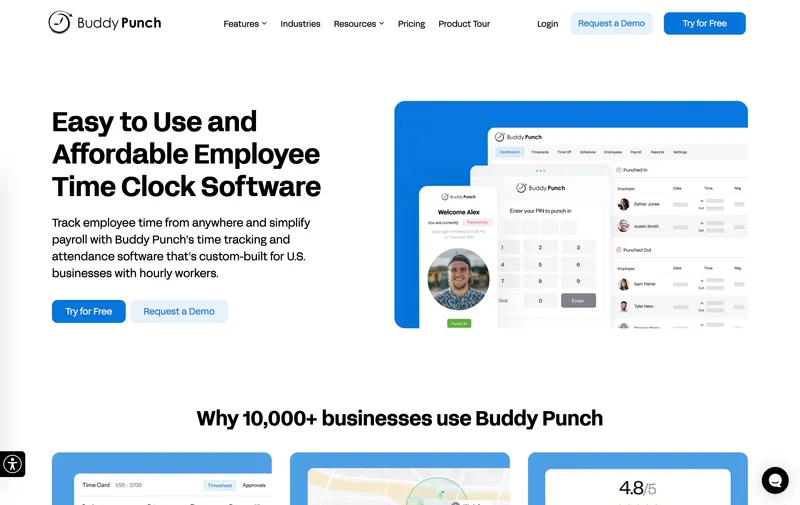
Buddy Punch’s Starter plan at $4.49 per user plus $19 a month base fee fits a 10-person team at $63.90 and a 15-person team at $86.35, both under the $100 budget. The $19 base fee is disclosed on the pricing page, and for a 10-person team it adds $1.90 per user to the effective seat cost. The feature story is strong for identity-verification use cases: facial recognition, photo capture, PIN, QR code, and mobile app are all in the base plan. That depth is a genuine differentiator for operators worried about buddy-punching. The budget break happens at 19 users where the total crosses $100 ($19 base plus $85.31 per-user) and at 20 users where Buddy Punch definitively leaves the budget at $108.80. Real-time GPS is a $2 per user add-on, which takes a 10-person team to $83.90 (still in budget) but pushes smaller-team Pro math up. For a team of 10 to 15 that prioritizes identity verification over absolute lowest cost, Buddy Punch is a reasonable budget pick.
Best for: Small businesses of 10 to 15 prioritizing facial recognition and photo capture verification on a budget.
Pricing
| Plan | Price |
|---|---|
| Starter | $4.49 / user / mo + $19 / mo base fee |
| Pro | $5.99 / user / mo + $19 / mo base fee |
| GPS add-on | $2 / user / mo |
Free trial: 14-day trial.
Ratings
- Apple App Store: ⭐⭐⭐⭐⭐ 4.8/5
- Google Play: ⭐⭐⭐⭐⭐ 4.8/5
- Capterra: ⭐⭐⭐⭐⭐ 4.8/5
Toggl Track
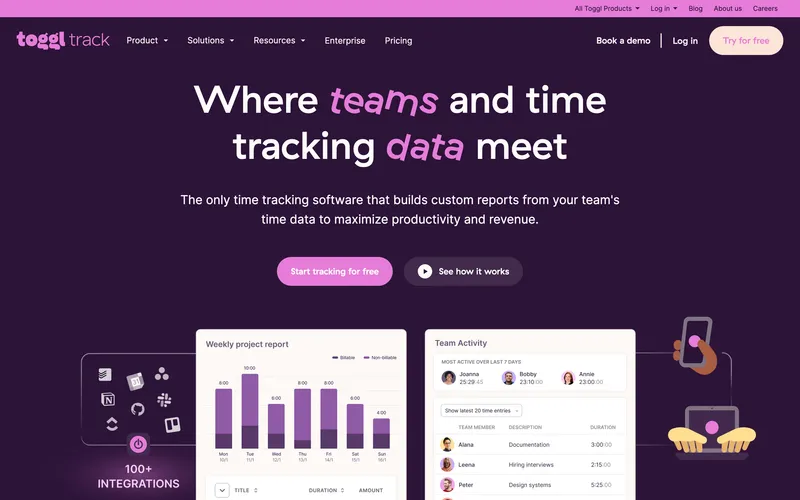
Toggl Track Starter at $9 per user per month puts a 10-person team at $90. That keeps it under the headline budget, but only with very little margin left and no workforce features at all. The free tier still covers up to 5 users with the core timer and reports, which makes Toggl a real answer for freelancers or very small knowledge-work teams. The limitation is category fit more than transparency. Toggl is a timer, not a workforce system: no GPS, no kiosk, no scheduling, no native payroll export. And once the team grows past 10 people, the budget headroom disappears quickly. For laptop-based billable-hour tracking it remains excellent. For hourly operations, the rest of this list is simply more relevant.
Best for: Solo freelancers and creative teams of 5 to 10 tracking billable hours from laptops without workforce features.
Pricing
| Plan | Price |
|---|---|
| Free | $0 (up to 5 users) |
| Starter | $9 / user / mo |
| Premium | $18 / user / mo |
| Enterprise | Custom |
Free trial: 30-day trial on Premium.
Ratings
- Apple App Store: ⭐⭐⭐⭐⭐ 4.7/5
- Google Play: ⭐⭐⭐⭐⭐ 4.6/5
- Capterra: ⭐⭐⭐⭐⭐ 4.7/5
How to choose
The decision hinges on three questions for a small-team buyer with a $100 ceiling.
Question 1: Do you actually need GPS? If your team works from a desk or a single known location, you can skip GPS and the budget opens up significantly. Connecteam Basic at $29 flat, Clockify Basic at $49.90, and When I Work + T&A starting at $40 for a single-location team all fit under $100 for teams of 10. If GPS is non-negotiable (cleaning crews, field service, multi-site work), the paid tools that include GPS in the base plan are ShiftFlow at $59.90, Connecteam Basic at $29, OnTheClock at $45, and QuickBooks Time Premium at $100, with Jibble free at $0 as the alternative.
Question 2: How fast is your team growing? Per-user tools (ShiftFlow, OnTheClock, Deputy, Hubstaff) add exactly one seat worth of cost per new hire. A small team at 8 today and 12 next quarter on ShiftFlow moves from $47.92 to $71.88, predictable. Flat-fee tools like Connecteam Basic stay at $29 up to 30 users, so a growing team benefits from flat-fee math if the feature set fits. Free tools like Jibble stay free at any size but cap features.
Question 3: What is your use case category? A timer for knowledge workers (Toggl Track, Harvest) is a different tool from a time clock for hourly workforce (ShiftFlow, OnTheClock, Homebase), which is a different tool from a productivity monitor (Hubstaff, Time Doctor). Pick the category that matches the work first, then optimize budget within that category.
Real monthly bill for a 10-person team
| Tool | Monthly cost | GPS in plan |
|---|---|---|
| Jibble Free | $0 | ✅ (free tier) |
| Connecteam Basic | $29 | ✅ |
| When I Work + T&A | $40-$70 | Bundled with time tracking add-on |
| Deputy Lite | $50 | ✅ Included |
| OnTheClock Standard | ~$45 | ✅ |
| Clockify Basic | $49.90 | ❌ Pro tier |
| Hubstaff Starter | $70 | ❌ Add-on+tier |
| ShiftFlow | $59.90 | ✅ |
| Deputy Pro | $90 | Current top published monthly tier |
| Buddy Punch Starter | $63.90 | GPS on punches (geofencing on Pro) |
| Clockify Pro | $99.90 | ✅ |
| Toggl Track Starter | $90 | ❌ |
Best by use case
- Best all-features-included for a small team under $100: ShiftFlow
- Best free option at any team size: Jibble
- Best flat $29 for teams under 30: Connecteam Basic
- Best cheap paid plan with GPS: OnTheClock
- Best combined scheduling and time tracking: When I Work
- Best free desk-team project tracking: Clockify
- Best shift compliance for hospitality and retail: Deputy
- Best productivity monitoring without GPS: Hubstaff Starter
- Best identity verification (facial, photo): Buddy Punch Starter
- Best simple timer for creative teams of 5 to 10: Toggl Track
Final recommendation
Best overall: ShiftFlow. $59.90 a month for a 10-person team with GPS, selfie verification, scheduling, Windows desktop, and kiosk mode all included. Best for small businesses of 5 to 16 that want feature depth without tier climbing. Pricing: $5.99 / user / month.
Best free option: Jibble. $0 at any team size with GPS included on the free tier; right when budget is the dominant constraint. Pricing: Free.
Best flat monthly bill for teams under 30: Connecteam Basic. $29 a month regardless of team size, with GPS clock-ins included in the base plan. Pricing: $29 / month flat.
If you want one clear monthly number instead of re-pricing the stack every time the team changes, start with the 14-day ShiftFlow trial. No credit card, full access. If 16 users or fewer is the realistic ceiling for the next year, the bill will stay under $100 the whole way.
Frequently asked questions
What is the best time tracking software under $100 a month for a 10-person team?
For a 10-person team, ShiftFlow at $59.90 a month is one of the more complete options under this budget because it includes GPS, selfie verification, scheduling, kiosk mode, and a Windows desktop app in one plan. Jibble is the $0 option for teams comfortable with a lighter free-tier workflow. Connecteam Basic at $29 a month suits teams that want a flat monthly bill through 30 users. OnTheClock at about $45 a month is another strong paid option for teams that mainly want GPS, scheduling, and payroll integrations.
How many users fit under $100 a month on ShiftFlow?
ShiftFlow charges $5.99 per user per month with no base fee, so the $100 monthly budget covers up to 16 users. A team of 10 is $59.90, a team of 15 is $89.85, and a team of 16 lands at $95.84. At 17 users, the bill crosses $100 to $101.83. If your team is growing past 16 and you need a flat monthly cap, Jibble’s free tier or Connecteam Basic at $29 flat are the two options that stay under $100 for larger team sizes.
Is there free time tracking software for small teams?
Yes. Jibble offers a permanent free plan for unlimited users with GPS, kiosk mode, PIN entry, and basic attendance reporting all included. Clockify has a free plan for up to 5 users without GPS. Homebase has a free plan for one location with up to 10 employees. Connecteam has a free Small Business plan for up to 10 users. For a 10-person team, any of these can stay at $0 a month if the feature set fits.
Does ShiftFlow fit in a $100 budget?
ShiftFlow fits for teams up to 16 people. The math is $5.99 per user with no base fee and no add-ons, so 10 users is $59.90, 15 users is $89.85, and 16 users is $95.84. Every feature (GPS, selfie verification, scheduling, Windows desktop, kiosk, overtime rules, payroll exports) is included, so the total monthly cost is the whole invoice.
What is the cheapest paid time tracking software with GPS?
OnTheClock at $5 per month base plus $4 per user per month is one of the lowest-cost paid tools with GPS included in the base plan, at about $45 a month for 10 users. ShiftFlow at $59.90 a month is another option for teams that want a broader all-in-one workflow. Jibble free at $0 is the lowest-cost route overall for teams whose needs fit a free-tier setup.
Why is Toggl Track or Harvest not a good fit for under $100 budgets?
Toggl Track Starter is $9 per user per month, so a 10-person team is $90 and a 15-person team is $135, over budget. Harvest now uses Free, Teams, and Enterprise plans rather than the older single Pro tier many comparison posts still quote, but it remains a desk-based invoicing tool rather than a workforce time clock. Both are legitimate tools for their use cases (knowledge-work teams billing by the hour), but the pricing shape is built for teams willing to pay more for a cleaner timer or invoicing integration.
Can I stay under $100 with a team of 20?
Yes, but choices narrow. At 20 users: Jibble free is $0, Connecteam Basic is $29, When I Work starts at $50 for a single-location team or $100 for a multi-location team, and OnTheClock is $85. Hubstaff Starter ($140), ShiftFlow ($119.80), Deputy (roughly $100 to $180 depending on plan), and QuickBooks Time Premium ($180) are over the line or right at its edge once the feature set gets deeper. For teams at 20, the tools that fit the budget tradeoff feature depth for the lower bill.
How do I plan for budget growth as my team grows?
Per-user tools grow linearly with the team (ShiftFlow at $5.99 per seat means every new hire adds exactly $5.99 to the bill). Flat-fee tools like Connecteam Basic stay at $29 up to 30 users, then move to $1 per user overage after that on monthly billing. Free tools like Jibble stay free regardless of team size but cap feature depth. Pick the model that matches your growth plan: linear per-user for predictable scaling, flat-fee for a budget that does not move, or free if the feature cap is acceptable long-term.
- time-tracking
- time-clock-software
- budget
- small-business
- affordable
- software-comparison
- under-100-dollars