How Do I Remove a Customer Photo from Google Business Profile?
Identify who uploaded an unwanted photo, use delete for business media or a policy report for customer contributions, and know when a compliant photo may remain.
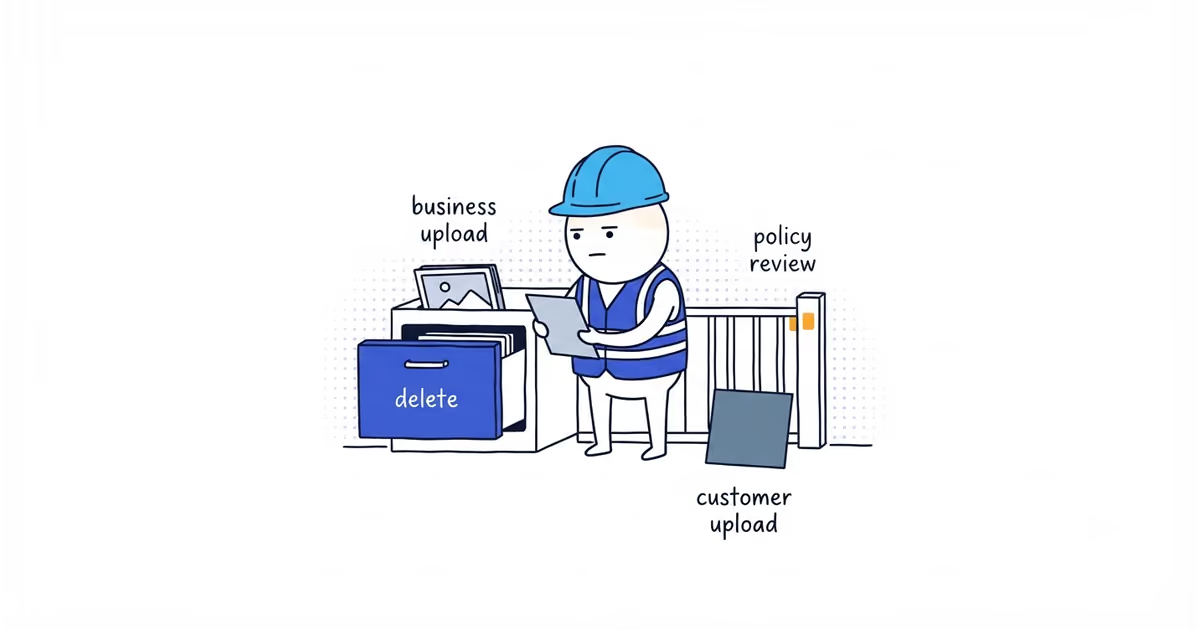
If the business uploaded the photo, remove it through the profile’s media controls. If a customer or another Google user uploaded it, the business cannot directly delete it. Report user media only when it violates Google’s current contribution policy.
Google may leave a relevant, policy-compliant photo online even when the business dislikes it. The report button asks Google to review a violation; it is not a way to remove every unflattering image.
Check who uploaded the Google Business Profile photo
| Uploader | What the business controls | Correct action | Done when |
|---|---|---|---|
| The business | Its own media contribution | Open the media in the profile controls and delete it | The photo is no longer public after processing |
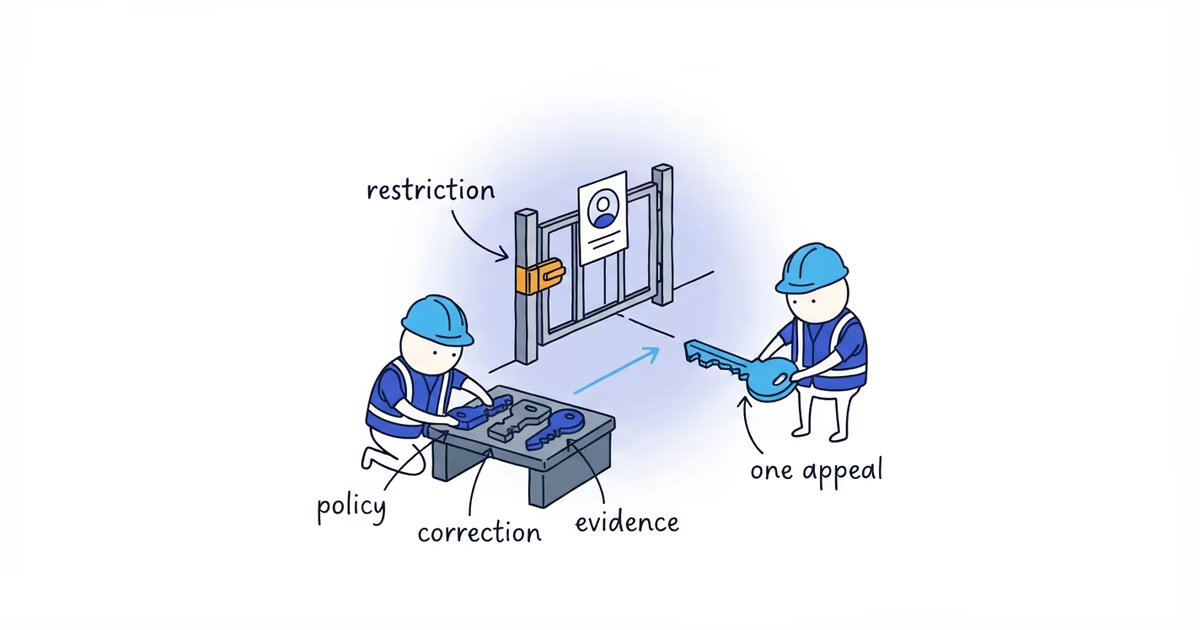
| A customer or Google user | A policy report, not direct deletion | Open the public item, choose the report option, and give the accurate policy reason | The report is documented and Google has a clear item to review |
Open the exact photo on the right profile and check who uploaded it before doing anything else.
How to delete a photo your business uploaded
Google’s current media controls allow a business to remove its own photos and videos. Open the Business Profile, find the business-uploaded image in the media area, select it, and use the available delete control.
Google changes labels and menus, so use the delete control shown in the current media view rather than relying on an old screenshot tutorial.
Deleting the image does not guarantee which remaining photo Google uses as the cover. Removal and cover preference are separate decisions.
How to report a customer photo to Google
For user-contributed media, use the current report-photo or report-video option from the public item in Search or Maps. Select the policy category that actually describes the problem.
A valid report may involve prohibited or restricted content, deception, irrelevant material, harassment, private information, or another specific contribution-policy violation.
These are not policy categories by themselves:
- The lighting is poor.
- The property looks untidy.
- The image is old-looking.
- The business prefers a different photo.
- The image is unflattering but relevant and honest.
Do not choose a false reason because the accurate one may not lead to removal.
What to save before reporting a customer photo
Keep:
- Public profile URL
- Direct photo or media URL when available
- Uploader name or source
- Screenshot
- Date observed
- Policy category
- One factual sentence explaining the violation
Do not ask employees or customers to mass-report the image. Do not harass the uploader or threaten retaliation. More reports do not turn an aesthetic disagreement into a policy violation.
Contact Google support when a clear documented policy or product problem remains unresolved after the normal route, or the documented report control is unavailable. Keep the evidence ready; do not promise a response or removal time.
Customer photo removal example for an electrician
An electrician finds two images on the profile.
The first is an old van photo uploaded by the business before a rebrand. The owner confirms the business uploaded it and removes it through the media controls.
The second is a customer’s dim, awkwardly angled photo of a completed outlet repair. It makes the result harder to judge than the owner would like, but it shows the relevant work and exposes no private information. The owner cannot identify a policy violation.
The second image may remain. The business adds a clearer current photo of comparable work and checks whether the customer’s angle reveals a presentation issue worth fixing on future jobs. The goal is to give customers better proof, not to pretend the contribution can be buried.
What happens after you delete or report a photo
The task ends in one of three states:
- The business upload is removed.
- The customer photo is reported with a specific policy reason and evidence.
- The customer photo follows policy and remains outside the business’s direct control.
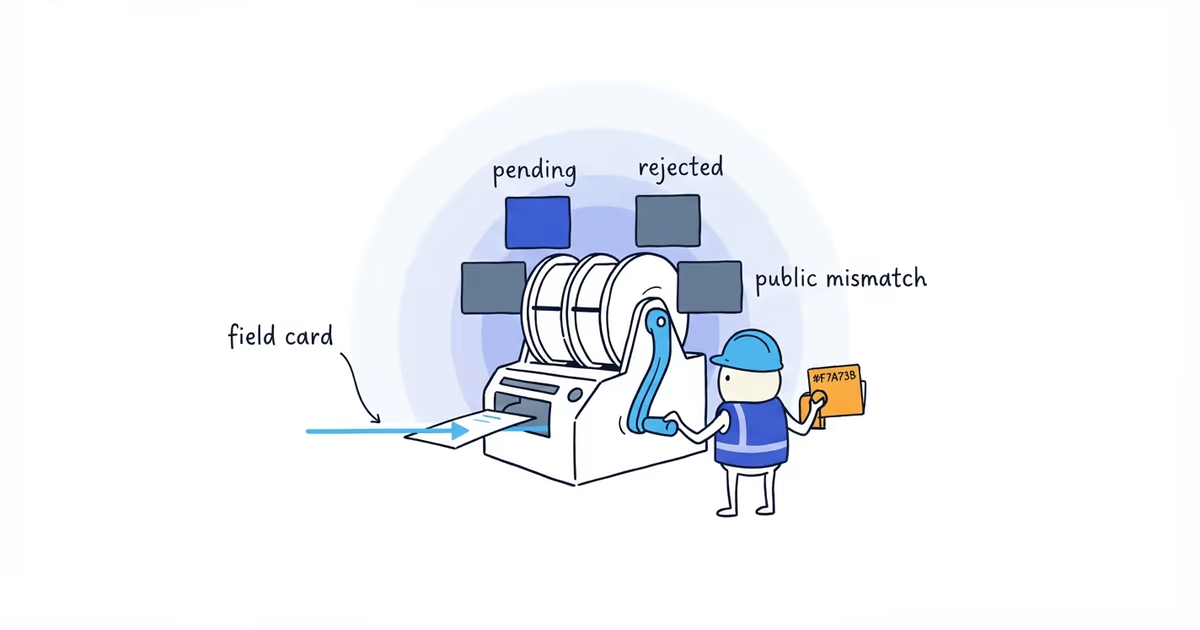
When the problem is a business-uploaded image that is pending, rejected, or unexpectedly missing, use the photo status guide. When the gallery needs better current proof, use the photo-selection guide.
Frequently asked questions
Can a business owner delete any photo on Google Business Profile?
No. The business can remove its own contribution. Customer and other user media must go through Google’s reporting and policy-review process.
Will Google remove an unflattering customer photo?
Not merely because it is unflattering. The report needs a genuine policy reason. Relevant policy-compliant media may remain public.
Should I ask several people to report the same photo?
No. Preserve the item and submit one accurate policy report. Coordinated reporting does not create a violation and can make the response less defensible.
Sources
- google-business-profile
- customer-photos
- photo-removal
- content-policy
- local-seo
- home-services