How Many Photos Should I Add to Google Business Profile, and How Often?
Build useful Business Profile photo coverage without a magic total or weekly quota. Review job photos on a sustainable schedule and refresh outdated proof.
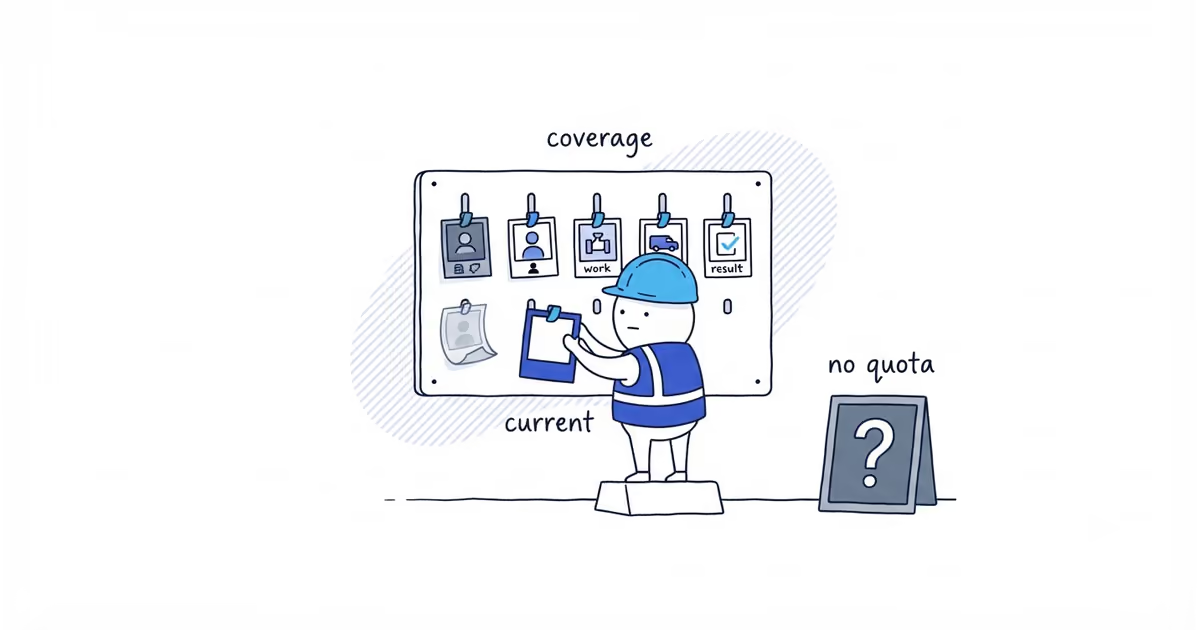
There is no magic photo count or weekly upload rule. Start with enough current images to show the business, the people where appropriate, the core work, the equipment or vehicle, and a representative result.
After that, review new job photos during an existing weekly or twice-monthly admin block. Publish only the ones that make the gallery more useful. This is a simple operating habit, not a Google ranking requirement.
How many Business Profile photos are enough?
Google suggests minimums for several photo categories, but they do not add up to an ideal total or ranking threshold.
The better test is whether the current gallery answers the customer’s practical questions:
- Can I recognize the business that will arrive?
- Can I see the owner or team where appropriate?
- Is the core work clear?
- Is relevant equipment or a marked vehicle shown in context?
- Can I inspect a representative completed result?
A solo cleaner and a roofing company with several vehicles need different mixes. Both can have enough without reaching the same number.
Use the photo-selection guide when one of those proof categories is missing or the camera roll contains too many weak choices.
Google Business Profile photo schedule
| Stage | Owner action | Reject or pause when | Done when |
|---|---|---|---|
| Initial coverage | Add one strong current example for each proof category the business actually has | The image is duplicate, outdated, misleading, or private | A customer can identify the business, work, people, and result |
| Job capture | Flag useful job images before they disappear into the camera roll | Permission cannot be confirmed or private details are visible | A small candidate set is ready for review |
| Regular review | Review candidates in an existing weekly or twice-monthly admin block | There is nothing useful this period | Weak and risky images are removed from the publish queue |
| Publish | Add only images that improve coverage, recency, or clarity | The image adds no new customer information | The image is public on the correct profile |
| Refresh | Remove or replace proof that no longer describes the business | Branding, people, vehicle, equipment, or service is outdated | The public gallery still matches today’s operation |
Decide who does what. One person can take photos, another can check permission and privacy, and the owner can publish and check the result. A solo owner should still run each check.
When to review new job photos
A review habit prevents useful photos from sitting on a phone for months. It does not create a weekly publishing obligation.
During review, reject a candidate when:
- It repeats a view already covered well.
- A customer or team member has not allowed publication.
- An address, face, document, key, code, screen, or other private detail is visible.
- The work is unsafe or the context is misleading.
- The image shows an old uniform, logo, vehicle, service, or team member.
- The image is poorly lit, unclear, heavily altered, or does not represent reality.
If nothing passes, publish nothing. A quiet week is not a profile failure.
Match photo reviews to your jobs
A seasonal landscaper may build strong new proof during spring and add little in winter. A specialist with fewer, longer projects may publish in monthly batches. A high-volume cleaning company may have candidates every week but still needs to select rather than upload everything.
Let real jobs set the pace. Do not manufacture content to fill a calendar.
Refresh the existing gallery when the business changes. A rebrand, new van, different uniform, new core service, team departure, or discontinued service matters more than hitting the next upload date.
HVAC photo schedule example
An HVAC owner tries a four-week quota.
- Week one produces a clear technician-at-work image.
- Week two produces three dark photos of the same outdoor unit.
- Week three has no customer permission.
- Week four produces a clear completed installation and reveals that an old van photo still shows last year’s branding.
A forced weekly schedule would create two weak uploads and one privacy risk. The monthly review selects the technician image and completed installation, removes the old van photo, and leaves the other candidates unpublished.
The owner records who approved the two images and checks them on the public profile. Two useful additions and one accurate refresh improve the gallery more than four forced uploads.
Check whether new photos are live
Uploading is not the last step. Open the profile in both Search and Maps the way a customer would. Confirm that the image is live and on the right business.
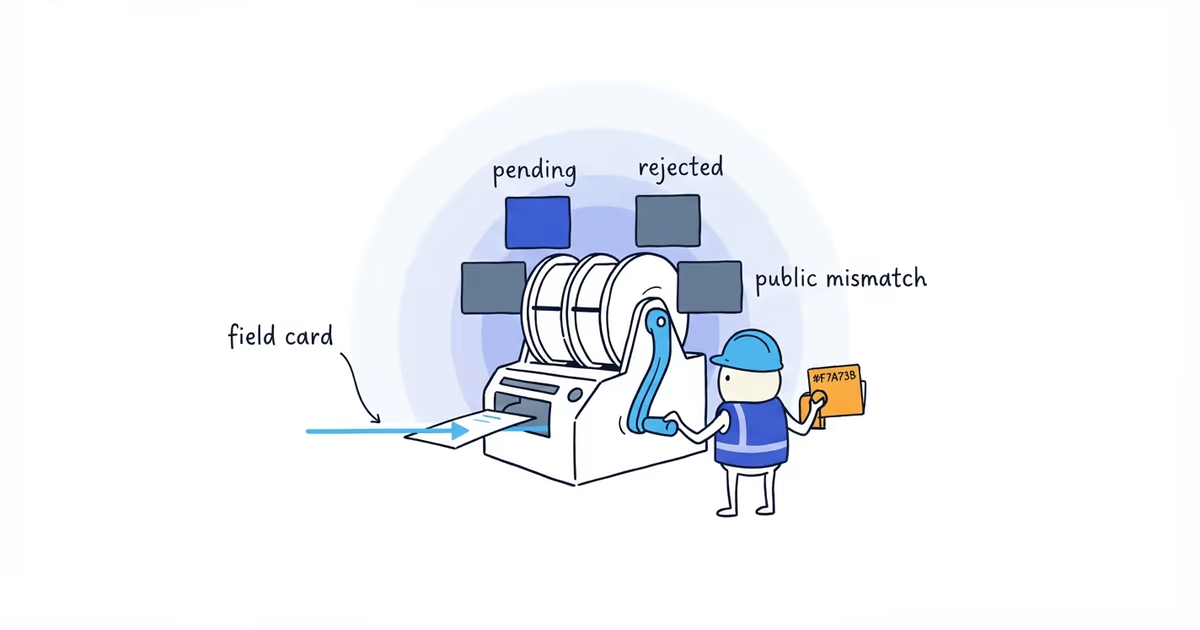
Google can choose gallery order and cover presentation, so do not treat a different first image as a failed upload. When an image is pending, rejected, missing after publication, or attached to the wrong profile, use the photo troubleshooting guide instead of creating duplicates.
The process is complete when the main customer proof is covered, the gallery matches the current business, a responsible person owns the next review, and no filler upload is waiting merely to satisfy a calendar.
Frequently asked questions
Is three photos enough for a Google Business Profile?
Three can be enough only if they answer the main customer questions. In most trades, three images will leave the team, core services, vehicle, or result unexplained. Judge the missing proof, not the total alone.
Should I upload a photo every week?
No. Google does not require a weekly upload. Review candidates on a schedule the business can sustain, then publish only when an image adds useful, current proof.
Should I delete old Google Business Profile photos?
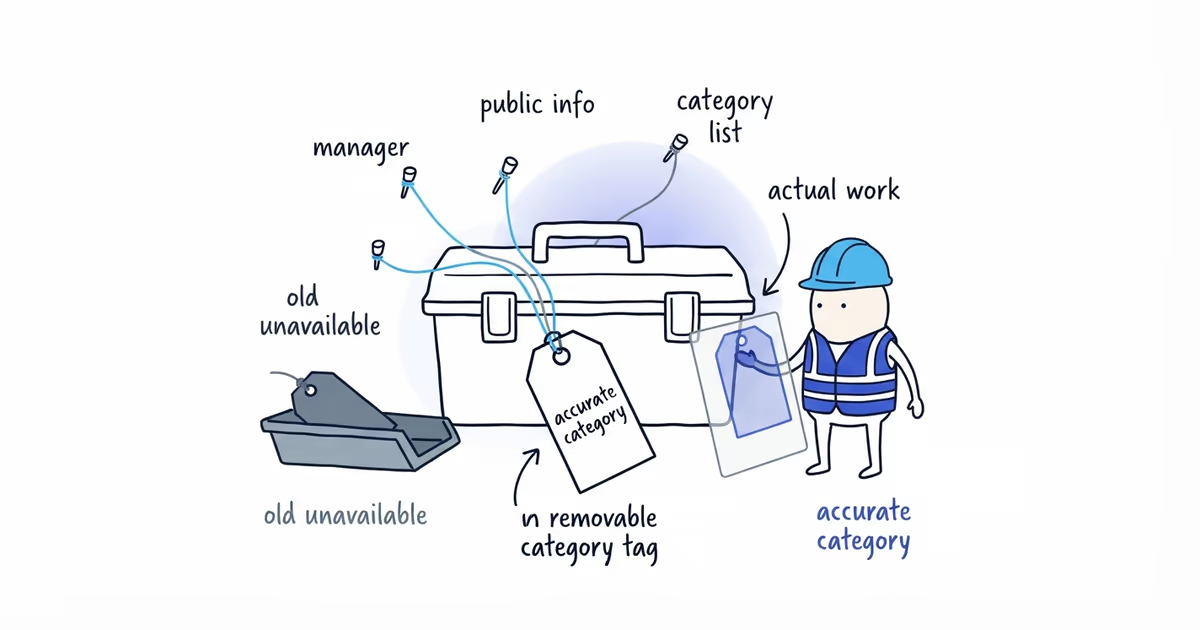
Remove or replace a business-uploaded image when it shows old branding, former team members, a discontinued service, outdated equipment, or something that no longer represents the operation. Do not delete a useful image only because it is old.
Sources
- google-business-profile
- profile-photos
- photo-frequency
- photo-management
- local-seo
- home-services