How Do I Report a Fake Business on Google Maps, and When Should I Not?
Report a fake business on Google Maps with public evidence and the correct reporting channel, and learn when a competitor listing is not a policy violation.
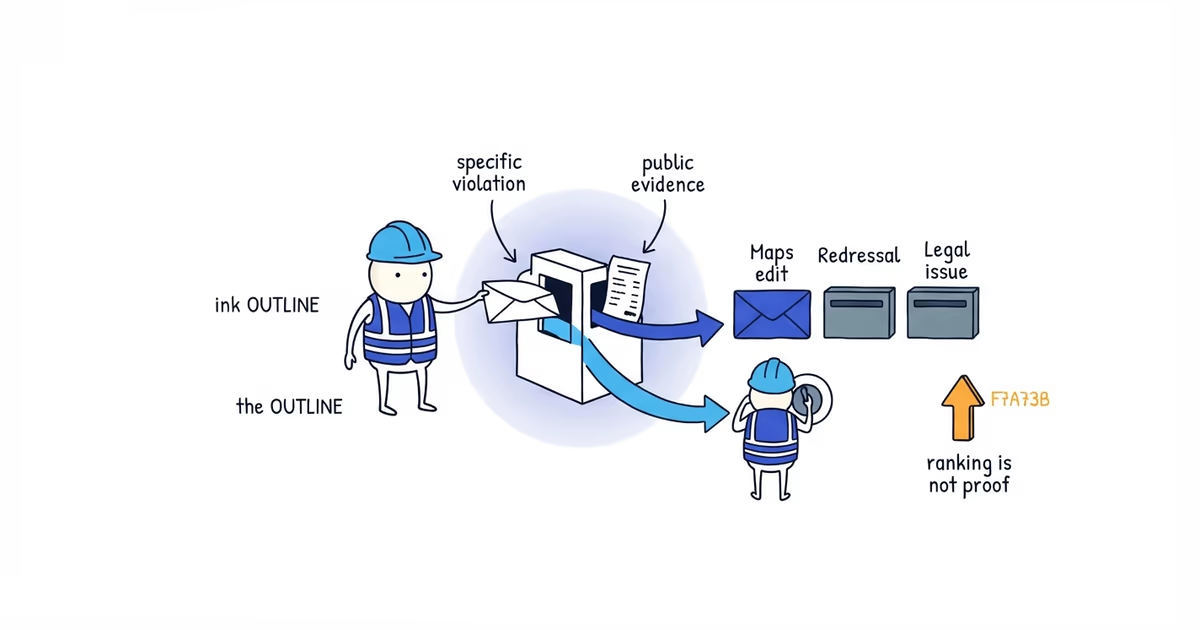
Report the listing only if you can finish this sentence with a fact:
This listing violates Google’s rules because ____, and this public evidence shows it: ____.
“They rank above us” does not complete the sentence. Neither does “their address is hidden” or “they got reviews too quickly.” Those details may look suspicious, but they do not establish that the business is fake.
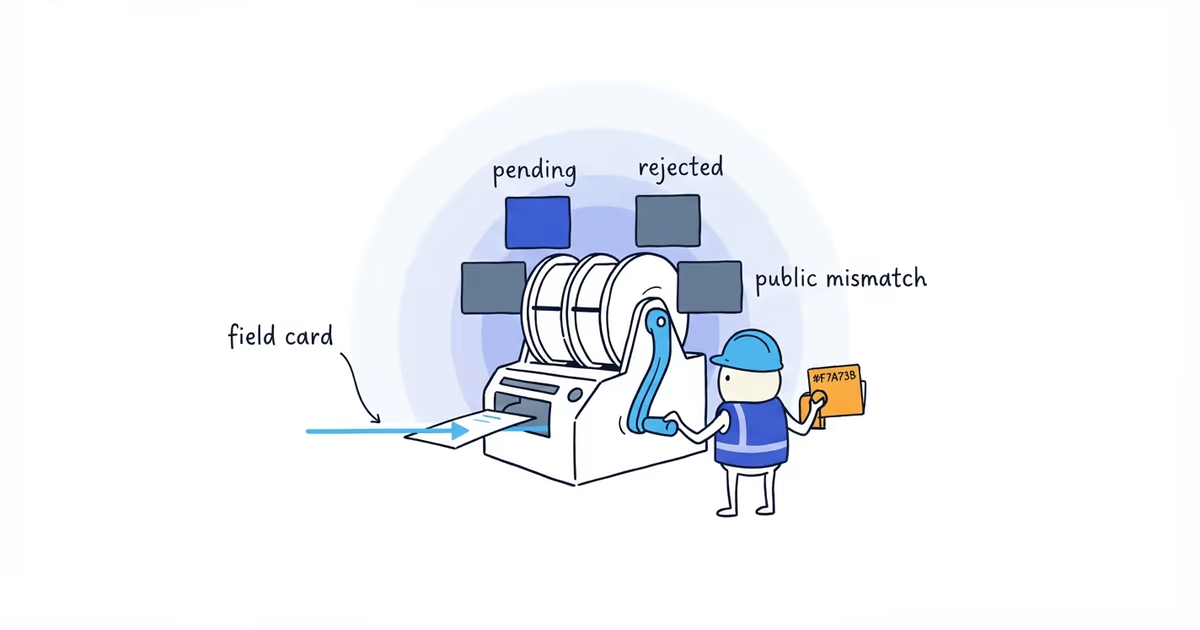
The useful first step is to classify the violation. Google uses different reporting paths for a nonexistent place, one incorrect field, prohibited reviews, and legal impersonation.
Last verified: July 30, 2026 (United States).
How to report different Google Maps business violations
Report a nonexistent, wrong-location, or ineligible business
Use the Google Maps business-reporting process. Open the exact listing, choose the available edit or report control, and select the reason that matches what you can prove.
This route also covers a place that has closed or moved. A real business with an old address is not necessarily fake; report the location problem you can verify.
Report incorrect business information on Google Maps
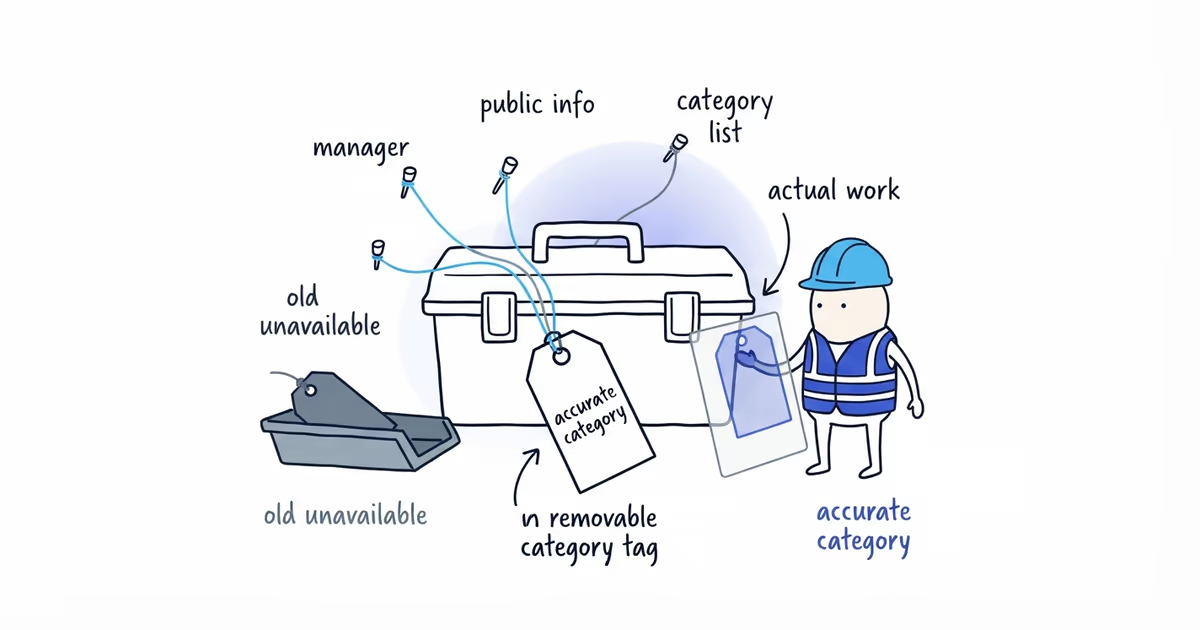
Suggest an edit to that field. If the phone number is wrong, report the phone number. If the profile name contains services and city names that are not part of the real business name, submit the real-world name.
Calling the whole business fake when one field is inaccurate weakens the report.
Report fraudulent business information that a Maps edit cannot fix
Google provides a Business Redressal Complaint Form for misleading or fraudulent information connected to a business name, phone number, or URL on Maps. Use it for a documented policy complaint, not as a second attempt at an ordinary edit you dislike.
Report Google reviews that violate policy
Report the reviews themselves. Google’s review-reporting instructions explain how to flag a review and check its status.
A high rating, a sudden group of reviews, or wording that sounds generic is not enough by itself. Identify the review and the prohibited behavior, such as an incentive, conflict of interest, harassment, personal information, or content unrelated to an actual experience.
Report business impersonation or a legal issue
Preserve both Maps URLs, your official website, proof that you represent the business, and examples of customer confusion. Start with the Maps or redressal route for the false listing. For a trademark, court-order, or other legal removal issue, Google has a separate legal content reporting process.
Legal removal is not a faster version of a Maps correction. Use it only when the complaint is genuinely legal.
Gather evidence for a fake business report
Keep the evidence packet small:
- The exact Google Maps URL
- A dated screenshot of the disputed information
- The specific rule or field at issue
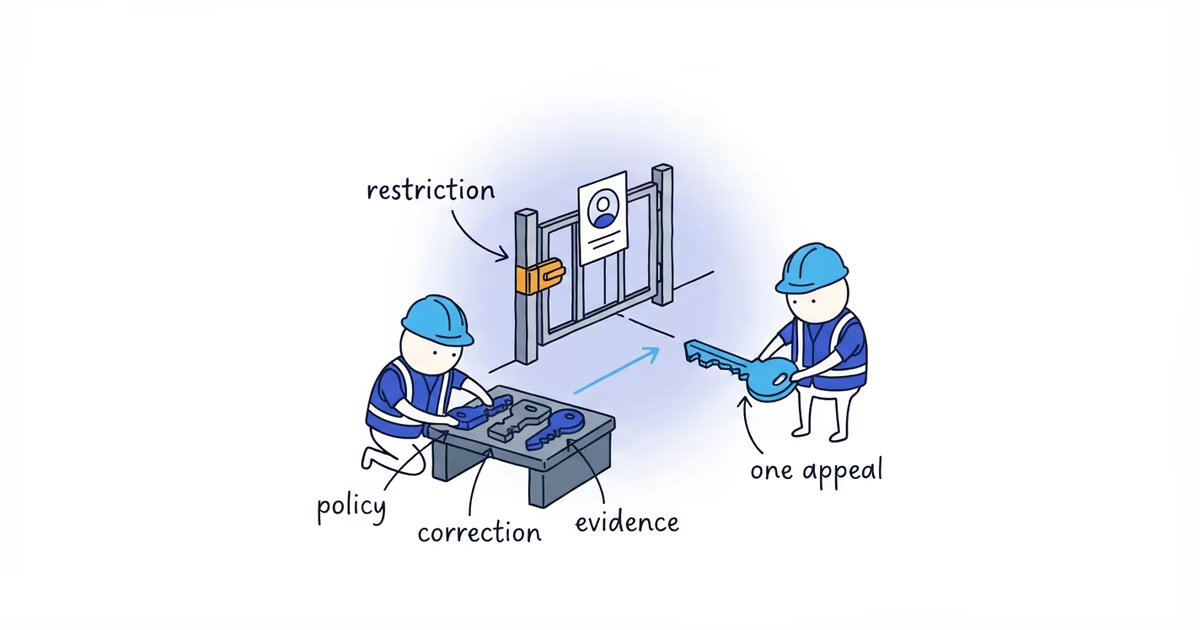
- One or two public sources that show the correct facts
- A one-sentence explanation of the mismatch
Useful sources include the business’s own website, public registration or licensing records where relevant, normal street-level imagery, and permanent signage visible from a lawful public location.
For example:
The profile is listed as “Northside Plumbing - Emergency Drain Cleaning Austin,” but the storefront sign, state registration, and company website all use “Northside Plumbing.” The extra services and city are not part of the real-world name.
That is a checkable name complaint. “They are keyword stuffing and stealing our leads” adds motive you cannot prove.
Never trespass, pose as a customer, pressure workers, or publish personal information to build the case. If the violation cannot be shown from lawful public evidence, leave that claim out.
Is a Google Maps business with a hidden address fake?
This is the easiest mistake for one contractor to make about another.
Imagine an HVAC company that travels to customers and does not receive customers at its office. Its address is hidden on Google Maps, but its website identifies the company, its phone reaches the business, and it operates in the stated service area.
That setup may be eligible under Google’s rules for service-area businesses. The hidden address is not evidence of a fake listing.
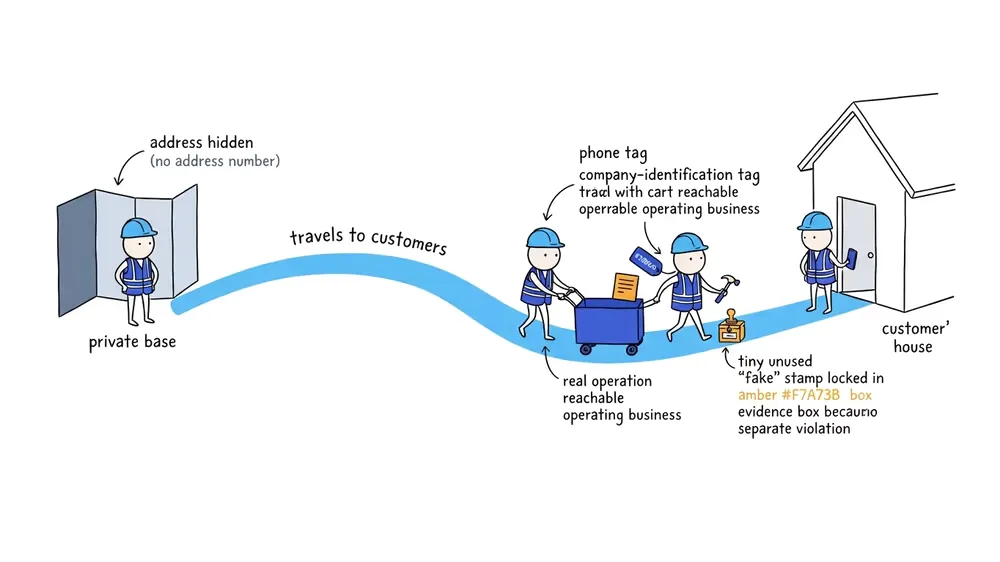
The report becomes valid only when there is a separate, demonstrable problem: the business does not exist, the location is fabricated, the name misrepresents the real business, or another specific rule is violated.
When not to report a competitor on Google Maps
Do not report a business solely because it:
- Appears above you on Google Maps
- Has more reviews or a higher rating
- Is newer than your company
- Serves some of the same cities
- Uses a category you also use
- Hides an address as an eligible service-area business
Those are competition and ranking questions, not proof of abuse. Reporting a legitimate competitor is unlikely to solve the visibility problem and can waste time better spent fixing your own category, services, reviews, website, and call path.
If the competitor is legitimate and the real problem is position, our Google Maps ranking guide helps prioritize relevance, prominence, and the work that can improve your own visibility without a report.
What to do if Google leaves the reported listing live
Review the submission once. Did you use the exact listing URL? Did you choose the right route? Did the evidence prove the selected reason rather than a different problem?
If you reported one wrong field as an entirely fake business, submit the field correction through the appropriate Maps path. If the issue is a duplicate, handle it as a duplicate. If it is a review violation, report the review.
If the evidence remains uncertain or the business is legitimate, stop. Google does not promise removal, and competitor reporting is not a dependable way to improve your own ranking.
If your own profile is live but underperforming, ShiftFlow’s Google Maps ranking audit reviews the profile, listings, reviews, and website to identify the most useful visibility fixes.
Frequently asked questions
How long does Google take to remove a fake business listing?
Google does not publish one removal time for every report, and submitting evidence does not guarantee removal. Use the correct reporting channel, save the listing URL and evidence, and review whether Google acted on the specific violation reported.
Can I report a business for keyword stuffing its Google Maps name?
Yes, when the added services or locations are not part of the business’s real-world name. Report the inaccurate name and support the correction with public evidence such as permanent signage, registration details, and the business website.
Can I report a service-area business that hides its address?
Not for the hidden address alone. An eligible service-area business may hide an address when it travels to customers and does not receive them at that location.
Does reporting a competitor improve my Google Maps ranking?
No ranking improvement is guaranteed, even when Google removes a policy-violating listing. Reporting is a policy-enforcement action, not a dependable local ranking strategy.
Sources
- google-maps
- fake-business-listing
- competitor-reporting
- redressal-form
- keyword-stuffing