What Should Contractors Post on Google Business Profile?
Turn completed jobs, timely service needs, and genuine offers into clear Google Business Profile Posts with truthful proof, precise terms, and one customer action.
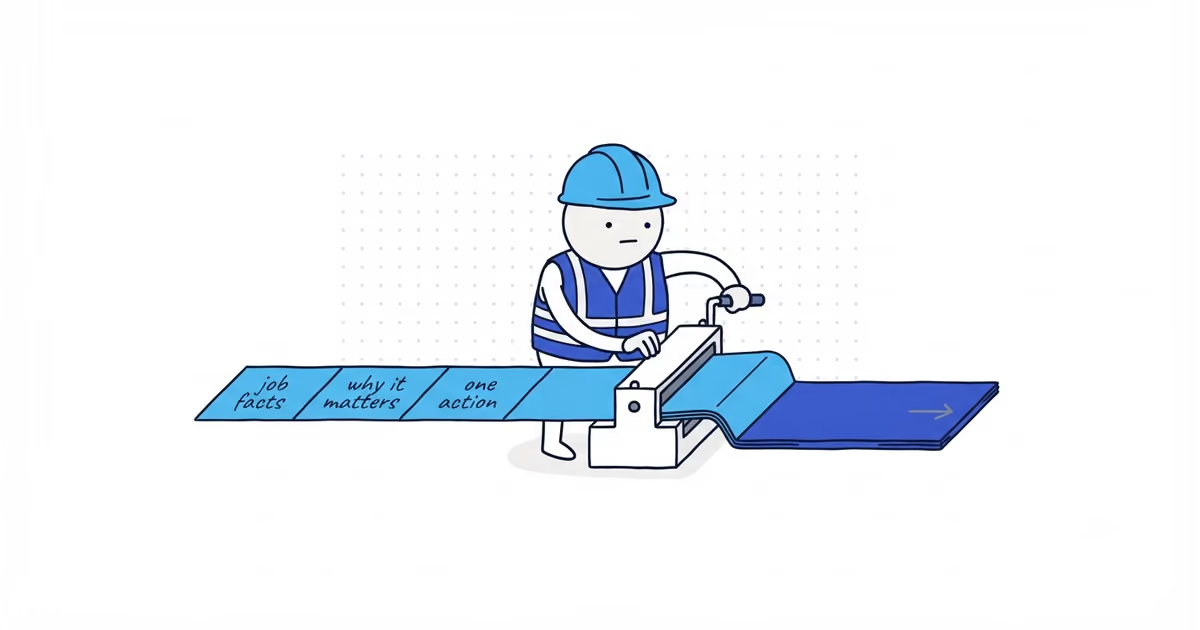
Post something that helps a customer decide what to do next: a real completed job, a timely service need, or a genuine offer or business update. Write what happened, why it matters, and one next action.
You do not need 50 ideas or a weekly filler calendar. The strongest material is already in completed-job notes, seasonal customer questions, and operational changes the team has approved.
Google Business Profile Post ideas for contractors
| Material you already have | Facts to collect | Copy sequence | Best action | Do not publish when |
|---|---|---|---|---|
| Completed work | Customer problem, work performed, useful result, permitted photo | What happened -> why the result matters -> next action | Learn more, Call, or Book | Permission is unclear, private details show, or the result is exaggerated |
| Timely service need | Real condition, one useful check, service availability, timing | What is happening -> what the customer should check -> next action | Call or Book | The copy uses fear, fake urgency, or advice the team cannot support |
| Offer or update | Exact terms, dates, eligibility, inclusion, capacity | What changed -> who it applies to -> terms -> next action | Offer or matching booking link | The offer is vague, expired, or different from the destination |
Use one structure for all three:
What happened or changed
-> Why it matters to this customer
-> One next action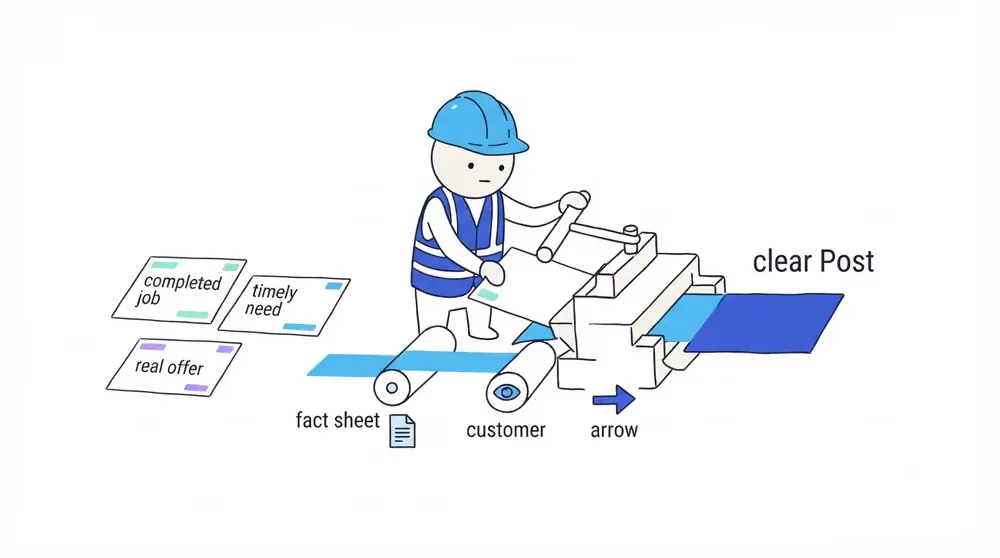
How to post completed work on Google
A completed-job Post should explain enough of the work to make the photo useful. Include the customer’s starting problem or request, what the team did, and the factual result.
Do not expose the customer, address, house number, documents, plates, access equipment, or a private condition. A city or neighborhood belongs in the copy only when it adds honest context and can be published safely. Do not force a place name into every Post as a ranking tactic.
Before-and-after media can work when the comparison is fair. Use the before-and-after photo guide for permission, matched framing, truthful editing, and gallery-order limits.
How to post seasonal service updates without fear
A timely Post connects a real condition with one useful customer decision.
An HVAC contractor might explain what a customer should check when one part of a heating system stays cold. A roofer might explain when lifted shingles need an inspection after a real storm. A landscaper might explain the booking window for a seasonal service.
Do not turn normal uncertainty into an emergency. State what the customer can observe, what the business can assess, and how to request help.
How to write Google Posts for offers and availability
An offer needs more than limited time. Do not publish it until the dates and capacity are settled. Then include:
- Who qualifies
- Start and end dates
- What is included
- Important exclusions
- Available capacity when relevant
- One destination that shows the same terms
Use the current Offer or Event controls when they match the information. Google currently documents Update, Offer, and Event Posts, but confirm the options in the live editor before publishing.
Google Post example for an HVAC job
A homeowner called because two upstairs radiators stayed cold after bleeding. The technician found a failed valve, replaced it, balanced the system, and tested each radiator before leaving. The customer allowed a photo of the completed work.
A useful Post could read:
Two upstairs radiators stayed cold even after bleeding. We replaced a failed valve, balanced the system, and tested each radiator before leaving. If part of your heating system stays cold or the pressure keeps changing, book a system check before replacing parts at random.
Use one supported booking or call action. Do not add another phone number, three links, hashtags, and several city names to the body.
Google’s current guidance warns that phone numbers in Post descriptions may cause rejection. Use the supported action or contact path where appropriate.
How to rewrite a weak Google Post
Bad:
BEST HVAC COMPANY IN RIVERTON! Guaranteed lowest prices and same-day service. Call 555-0100, visit our website, message us, and book now before it is too late!
Problems: unsupported superlatives, a guarantee, fake urgency, an unnecessary phone number in the body, several actions, and no evidence of what happened.
Better:
One upstairs zone was not heating evenly. We replaced the failed valve, balanced the system, and tested every radiator. If rooms stay cold after bleeding, use the booking link to request a heating-system check.
The second version gives the customer a real condition, real work, and one action.
Google Business Profile Post checklist
Before publishing, confirm:
- The facts came from a real job, customer need, or approved update.
- The photo is truthful, relevant, permitted, and free of private details.
- The claim and offer terms can be honored.
- There is one supported action.
- The link loads and matches the promise.
- The Post complies with Google’s current content policy.
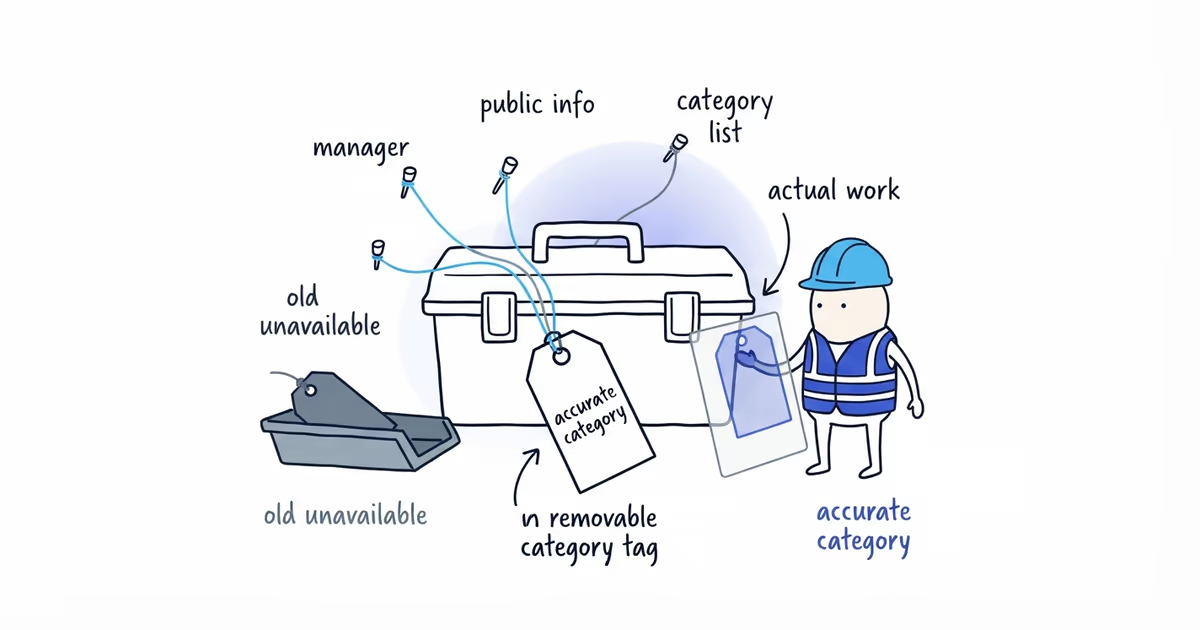
- The result appears on the correct public profile.
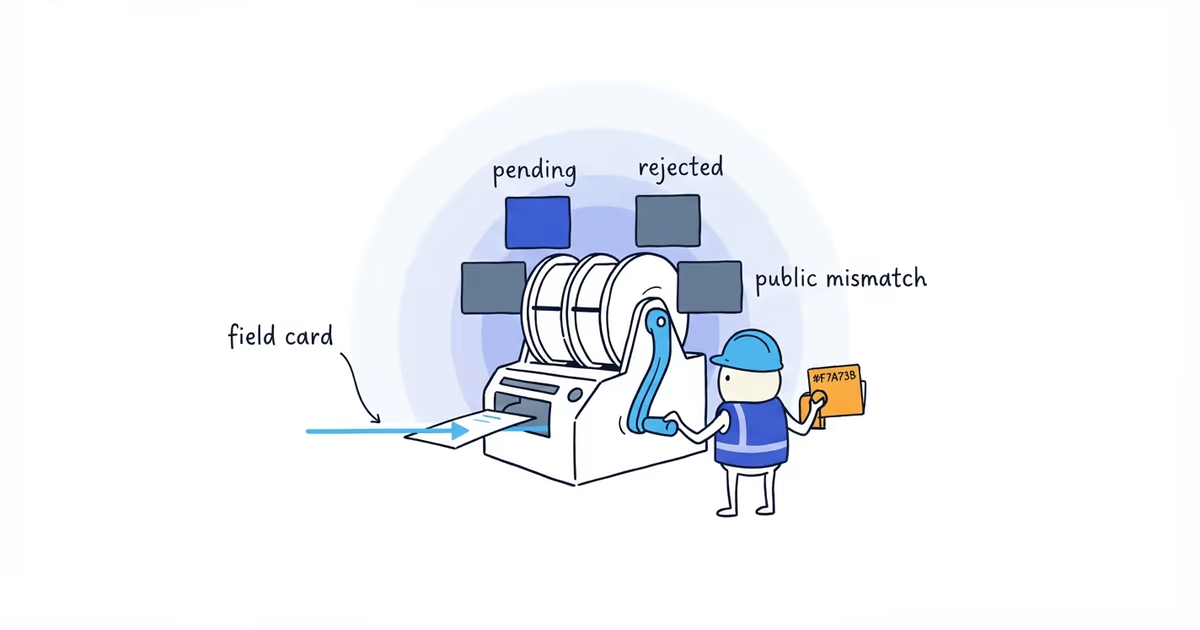
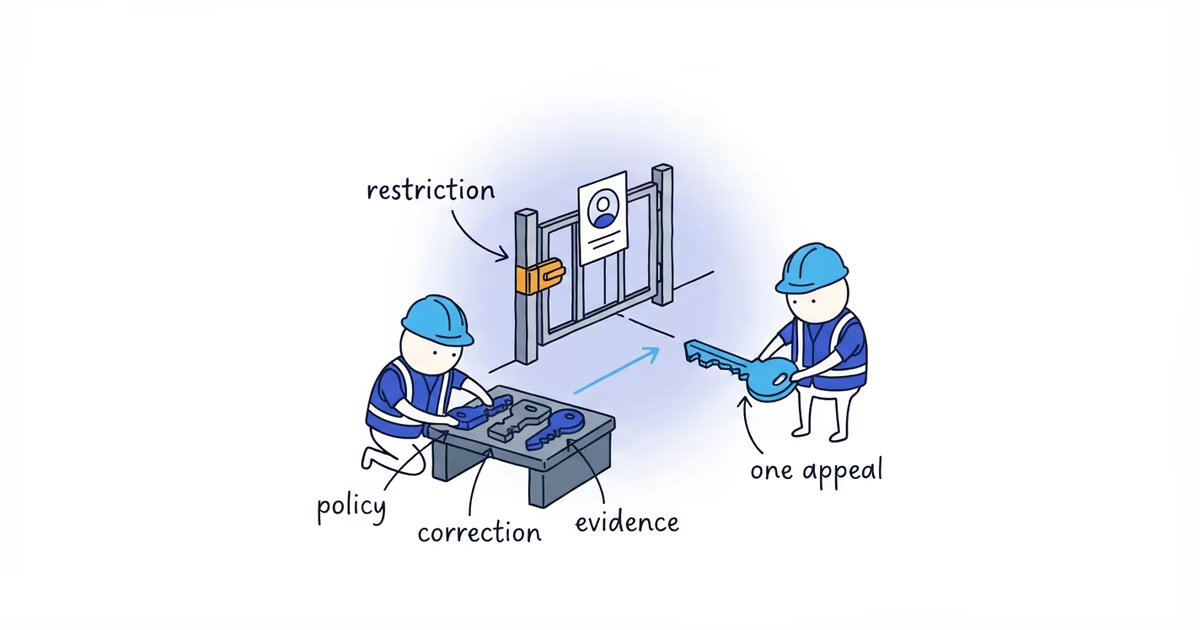
When Google rejects the Post or it does not appear, save the original and use the Post troubleshooting guide. Change one thing, then test again; rewriting everything at once hides the cause.
The Post is done when the job or update, proof, terms, and action all match what a customer sees.
Frequently asked questions
Should contractors post every completed job?
No. Select work that adds a distinct service, condition, process, or result. Skip duplicates and any job without clear permission or privacy-safe media.
Should I add city names to Google Posts?
Use a place name only when it is factual, safe, and useful to the customer. Do not stuff every Post with city names; Google has not published a city-keyword formula for better Maps ranking.
Can I reuse a social media caption?
Only when it remains accurate and fits one Google Profile action. Remove platform-specific hashtags, several CTAs, unsupported claims, and anything that does not match the destination.
Sources
- google-business-profile
- google-posts
- contractor-marketing
- post-ideas
- local-seo
- home-services