Best Affordable Time Clock Software for Small Businesses
Finding time clock software that fits a tight budget is one of the biggest challenges for small businesses. This guide compares the most affordable options for 2026, covering free plans, low-cost tiers, and the features that matter most when every dollar counts.

If you run a small business with hourly team members, you already know the math: paper timesheets cost you hours every pay period, manual calculations invite errors, and payroll mistakes erode the trust you have worked hard to build with your crew. A time clock app can fix all of that. The problem is that most software comparison guides lead with enterprise tools priced at $8–$12 per user per month, which adds up fast when you are running a 15-person cleaning crew or a 20-seat restaurant.
The good news is that affordable time clock software exists, and several options deliver the core features small businesses actually need without charging enterprise prices. This guide breaks down what to look for, compares the most budget-friendly tools available in 2026, and helps you pick the right fit for your team size and industry.
For a broader look at the category including higher-end options, see our full roundup of the best time clock software for small businesses.
What “Affordable” Really Means for Small Businesses
Price per user per month is the number most vendors highlight, but it rarely tells the full story. When you are evaluating affordable time clock software, watch for these cost factors:
- Base fees — Some tools charge a flat monthly fee on top of per-user pricing. A $20 base fee plus $2 per user costs $50 per month for a 15-person team, while a tool at $4 per user with no base fee costs $60. The difference narrows fast as your team grows.
- Feature gating — Free plans often limit GPS tracking, overtime calculations, or payroll exports to paid tiers. If you need those features, the “free” plan is not really free.
- Contract length — Annual billing typically saves 15–25% over monthly plans, but it locks you in. If you are testing a new tool, start monthly and switch once you are confident.
- Hidden add-ons — Geofencing, scheduling, PTO tracking, and integrations sometimes cost extra. Confirm what is included before you commit.
The most affordable option is the one that covers your actual needs at the lowest total cost, not necessarily the one with the lowest sticker price.
What to Look For in a Budget Time Clock App
You do not need every feature on the market. For most small businesses in field-heavy or shift-based industries, the essentials are:
Mobile Clock-In and Clock-Out
Your team members need to punch in from their phones. This is non-negotiable for cleaning companies, landscaping crews, construction teams, and any business where people work at job sites rather than a central office. Look for apps that work on both iOS and Android and do not require expensive hardware.
GPS and Geofencing
GPS tracking shows where a team member was when they clocked in. Geofencing goes a step further by restricting clock-ins to approved locations. Both features reduce time theft and give you confidence that recorded hours match actual work. Even on a budget, many tools include basic GPS at no extra charge.
Overtime Tracking
Automatic overtime calculations based on your state’s rules save significant payroll prep time. Manual overtime tracking is where most small businesses lose money to errors, either overpaying or underpaying team members and risking compliance issues.
Payroll Export
At minimum, you need the ability to export timesheets as CSV files that your payroll provider or accountant can import. Direct integrations with QuickBooks, Gusto, or ADP are a bonus but not always critical for smaller teams.
Simple Admin Dashboard
You should be able to review timesheets, approve hours, and edit missed punches without a training manual. If the admin side is confusing, your managers will fall back to paper, and the software becomes a wasted expense.
The Most Affordable Time Clock Tools for 2026
Here is a closer look at six tools that keep costs low while covering the basics. Pricing reflects publicly available rates as of early 2026.
ShiftFlow
ShiftFlow is designed specifically for shift-based and field-service small businesses. It includes GPS tracking, geofencing, overtime calculations, and payroll exports. The interface is built for team leads and managers who do not have time to learn complicated software. Pricing is seat-based at $5.99/seat/month or $60.00/seat/year, and the onboarding process is designed to get a small team running within a single shift. Best for service businesses like cleaning companies, landscaping crews, and restaurants that want a purpose-built time tracking solution without the overhead of platforms designed for enterprises.
Homebase
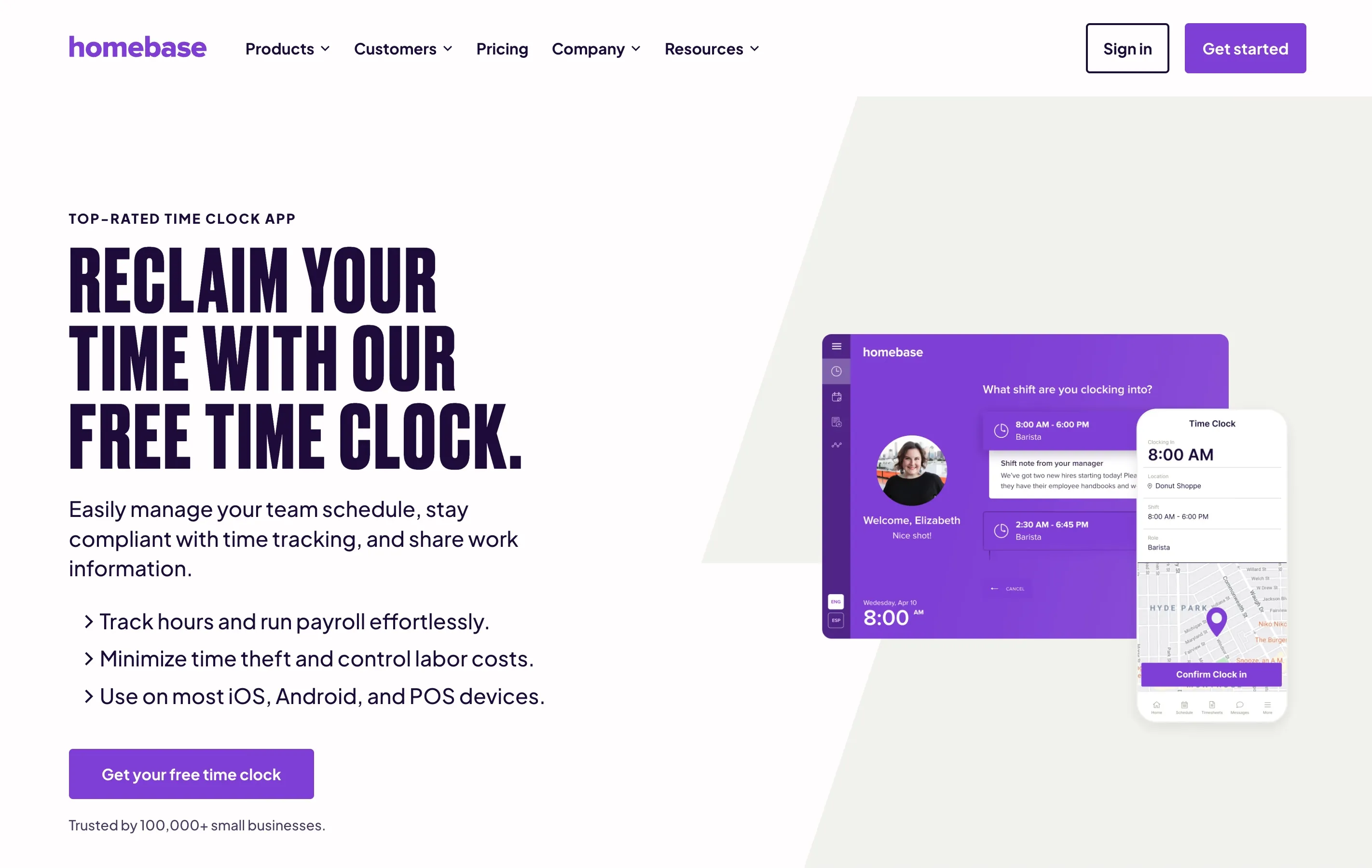
Homebase offers a genuinely free plan for a single location with up to 20 team members. The free tier includes basic time tracking, scheduling, and team messaging. GPS tracking and advanced features require the Essentials plan at $24.95 per location per month. Best for single-location restaurants, retail shops, and cafes that want an all-in-one scheduling and time tracking tool without per-user fees.
Clockify
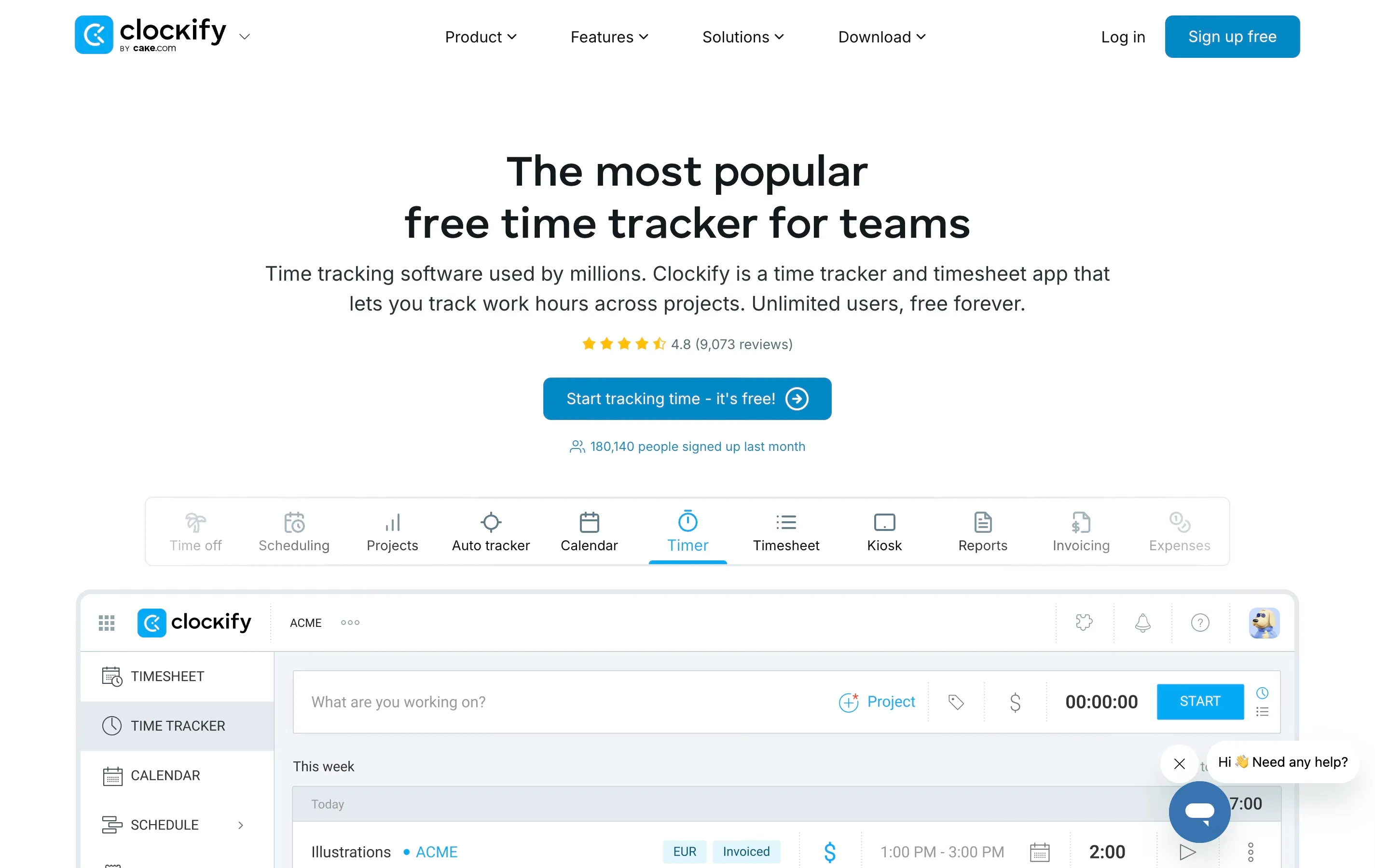
Clockify provides free time tracking for unlimited users, making it one of the most generous free plans available. The free tier covers basic timesheets, reporting, and a kiosk mode. GPS tracking, overtime rules, and payroll-ready exports require Pro ($7.99 per user per month) or higher. Best for office-based or hybrid teams that need basic tracking and do not require GPS or geofencing.
Connecteam
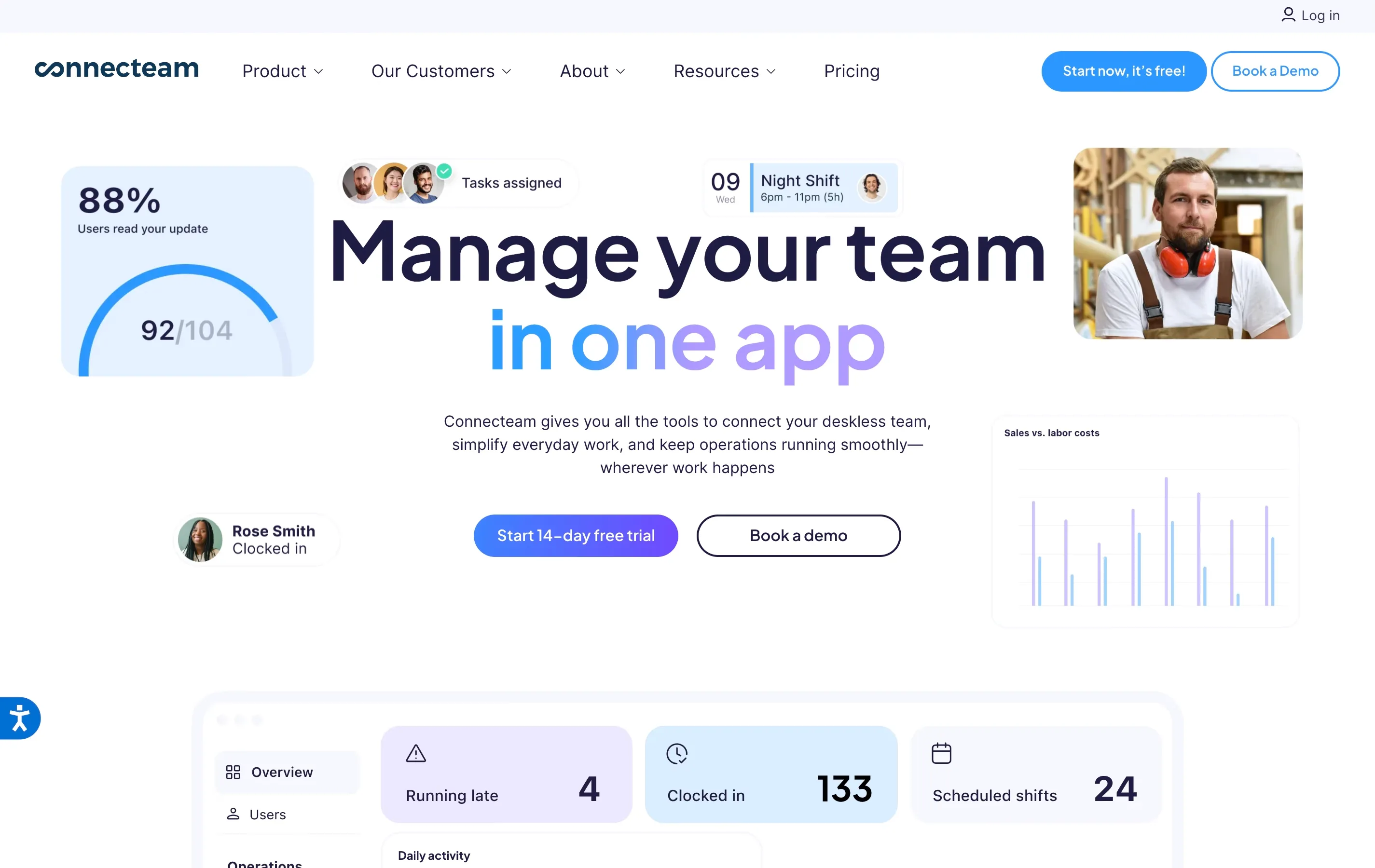
Connecteam offers a free plan for up to 10 users with full feature access, and its paid plans start at $29 per month for up to 30 users (roughly $0.97 per user). GPS tracking, geofencing, and payroll exports are included in paid tiers. Best for field teams in cleaning, construction, and landscaping that need GPS and job-site management on a per-team (not per-user) pricing model.
Buddy Punch
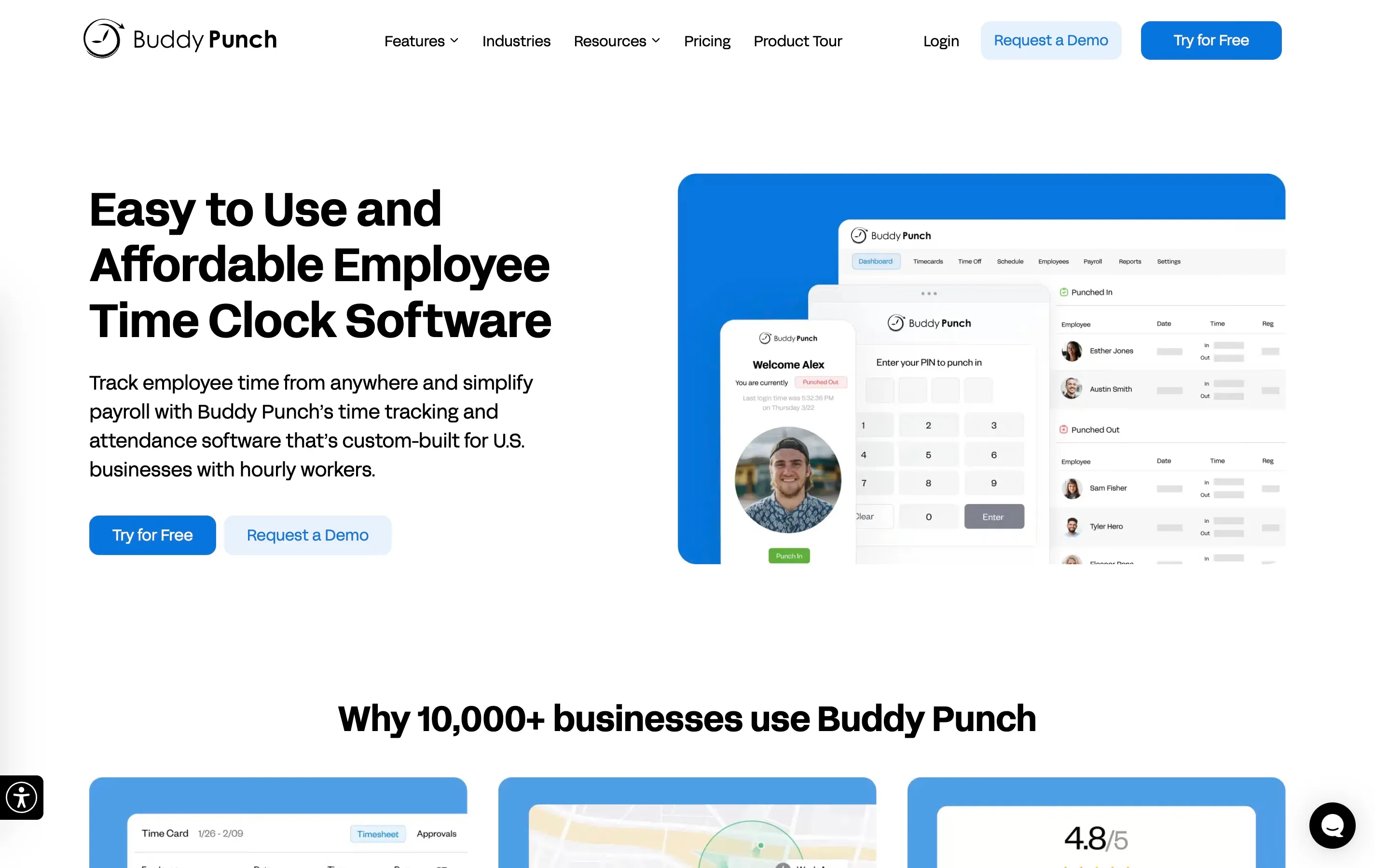
Buddy Punch starts at $5.49 per user per month plus a $19 base fee. It includes GPS tracking, geofencing, overtime tracking, PTO management, and payroll integrations with QuickBooks and ADP. There is no free plan, but the feature set at this price point is strong. Best for small businesses that want reliable GPS and payroll integration without the complexity of enterprise tools.
When I Work
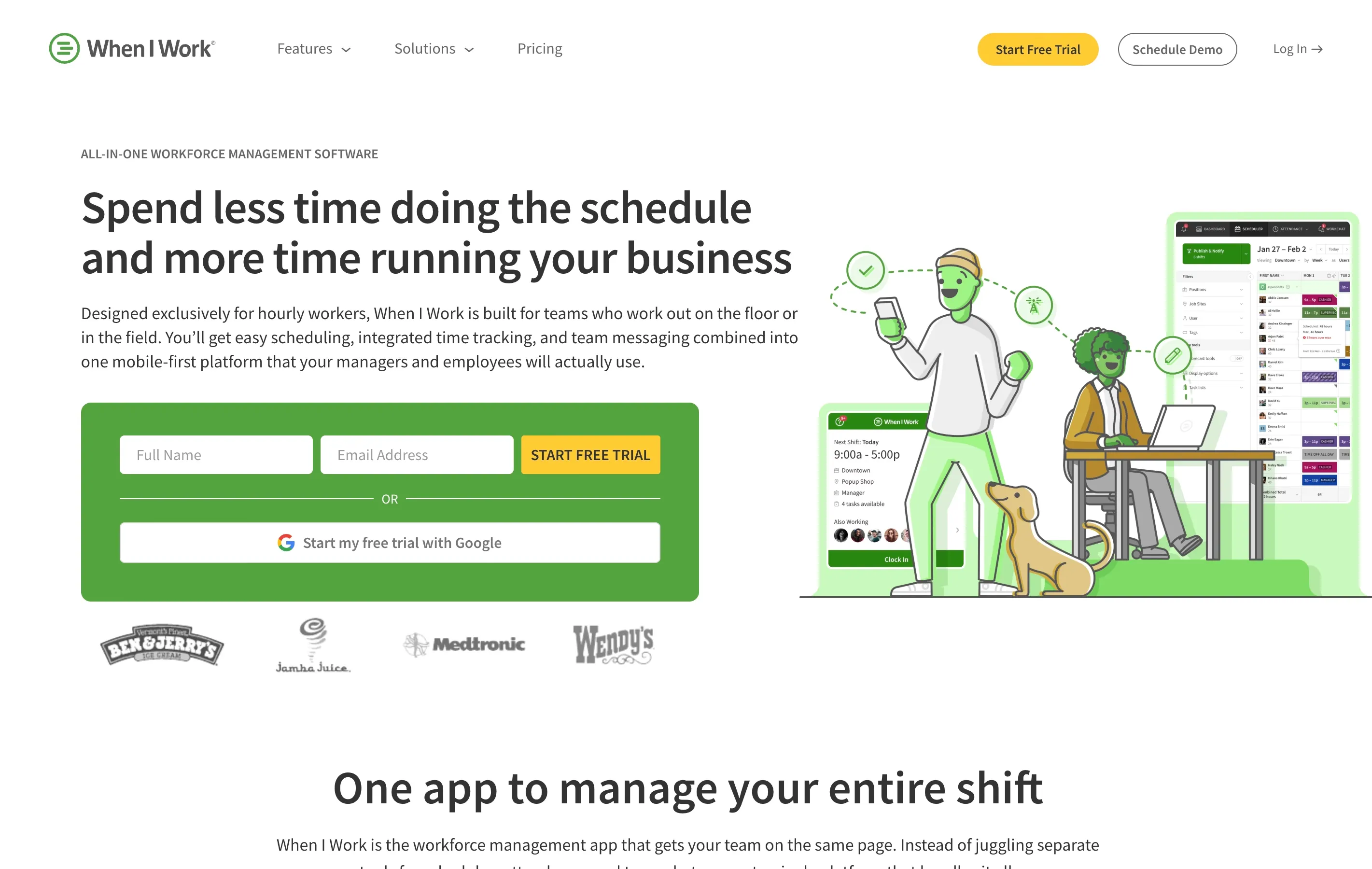
When I Work does not offer a free plan, but it does provide a 14-day free trial. Base scheduling starts at $2.50 per user per month, and adding time and attendance costs an additional $1.50 per user per month, bringing the total to about $4 per user per month for scheduling plus time tracking. GPS tracking and advanced features are available on higher tiers. Best for restaurants and retail businesses that need combined scheduling and time tracking at a low per-user cost.
Side-by-Side Pricing Comparison
| Tool | Free Plan | Starting Paid Price | GPS Included | Payroll Export |
|---|---|---|---|---|
| ShiftFlow | 14-day trial | $5.99/seat/mo | Yes | Yes |
| Homebase | Yes (1 location) | $24.95/location/mo | Paid only | Yes |
| Clockify | Yes (unlimited users) | $7.99/user/mo | Paid only | Paid only |
| Connecteam | Yes (10 users) | $29/mo for 30 users | Paid plans | Yes |
| Buddy Punch | No | $5.49/user/mo + $19 base | Yes | Yes |
| When I Work | No (14-day trial) | $4/user/mo (sched + time) | Paid only | Yes |
Which Tool Fits Your Business?
The right choice depends on your team size, industry, and which features you cannot do without.
You have fewer than 10 team members
Start with Connecteam’s free plan, which covers up to 10 users with full feature access. It gives you enough functionality to replace paper timesheets without spending anything, and GPS is included even on the free plan.
You run a single-location restaurant or retail shop
Homebase’s free plan is hard to beat for a single location. You get scheduling, time tracking, and team messaging with no per-user fees. The per-location pricing model works well as long as you do not expand to multiple sites.
You manage field crews across multiple job sites
GPS and geofencing matter more than anything else for cleaning, landscaping, and construction teams. Connecteam, Buddy Punch, and ShiftFlow all include GPS in their paid plans. Compare the total cost at your current headcount, especially once GPS and scheduling are included.
You need payroll integration above all else
Buddy Punch and Connecteam both offer direct integrations with major payroll providers. If you use QuickBooks or Gusto, confirm the specific integration is available on the plan you are considering rather than a higher tier.
You want the simplest possible setup
If your main goal is to stop using paper and start tracking hours digitally with minimal setup time, When I Work and ShiftFlow are both known for fast onboarding. You should be able to get your team clocking in within a day.
Common Mistakes When Choosing a Budget Time Clock
Choosing based on price alone. The cheapest tool is only a good deal if it covers your requirements. Switching tools six months later costs more in lost time and retraining than paying an extra dollar per user up front.
Ignoring the free plan’s limits. Free tiers often cap features, locations, or reporting depth. Read the fine print before building your workflow around a plan that will force an upgrade the moment you need overtime reports or GPS logs.
Forgetting about team member adoption. A tool your crew will not use is worthless at any price. Prioritize apps with simple mobile interfaces and quick clock-in flows. If your team members need a tutorial to punch in, adoption will be low.
Skipping payroll compatibility. Make sure the app exports data in a format your payroll provider accepts. A mismatch here creates manual work every pay period, which defeats the purpose of automating time tracking.
The Bottom Line
Affordable time clock software is not a compromise. The tools on this list prove that small businesses can get GPS tracking, overtime calculations, and payroll exports without enterprise-level pricing. The key is matching the tool to your specific needs rather than defaulting to the most popular or the cheapest option.
Start by identifying the two or three features your business cannot function without, then compare total monthly costs at your actual team size. Most of these tools offer free trials or free plans, so you can test before you commit.
For a deeper comparison of features across a wider range of tools, check out our complete guide to time clock software for small businesses.
- affordable-time-clock
- time-clock-software
- time-tracking
- small-business
- budget-time-clock