How to Get an AI Read on Your Crew Every Monday Without Hiring an Analyst
You find out how last week really went when something has already gone wrong. A bigger company pays an analyst to read the week. Here is how to get the same one-page read without the headcount.
You find out when it is already a problem
You own the business and you run the crew. It is Monday. Last week happened, the hours are in the system, and the honest truth is you do not actually know how it went. Not really. You know it felt busy. You will find out the specifics the way you always do: when a job comes in over bid, when a paycheck is wrong, when a client questions an invoice. You learn how last week went by being surprised by it this week.
It is not that the information does not exist. It is sitting in the timesheets. It is that reading it is a job, and it is a job nobody has. A bigger company has someone whose week is partly this: read the hours, roll them up, write the half-page that says where the money and the risk went. You cannot justify that hire for a 25-person crew. So the read does not happen, and you keep running the business looking out the back window.
The fix is not finding three hours on Monday to do it yourself. It is getting the read without doing the reading.
What you would actually want on that page
Be concrete about what a useful Monday read is, because “a report” is not it. You do not want a dashboard with forty numbers. You want the five things that change what you do this week:
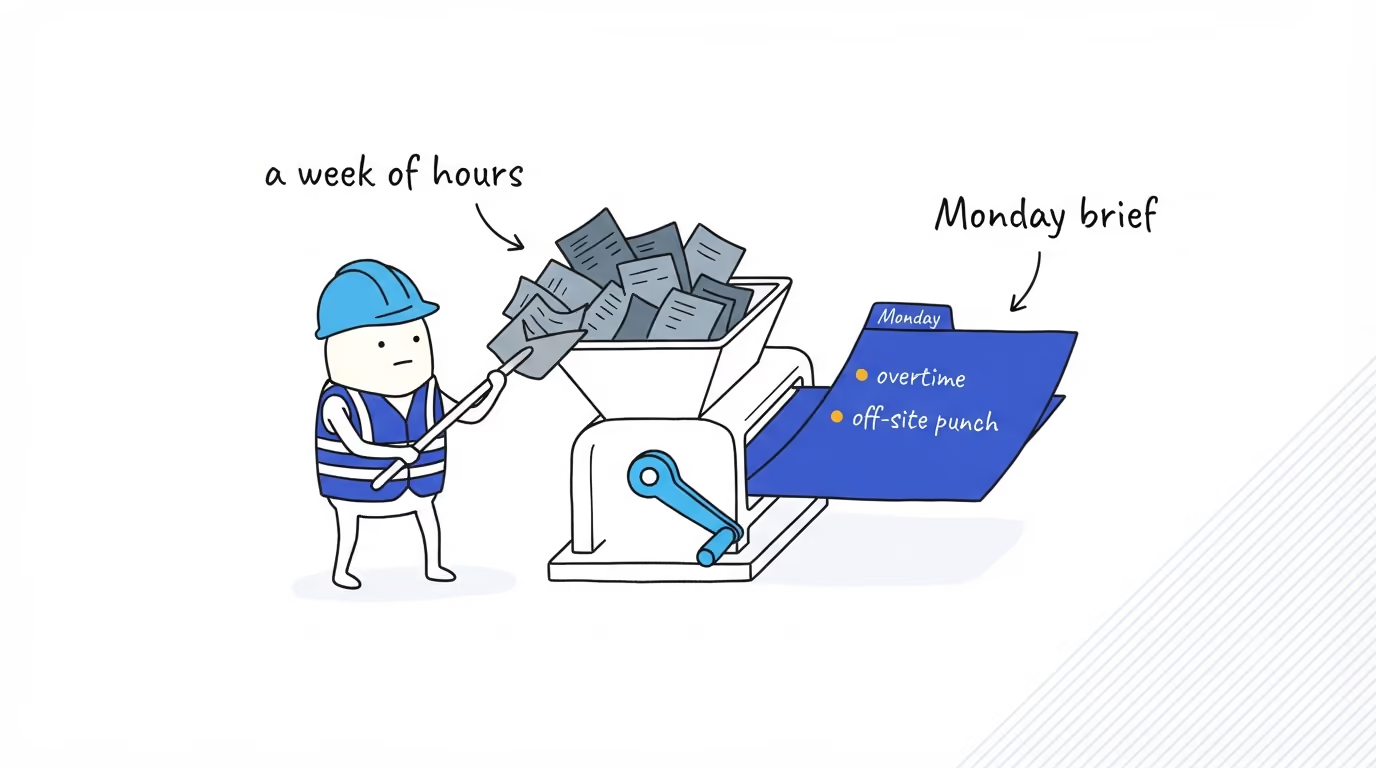
Where the hours went, by person and by job, so you can see the shape of the week without opening anything. Who crossed overtime, and whether it was a one-off or the same crew every week. Which jobs ran over on labor while they were still open, not after they closed. Any clock-ins recorded away from the site, ranked by how repeated they are. And anywhere the hours drift from what payroll is about to pay. That is the page. Five things, each one a decision or a non-event, nothing you have to interpret.
You are never going to assemble that by scrolling. Not because it is hard, but because it is forty minutes you do not have, every week, forever.
Where the read comes from
This is the part that makes it possible instead of aspirational. The read is only as good as the data under it, and raw punches are not good enough to handle to anything automatically. ShiftFlow already does the hard part: by the time an entry is complete, the hours are reconciled to your account’s rounding rules, unpaid breaks are out, time is split by job, and the clock-in carries the location and the work site it was selected or matched against. That reconciled record is exposed, read-only, through ShiftFlow’s Axiom data feed, which is what lets an AI read the whole crew’s week the way an analyst would, except it does it in the time it takes to send an email.
That is the actual unlock, and it is worth saying plainly. AI is not out-thinking you about your business here. It is doing the reading pass you never had time for, over data clean enough to trust, and writing down the five things that matter. The point of clean, machine-readable hours is exactly this: the weekly read stops being a job you cannot fill and becomes something that arrives on its own.

What the brief looks like
One page, written the way you would want a sharp ops person to write it, not a chart dump.
| Section | What it says |
|---|---|
| The week’s shape | Total hours by person and by job, last week against the prior |
| Overtime | Who crossed, by how much, first time or recurring |
| Jobs at risk | Jobs whose labor hours ran over what was planned |
| Off-site punches | Clock-ins recorded outside a site radius, ranked by repeats |
| Payroll drift | People whose hours differ from what payroll will pay |
Under the table is the part you actually read: the paragraph. “Hours were flat week over week. Two people on the Harbor Plaza crew are into a third straight week of overtime; same crew, same client. One clock-in Thursday recorded a half-mile off site, first time for that person. Three people’s hours are a few tenths off payroll, all small.” That is the whole brief. You read it in the time it took to read this sentence, and you know what to do with your Monday.
Where it honestly stops
This is a read, and a read has limits worth stating plainly.
It reports hours, not money. It can tell you a job ran 30% over on labor hours; turning that into dollars and margin needs the pay rates and contract value that live in your systems, not in the feed. It sees completed entries only, so an open shift nobody closed is an approval-workflow problem upstream, not something the brief catches. Every flag is a prompt, not a verdict: the off-site punch is often a dead phone, the overtime may have been authorized verbally, the payroll gap may be a correct edit. And the thresholds are yours. Set the overtime line wrong and the brief will confidently summarize the wrong week. It tells you where to look. It does not decide, and it does not replace the approvals that already exist.
Where to go next
The brief is the roll-up; each line in it is a check you can also run on its own. Checking every timesheet before payroll is the payroll-drift line in depth, catching time theft on your crew is the off-site line, and seeing which jobs are actually making money is the jobs-at-risk line. They all run on the same reconciled hours. If your crew’s time still lives somewhere you would have to read by hand, the place this starts is capturing it clean — see how ShiftFlow time tracking reconciles the hours this is built on, or talk to our team about what a weekly read looks like for your crew.
- ai-workforce-analytics
- labor-reporting
- payroll-accuracy
- small-business
- workforce-management