11 Best Hubstaff Alternatives for Small Businesses (2026)
Looking for a Hubstaff alternative? We compare 11 time tracking tools that offer better pricing, simpler interfaces, and less invasive monitoring for small businesses in 2026.

Hubstaff is one of the more well-known time tracking platforms, but it is not the right fit for every business. If you have been using Hubstaff and feel like you are paying too much, dealing with features you do not need, or hearing complaints from your team about invasive monitoring, you are not alone.
In this guide, we break down 11 Hubstaff alternatives that work well for small businesses in industries like cleaning, landscaping, construction, restaurants, and healthcare. Each option is evaluated on pricing, ease of use, and the features that matter most to teams with 5 to 50 people.
Why Small Businesses Look for Hubstaff Alternatives
Hubstaff has solid time tracking capabilities, but several pain points push small business owners to explore other options:
- Price adds up quickly. Hubstaff’s Starter plan begins at $7 per user per month, but most useful features like payroll, scheduling, and unlimited screenshots require the Team plan at $12 per user per month. For a team of 15, that is $180 per month before any add-ons.
- Too much monitoring. Screenshots, app tracking, and activity percentages can feel excessive for shift-based teams who work on job sites or in kitchens rather than at desks. Team members may push back against constant surveillance.
- Complexity you do not need. Hubstaff was built for remote knowledge workers and freelancers. If you run a cleaning company or a restaurant, you probably do not need project budgets, URL tracking, or idle detection. You need a simple clock-in, clock-out system.
- Limited offline support. Field teams working in areas with spotty cell service often struggle with syncing issues.
- Per-user pricing hurts seasonal businesses. If your headcount fluctuates, per-user billing makes costs unpredictable.
What to Look For in a Hubstaff Alternative
Before jumping to a new tool, know what matters for your business:
- Simple clock-in and clock-out. Your team members should be able to punch in from a phone in under 10 seconds. No training manual required.
- GPS and geofencing. If you manage mobile crews, you need location verification to confirm team members are clocking in at the right job site.
- Payroll integration. The tool should export clean timesheet data to your payroll provider, whether that is Gusto, QuickBooks, ADP, or another system.
- Fair pricing. Look for free tiers, per-location pricing, or flat rates that do not punish you for growing your team.
- Scheduling. Many small businesses need shift scheduling alongside time tracking. A tool that handles both saves you from juggling multiple subscriptions.
- Privacy balance. You want accountability without making your team feel watched. GPS verification at clock-in is reasonable. Continuous screenshot monitoring usually is not.
For a deeper dive into what separates good tools from great ones, check out our guide to the best time clock software for small businesses.
11 Best Hubstaff Alternatives for Small Businesses
1. ShiftFlow
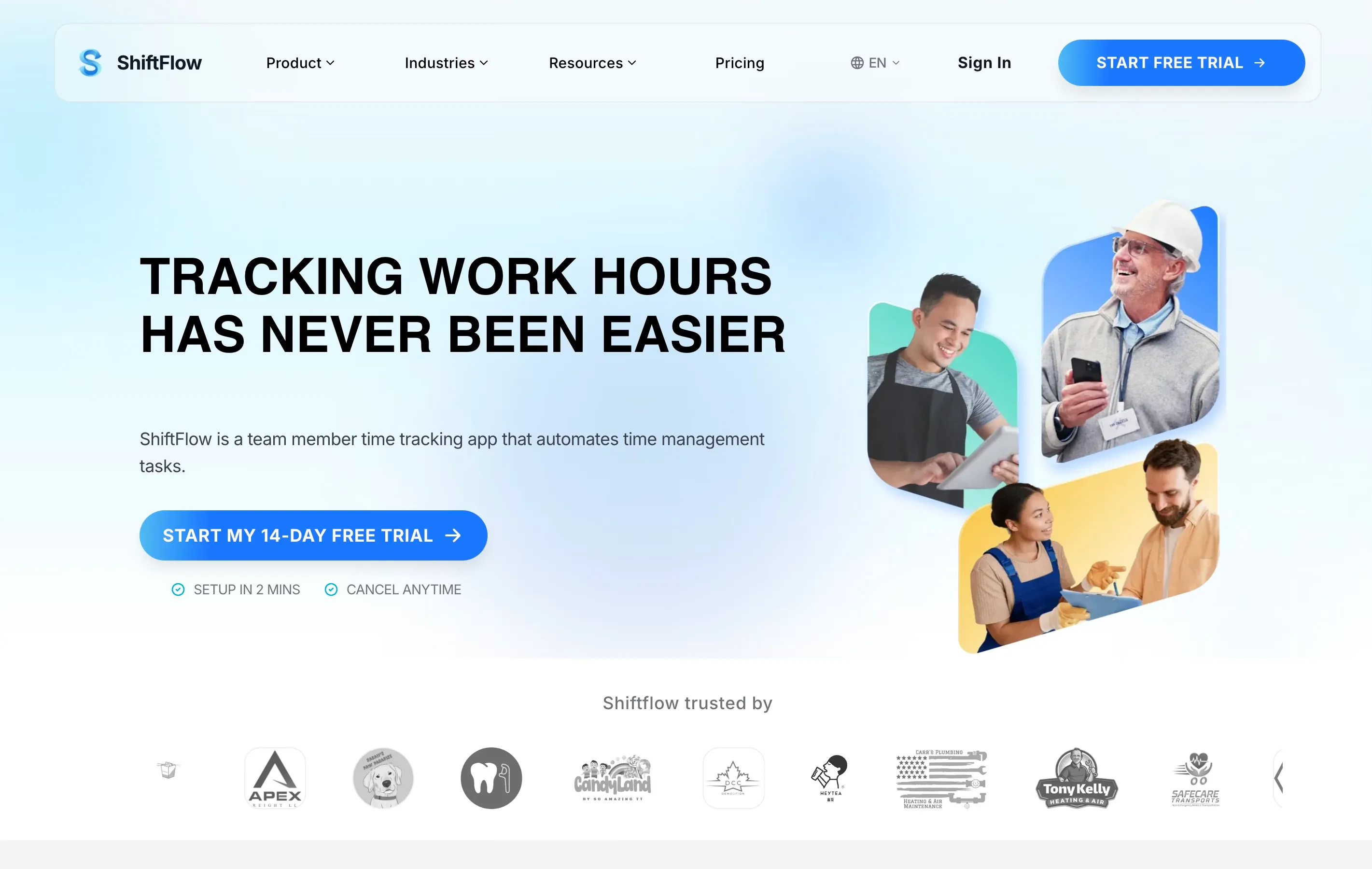
Best for: Restaurants, retail, and shift-based teams that need simple time tracking with scheduling.
ShiftFlow is purpose-built for small businesses that run on shifts. Instead of loading you up with monitoring features designed for remote desk workers, it focuses on the basics: GPS-verified clock-ins, shift scheduling, and clean payroll exports. The mobile time clock app is straightforward enough that new hires can start using it on day one without training.
- Pricing: Free plan available; paid plans start at $2.50 per user per month
- Key features: GPS time clock, shift scheduling, break tracking, payroll integration, team messaging
- Standout: Built specifically for hourly and shift-based teams, not repurposed from a freelancer tool. Try ShiftFlow free
2. Apploye
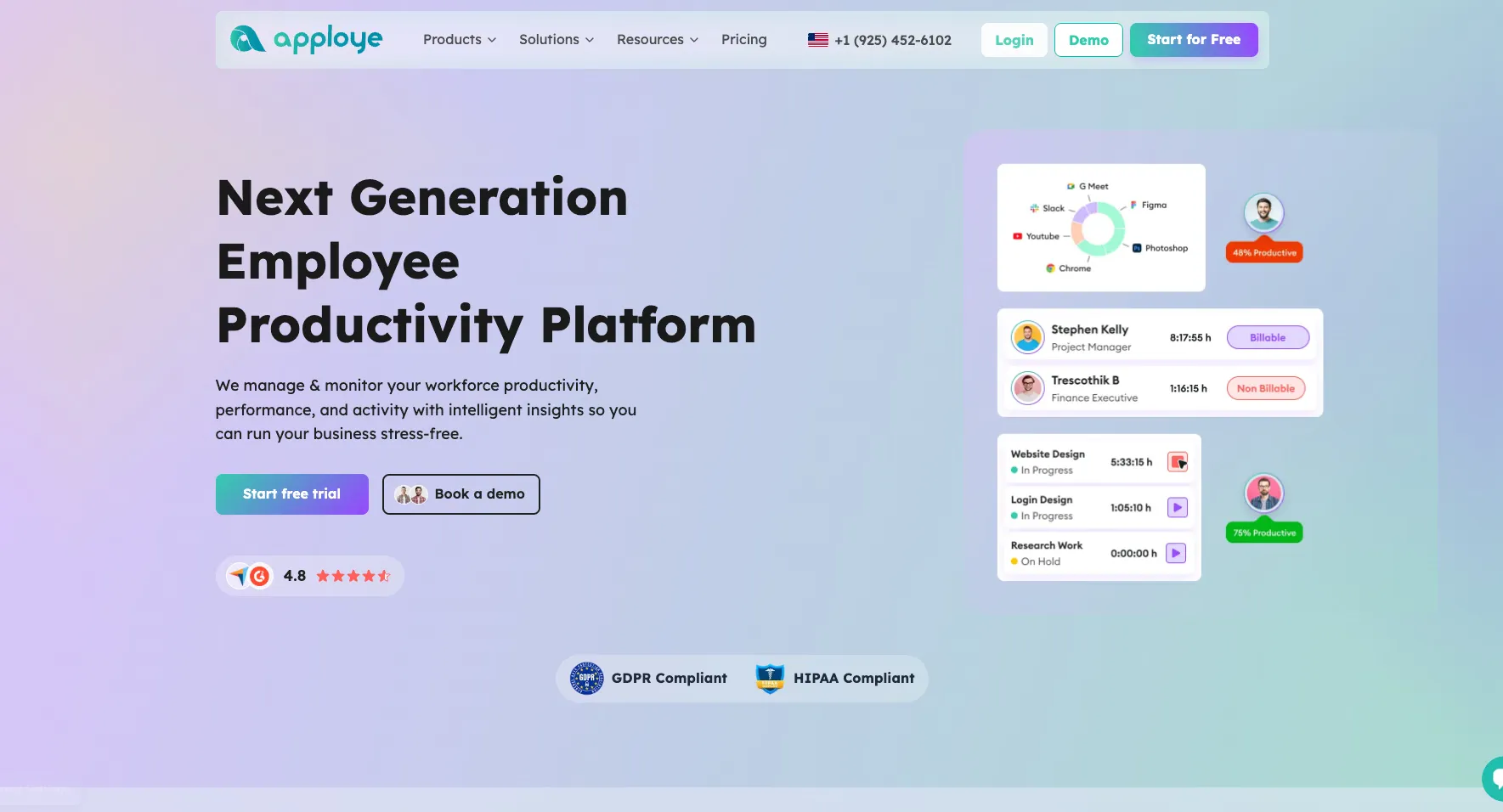
Best for: Remote and hybrid teams looking for one of the best Hubstaff alternatives for affordable employee monitoring, time tracking, payroll, and flexible team-level controls.
Apploye is one of the best Hubstaff alternatives for businesses that want strong employee monitoring and time tracking without paying for a more expensive workforce management platform. It combines automatic time tracking, screenshots, activity monitoring, project budgeting, invoicing, payroll, and a Live Feed in one dashboard. Admins can also enable or disable monitoring features for different teams, giving businesses more control over how employees are tracked. For enterprise and large organizations, Apploye also offers HIPAA and GDPR compliance on its Enterprise plan.
- Pricing: Free for up to 10 users; paid plans from $4.50 per user per month; Enterprise pricing is custom
- Key features: Automatic time tracking, screenshots, activity monitoring, Live Feed, project tracking, payroll, invoicing, reports
- Standout: Team-level controls let admins enable or disable monitoring features for different groups
3. Connecteam
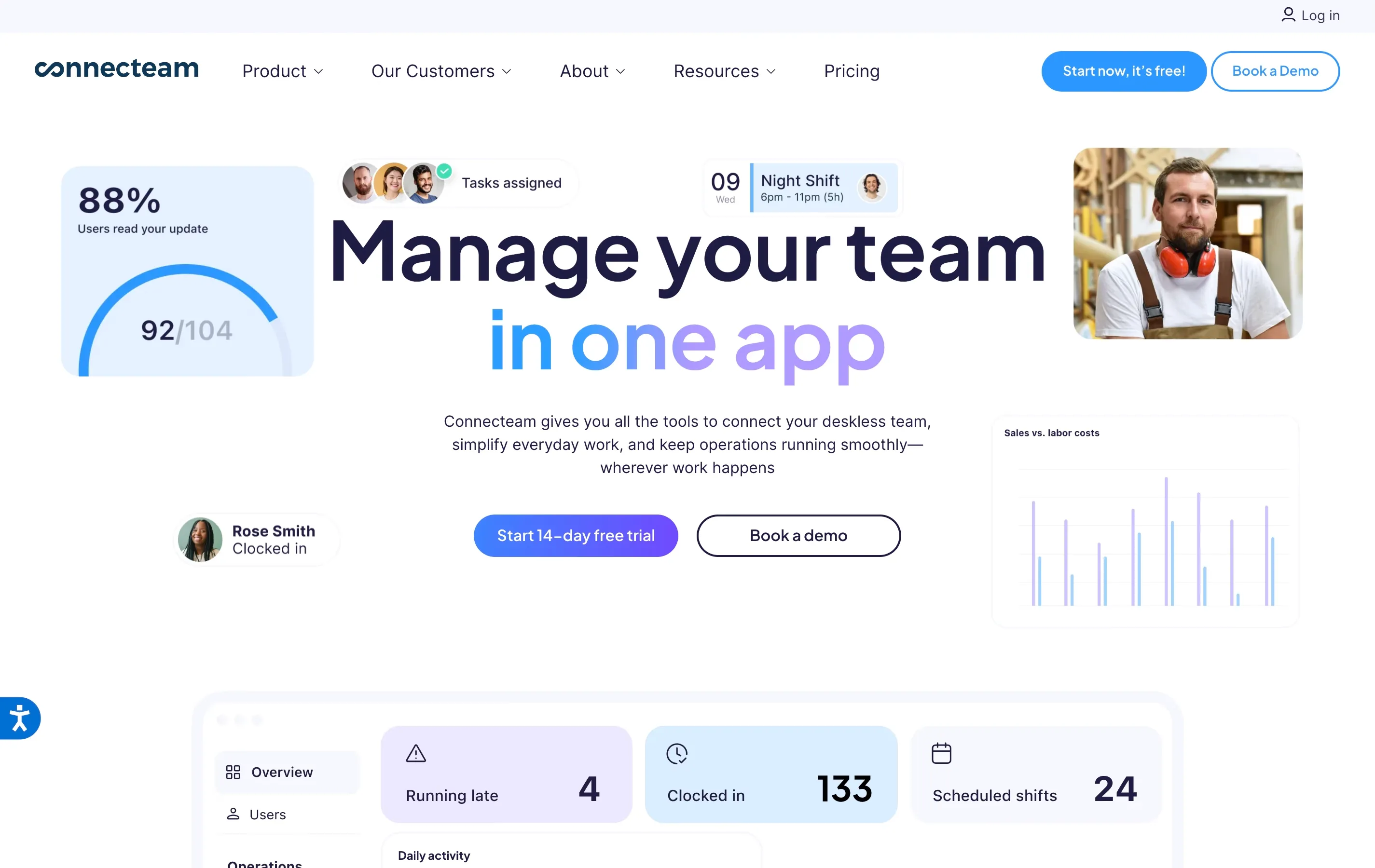
Best for: Field service teams and businesses with 10 or fewer team members who want a free all-in-one platform.
Connecteam bundles time tracking, scheduling, communication, and task management into one app. The free plan covers up to 10 users with full features, which is generous. The catch is that paid plans are split across three separate “hubs,” so costs can climb if you need everything.
- Pricing: Free for up to 10 users; paid plans start at $29 per month for up to 30 users
- Key features: GPS time clock, geofencing (Advanced plan), shift scheduling, in-app chat, task management
- Standout: Free plan is one of the most complete on the market for very small teams
4. Clockify
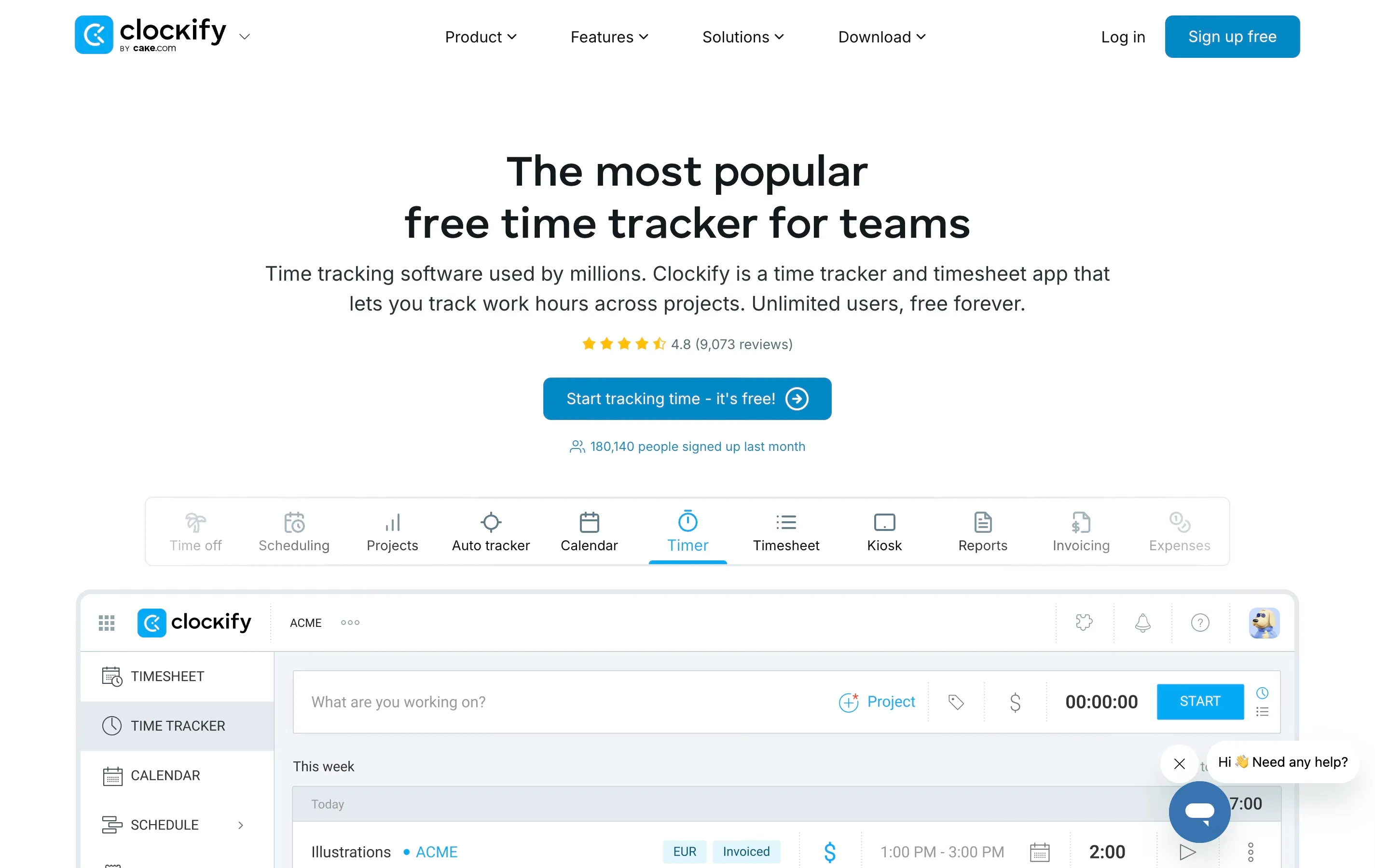
Best for: Budget-conscious businesses that want free, no-strings-attached time tracking.
Clockify is the go-to free time tracker. It supports unlimited users and projects on its free tier, which is rare. The interface is clean and works well for basic clock-in and clock-out needs. It does not have built-in scheduling or advanced workforce management, so you may need a second tool for that.
- Pricing: Free for unlimited users; paid plans from $3.99 per user per month
- Key features: Time tracking, project tracking, reports, integrations with 80+ tools
- Standout: Unlimited free users make it ideal for growing teams on a tight budget
5. Homebase
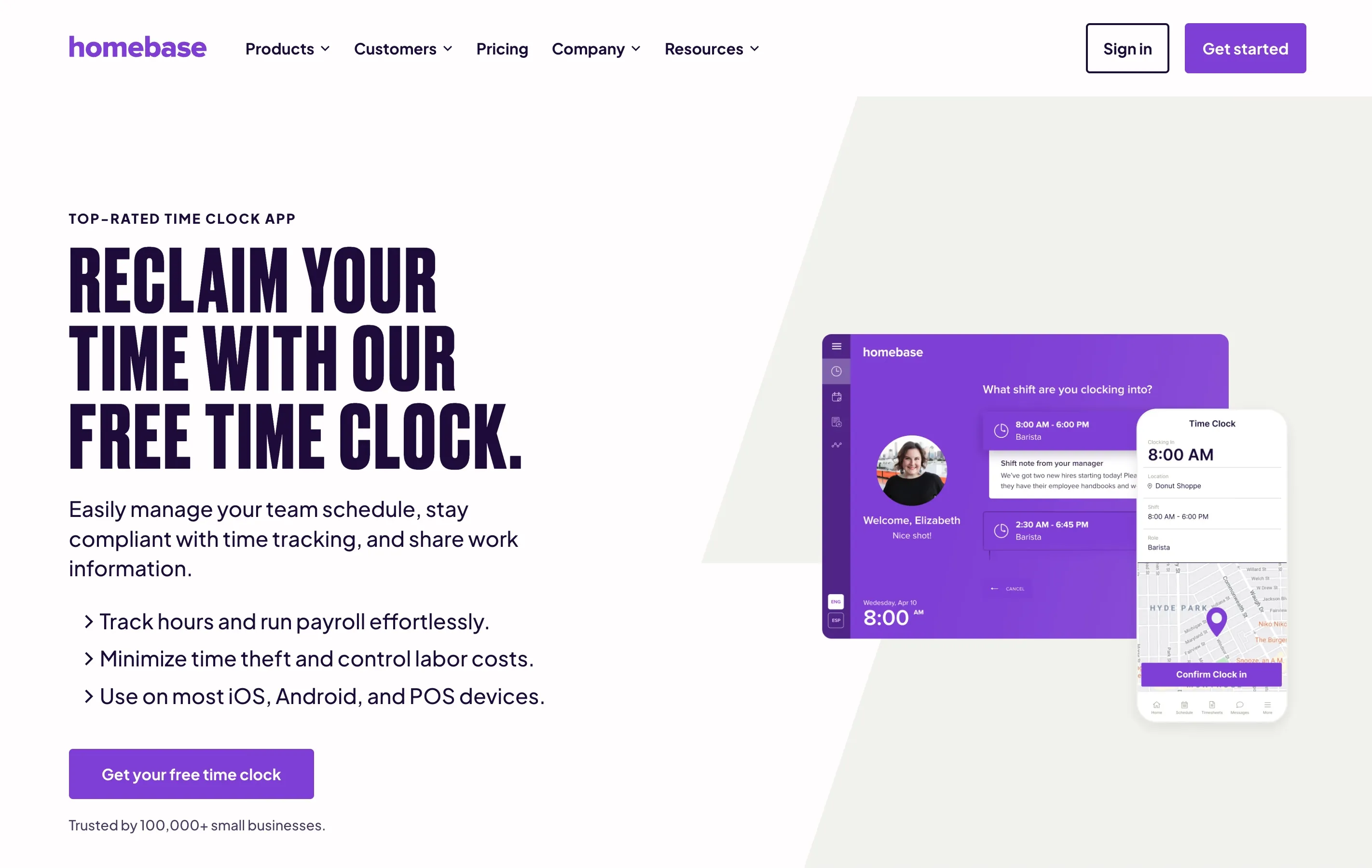
Best for: Restaurants and retail shops at a single location.
Homebase prices by location instead of by user, which is a huge advantage if you have a large team at one spot. The free plan covers one location with up to 20 team members and includes basic scheduling and time tracking. It also integrates well with popular POS systems like Square and Toast.
- Pricing: Free for one location and up to 20 team members; paid plans from $24.95 per location per month
- Key features: Time clock, scheduling, team messaging, hiring tools, POS integrations
- Standout: Per-location pricing means adding team members does not increase your bill
6. Buddy Punch
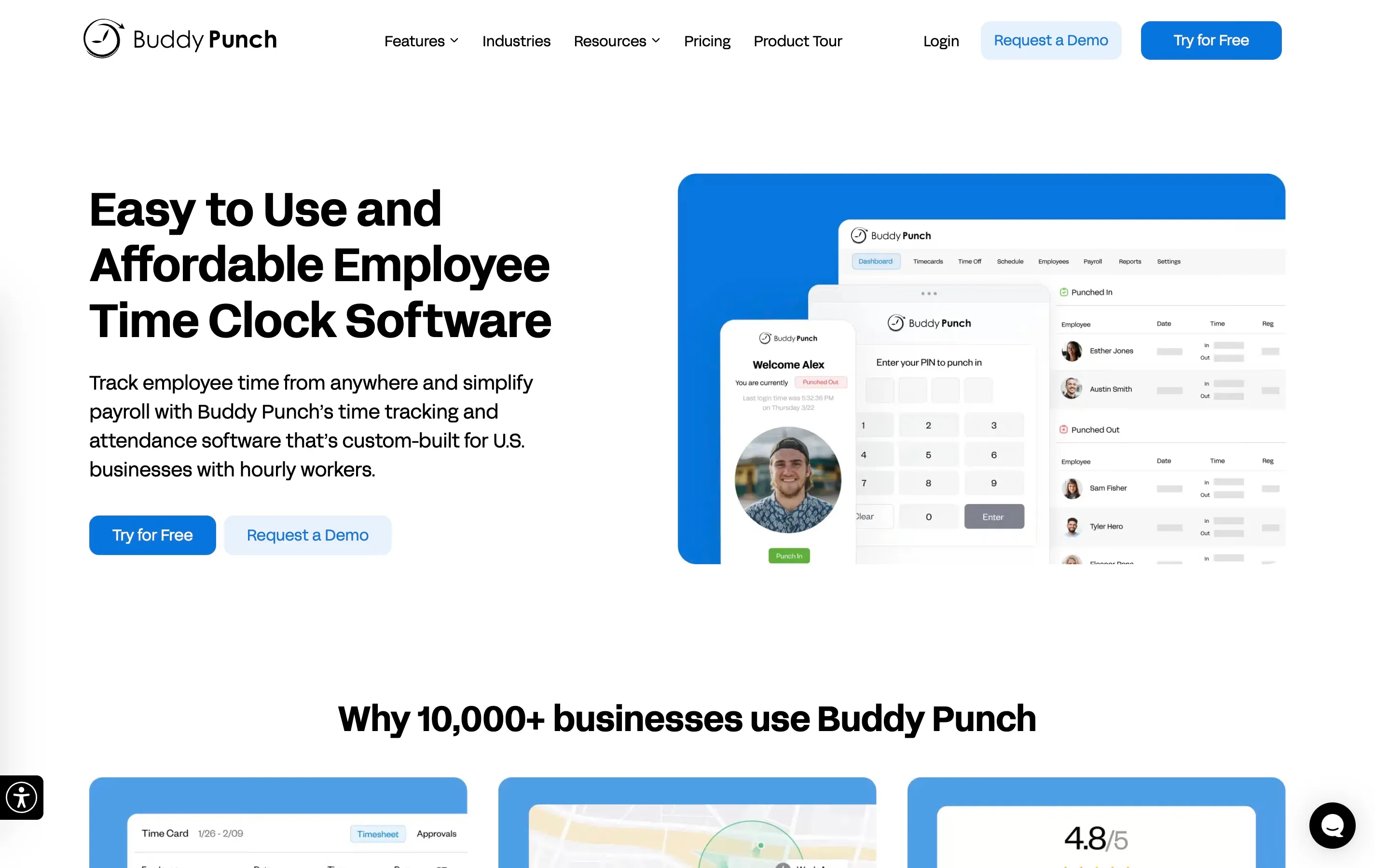
Best for: Construction, cleaning, and field service businesses that need strong time theft prevention.
Buddy Punch takes clock-in verification seriously. It offers GPS tracking, geofencing, facial recognition, photo verification, and IP address restrictions. If preventing buddy punching and time fraud is your top priority, this tool has the most options in that category.
- Pricing: From $5.49 per user per month plus a $19 base fee
- Key features: GPS tracking, facial recognition, geofencing, PTO tracking, payroll integrations
- Standout: The most comprehensive identity verification options for clock-ins
7. Toggl Track
Best for: Professional services and agencies that want simple time tracking without surveillance.
Toggl Track takes the opposite approach from Hubstaff. There are no screenshots, no keystroke logging, and no activity monitoring. It focuses on accurate time tracking with clean reports. The interface is polished and the integrations list is long. It is more suited to project-based work than shift-based work, though.
- Pricing: Free for up to 5 users; paid plans from $9 per user per month
- Key features: One-click timers, project tracking, 100+ integrations, detailed reports
- Standout: Privacy-first approach with zero employee surveillance features
8. When I Work
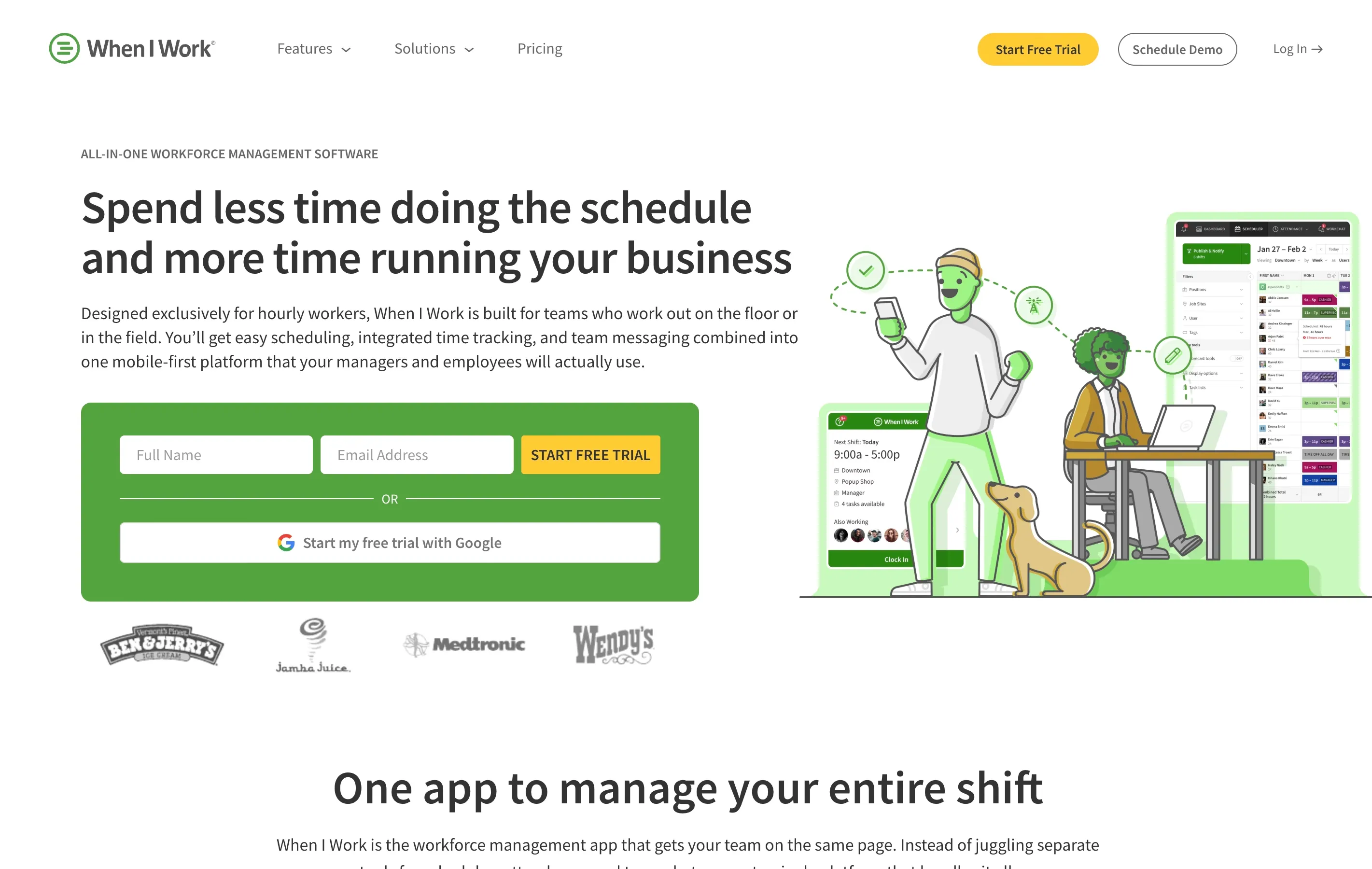
Best for: Businesses that prioritize scheduling and need time tracking as a secondary feature.
When I Work started as a scheduling app and added time tracking later. The scheduling features are excellent, with shift swapping, availability management, and labor cost forecasting. Time tracking works well but is more basic than dedicated tools.
- Pricing: From $2.50 per user per month for scheduling; time tracking is an additional $1.50 per user per month ($4 per user total)
- Key features: Shift scheduling, time clock, shift swapping, team messaging, labor cost tracking
- Standout: Best-in-class scheduling experience with a time clock that covers the basics
9. Deputy
Best for: Multi-location businesses that need demand-based scheduling alongside time tracking.
Deputy combines AI-powered scheduling with time tracking and compliance tools. It can forecast staffing needs based on sales data, foot traffic, or weather, which is useful for restaurants and retail. The time clock includes facial recognition and geofencing.
- Pricing: From $5 per user per month for Lite (or $6.50 for the Core scheduling + time tracking plan)
- Key features: AI scheduling, time clock, compliance management, demand forecasting, payroll integrations
- Standout: Demand-based scheduling helps you staff the right number of people at the right times
10. Flowace
Best for: Small businesses that want AI-powered time tracking at the lowest possible price.
Flowace offers automatic time tracking with AI-based productivity insights at $1.99 per user per month, making it one of the most affordable paid options available. It captures time automatically in the background, so team members do not have to remember to start and stop timers.
- Pricing: From $1.99 per user per month
- Key features: Automatic time tracking, productivity analytics, project tracking, integrations
- Standout: Lowest price point among paid alternatives with automatic tracking
11. My Hours
Best for: Service businesses and consultants who want simple time tracking with client billing features.
My Hours keeps things clean and focused. There is one paid plan with all features included, no tier confusion, and no feature gating. It is designed for teams that need to track hours for projects and clients rather than monitor employee behavior. The reporting tools make invoicing and client billing straightforward.
- Pricing: Free for up to 5 users; $8 per user per month for the Pro plan
- Key features: Project time tracking, client billing, reporting, team management, invoicing
- Standout: Single paid tier with everything included eliminates upgrade pressure

Quick Comparison Table
| Tool | Starting Price | Free Plan | GPS Tracking | Scheduling | Best For |
|---|---|---|---|---|---|
| ShiftFlow | $2.50/user/mo | Yes | Yes | Yes | Shift-based teams |
| Apploye | $4.50/user/mo | Yes (10 users) | Yes | Yes | Remote and hybrid |
| Connecteam | $29/mo (30 users) | Yes (10 users) | Yes | Yes | Field service |
| Clockify | $3.99/user/mo | Yes (unlimited) | Paid only | No | Budget teams |
| Homebase | $24.95/location/mo | Yes (1 location) | Yes | Yes | Single-location retail |
| Buddy Punch | $5.49/user/mo + $19 | No | Yes | Yes | Time theft prevention |
| Toggl Track | $9/user/mo | Yes (5 users) | No | No | Agencies |
| When I Work | $4/user/mo* | No | Yes | Yes | Schedule-first teams |
| Deputy | $5/user/mo | No | Yes | Yes | Multi-location |
| Flowace | $1.99/user/mo | Yes | No | No | Lowest price |
| My Hours | $8/user/mo | Yes (5 users) | No | No | Client billing |
Best For Summary
- Tightest budget: Clockify (free unlimited users) or Flowace ($1.99 per user per month)
- Restaurants and retail: ShiftFlow or Homebase
- Construction and field crews: Buddy Punch or Connecteam
- Scheduling plus time tracking: When I Work or Deputy
- Remote and hybrid monitoring: Apploye
- Privacy-conscious teams: Toggl Track or My Hours
- Small teams under 10 people: Connecteam (free plan)
- Healthcare and multi-location: Deputy or ShiftFlow
How to Make the Switch
Switching time tracking tools does not have to be painful. Here is a simple process:
- Export your data. Download timesheets and reports from Hubstaff before canceling.
- Start a free trial. Most alternatives offer 14-day trials. Test with a small group first.
- Set up payroll integration early. Connect your new tool to your payroll system before go-live so the first pay run goes smoothly.
- Train your team. A five-minute walkthrough is usually enough for simpler tools. Send a quick message explaining what is changing and why.
- Run both tools in parallel. Overlap for one pay period if possible to catch any gaps.
Final Thoughts
Hubstaff is a capable platform, but its pricing structure, monitoring-heavy approach, and feature complexity make it a poor match for many small businesses. If your team works shifts, operates in the field, or simply needs a faster way to clock in and run payroll, one of the alternatives above will likely save you money and frustration.
The right pick depends on your industry, team size, and budget. Start with a free plan or trial, test it with your team for a week, and pay attention to how quickly people adopt it. The best time tracking tool is the one your team actually uses.
For more help choosing the right platform, read our full breakdown of the best time clock software for small businesses.
- hubstaff-alternatives
- time-clock-software
- time-tracking
- small-business
- employee-monitoring