Best Time Tracking Software with Payroll Integration (2026)
Compare the best time tracking tools that sync directly with payroll providers. Learn which features matter most and how to eliminate manual timesheet exports for good.

Every pay period, thousands of small business owners sit down to do the same tedious task: pull hours from one system, reformat them in a spreadsheet, and manually enter the totals into their payroll software. It takes time, it introduces errors, and it delays paychecks when something does not match up.
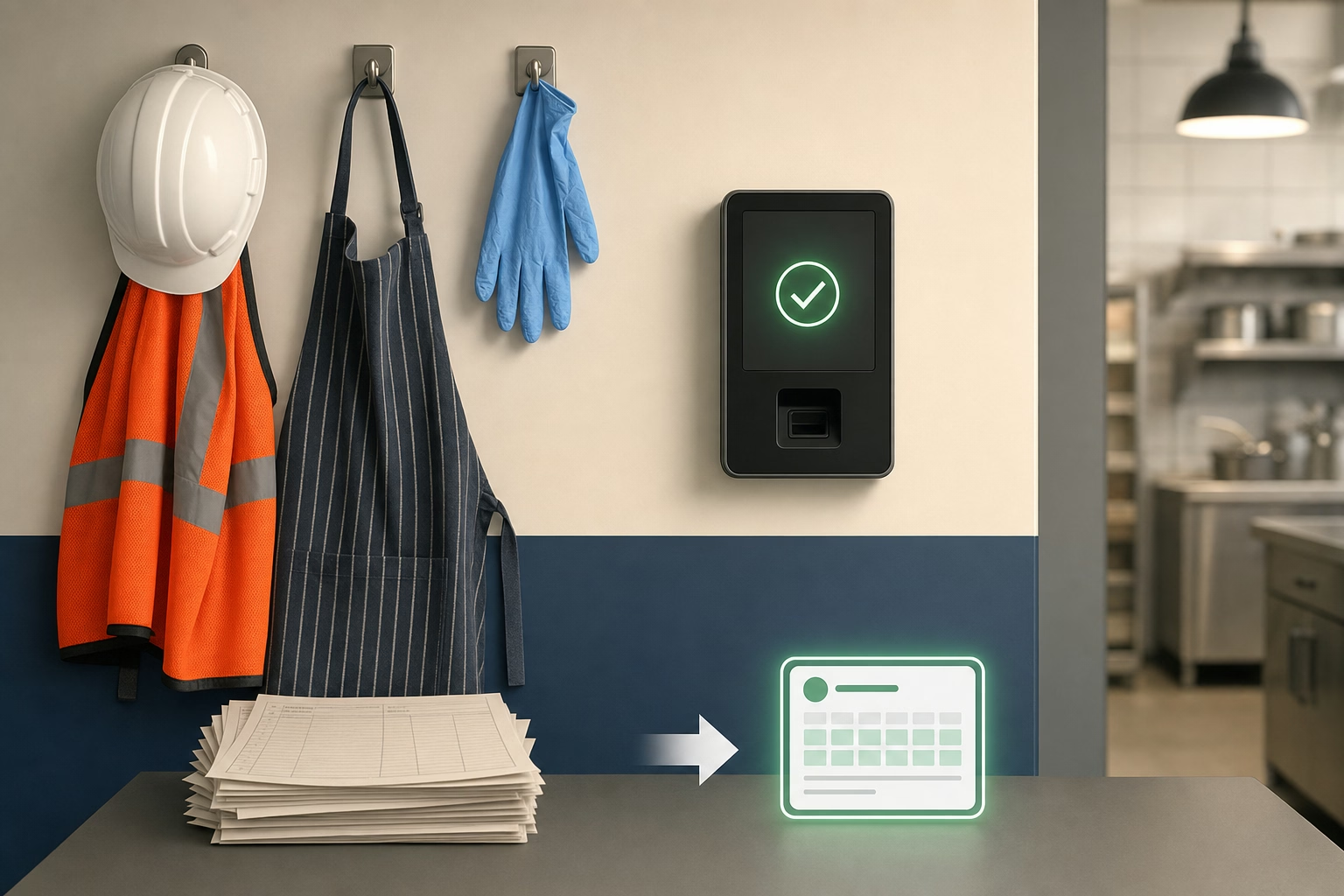
The fix is straightforward. Time tracking software that integrates directly with your payroll provider eliminates the manual handoff entirely. Team members clock in and out, the system calculates hours and overtime, and approved totals flow into payroll with a few clicks.
But not every integration works the same way. Some tools offer a direct API connection that syncs in real time. Others export a CSV file you upload yourself. The difference matters when you are running payroll for 15 team members every two weeks and cannot afford a mismatched pay period or a missed overtime calculation.
This guide breaks down what to look for in a time tracking and payroll integration, compares the top tools available in 2026, and helps you pick the right fit for your business.
Why Payroll Integration Matters for Small Businesses
Manual time-to-payroll workflows create three recurring problems:
Data entry errors. The American Payroll Association estimates that manual payroll processes have an error rate between 1% and 8% of total payroll. For a business spending $30,000 per month on labor, even a 2% error rate means $600 in overpayments or underpayments every month.
Wasted admin time. Owners and office managers in service businesses often spend 3—5 hours per pay period reconciling timesheets and entering data. That is time pulled away from scheduling, customer service, or actually running the business.
Compliance risk. When hours are manually transferred, overtime calculations, break deductions, and pay rate differentials can slip through the cracks. An incorrect overtime total is not just a bookkeeping issue. It is a wage-and-hour violation.
A direct integration between your time clock and payroll system solves all three problems by keeping one clean data pipeline from clock-in to paycheck.
What to Look For in a Payroll Integration
Not all integrations are created equal. Before you commit to a tool, check for these five capabilities:
1. Direct Sync vs. CSV Export
A direct sync pushes approved hours into your payroll provider automatically. A CSV export requires you to download a file, check the formatting, and upload it manually. Direct sync saves more time and reduces errors. CSV export is better than nothing, but it still leaves room for mistakes.
2. Supported Payroll Providers
Make sure the time tracking tool connects to the payroll service you already use. The most common providers for small businesses include Gusto, QuickBooks Payroll, ADP Run, Paychex Flex, and Square Payroll. If you use a niche or regional provider, ask about API access or custom export formatting.
3. Overtime and Pay Rate Handling
Your time tracking tool should calculate overtime before sending data to payroll, not after. Look for support for weekly overtime, daily overtime (required in California and a few other states), and multiple pay rates for team members who work different roles or job sites.
4. Approval Workflow
A good integration includes a manager approval step between raw time data and the payroll sync. This gives you a chance to review edits, resolve missed punches, and confirm totals before they become paychecks.
5. Pay Period Alignment
The tool should match your payroll schedule, whether that is weekly, biweekly, semi-monthly, or monthly. Misaligned pay periods create partial-week calculations that lead to overtime miscalculations and confused team members.
Best Time Tracking Tools with Payroll Integration
Here is a closer look at six tools that handle the time-to-payroll pipeline well for small and mid-size businesses in 2026.
ShiftFlow
ShiftFlow is built for shift-based teams in restaurants, cleaning, healthcare, landscaping, and similar industries. It connects directly with Gusto, QuickBooks Payroll, and ADP, pushing approved hours with overtime already calculated. The approval workflow lets managers review and correct timesheets before anything syncs. ShiftFlow also handles multiple pay rates for team members who work different positions, which is common in restaurants where someone might host one shift and serve the next. Pricing is seat-based at $5.99/seat/month or $60.00/seat/year.
Best for: Shift-based small businesses that need GPS time tracking and clean payroll exports without a complicated setup.
Homebase
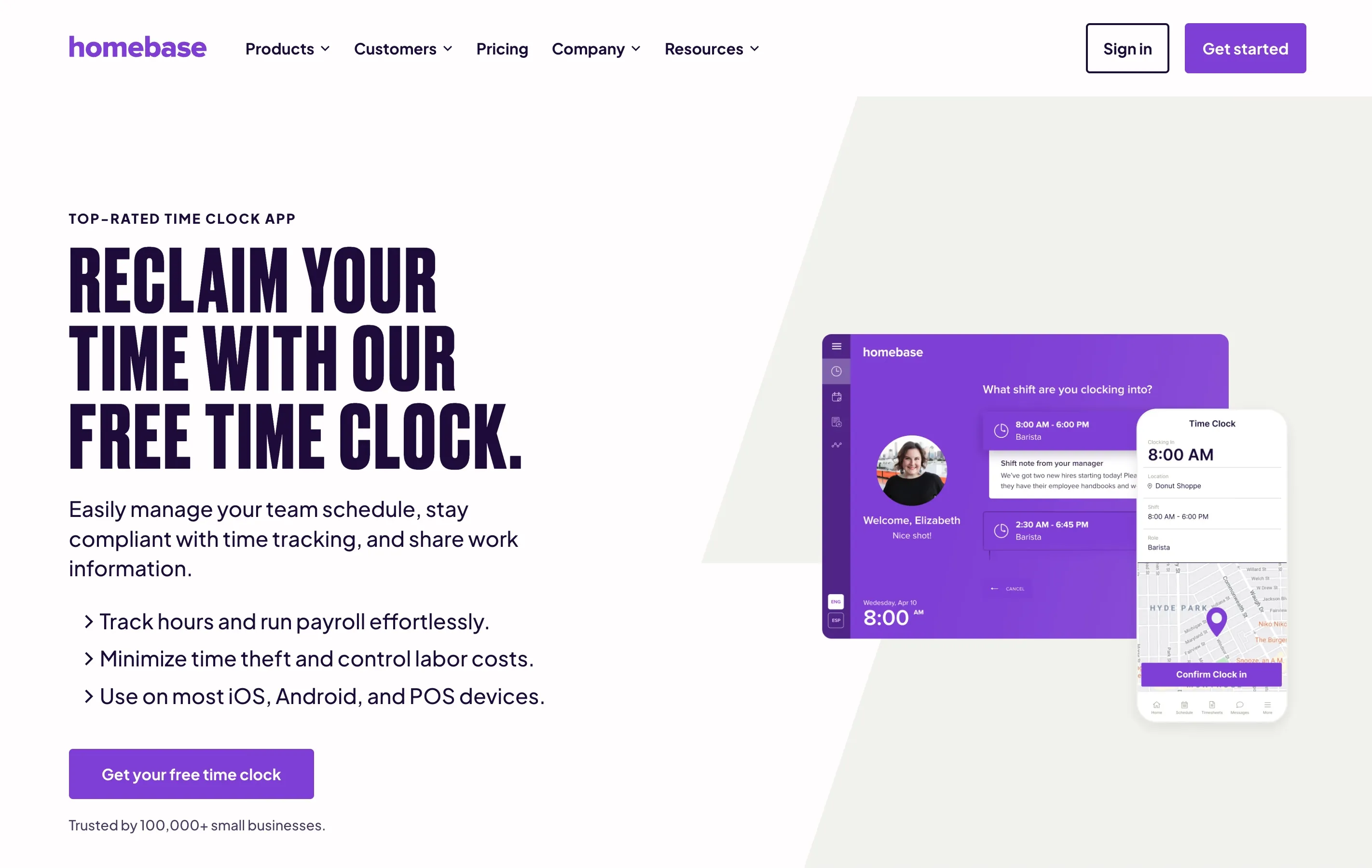
Homebase offers a free tier that includes basic time tracking and integrates with Gusto, QuickBooks, ADP, Paychex, and Square Payroll. The free plan covers one location and up to 20 team members, making it a solid starting point for single-location businesses. Paid plans add advanced scheduling and labor cost controls. The payroll sync is straightforward, but the free tier limits some overtime and compliance features.
Best for: Single-location retail or food service businesses looking for a free starting point.
Deputy
Deputy is a workforce management platform that pairs scheduling with time tracking and payroll integration. It connects to most major payroll providers and handles complex award interpretation rules, which makes it popular in industries with detailed pay structures. The platform also offers demand-based scheduling and compliance tracking. Pricing starts at $5 per user per month on the Lite plan.
Best for: Businesses with complex scheduling needs and detailed pay rules across multiple locations.
Connecteam
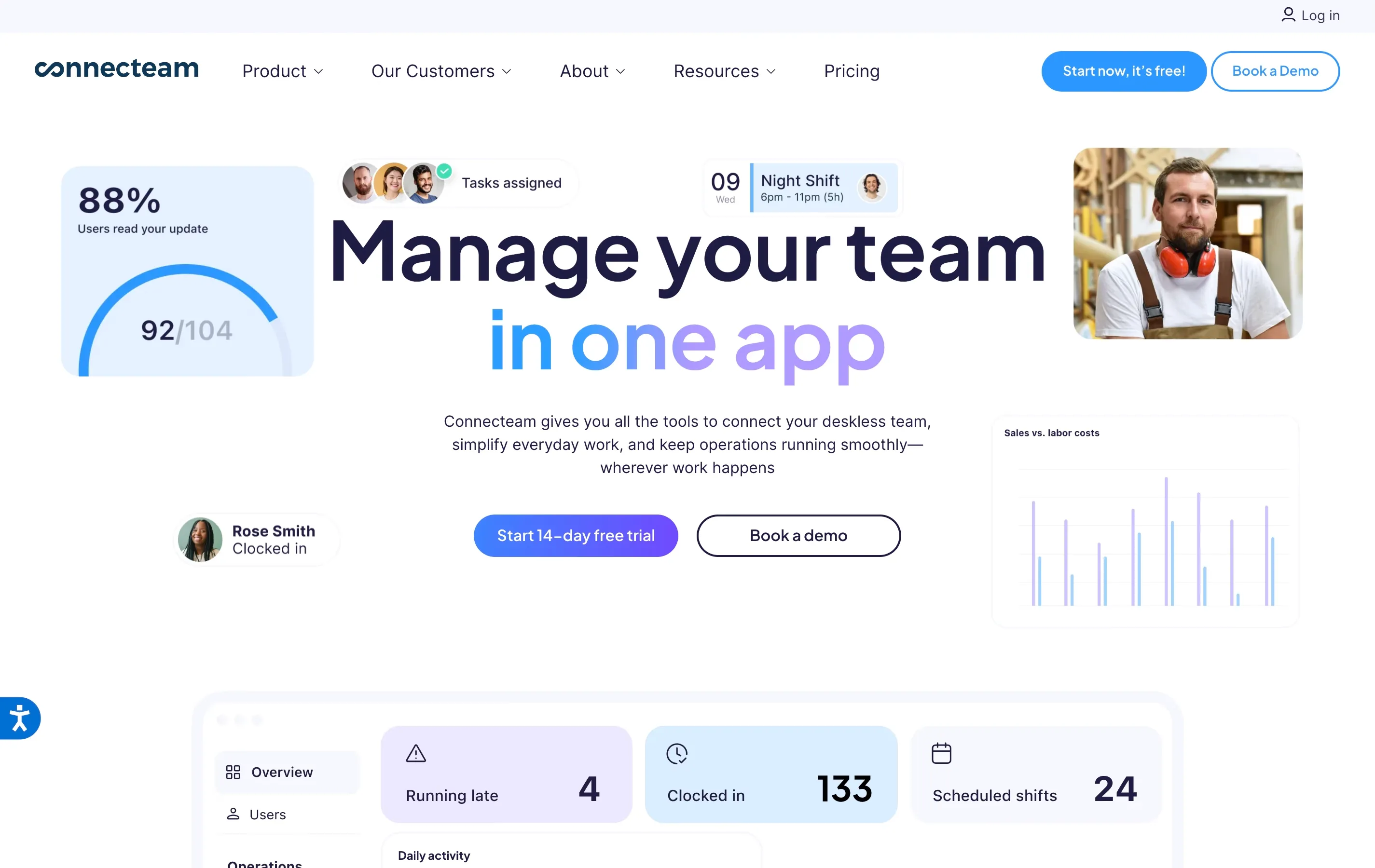
Connecteam targets deskless and field teams with a mobile-first time clock, GPS tracking, and integrations with Gusto, QuickBooks Online, ADP, Paychex, and Xero. The platform goes beyond time tracking to include communication tools, checklists, and training modules. Its payroll export is reliable, though the breadth of features can make the initial setup more involved. The free plan covers up to 10 users.
Best for: Field service teams (cleaning, landscaping, construction) that want an all-in-one operations app.
QuickBooks Time (formerly TSheets)
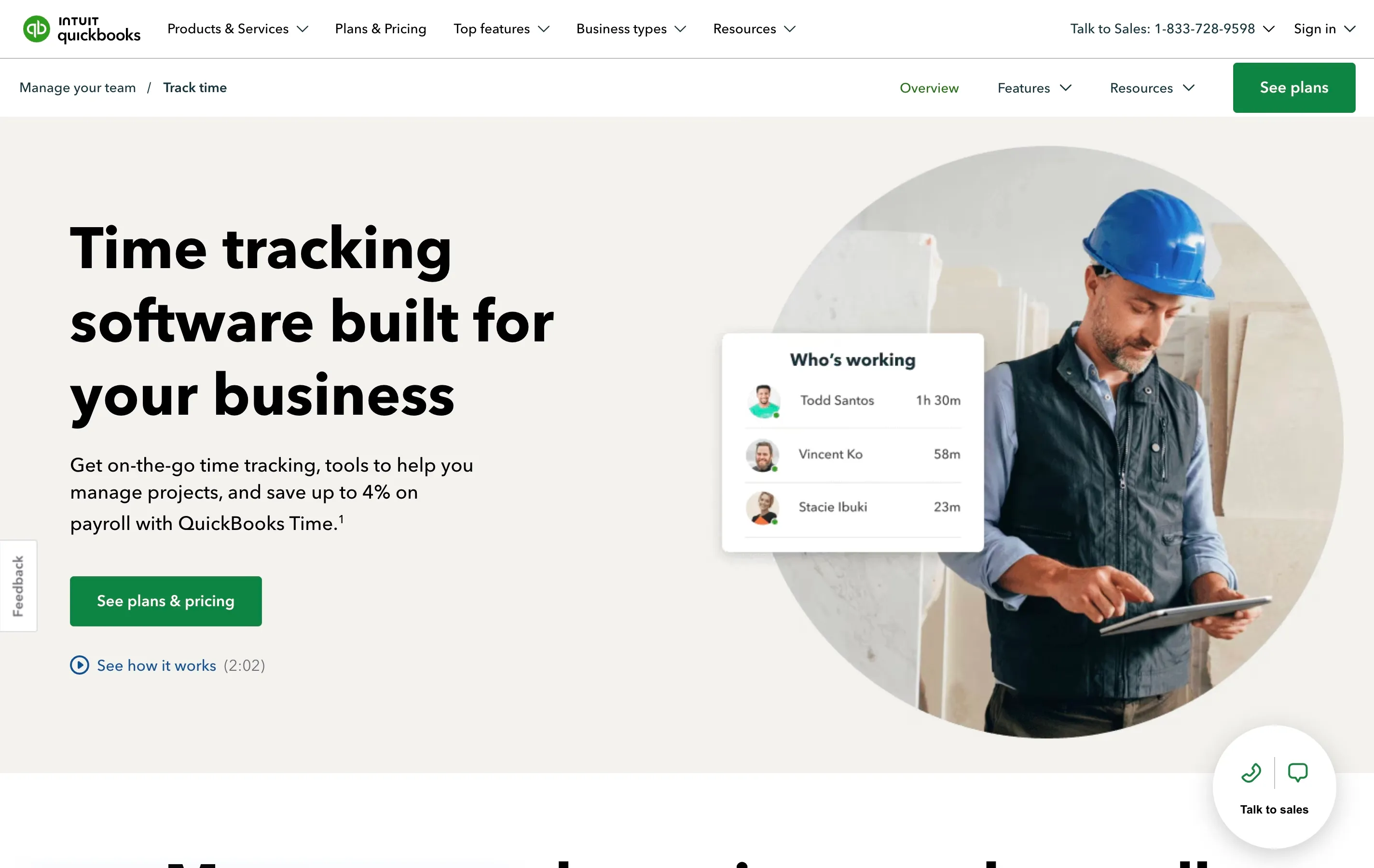
QuickBooks Time is the obvious choice for businesses already running QuickBooks for accounting and payroll. The integration is native and seamless since both products are owned by Intuit. Team members clock in via mobile or kiosk, and hours flow directly into QuickBooks Payroll with no export step. The trade-off is price: it starts at $8 per user per month plus a $20 base fee, which adds up quickly for larger teams.
Best for: Businesses already using QuickBooks Payroll that want a zero-friction integration.
Field teams that do not need to keep time inside the Intuit ecosystem can compare our QuickBooks Time alternatives.
Buddy Punch
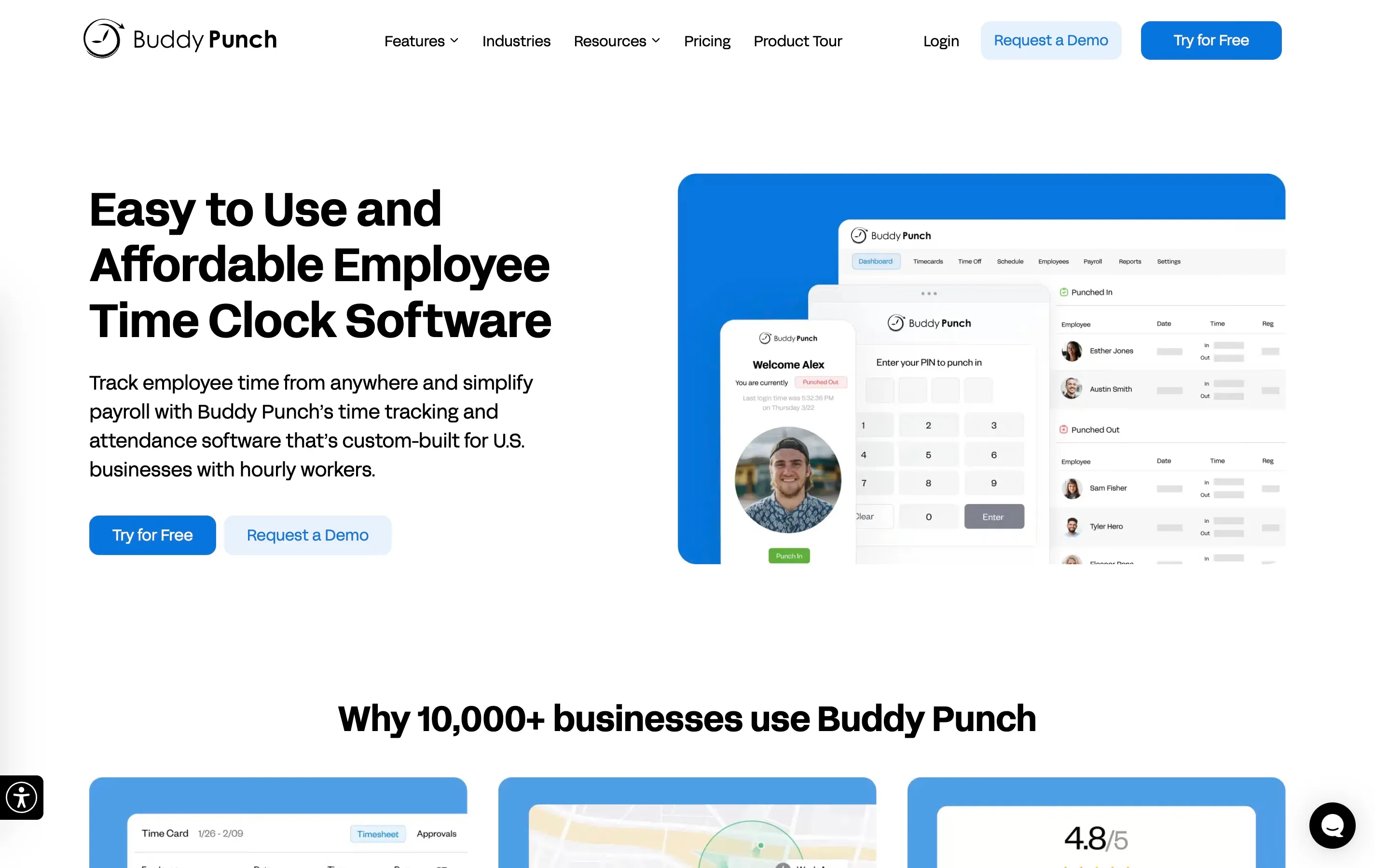
Buddy Punch is a straightforward time clock with integrations for QuickBooks, ADP, Gusto, Paychex, and Paylocity. It supports facial recognition and IP address restrictions for clock-ins, which helps prevent buddy punching in on-site environments. The payroll integration pushes calculated hours directly to your provider. Pricing starts at $5.49 per user per month with a $19 base fee.
Best for: On-site teams that need strong punch verification and a simple payroll connection.
Side-by-Side Comparison
| Feature | ShiftFlow | Homebase | Deputy | Connecteam | QuickBooks Time | Buddy Punch |
|---|---|---|---|---|---|---|
| Starting price | $5.99/seat/mo | Free | $5 | Free (10 users) | $8 + $20 base | $5.49 + $19 base |
| Direct payroll sync | Yes | Yes | Yes | Yes | Yes (native) | Yes |
| Gusto | Yes | Yes | Yes | Yes | Yes | Yes |
| QuickBooks Payroll | Yes | Yes | Yes | Yes | Native | Yes |
| ADP | Yes | Yes | Yes | Yes | No | Yes |
| Overtime auto-calc | Yes | Paid plans | Yes | Yes | Yes | Yes |
| Multiple pay rates | Yes | Paid plans | Yes | Yes | Yes | Yes |
| GPS tracking | Yes | Paid plans | Yes | Yes | Yes | Yes |
| Manager approval step | Yes | Yes | Yes | Yes | Yes | Yes |
| Free plan available | No | Yes | No | Yes (10 users) | No | No |

How to Choose the Right Tool
The comparison table narrows the field, but the right pick depends on your specific situation. Here are a few quick guidelines:
Already using QuickBooks for everything? QuickBooks Time gives you a native integration with zero configuration. It costs more per user, but the payroll sync is as close to automatic as it gets.
Running a single location on a tight budget? Homebase’s free tier covers basic time tracking and payroll export for up to 20 team members at one site. Upgrade when you need overtime compliance features.
Managing field crews across job sites? Connecteam or ShiftFlow give you GPS tracking and mobile clock-ins alongside payroll sync. Connecteam adds operational tools like checklists and messaging. ShiftFlow keeps the focus on time tracking and scheduling without bundling in broader operations modules.
Need complex pay rules or multi-location management? Deputy handles award interpretation and detailed pay structures better than most competitors.
For a broader look at time clock options beyond payroll integration, see our full comparison of the best time clock software for small businesses.
Setting Up Your Integration: What to Expect
Once you pick a tool, the setup process typically takes 30 minutes to an hour. Here is what most implementations look like:
-
Connect your payroll account. You will authorize the time tracking tool to access your payroll provider via OAuth or an API key. Most tools walk you through this with a guided setup wizard.
-
Map team members. Match each team member in your time clock to their corresponding record in payroll. Some tools do this automatically by email address.
-
Set pay rules. Configure overtime thresholds, pay rates, and any state-specific rules (like California daily overtime or mandatory break deductions).
-
Align pay periods. Make sure the time tracking system uses the same pay period schedule as your payroll provider. Misaligned periods are the most common source of sync errors. An invoice generator can also help streamline billing and keep payment records organized.
-
Run a test cycle. Before your first live payroll, run a test sync and compare the output against your manual calculations. Catch any mapping or rate issues before they affect paychecks.
Common Pitfalls to Avoid
Even with a solid integration, a few mistakes can create headaches:
- Skipping the approval step. Sending unapproved hours straight to payroll means missed punches and time-off errors land directly on paychecks. Always review before syncing.
- Ignoring timezone settings. If your team works across time zones or your business is near a zone boundary, confirm that the time clock and payroll system use the same timezone reference.
- Forgetting to update rates. When a team member gets a raise, update the rate in both systems. Some integrations sync rates automatically; others require a manual update on each side.
- Not reconciling the first few cycles. Trust but verify. Spot-check your first three or four payroll runs against the raw time data to make sure everything matches.
Conclusion
The gap between time tracking and payroll is where small businesses lose hours of admin time and accumulate costly errors. Closing that gap with a direct integration is one of the highest-return operational upgrades you can make, especially if you are still copying numbers between spreadsheets and payroll screens.
Start by matching your payroll provider to the tools that support it, then narrow your choice based on team size, budget, and the features that matter most to your industry. If you are still evaluating your core time clock software, sort that decision first. The payroll integration will follow naturally once you have the right foundation in place.
- payroll-integration
- time-tracking
- time-clock-software
- small-business
- payroll