Can I Still Add FAQs to Google Business Profile?
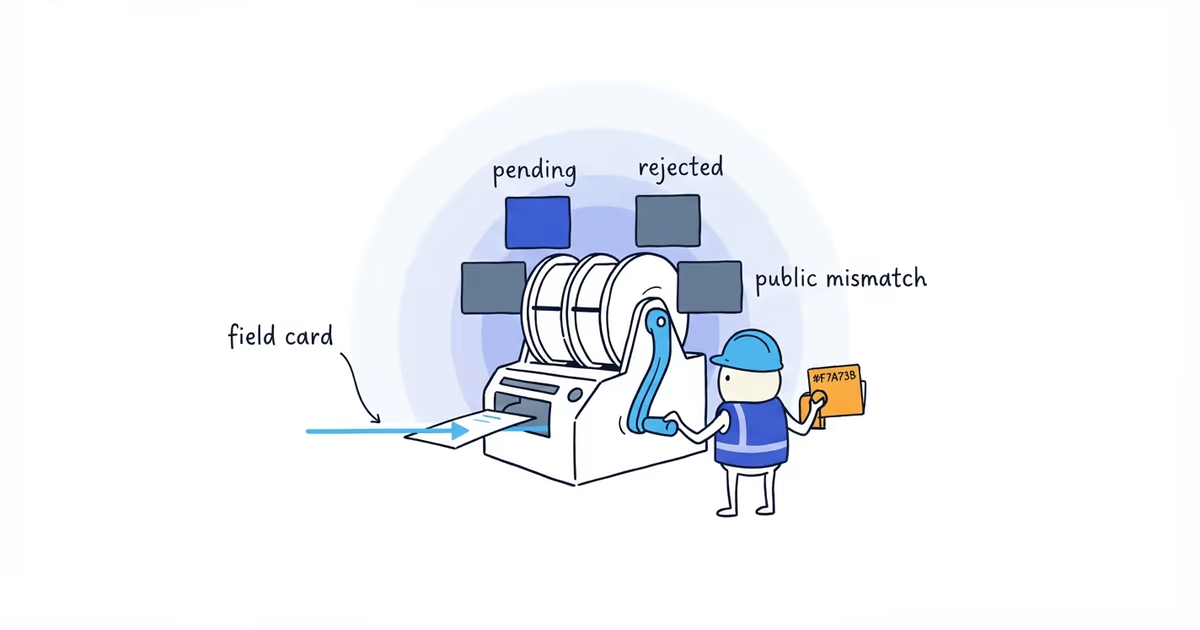
Check the current status of Google Business Profile Q&A, preserve useful answers, and move each FAQ to the profile field or website page that can keep it accurate.
Last checked: July 21, 2026
Do not treat Q&A as a dependable owner-managed FAQ field. Open the profile in Search and Maps the way a customer would; if Q&A is absent, ignore old tutorials.
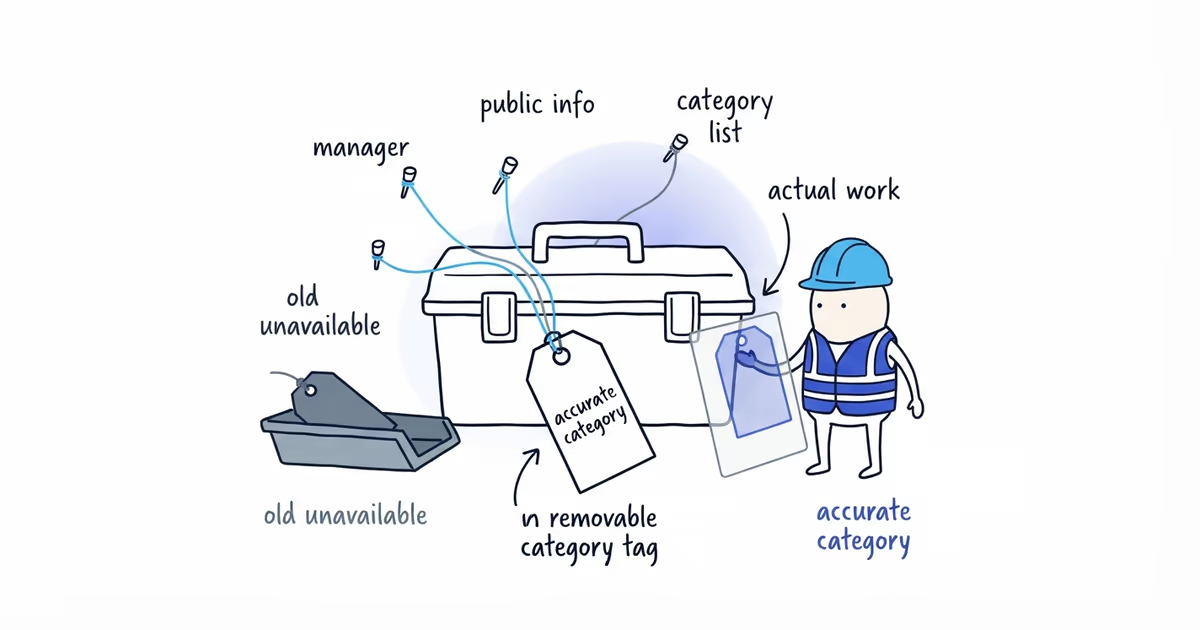
Put each important answer where a customer expects to find it and where the business can keep it current: Services, special hours, a timely Post, the relevant website page, or a direct message when Chat is available.
What Google confirmed about Business Profile Q&A
Google discontinued the My Business Q&A API on November 3, 2025. API users can no longer read or post Q&A through it.
Google said it was updating the Q&A experience. The API ended, but that does not prove the public feature changed identically for every profile and device on one date.
Check Search and Maps while signed out or from an account that does not manage the business. Note the date and whether Q&A appears. Only give your team instructions for asking, upvoting, or answering questions if those controls are actually present now.
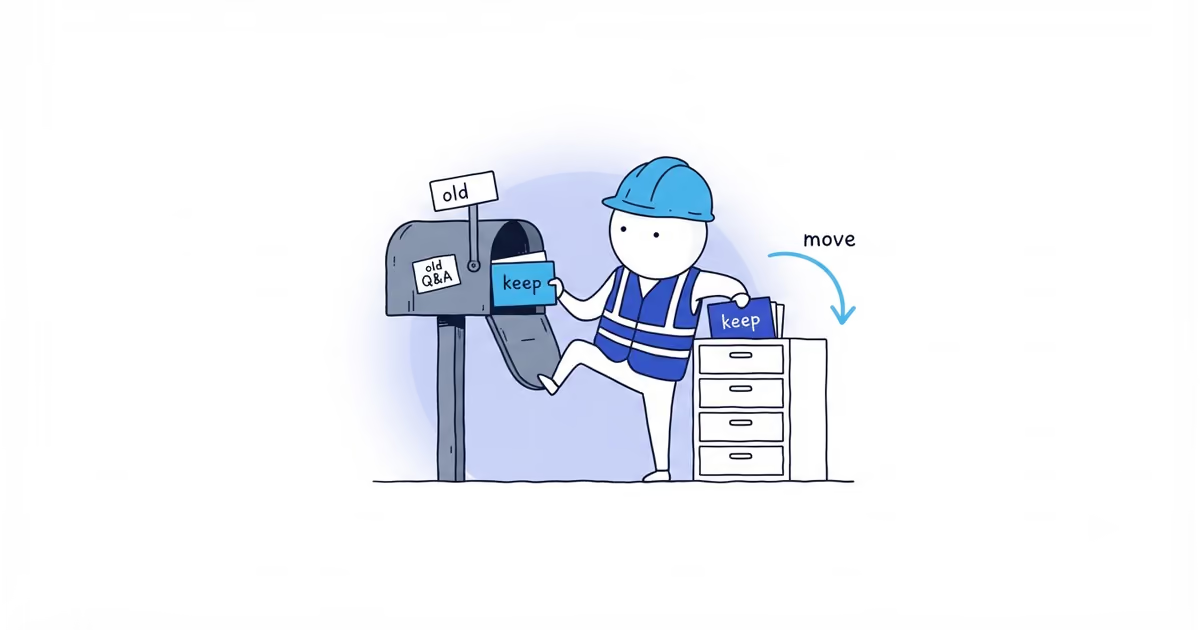
Save old Google Business Profile answers
Make one working list with:
- Customer question
- Current approved answer
- Person responsible for accuracy
- Source or operational rule behind the answer
- New destination
- Review date
This keeps useful information from disappearing or being copied into five places with no owner.
Where Google Business Profile FAQ answers belong
| Customer question | Where the answer should live | Review trigger | Do not force it into |
|---|---|---|---|
| Do you provide this service? | GBP Services plus the matching website service page | Service added, changed, or removed | A temporary Post alone |
| Do you serve my location? | Accurate GBP service area plus clear website coverage | Coverage changes | A claim that every selected city will rank |
| Are you open on a holiday? | GBP special hours | Each holiday or temporary schedule change | A FAQ answer that leaves hours wrong |
| Is this offer still available? | Dated Google Post and matching booking or landing page | Offer dates, terms, or capacity change | The business description |
| What does the service include? | Relevant website service page | Scope, exclusions, warranty, or process changes | A short profile field that cannot explain it |
| What is the exact price? | Pricing inputs plus quote or booking path | Pricing model changes | A universal number when the job needs assessment |
Choose the location based on how long the answer stays true and what the customer needs to do next. Do not copy every answer into every field.
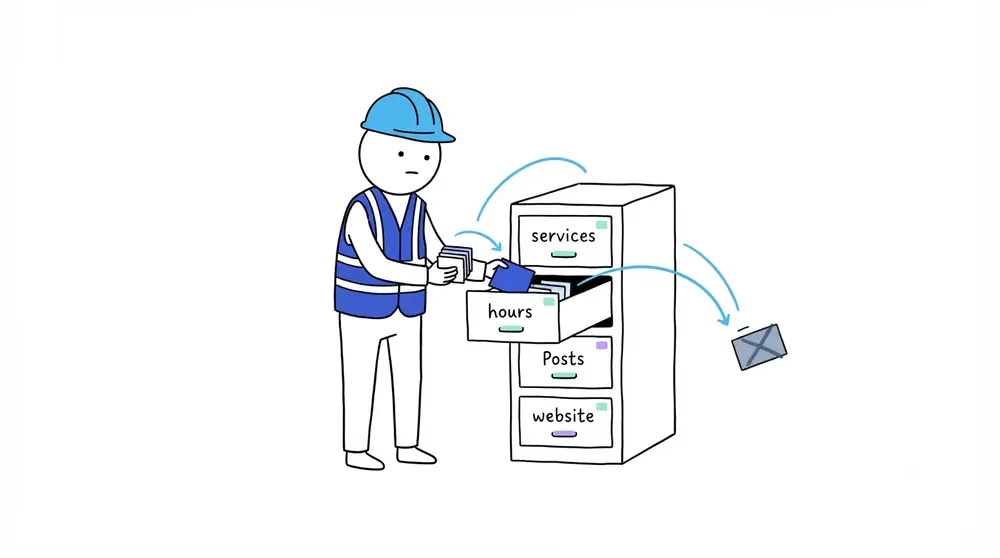
Which profile field should hold each FAQ
Services can confirm the work offered. The matching website page can explain inclusions, exclusions, and process.
Service areas show where the business normally works. They do not guarantee ranking in every selected city. Use the service-area setup guide when the settings are wrong.
Special hours own holiday and temporary opening changes. A Post may call attention to a change, but the hours field still needs to be correct.
Posts work for time-limited offers, Events, and current Updates. They are not a durable home for warranties, permanent service scope, or every common question. Use the contractor Post builder for timely copy.
Messaging can handle one customer’s situation when Chat is available. It is not a public FAQ library. The text and WhatsApp guide covers setup and reply ownership.
HVAC contractor FAQ example
An HVAC contractor’s office manager leaves, and nobody owns the four old Q&A answers she used to maintain. The owner saves the current wording, checks it against today’s operation, and moves each answer to one clear place:
Do you provide emergency repair?goes into the accurate Services list and the emergency-repair website page.Are you open on the bank holiday?goes into special hours.Do you serve Westfield?is checked against the real service-area settings and website coverage explanation, without promising a Westfield Maps position.What is included in the maintenance plan?goes to the maintenance-plan page, where inclusions and exclusions fit.
None of those answers belongs in the business description. A seasonal maintenance offer could use a dated Post, but the permanent maintenance scope stays on the service page. The owner also assigns the office role, rather than one named employee, to review the list each quarter.
Do Google Business Profile FAQs improve ranking?
Moving an answer to Services, Posts, or the website does not guarantee an AI citation, a Google Maps ranking, or a lead. Do it because the answer stays accurate and customers can find it where they expect it.
Reviews are not an FAQ field. Do not ask customers to repeat business claims; reviews should reflect their real experience.
Recheck the live profile whenever Google changes Q&A, Services, Posts, special hours, Chat, or the profile editor. A date at the top of a tutorial is not enough; somebody on the team still needs to check what customers can actually see.
You are done when you have dated what customers can see, saved any useful old answers, given every important question one clear home, and removed obsolete instructions from the team’s process.
Frequently asked questions
Did Google remove Questions & Answers from every Business Profile?
Google confirmed that the Q&A API ended on November 3, 2025, but that alone does not prove one identical public result for every profile. Check what a customer sees now and date the observation.
Should I put all FAQs in Google Posts?
No. Use Posts for timely Updates, Offers, and Events. Durable service scope, coverage explanations, and pricing conditions usually need Services or the relevant website page.
Can I put FAQs in my business description?
Do not turn the description into a list of questions and answers. Use it to describe the business, then place each detailed answer in the surface that owns that information.
Sources
- google-business-profile
- profile-faqs
- google-questions-and-answers
- profile-services
- local-seo
- home-services