Do Google Business Profile Photos Help You Rank Higher on Google Maps?
Separate what Google confirms about Business Profile photos from unsupported ranking claims. Use real job photos for customer proof without relying on counts, filenames, or geotags.
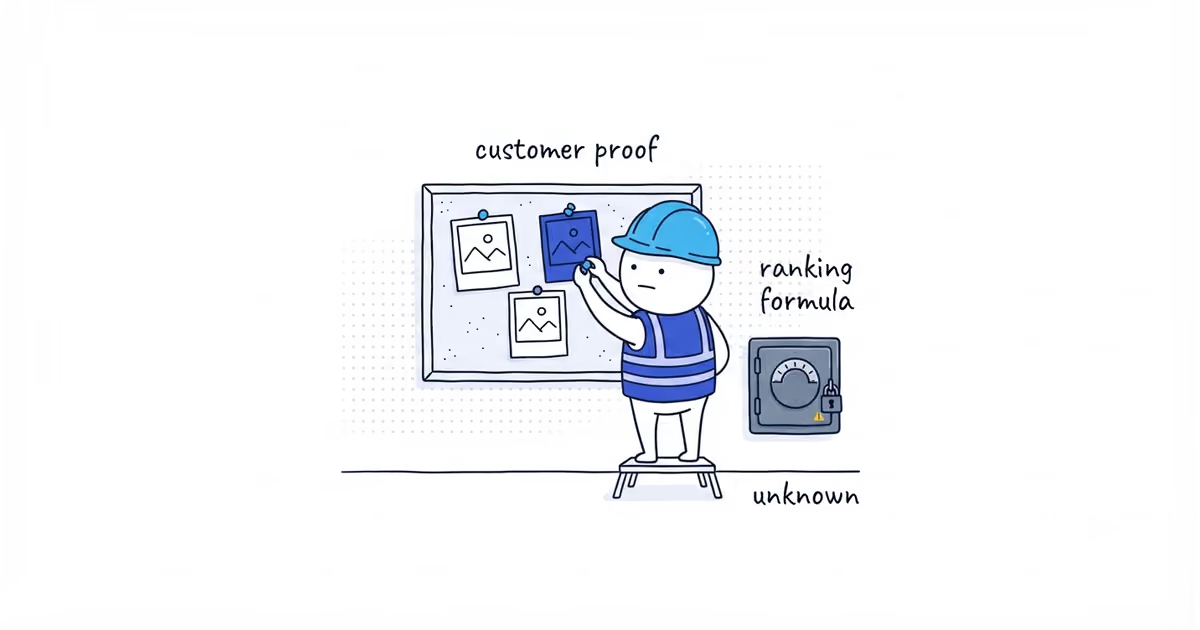
Add authentic photos, but do not spend hours chasing photo “ranking hacks.” Google has not published a photo count, upload schedule, file-name pattern, or geotag formula that raises Google Maps ranking.
Use that time to show real work clearly. Google recommends photos and videos because they help people understand the business and help the profile stand out. That is useful even when the Maps position does not move.
What Google says about Business Profile photos and ranking
| Claim | What the evidence says | What to do |
|---|---|---|
| Google recommends relevant photos and videos | Google confirms this, but not a rank increase for each upload | Keep the profile accurate and easy for customers to judge |
| Local results use relevance, distance, and prominence | Google confirms this at a high level, without giving photos a weight | Improve what you control without pretending to know the formula |
| A fixed photo count or weekly schedule raises ranking | Google has not published this | Ignore magic thresholds |
| Geotagging job photos makes the business rank in that city | Not confirmed. One practitioner test found no reliable broad benefit | Do not mass-edit photo metadata as a ranking tactic |
| Strong photos may help customers choose the business | Real customer value, but not proof of a particular Maps position | Publish credible work and track customer actions separately |
The distinction matters because Google recommends it, a consultant observed it, and it is a proven ranking factor are three different claims.
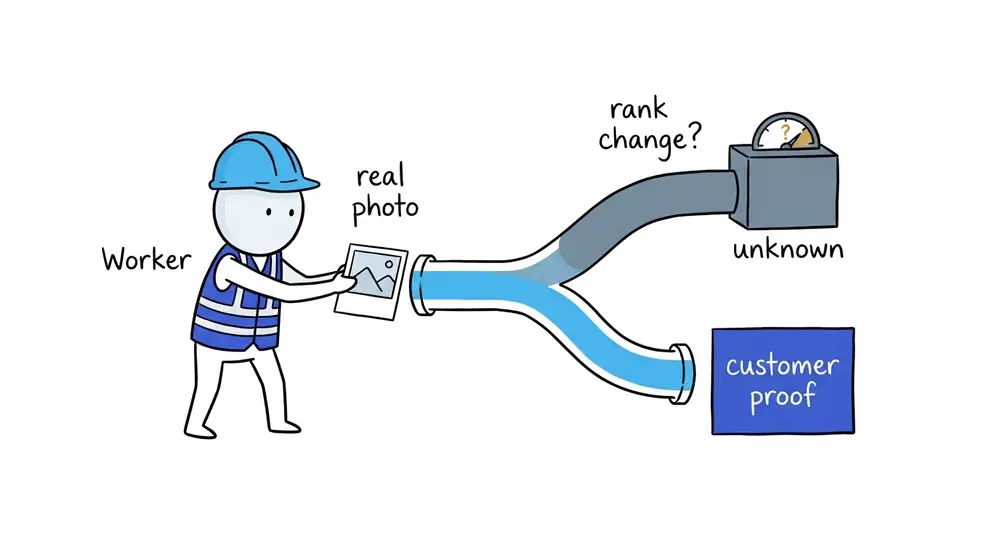
How Google Maps ranking works
Google says local results are mainly based on relevance, distance, and prominence, which its current page also describes as popularity.
- Relevance: How well the profile matches the search.
- Distance: How far the business is from the searcher or the location Google understands for that search.
- Prominence: How well known the business appears, using information such as links and reviews.
Google also recommends complete information, verification, accurate hours, review responses, and photos and videos. It does not reveal how much, if anything, an individual photo affects rank. Google also says a business cannot request or pay for a better organic local ranking.
Photos belong in a complete, truthful profile. They are not a replacement for the right category, a real operating location, reviews, or the wider prominence of the business.
Do geotagged photos improve Google Maps ranking?
A Search Engine Land article documented a test involving 27 lawn-care Google Business Profiles over approximately 10 weeks. Geotagged photos were added, and seven performance measures were observed.
Only one measure improved. The other measures showed no positive effect or declined. Based on those results, the author did not recommend mass geotagging as a ranking tactic.
That test is useful because it examined a specific repeated claim and reported an unfavorable result. It is not Google’s algorithm documentation.
The limits matter:
- The sample covered 27 profiles in one trade and campaign context.
- The period was roughly 10 weeks.
- Outside ranking and market changes could not all be controlled.
- The test did not provide access to Google’s internal image processing.
- A dated test cannot prove that geotagging will never affect any system in any future period.
The useful conclusion is narrow: nobody can responsibly promise that editing photo coordinates will make a service business rank in the photographed city.
Unconfirmed Google Business Profile photo ranking claims
Google does not publish a direct ranking formula for:
- Reaching a certain lifetime photo total
- Uploading every week
- Naming a file with the service and city
- Adding GPS coordinates to EXIF metadata
- Photographing a landmark
- Repeating a city in captions or Posts
Profiles with large galleries may also be older, busier, better known, better reviewed, or managed more carefully. A correlation between photo count and customer actions does not prove that adding photo 101 caused the calls.
How local job photos help customers choose
A real image from a local job can show the property types, materials, weather, or working conditions the team understands. A customer comparing two businesses may choose the one with clearer proof.
That customer value is different from the distance factor. The jobsite does not become a new business location because the image was taken there, and configured service areas do not guarantee ranking in every selected city. The service-area ranking guide explains that boundary in full.
What to do instead of geotagging photos
Imagine a painter has one hour available.
Option one is to rename 30 files and rewrite their GPS metadata. The business cannot show that this changes ranking, and the files still include duplicates and customer street numbers.
Option two is to select five distinct completed projects, confirm permission, remove private details, and publish the strongest truthful proof. That work improves what customers can inspect even if ranking does not move.
Choose option two. The photo-selection guide shows how to make those choices.
How to track photo results separately from rankings
Do not change photos, categories, services, website copy, and review activity in the same week, then credit a ranking change to the photos.
Where practical, make one meaningful change and compare complete periods with similar operating conditions. Record public visibility, relevant search terms, calls, website actions, qualified leads, and booked work. A one-week swing is not proof of a permanent effect.
The Google Business Profile lead-tracking guide explains how to connect profile activity with qualified leads and revenue.
Use photos because they make the profile accurate and make the work easier to judge. Use the Google Maps ranking guide for the complete relevance, distance, and prominence plan.
Frequently asked questions
Should I geotag Google Business Profile photos?
No. Do not mass-geotag photos as a ranking tactic. Google has not published such a formula, and the 27-profile test described above found no reliable broad benefit.
Do photo file names affect Google Maps ranking?
There is no published file-name formula for local ranking. Name files so your team can find the originals; do not buy into a city-and-keyword shortcut.
Can photos help me rank in a nearby city?
A photo taken in that city does not create a business location or remove Google’s distance factor. Real local work can reassure customers, but it does not guarantee ranking there.
Sources
- google-business-profile
- profile-photos
- google-maps-ranking
- photo-geotagging
- local-seo
- home-services