8 Best Security Guard Scheduling Apps (2026)
Compare 8 security guard scheduling and time tracking apps on post coverage, GPS verification, lone worker safety, reporting, and real pricing.

Security guard scheduling and time tracking is a harder problem than most vendors treat it as. A guard company isn’t just running a time clock — it’s filling every post, verifying that each patrol round actually happened at each checkpoint, keeping lone workers safe on overnight posts, filing daily activity reports clients will read without calling you, and splitting hours across multiple client sites into one overtime-compliant payroll record.
Generic time tracking apps cover only the first part of that. Security-specific platforms cover all of it but usually price themselves for enterprise dispatch operations. The middle ground — a small-to-mid guard company with 10 to 50 officers, a handful of client contracts, and no dedicated dispatcher — is where the picking gets interesting.
This guide compares 8 security guard scheduling and time tracking apps in 2026, scored on post coverage, guard tour verification, lone worker safety, DAR depth, client-facing reporting, multi-post overtime allocation, and the real monthly bill for a 25-guard company.
Best security guard scheduling and time tracking software at a glance
| Brand | Guard Tour Methods | Lone Worker Safety | Client Reporting Portal | Best For | Starting Price |
|---|---|---|---|---|---|
| ShiftFlow | GPS pin | — | Basic | Small to mid-sized guard companies wanting one flat price | $5.99/user/mo |
| TrackTik | NFC/QR/BLE/GPS | ✓ | Deepest | Mid-size to enterprise guard companies with client SLAs | Quote-based |
| Silvertrac | NFC/QR/GPS | ✓ | ✓ | Guard tour + lone worker + client reports in one | From $249/mo flat |
| Novagems | NFC/QR/GPS | ✓ | ✓ | End-to-end security platform for small-to-mid companies | Contact for quote |
| Deputy | GPS pin | ✗ | ✗ | Multi-post scheduling and overtime allocation | From $5/user/mo |
| Connecteam | GPS pin | Check-in | ✗ | Post orders, checklists, and training for deskless officers | Free up to 10; from $29/mo |
| When I Work | GPS pin | ✗ | ✗ | Small guard offices where scheduling is the real pain | From $2.50/user/mo |
| Buddy Punch | GPS pin | ✗ | ✗ | Compliance-heavy small companies with complex PTO | $5.49/user/mo + $19 base |
Scheduling fit at a glance
| Tool | Scheduling fit | Best scheduling scenario |
|---|---|---|
| ShiftFlow | Shift, team member, and site assignment | Small and mid-sized teams covering several posts |
| TrackTik | Dispatch-led workforce scheduling | Complex contracts with dedicated dispatch |
| Silvertrac | Guard-tour-first operations | Patrol workflows where tours drive the schedule |
| Novagems | End-to-end security operations | Teams wanting scheduling inside a security suite |
| Deputy | Scheduling and compliance first | Overtime, break, and multi-post rule enforcement |
| Connecteam | Scheduling plus tasks and post orders | Deskless teams that manage work in one app |
| When I Work | Scheduling-first | Availability, changes, and open-post coverage |
| Buddy Punch | Basic scheduling with PTO controls | Smaller teams with straightforward post patterns |
How we picked
Security time tracking is not field-service time tracking. The tool has to fill the post, prove that a guard walked a specific route at specific checkpoints, keep them safe alone on an overnight shift, produce a usable incident report, and split their hours across multiple clients the right way. We weighted nine criteria:
- Scheduling and post coverage: recurring posts, availability, open-shift coverage, site assignment, and changes
- Guard tour verification method: NFC tag, QR scan, BLE beacon, or GPS pin at each checkpoint
- Lone worker safety: periodic check-in timer, panic button, man-down detection
- DAR and incident reporting: template depth, photo attachments, client signatures
- Client-facing reporting portal: whether the client can log in to see their own site’s patrol history
- Post orders delivery: whether site-specific instructions push to the guard’s phone
- Multi-post overtime allocation: consolidating hours across client sites for correct OT math
- Guard card / PPO license tracking
- Pricing transparency: public pricing, no surprise base fees
Prices reflect publicly listed plans as of April 2026. Quote-based and per-tier pricing can vary; check the vendor’s pricing page before committing.
ShiftFlow
ShiftFlow’s scheduling and time tracking system takes a direct approach for security: shift-aware clock-in plus GPS geofencing at a flat $5.99 seat with no base fee. When a guard is assigned an overnight post, the schedule reconciliation catches a no-show at shift start rather than at 6 AM when dispatch reviews the logs. GPS with geofences around each client site, kiosk mode for gated posts, and offline mode for basements and mechanical rooms are all in the base plan. ShiftFlow is deliberately scoped to labor time tracking rather than full guard management, which is exactly what makes it a good fit for small-to-mid guard companies: the time clock and scheduling layer is solid and affordable, and deeper patrol workflows — checkpoint verification, lone worker monitoring, client DAR portals, dispatch consoles — pair naturally with a security-specific tool when your operation needs them. For companies that don’t yet need that specialist layer, the flat $5.99 seat covers the core time-tracking job at a predictable monthly cost.
Best for: Contract security companies, event security firms, and in-house guard teams with 5 to 50 officers covering one to ten client sites.
Pricing
| Plan | Price |
|---|---|
| Monthly | $5.99/user/month |
| Annual | $60/user/year (saves ~17%) |
Free trial: 14 days, no credit card required.
Ratings
- Apple App Store: ⭐⭐⭐⭐⭐ 4.8/5
- Google Play: ⭐⭐⭐⭐⭐ 4.8/5
TrackTik

TrackTik is the category-defining platform for guard management. When I looked at what enterprise security contracts actually require — NFC/QR/BLE/GPS checkpoint flexibility, dispatch workflows, configurable DAR templates, a client portal where the customer logs in to see their own patrol history, post-order delivery to each guard’s phone, and incident escalation trees — TrackTik is the only tool on this list that handles all of it natively. The client portal alone is a real contract-winning tool: clients who can log in and read their own DARs without emailing you for them are clients who renew. Pricing is quote-based and implementations typically take weeks; the platform is built around the assumption that there is a dispatcher on staff, so smaller operations without dedicated dispatch may leave much of the depth unused.
Best for: Mid-size to enterprise guard companies (50+ officers) with multiple client contracts, formal DAR obligations, and dedicated dispatch operations.
Pricing
Quote-based. Per-guard pricing plus implementation fees. Third-party estimates vary widely depending on modules and company size; contact TrackTik for a current quote.
Ratings
- G2: ⭐⭐⭐⭐ 4.5/5
- Capterra: ⭐⭐⭐⭐ 4.0/5 (80+ reviews)
- Apple App Store: ⭐⭐⭐⭐ 4.0/5
Silvertrac

Silvertrac is the most commonly recommended alternative to TrackTik for guard companies that want more than a generic time clock but less than an enterprise platform. The core offering is a tight loop: guard tour with NFC, QR, or GPS checkpoints; lone worker check-in timer with panic button; incident and DAR submission with photo attachments; and a client-facing reporting portal. When I tested Silvertrac, the client portal was close to TrackTik’s in usability and noticeably simpler to onboard. The limitation shows up in scale — dispatch and multi-post overtime allocation are thinner than TrackTik, which matters once you cross a few dozen officers. Silvertrac’s base plan has historically been a flat monthly fee covering up to 10 devices, making the small-team economics more predictable than quote-based competitors.
Best for: Contract security companies with 10 to 75 officers who need guard tour plus lone worker plus client reporting without enterprise-level dispatch.
Pricing
| Plan | Price |
|---|---|
| Base | $249/month flat (up to 10 devices) |
| Enterprise | Quote-based |
Free trial: Not available; free demo offered by the sales team.
Ratings
- Capterra: ⭐⭐⭐⭐⭐ 4.7/5 (280+ reviews)
- G2: ⭐⭐⭐⭐ 4.4/5
- Apple App Store: ⭐⭐⭐⭐ 4.2/5
Novagems

Novagems is the price-competitive alternative in the security-specific tier. It covers the full stack — NFC and QR guard tours, lone worker check-ins with panic alerts, incident and DAR reporting, client portal, scheduling, and payroll export — at per-user pricing that starts well below Silvertrac or TrackTik. When I tested it, the feature breadth was genuinely impressive for the price, though a few of the modules (particularly the client portal) feel less polished than Silvertrac’s. For a small guard company that wants the full security-platform feature set without the enterprise sales cycle, Novagems is the most natural entry point.
Best for: Contract security companies with 10 to 50 officers looking for the full security feature set at the lowest price point.
Pricing
Contact-for-quote pricing. Per-guard monthly fee; Capterra lists starting pricing at $10/user/month, while some third-party sources note lower starting rates. 14-day free trial, no credit card required.
Ratings
- Capterra: ⭐⭐⭐⭐ 4.5/5 (20 reviews)
- Google Play: ⭐⭐⭐⭐ 4.1/5
- Apple App Store: ⭐⭐⭐⭐ 4.0/5
Deputy
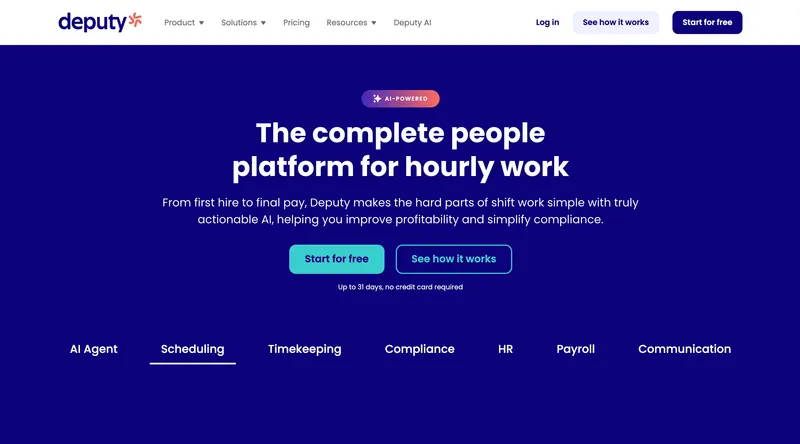
Deputy is not a security-specific platform, but it earns a spot on this list because of one thing: it handles multi-post overtime allocation better than any other general-purpose scheduler. Guards who cover a night post at one client and a morning post at another still generate a single consolidated payroll record, and Deputy’s compliance engine applies the correct state-level overtime rules before the hours get split back to each client for billing. The scheduling engine is close to When I Work’s depth but with a stronger compliance layer, which matters for guard companies operating in California, New York, Oregon, and other high-regulation states. The gap: no guard tour, no lone worker check-in, no client portal. If those are your top priorities, look at TrackTik, Silvertrac, or Novagems instead.
Best for: Mid-size guard companies (25 to 200 officers) whose scheduling and overtime allocation are more painful than their guard tour needs.
Pricing
| Plan | Price |
|---|---|
| Lite | $5/user/month |
| Core | $6.50/user/month |
| Pro | $9/user/month |
| Enterprise | Custom quote |
Optional add-ons: HR ($2/user/month), Deputy Payroll ($8/user/month), Messaging+ ($1.95/user/month).
Free trial: Available.
Ratings
- Apple App Store: ⭐⭐⭐⭐⭐ 4.6/5
- Google Play: ⭐⭐⭐⭐ 4.5/5
- Capterra: ⭐⭐⭐⭐ 4.6/5 (760+ reviews)
Connecteam
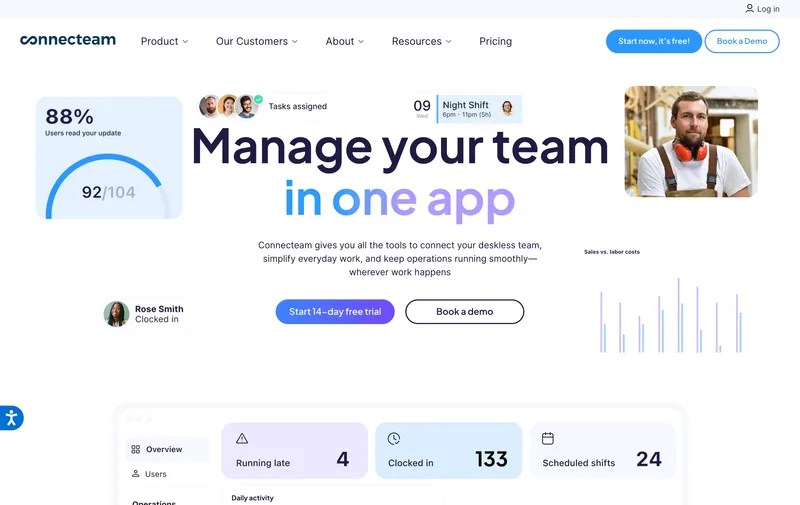
Connecteam is a deskless workforce platform with a solid time clock underneath. For security, the value shows up in the adjacent modules: post orders pushed to each guard’s phone so they can read the site-specific instructions before the shift starts, checklists for shift-open and shift-close tasks, training modules for annual renewals, and team chat for dispatcher-to-guard coordination. The time clock itself has scheduled check-in reminders and GPS breadcrumbing, which substitutes for a lot of what lone-worker tools cover. The free Small Business plan (up to 10 users) includes GPS and geofencing; on paid plans, GPS and geofencing sit on the Advanced tier and above. What’s missing is the security-specific layer — no NFC or QR guard tour, no dedicated DAR workflow, no client-facing portal. For a deskless workforce platform that happens to work for security, it fits. For a security-specific platform, TrackTik, Silvertrac, and Novagems are closer to the need.
Best for: Smaller guard companies (5 to 30 officers) who value post-order delivery, checklists, and training as much as the time clock itself.
Pricing
| Plan | Price |
|---|---|
| Small Business (up to 10) | Free (all features) |
| Basic (up to 30) | From $29/month per hub |
| Advanced (up to 30) | From $49/month per hub |
| Expert (up to 30) | From $99/month per hub |
Ratings
- Apple App Store: ⭐⭐⭐⭐⭐ 4.7/5
- Google Play: ⭐⭐⭐⭐⭐ 4.7/5
- Capterra: ⭐⭐⭐⭐ 4.6/5 (5,000+ reviews)
When I Work
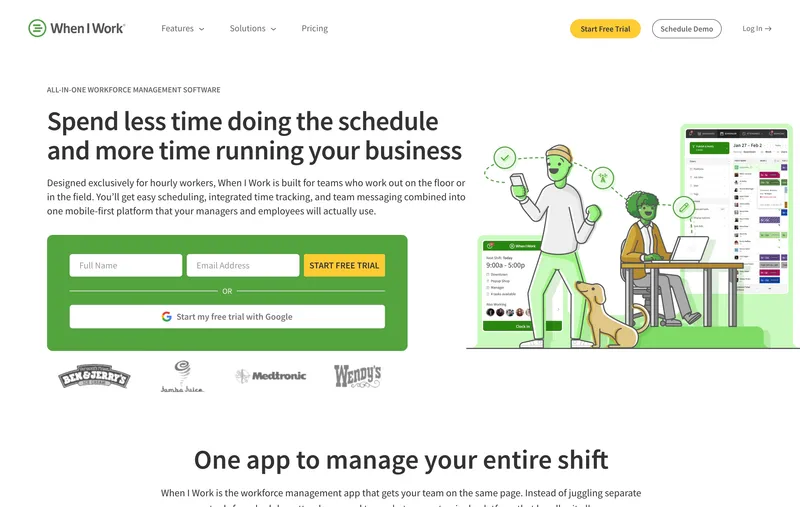
If the weekly schedule at a small guard office is the headache — open shifts nobody wants to pick up, last-minute callouts, coverage gaps that surface 30 minutes before a post opens — When I Work is the cheapest way to solve it. It is a scheduling tool first, time clock second. Guards see their posts in the app and clock in directly from the assigned shift, which catches no-shows faster than a generic punch clock. Geofencing is included. The compliance engine is decent but not security-grade: no lone worker check-ins, no guard tour, no incident reporting. For a small guard office where the scheduling pain dwarfs everything else, the $2.50/seat entry price is hard to argue with.
Best for: Small guard offices (1 to 20 officers) whose biggest time sink is the weekly schedule, not the patrol workflow.
Pricing
| Plan | Price |
|---|---|
| Essentials | $2.50/user/month |
| Pro | $5/user/month |
| Premium | $8/user/month |
| Enterprise | Custom |
All plans support multi-location scheduling.
Free trial: 14 days. No free plan.
Ratings
- Apple App Store: ⭐⭐⭐⭐ 4.5/5
- Google Play: ⭐⭐⭐⭐ 4.5/5
- Capterra: ⭐⭐⭐⭐ 4.5/5 (1,200+ reviews)
Buddy Punch
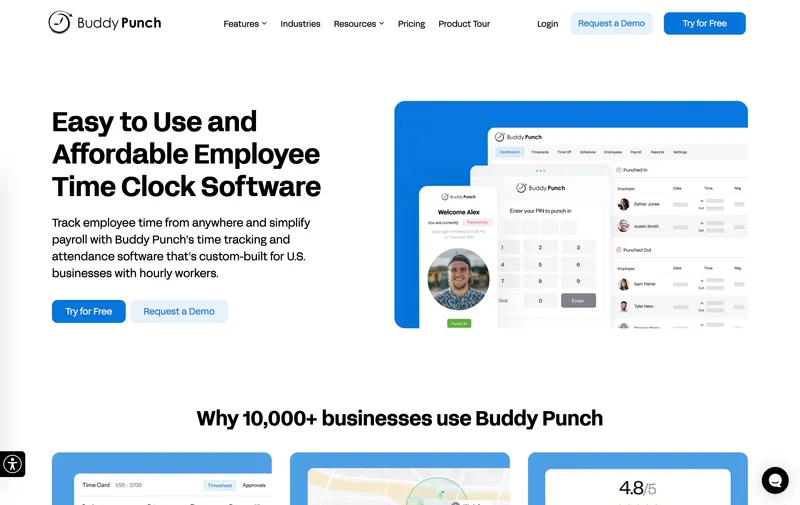
Buddy Punch’s strength for security is the same as it is for every other industry on this list: the widest range of clock-in methods (mobile, kiosk, PIN, QR, SSO, facial recognition) and the deepest PTO accrual engine in the category. For a small guard company with complex overtime or PTO rules — different tiers for armed vs unarmed officers, tenure-based accrual, state-specific sick leave — Buddy Punch can model the rule set without duct tape. When I tested it, the compliance tooling was genuinely deep. The limitation that bites for security specifically: no true offline clock-in, no guard tour verification, no lone worker check-in, no client portal. It is a strong time clock, not a guard management platform.
Best for: Small guard companies (5 to 30 officers) with complex PTO or overtime rules running posts with consistent cell service.
Pricing
| Plan | Monthly | Annual |
|---|---|---|
| Starter | $5.49/user + $19 base | $4.49/user + $19 base |
| Pro | $6.99/user + $19 base | $5.99/user + $19 base |
| Enterprise | $11.99/user + $19 base | $10.99/user + $19 base |
Ratings
- Apple App Store: ⭐⭐⭐⭐⭐ 4.9/5
- Google Play: ⭐⭐⭐⭐ 4.5/5
- Capterra: ⭐⭐⭐⭐⭐ 4.8/5 (1,100+ reviews)

How to choose security guard scheduling and time tracking software
The decision hinges on three questions: how big is your company, do you need a client-facing portal, and how important is guard tour verification at each checkpoint.
Company size. For 1 to 10 guards, Connecteam’s free plan or When I Work’s Essentials tier usually covers it. For 10 to 50, the trade-off is between ShiftFlow’s flat per-seat pricing, Novagems’ security-specific feature set, and Silvertrac’s flat monthly base plan. For 50+ officers with formal SLAs, TrackTik’s enterprise depth earns its quote-based cost.
Client portal. If your client contracts require a login where the customer can read their own site’s DARs and patrol history, you need TrackTik, Silvertrac, or Novagems. Nothing else on this list ships a real client portal. Email-based DAR delivery works for smaller contracts but becomes a retention risk at scale.
Checkpoint method. GPS pins are fine for outdoor perimeter patrols. Indoor buildings, large campuses, and any environment where a guard can spoof a “I was there” by walking past the door need NFC, QR, or BLE checkpoints. Only TrackTik, Silvertrac, and Novagems support the non-GPS methods.
Real monthly bill for a 25-guard company
| Tool | Monthly bill for 25 guards |
|---|---|
| Connecteam (one hub, up to 30) | $29 |
| Connecteam (all three hubs) | $87 |
| When I Work Essentials | $62.50 |
| When I Work Pro | $125 |
| Deputy Lite | $125 |
| ShiftFlow | $149.75 |
| Buddy Punch Starter (monthly) | $156.25 |
| Deputy Core | $162.50 |
| Silvertrac base (up to 10 devices) | $249 flat |
| Novagems | Contact for quote |
| TrackTik | Quote-based |
Sticker prices and real monthly bills are usually different because of base fees, per-hub pricing, and tier-gated features.
Best security scheduling and time tracking software by use case
- Flat predictable pricing, 5 to 50 guards: ShiftFlow
- Enterprise guard company with client SLAs: TrackTik
- Guard tour + lone worker + client reports in one: Silvertrac
- Full security stack for small-to-mid companies: Novagems
- Multi-post scheduling and overtime allocation: Deputy
- Post orders, checklists, and training focus: Connecteam
- Small guard office where scheduling is the real pain: When I Work
- Complex PTO and overtime rules: Buddy Punch
Final recommendation
Best Overall for Small-to-Mid Guard Companies: ShiftFlow. Flat $5.99/seat with no base fee, shift-aware clock-in, GPS verification, and kiosk mode all included. Best for 5 to 50 officers covering one to ten client sites.
Best for Enterprise Guard Companies: TrackTik. Deepest guard management platform with NFC/QR/BLE/GPS tours, full DAR and dispatch workflows, and the strongest client portal. Quote-based.
Best Security-Specific Platform with Flat Pricing: Silvertrac. Predictable monthly base fee covering guard tour, lone worker, and client portal in one. $249/month flat for up to 10 devices.
Ready to see ShiftFlow in action? Start your 14-day free trial today. No credit card required.
Frequently asked questions
What is the best scheduling and time tracking software for a security guard company?
For companies under 50 guards, ShiftFlow is the best overall pick because it pairs shift-aware clock-in with GPS patrol verification at a flat $5.99 per seat and no base fee. For mid-size and enterprise guard companies that need NFC/QR patrol tours, client-facing reporting portals, and full DAR workflows, TrackTik is the category standard. Silvertrac and Novagems sit between the two in depth and price.
How do guard tour systems verify patrol rounds?
There are four common checkpoint methods: NFC tags attached at each post, QR codes posted on walls, BLE beacons broadcasting a short-range signal, and GPS pins with a small geofence. NFC and BLE are the hardest to spoof because they require physical proximity. QR codes are the cheapest to deploy. GPS pins are acceptable for outdoor perimeters but are less reliable inside large buildings. TrackTik and Silvertrac support all four methods; most generic time clocks only support GPS pins.
What is the best way to protect lone workers on overnight security shifts?
Lone worker protection typically combines a periodic check-in timer (the guard must acknowledge a prompt every 15 to 30 minutes) with a panic button and an optional man-down detection via phone accelerometer. If the guard misses a check-in or triggers a panic, dispatch gets an immediate alert with the last known GPS position. Security-specific platforms like Silvertrac, TrackTik, and Novagems ship this as a built-in feature. For operations where lone worker safety is a primary concern, a security-specific tool is the right fit; general time trackers pair cleanly with a dedicated lone worker app if your operation only needs safety monitoring on select overnight posts.
What does time tracking software cost for a security company of 25?
At April 2026 pricing for 25 guards: Connecteam $29 on one hub or $87 across all three hubs, When I Work Essentials $62.50 or Pro $125, Deputy Lite $125 or Core $162.50, ShiftFlow $149.75, Buddy Punch Starter $156.25, Silvertrac base plan $249 flat (up to 10 devices). Novagems and TrackTik are contact-for-quote.
How do security companies track overtime when guards work at multiple client sites?
Guards who cover posts for more than one client in the same pay period still generate a single consolidated payroll record and overtime is calculated on total hours worked, not per-client. The time tracking tool has to tag every punch with the client or post, consolidate hours across sites, apply the correct state-level overtime rules, then allocate the labor cost back to each client for billing. TrackTik, Deputy, and ShiftFlow all support this pattern. Generic time clocks require manual allocation in payroll.
What is the best free time tracking app for a small security company?
Connecteam offers the strongest free plan for security: up to 10 users get full access to scheduling, GPS clock-in, geofencing, checklists, and team chat at $0. For a one or two-office guard company under 10 officers, it is a legitimate starting point. Companies that will grow past 10 within the year should start on a paid plan to avoid a mid-year migration.
Related security workforce guides
- ShiftFlow for security guard teams
- Best GPS time tracking apps with scheduling
- Best time clock software for small businesses
- How to stop no-shows at unmanned posts
- How to track guard hours across multiple client sites
- How to prove guards were actually on post
- How to bill clients accurately for guard hours
- How to track overnight and lone-worker guard shifts
- security
- guard-services
- time-tracking
- time-clock-software
- guard-tour
- lone-worker
- incident-reporting
- software-comparison
- employee-scheduling
- shift-scheduling